
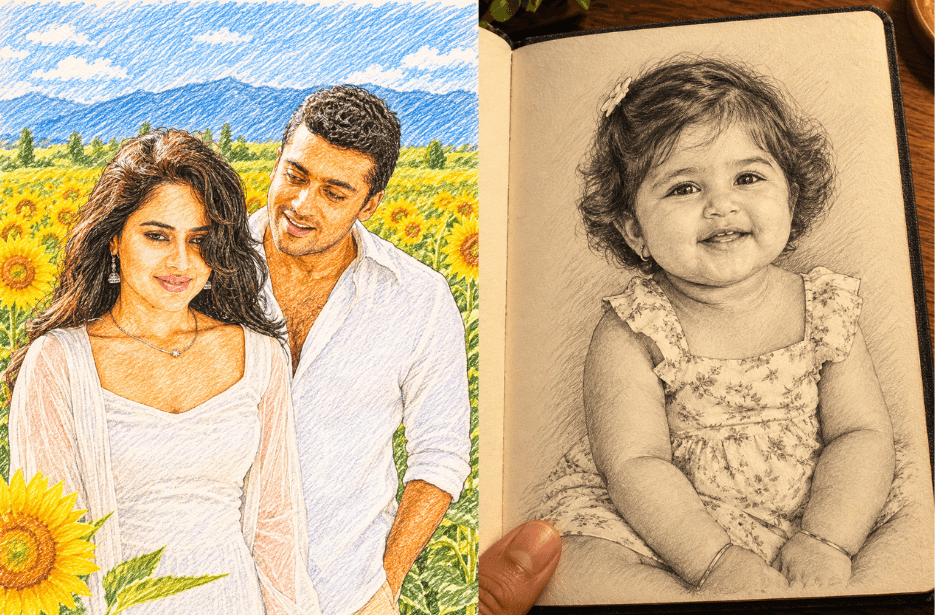
Transform your favorite photos into beautiful, hand-drawn pencil sketches with these Pencil Sketch AI Prompts. Create realistic graphite and charcoal artwork featuring fine pencil strokes, detailed shading, and authentic sketchbook textures. These prompts recreate your photo as an artist-drawn illustration on warm ivory paper inside a real sketchbook. Upload your photo, copy the prompt, and create your own stunning pencil sketch effect with AI.
Version 1: Black and White Pencil Sketch with Sketchbook Effect
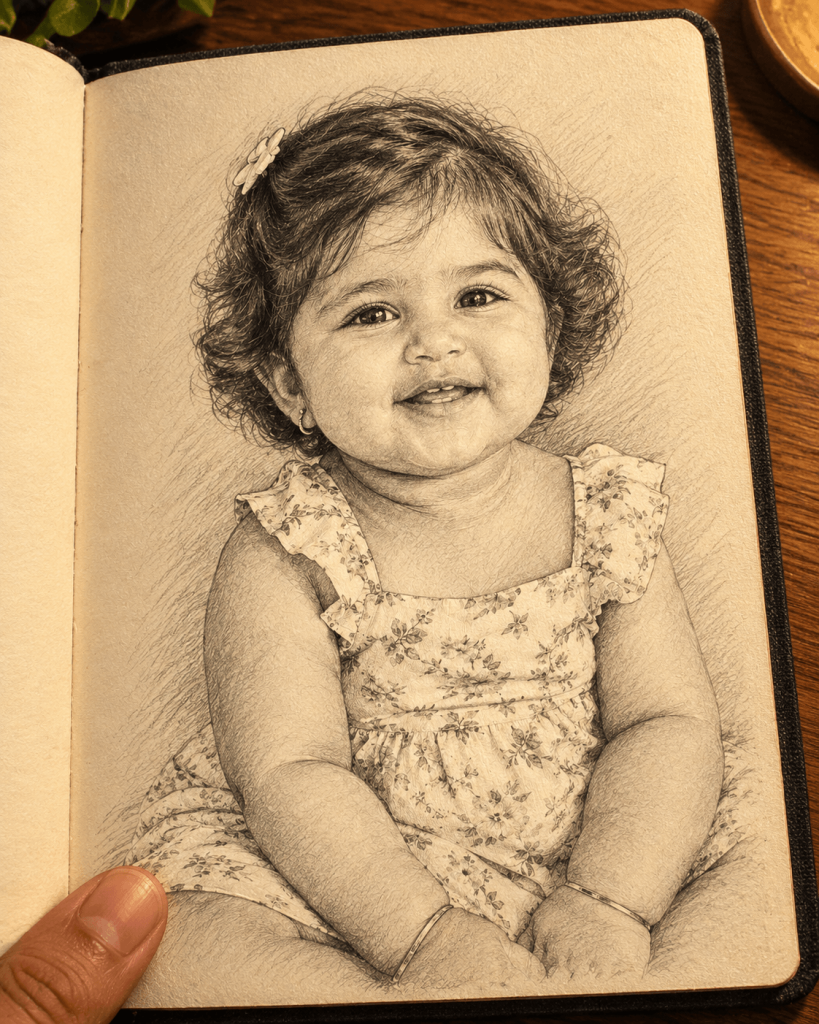
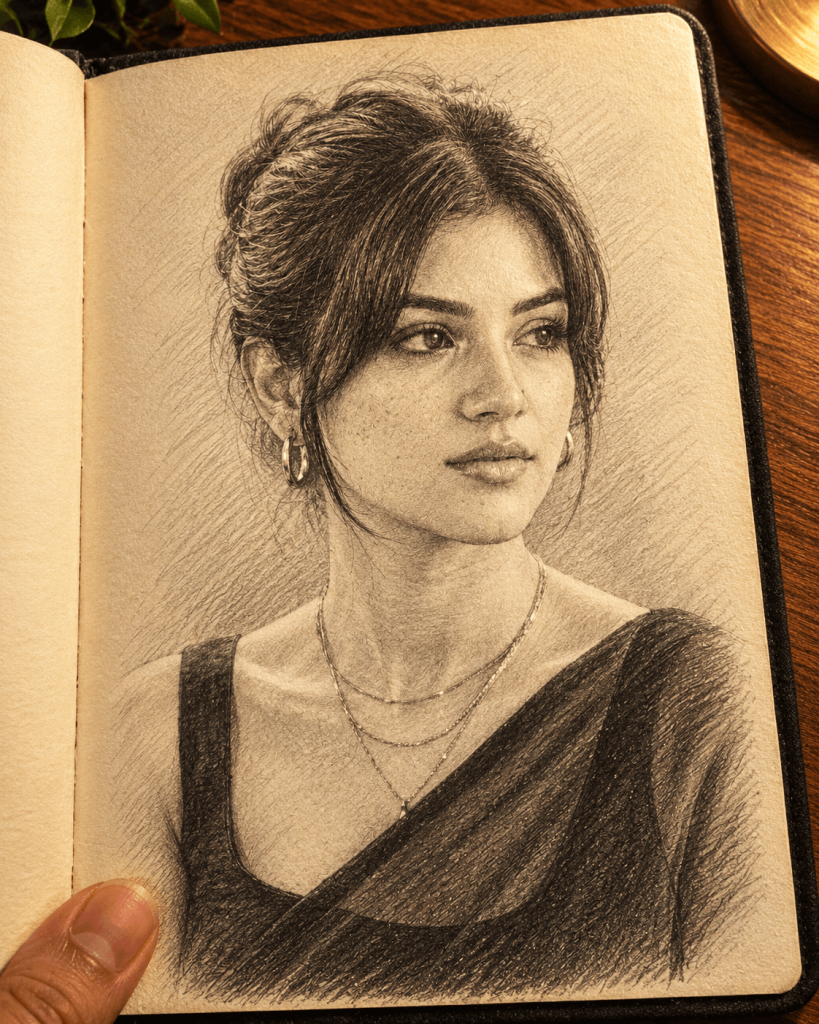
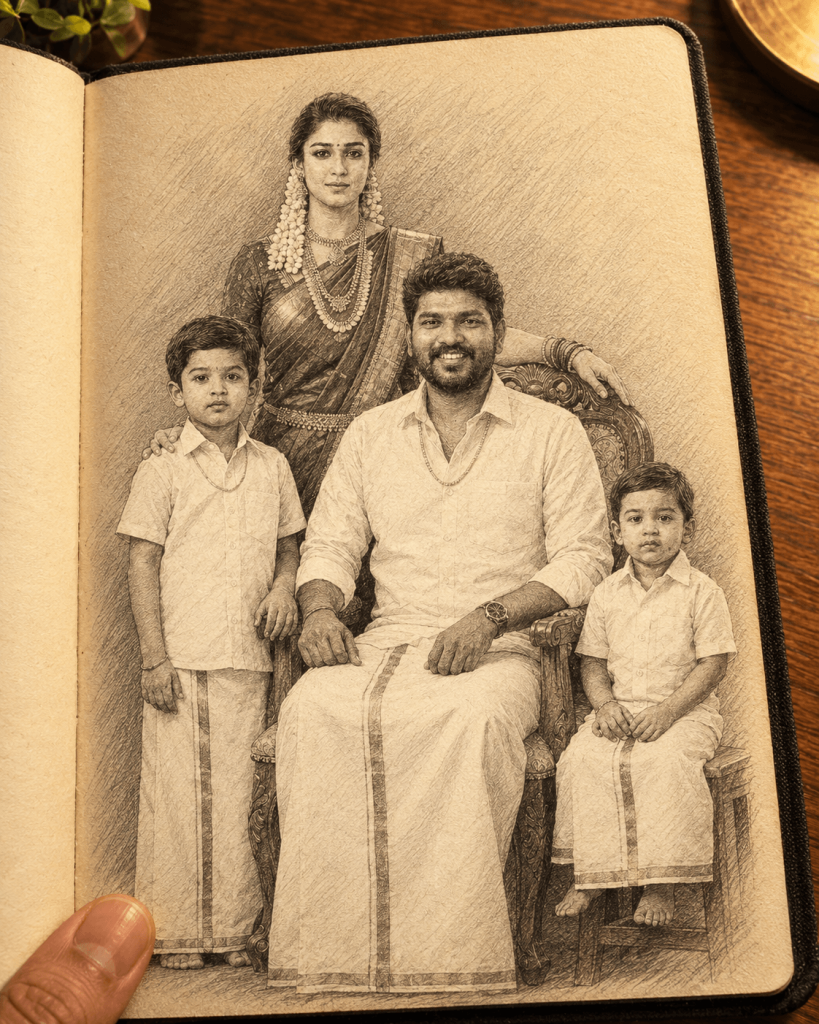
Present the transformed image as a finished sketch printed or drawn on warm ivory paper inside a real open sketchbook, with visible paper grain, a black notebook binding, gently curved page edges, and a wooden tabletop under warm ambient lighting. Include a realistic hand or thumb holding the bottom corner of the sketchbook page.
Important: Apply this effect to the uploaded photo itself. Preserve the original subject, composition, pose, clothing, and recognizable details. Do not replace the subject, invent a new person, or change the scene unnecessarily. The entire photo should have the cohesive hand-drawn pencil illustration appearance, as if the original image has been recreated by an artist in a sketchbook. Photorealistic notebook presentation, natural warm tones, fine graphite details, vertical 4:5 composition.
No cartoon, no anime, no digital painting, no excessive colors, no text, no signature, no watermark.
Version 2: Coloured Pencil Sketch Effect with Hand-Drawn Textures
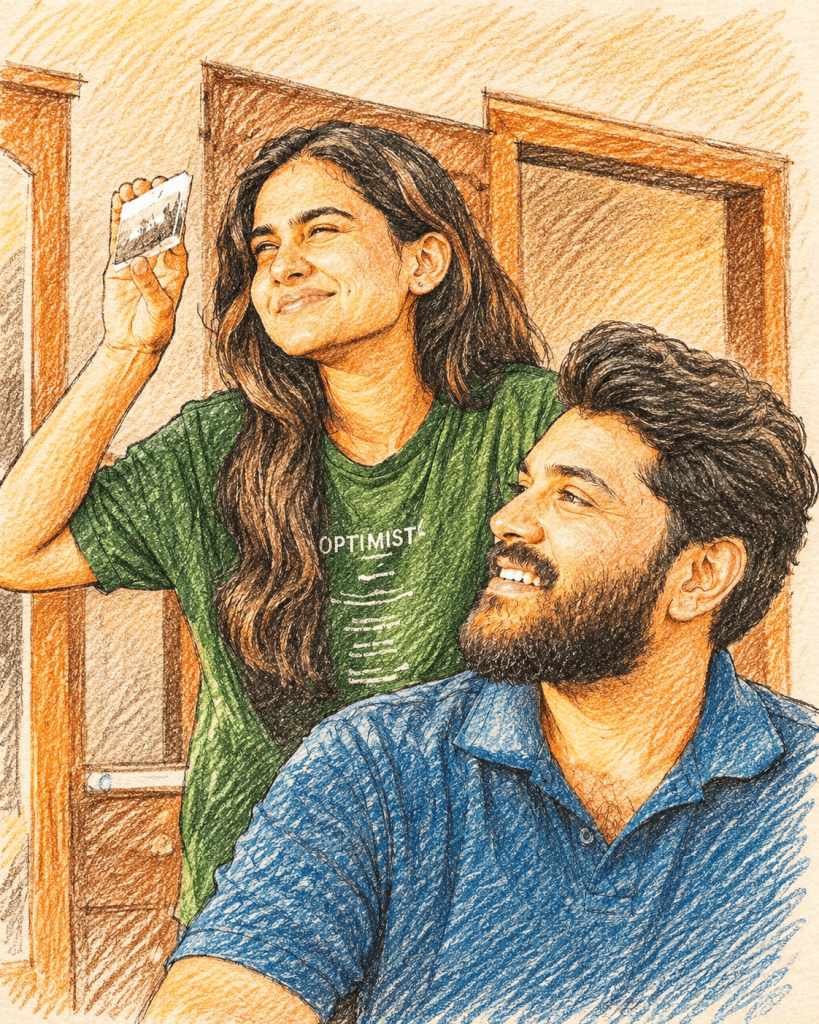
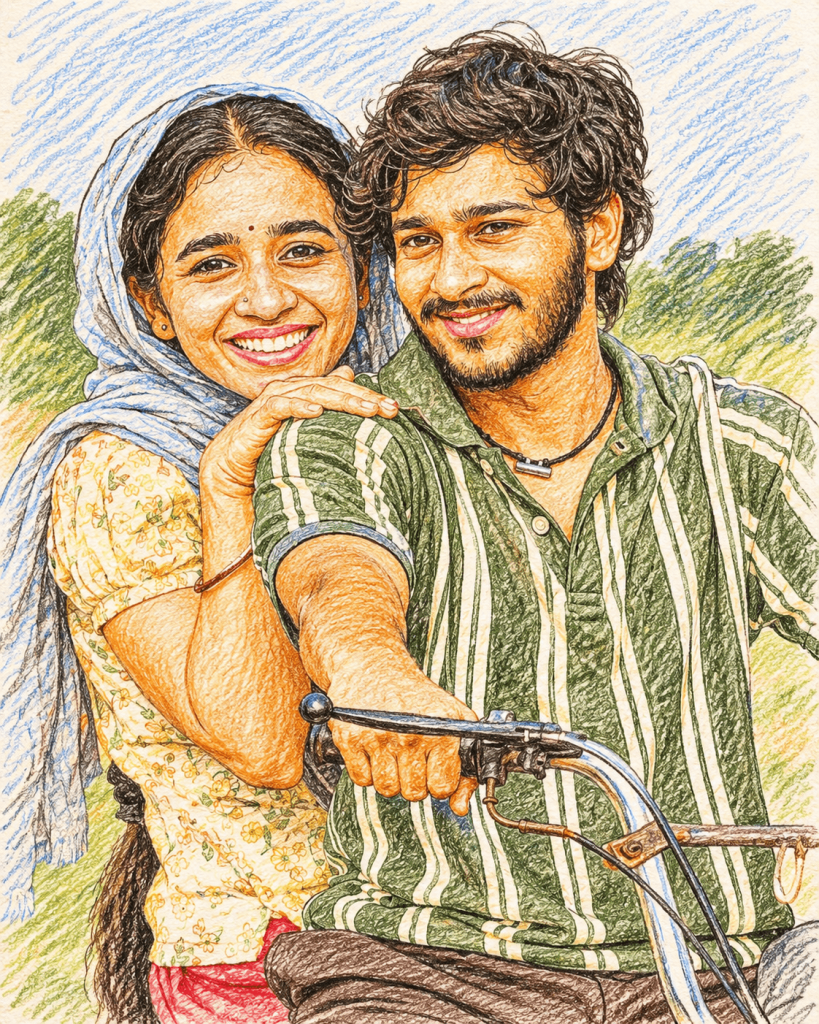
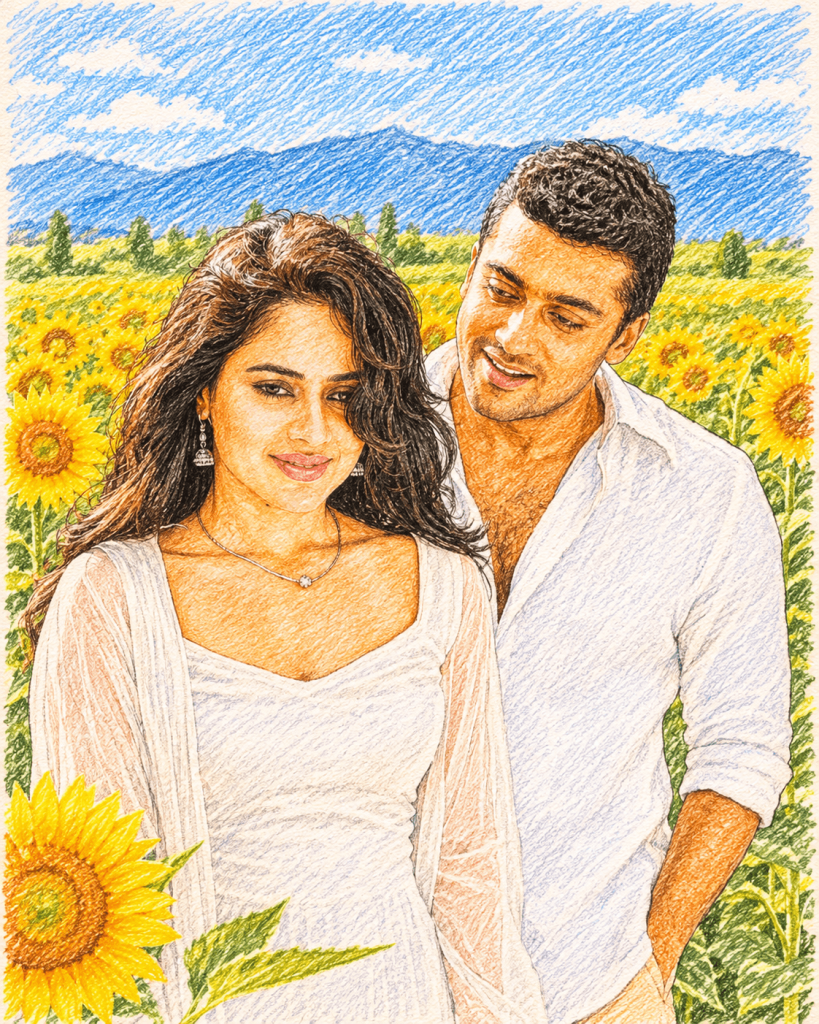
How to Use These Prompts
1. Below each image, you will see a prompt box with two buttons: Copy and Share to AI.
2. You can tap Copy to copy the full prompt manually. Or simply tap Share to AI; this will automatically copy the prompt for you.
3. After tapping Share to AI, a list of popular AI tools like ChatGPT, Gemini, Copilot, and others will appear on your screen.
4. Click on any AI tool you prefer. It will directly open the selected AI platform.
5. Once the AI page opens, paste the prompt into the prompt box (it is already copied if you used Share to AI).
6. Upload your reference image if required.
7. Click generate, and your image will be created.
8. If needed, you can slightly adjust the prompt for lighting, angle, or mood and generate again.
9. Once you are satisfied with the result, download the image and save it for your use.
Customization Tips
Customize your Pencil Sketch AI Prompts to create different artistic styles and sketchbook presentations.
- Experiment with sketch styles: Try fine graphite pencil, dark charcoal shading, cross-hatching, or soft hand-drawn outlines.
- Change the paper texture: Use warm ivory paper, aged vintage paper, or clean white sketchbook pages.
- Customize the sketchbook setting: Experiment with black-bound notebooks, leather-bound sketchbooks, wooden tables, and natural lighting.
- Try different portrait types: Apply the effect to selfies, couple photos, family portraits, baby pictures, or full-body photographs.
- Adjust the composition: Experiment with close-up portraits, half-body sketches, or full-body illustrations while preserving the original photo’s composition.
- Preserve the original photo: Keep the subject’s facial identity, pose, clothing, hairstyle, and recognizable details consistent with the uploaded image.
- Explore different aspect ratios: Use 4:5 for Instagram feed posts, 9:16 for Reels and Stories, or 3:4 for portrait artwork.