
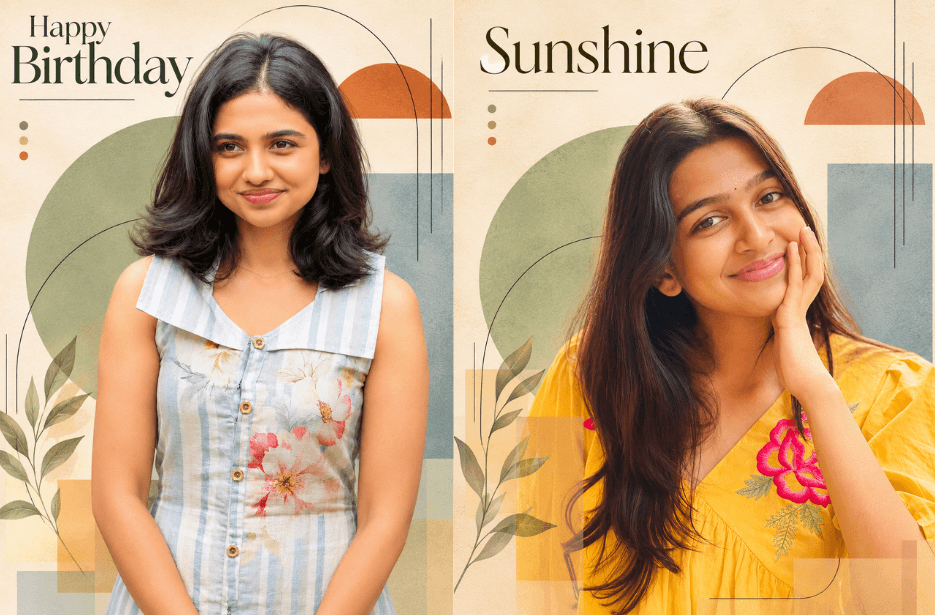
Transform your ordinary photos into stunning magazine-inspired visuals with these creative Poster Prompts. From minimalist editorial layouts and retro vector illustrations to cinematic portraits and aesthetic scrapbook collages. These prompts offer unique ways to give your photos a premium makeover. Simply upload your photo, copy your favourite prompt, and create eye-catching poster designs while maintaining your original facial identity and appearance.
Version 1: Minimalist Editorial Magazine Poster Design
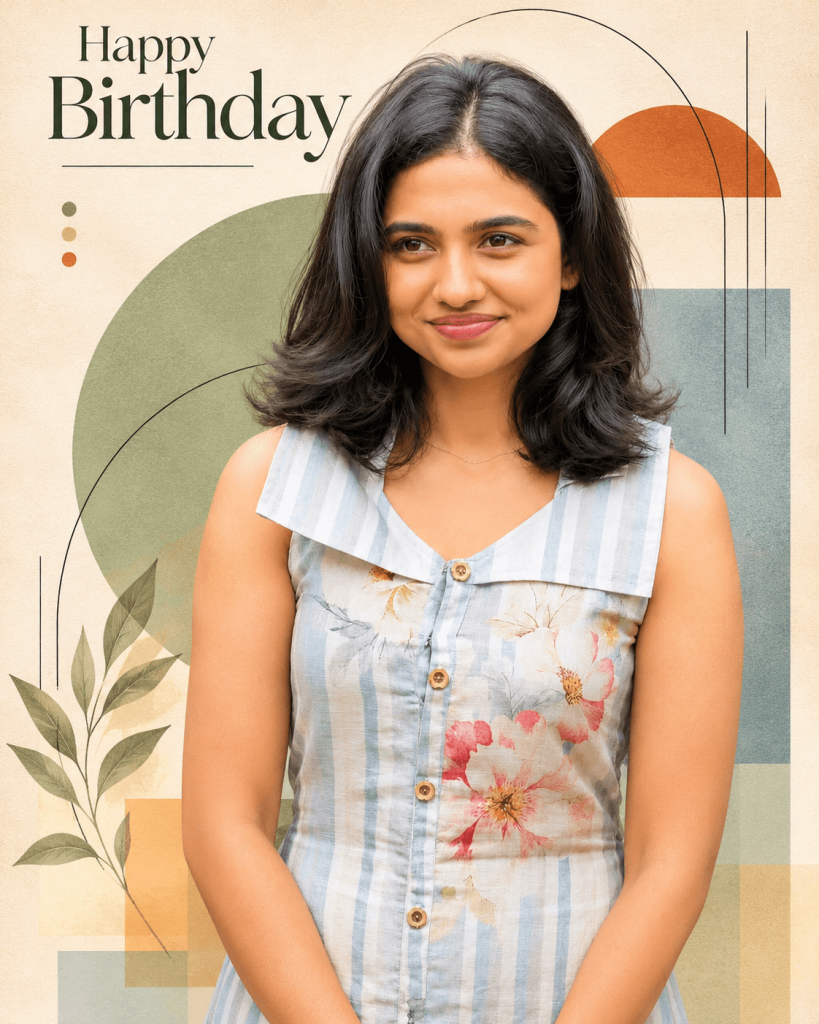
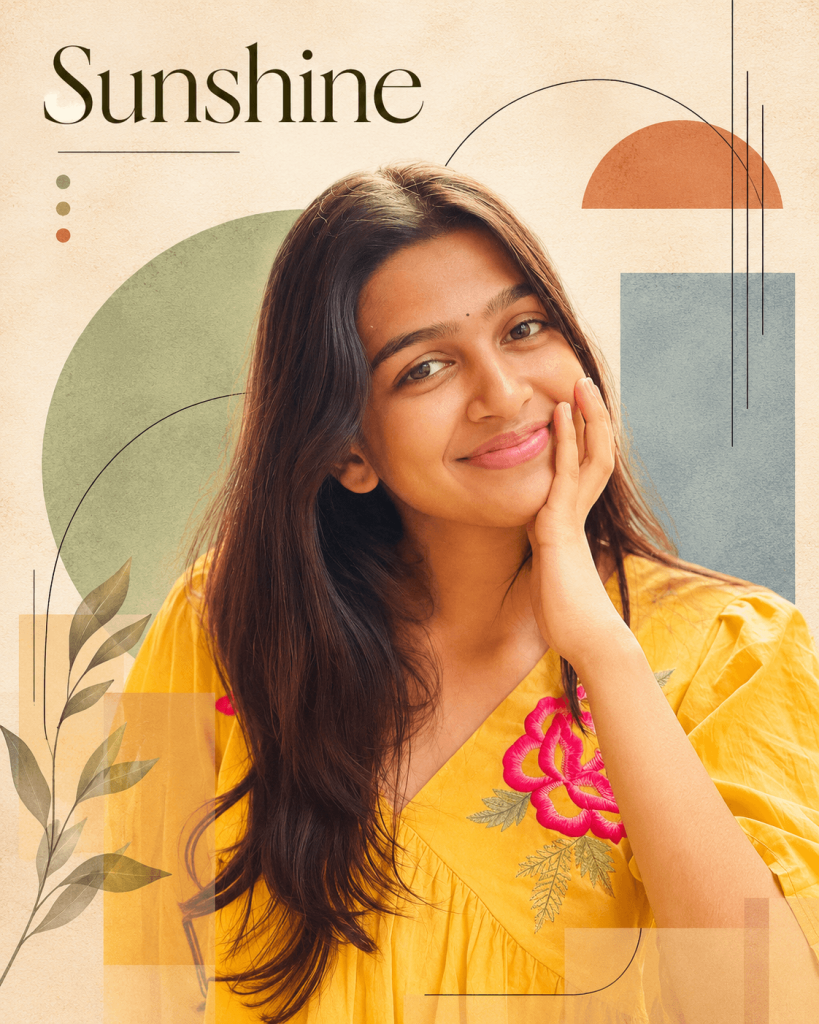
IMPORTANT — Preserve the original photo: Keep the person’s exact identity, face, skin tone, hairstyle, body proportions, pose, clothing, tattoos, and all recognizable details unchanged. Do not replace the person or generate a different face.
Design style:
Elegant warm ivory or cream background with subtle paper texture. Sophisticated geometric collage using translucent rectangles, oversized circles, thin black lines, arcs, and small accent dots. Muted sage green, dusty blue, warm beige, charcoal, and subtle terracotta accents.
Layered translucent shapes overlapping the photo edges without hiding the subject. Fine film grain, subtle print texture, soft natural lighting, premium magazine art direction. Clean asymmetrical composition with generous negative space.
Typography:
Simple, minimal, elegant, and legible. Use the heading “Crime Partners” at the top-left.
Version 2: Retro Vector Art Poster with Bold Geometric Effects
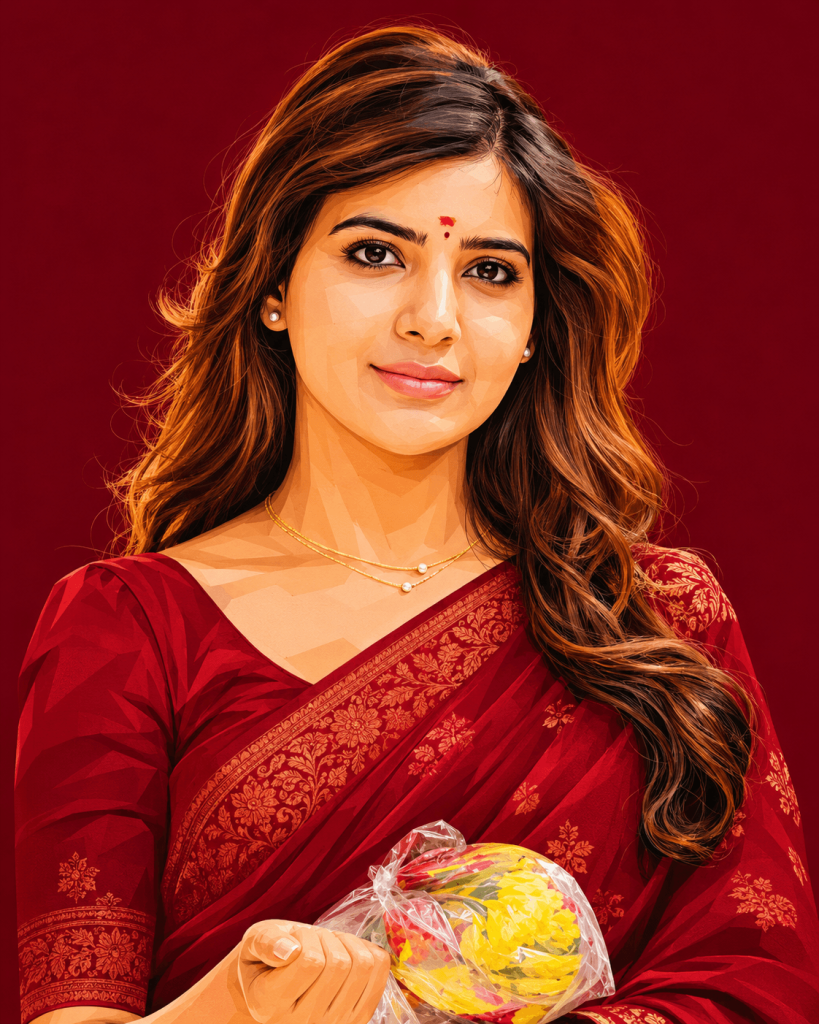
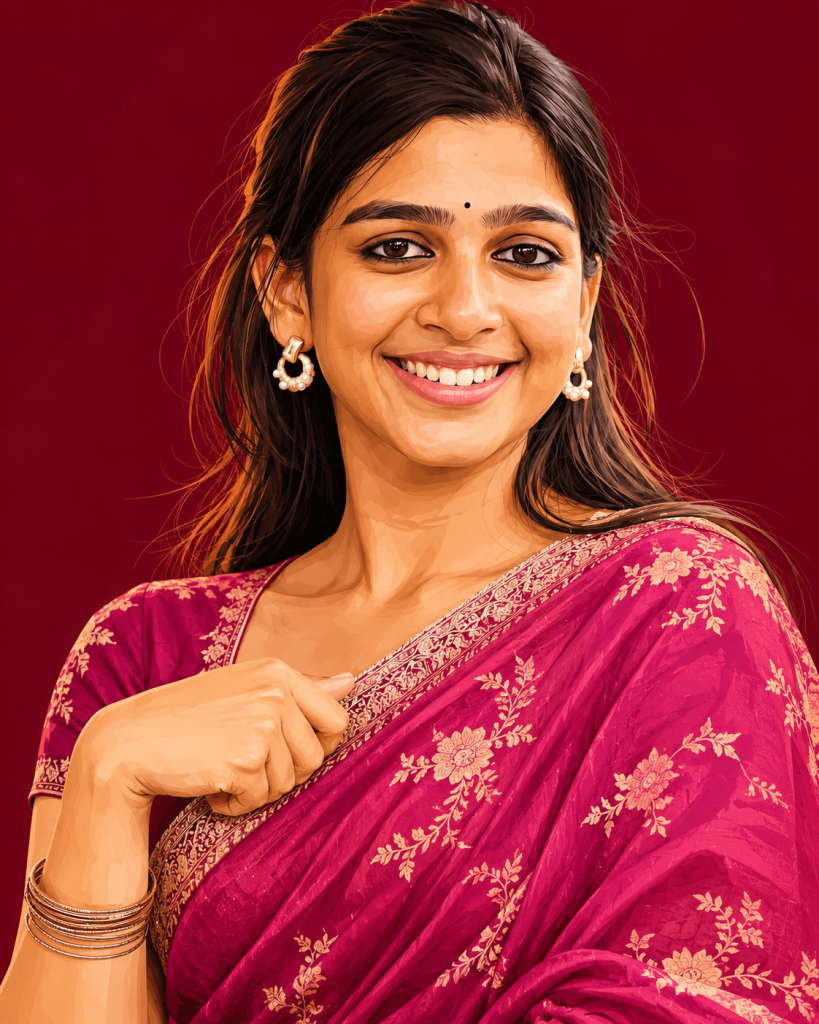
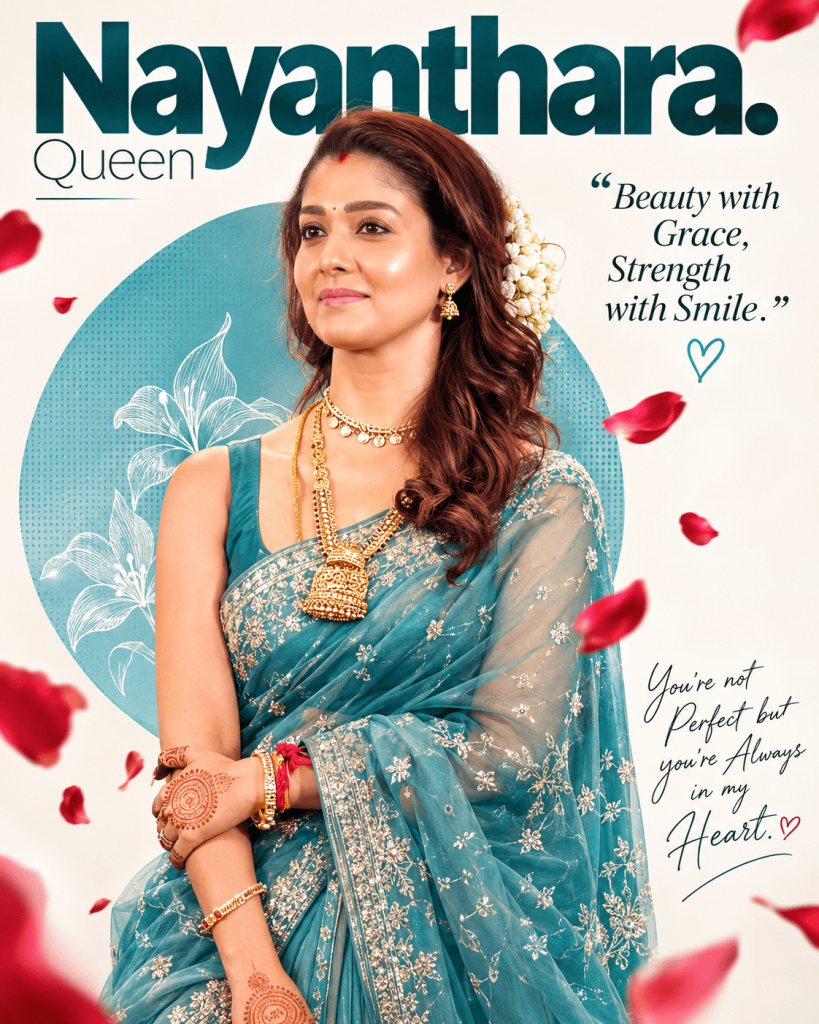
Version 3: Cinematic Celebrity-Inspired Editorial Poster
Version 4: Aesthetic Three-Panel Torn Paper Collage Poster
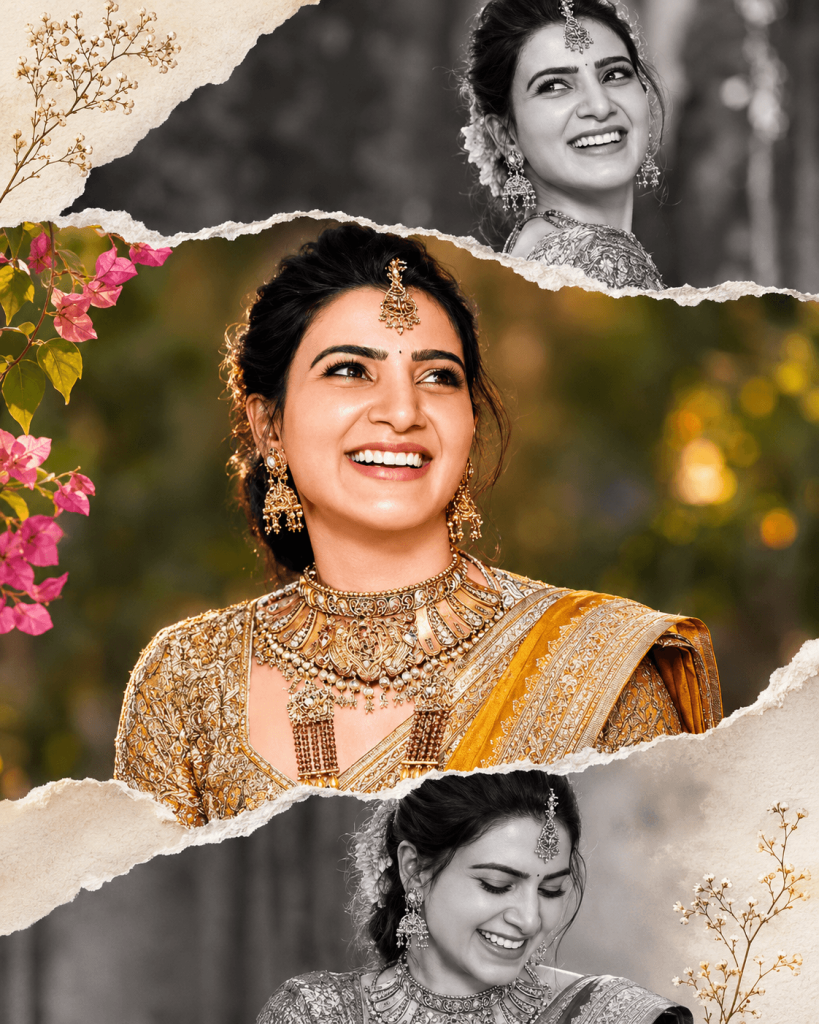
Create a premium three-panel torn-paper editorial collage featuring the same woman in three identical poses, wearing an elegant mustard-yellow embroidered saree with a matching blouse, traditional gold jhumka earrings, and long wavy hair styled with delicate flowers and glowing golden butterflies.
Top Panel: Black-and-white cinematic portrait, smiling softly and looking over her shoulder.
Middle Panel: Large, vibrant full-color portrait with warm golden lighting, dreamy bokeh, intricate saree details, and glowing butterflies.
Bottom Panel: Black-and-white close-up portrait with a gentle smile.
Separate all three panels using realistic white ripped-paper edges, subtle paper textures, botanical line illustrations, and elegant scrapbook aesthetics.
STRICT IDENTITY LOCK: Preserve my exact face, facial features, skin tone, and recognizable identity across all three panels. Ultra-realistic 4K quality, cinematic editorial photography, premium Pinterest poster design, 4:5 aspect ratio, no watermark.
Version 5: Creative 3D Typography Photo Collage Poster
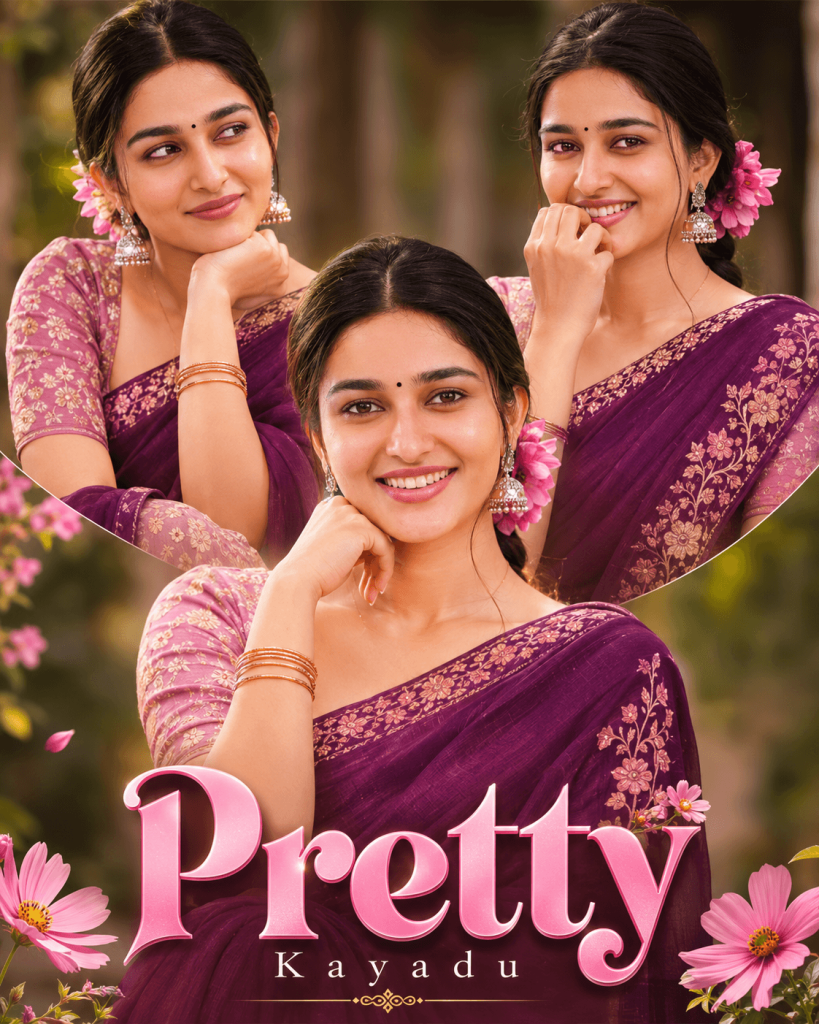
Create a stunning three-photo collage featuring the same woman in different elegant poses: top-left looking sideways with her hand near her chin, top-right smiling playfully with her hand near her lips, and a larger center-bottom portrait looking at the camera with one hand gracefully near her face.
Dress her in a beautiful Deep Violet silk saree with a matching floral-patterned dusty-rose pink blouse, traditional jhumka earrings, gold bangles, a tiny bindi, and pink flowers woven into her long braided hair.
Use warm cinematic lighting, soft-focus backgrounds, dreamy romantic color grading, realistic skin texture, subtle film grain, and seamless layered photo transitions.
At the bottom, add oversized glossy pastel-pink 3D serif typography reading “Pretty”, with smaller elegant white text “Kayadu” underneath. Decorate with delicate pink flowers, floral accents, and tiny sparkling details.
STRICT IDENTITY LOCK: Preserve my exact facial features, skin tone, and recognizable identity across all three portraits. Ultra-realistic 4K quality, premium magazine-poster finish, 4:5 aspect ratio. No watermark.
Version 6: Vintage Botanical Scrapbook Editorial Poster
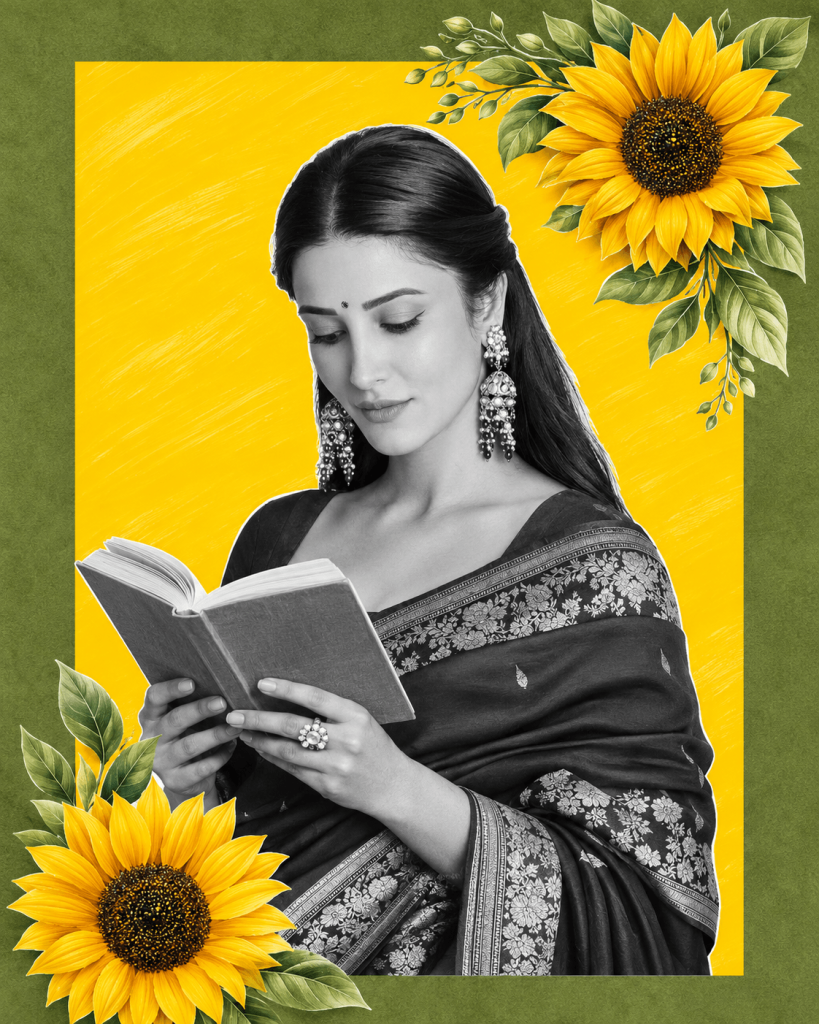
Create a beautiful black-and-white cutout portrait of me wearing an elegant traditional saree with intricate borders, jhumka earrings, and bangles. Pose gracefully, looking downward with a gentle smile while holding a book.
Place my monochrome portrait over a bright sunflower-yellow rectangular background with subtle hand-painted brush textures. Surround it with a muted olive-green textured paper background, creating a modern layered collage effect.
Add two large, realistic golden-yellow sunflowers—one overlapping the top-right corner and another at the bottom-left. Decorate with delicate green leaves, botanical cutouts, and subtle paper shadows.
Design Style: Minimalist Pinterest editorial poster, vintage botanical scrapbook, mixed-media paper collage, high contrast, natural textures, crisp cutout edges, and sophisticated composition.
STRICT IDENTITY LOCK: Preserve my exact facial features, skin tone in the original reference, hairstyle, and recognizable identity. Premium 4K quality, 4:5 aspect ratio, no text or watermark.
How to Use These Prompts
1. Below each image, you will see a prompt box with two buttons: Copy and Share to AI.
2. You can tap Copy to copy the full prompt manually. Or simply tap Share to AI; this will automatically copy the prompt for you.
3. After tapping Share to AI, a list of popular AI tools like ChatGPT, Gemini, Copilot, and others will appear on your screen.
4. Click on any AI tool you prefer. It will directly open the selected AI platform.
5. Once the AI page opens, paste the prompt into the prompt box (it is already copied if you used Share to AI).
6. Upload your reference image if required.
7. Click generate, and your image will be created.
8. If needed, you can slightly adjust the prompt for lighting, angle, or mood and generate again.
9. Once you are satisfied with the result, download the image and save it for your use.
Customisation Tips for Better AI Poster Designs
Follow these simple tips to create professional, personalised, and visually appealing editorial posters using AI.
1. Upload a High-Quality Reference Photo
Choose a clear, high-resolution photo with your face and body details properly visible. Good lighting and sharp image quality help AI create more realistic and professional-looking posters.
2. Preserve Your Original Identity
Add this instruction to your prompt to maintain your original appearance:
STRICT IDENTITY LOCK: Preserve my exact facial features, skin tone, hairstyle, body proportions, pose, clothing, tattoos, and all recognisable details without any changes.
3. Experiment with Colour Combinations
Try different colour palettes such as warm ivory, muted sage green, dusty blue, charcoal, terracotta, and beige. Choose combinations that complement your original photo and create a premium editorial appearance.
4. Explore Geometric Design Elements
Experiment with translucent rectangles, oversized circles, abstract arcs, thin lines, and small accent dots. These elements add depth and visual interest without distracting from the main subject.
5. Try Different Typography Styles
Use clean, minimal, and elegant fonts to create a professional magazine-inspired look. Experiment with bold headings, subtle text placements, and creative typography while keeping the layout readable.
6. Maintain a Balanced Composition
Use asymmetrical layouts and generous negative space to achieve a sophisticated editorial design. Keep decorative elements around the photo edges without covering important facial or body details.