
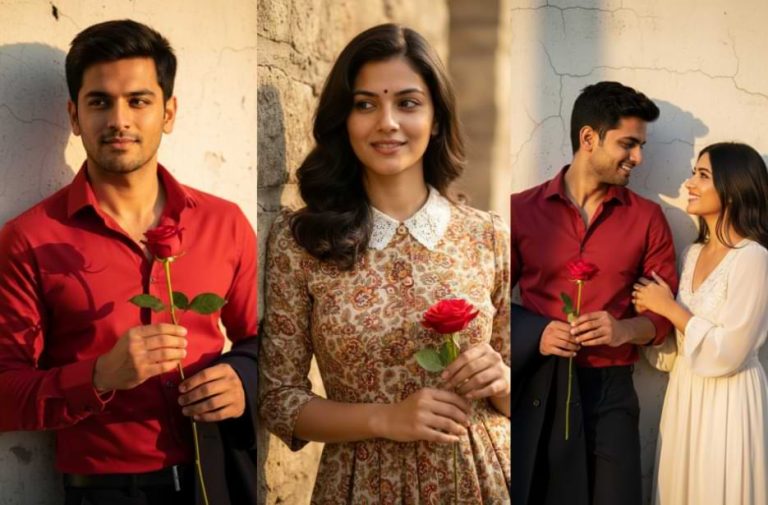
Old Bollywood-style photos are suddenly everywhere on social media. From profile pictures to reels, people are sharing retro-looking images with warm colours, soft lighting, and a classic film feel. This trend is turning normal photos into cinematic portraits that look timeless and stylish.
The Viral Retro AI Image Prompt is the reason behind this growing trend. Many users are using this single prompt to create vintage Bollywood-style images without any editing skills. With the right prompt, AI can add an old-film look, natural expressions, and a cinematic mood in just a few seconds.
Here, you will find the Viral Retro AI Image Prompt that everyone is using right now. You will also learn how to use it correctly to create your own retro-style AI photos with ease.
Viral Retro AI Image Prompts
Below are three ready-to-use prompts you can copy and paste into your AI image tool. Choose the one that fits your photo and style.
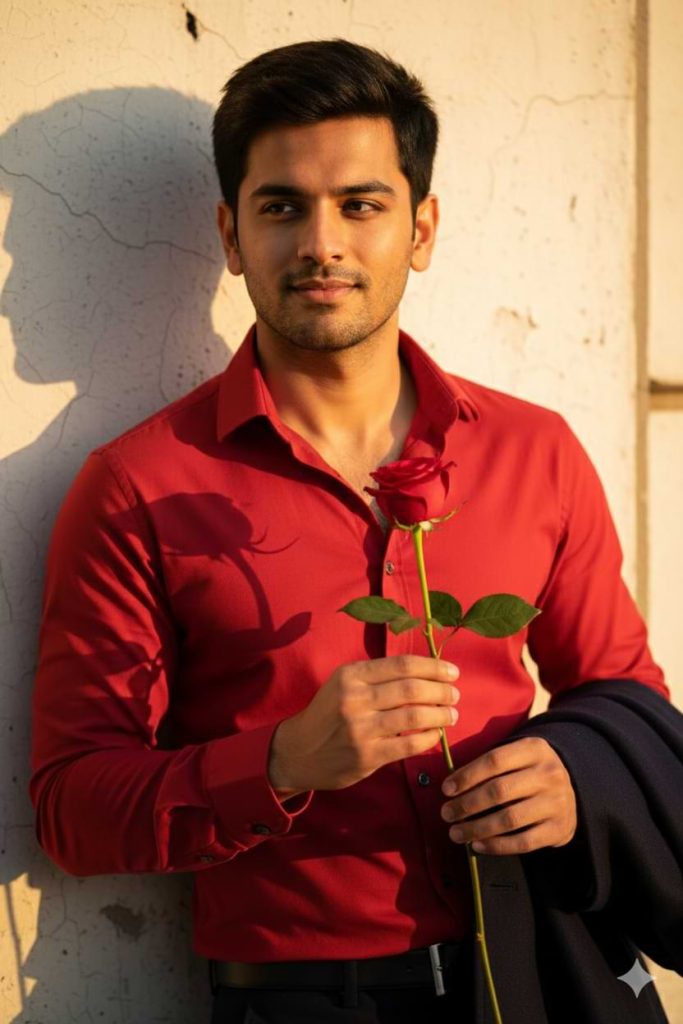
Version 1: Single Men Portrait
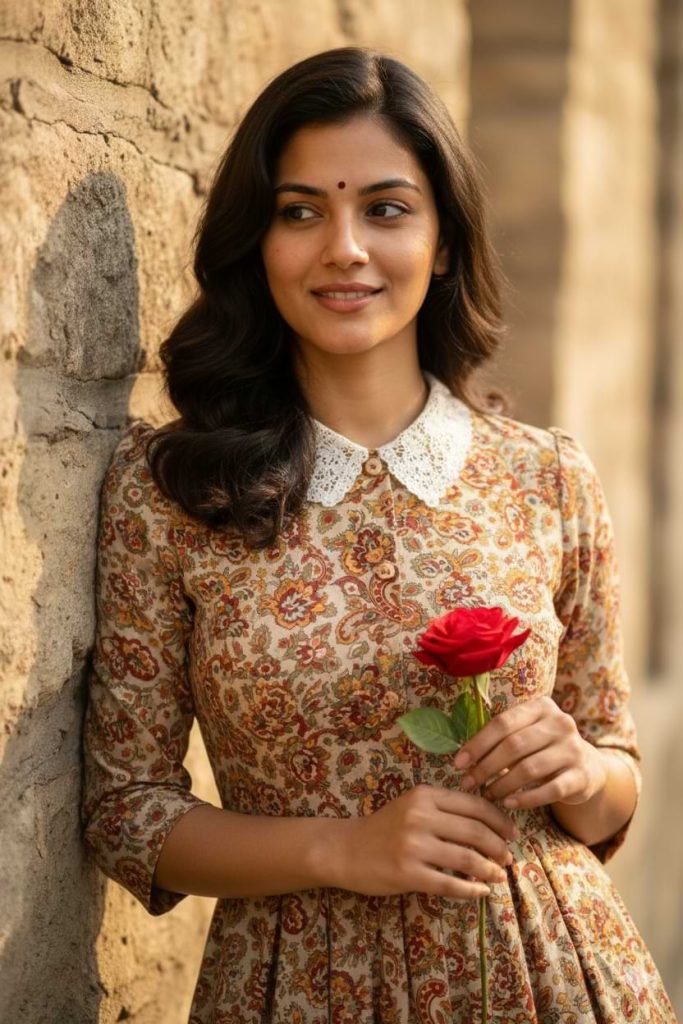
Version 2: Single Woman Portrait
Version 3: Couple Portrait
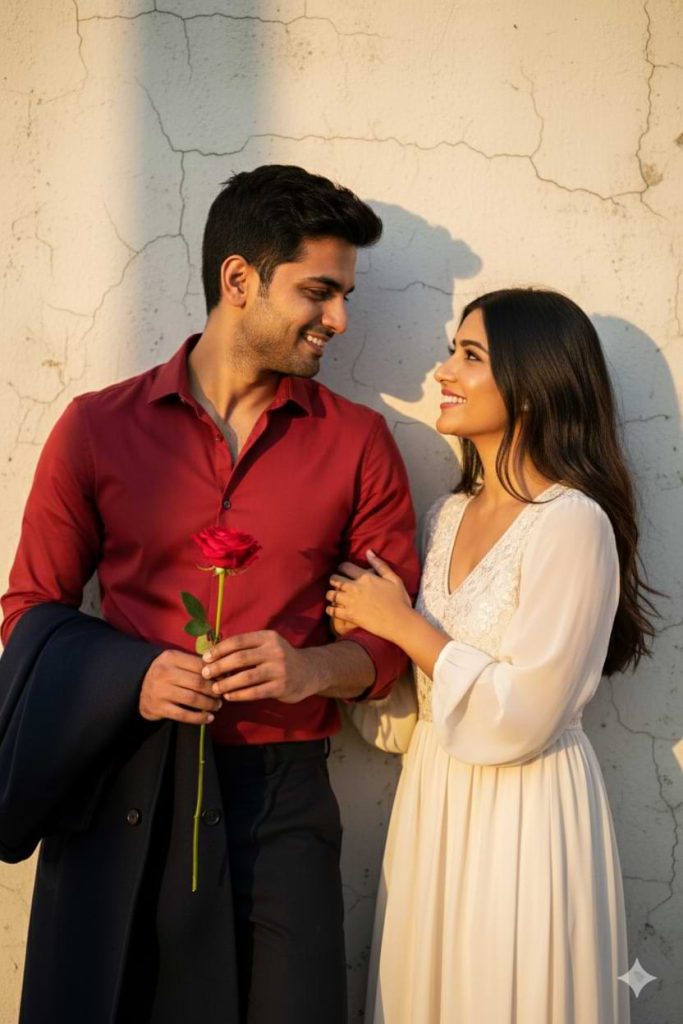
How to Use These Prompts
1. Below each image, you will see a prompt box with two buttons: Copy and Share to AI.
2. You can tap Copy to copy the full prompt manually. Or simply tap Share to AI; this will automatically copy the prompt for you.
3. After tapping Share to AI, a list of popular AI tools like ChatGPT, Gemini, Copilot, and others will appear on your screen.
4. Click on any AI tool you prefer. It will directly open the selected AI platform.
5. Once the AI page opens, paste the prompt into the prompt box (it is already copied if you used Share to AI).
6. Upload your reference image if required.
7. Click generate, and your image will be created.
8. If needed, you can slightly adjust the prompt for lighting, angle, or mood and generate again.
9. Once you are satisfied with the result, download the image and save it for your use.
Customization Tips
- You can change the outfit colour to match your mood or theme. Try darker shades for a dramatic look or lighter tones for a soft, romantic feel.
- Replace the red rose with another flower or remove it completely for a different emotion. A white flower gives a calm look, while no prop feels more natural.
- Adjust the background to suit your story. You can switch the wall to a street, balcony, café, or indoor setting for a fresh visual style.
- Modify the costume style to fit a retro Bollywood era. Traditional wear, classic shirts, sarees, or simple vintage outfits work very well.
- Change the lighting slightly to control the mood. Softer light feels dreamy, while stronger light creates a bold cinematic effect.
- For couple portraits, you can change the pose. Looking at the camera, holding hands, or standing closer can change the emotion of the image.
- Add film grain or a slightly faded colour tone to make the image look more like an old movie still.
- If the result does not feel right, tweak one detail at a time and generate again. Small prompt changes often give much better results.
0 Comments