

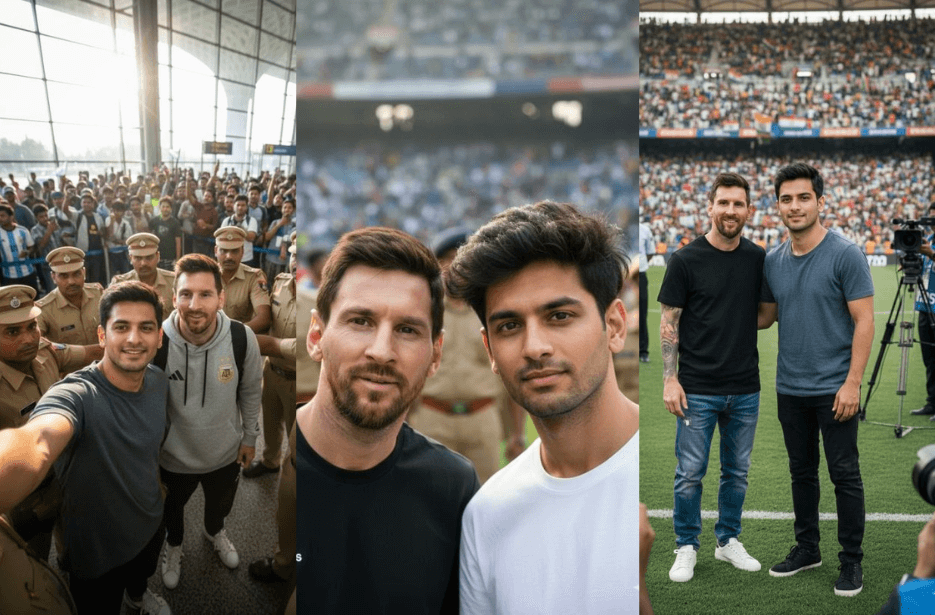
Lionel Messi’s recent visit to India has sparked huge excitement, and along with real photos, a new AI trend is going viral on social media. Fans are using AI image tools to create ultra-realistic selfies and stadium moments that look like they actually met Messi in person. If you’ve been wondering how these realistic fan photos are made, this article shares detailed AI prompts that help you generate natural-looking selfies, airport shots, and on-pitch pictures with lifelike lighting and details. Simply copy the prompt, upload your photo, and create your own believable Messi fan moment in minutes.
Ultra-Realistic AI Prompts to Create Photos With Lionel Messi
These ultra-realistic AI prompts help you create stadium photos, airport selfies, and viral fan moments with natural lighting and lifelike details.
Version 1: Realistic Photo With Lionel Messi on the Pitch
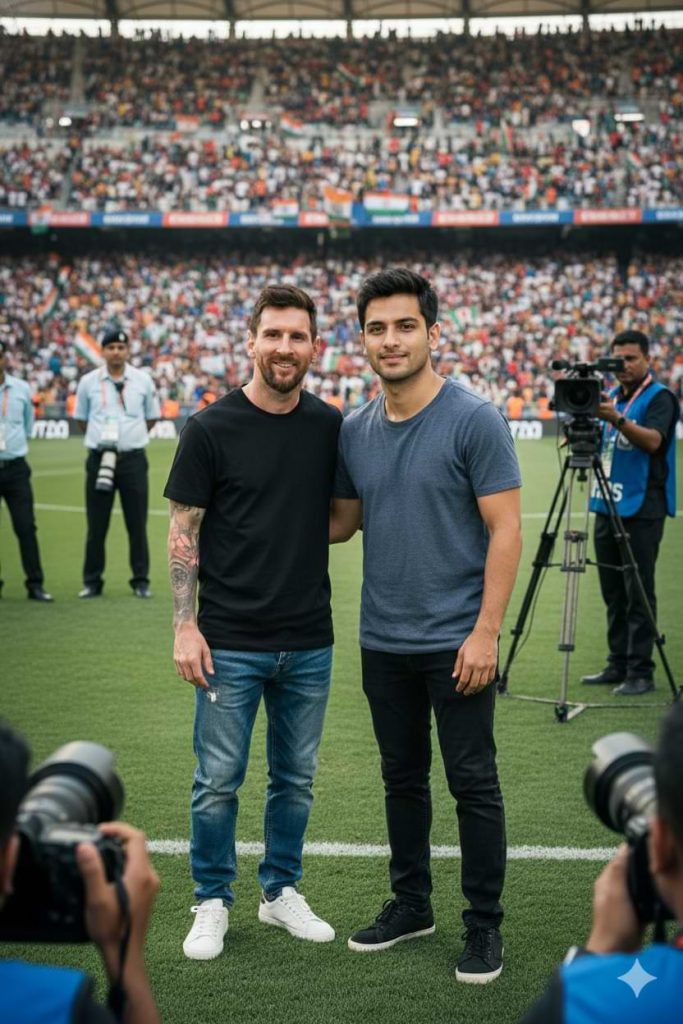
A fan poses beside Messi. The fan’s face is taken exactly from the provided reference image, with no facial alteration or stylization. Skin tone, facial structure, and texture must match perfectly, with seamless lighting and realistic blending.
The background shows a packed Indian football stadium filled with cheering spectators. Security personnel, media photographers, and professional cameras are visible around the pitch, with some camera lenses and equipment in the foreground for depth.
Shot in DSLR-style photo realism with shallow depth of field. Subjects are in sharp focus while the background is softly blurred. Accurate skin tones, natural shadows, realistic fabric textures, and lifelike proportions.
8K ultra-high resolution, HDR, cinematic sports photography. The image should look like an authentic viral press photograph – no illustration, no stylization, no AI artifacts.
Version 2: Selfie With Lionel Messi at an Airport
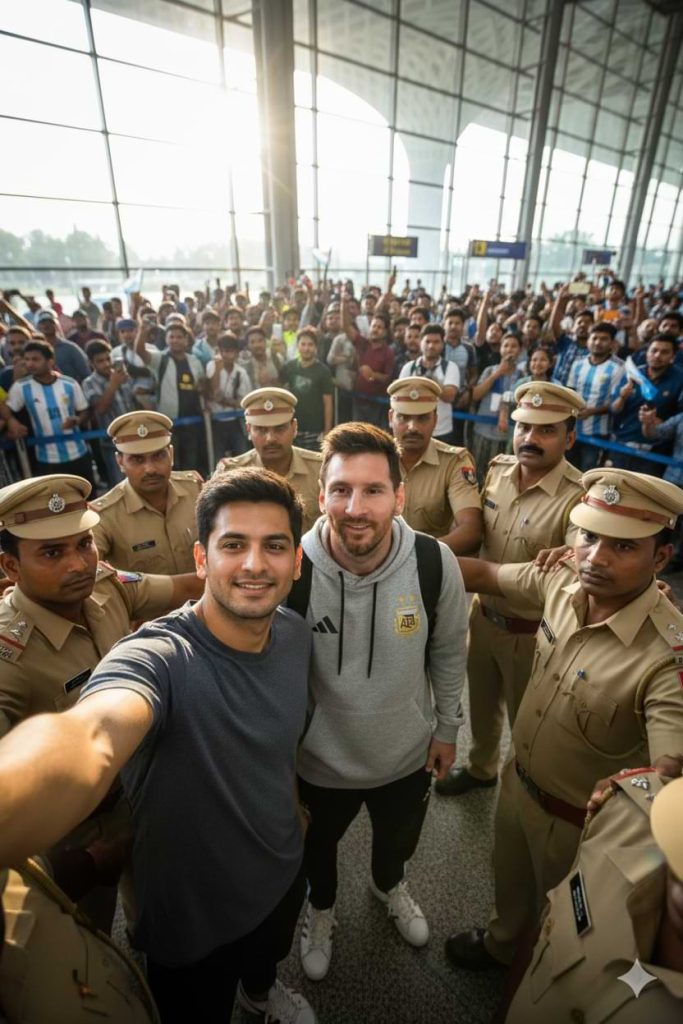
Version 3: Selfie with Lionel Messi and Police Security in the Background
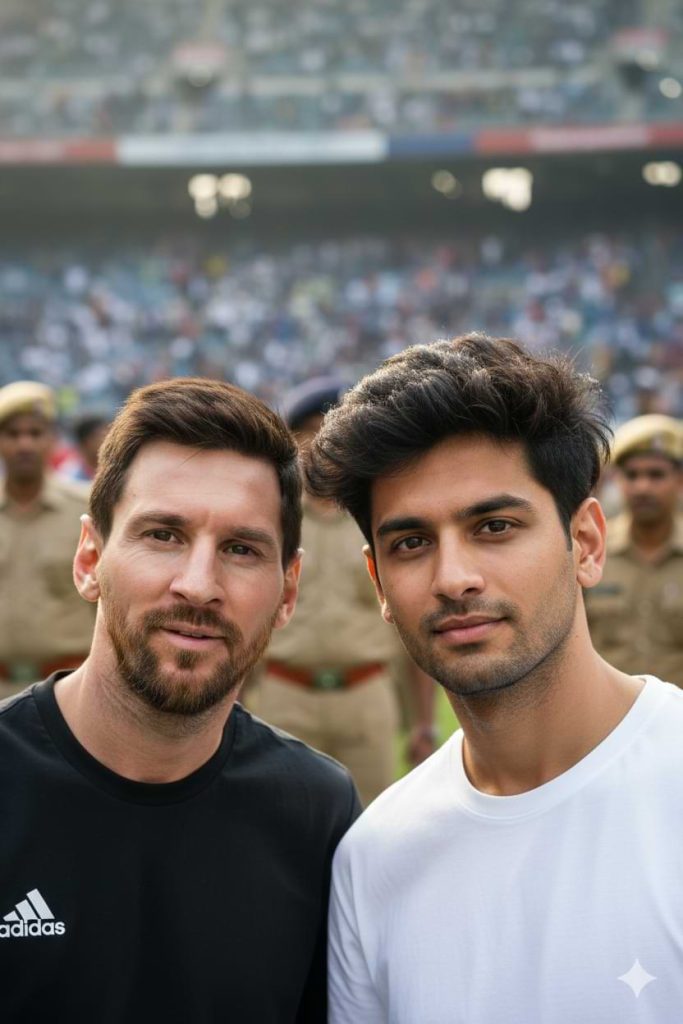
Ultra-realistic cinematic smartphone selfie taken by a young Indian male fan standing next to Lionel Messi. The selfie is clearly taken by the fan himself, phone held at arm’s length, natural wide-angle smartphone perspective, slight edge distortion, casual framing.
Fan (Subject A):
A young Indian man matches the provided reference image exactly. Thick, textured black hair with a messy, voluminous fringe partially covering the forehead. Natural skin texture with pores, uneven tone, subtle blemishes, and realistic facial depth. Calm, confident expression, eyes focused on the camera lens. No beautification, no symmetry correction, no smoothing.
Lionel Messi (Subject B):
Standing very close to the fan, wearing a black Adidas training T-shirt. Signature beard and hairstyle. Relaxed, friendly smile. Facial features, proportions, wrinkles, and expression remain completely unchanged and 100% true to real life. No stylisation or enhancement.
Environment:
A Mumbai football stadium during daytime. Background shows a softly blurred crowd of fans and Indian police security in the distance.
Realism Constraints:
Natural daylight only. Shared lighting direction on both faces. Matching exposure, contrast, colour temperature, skin highlights, and camera grain across the entire image. Slight handheld motion blur. No plastic skin, no hyper-sharp edges, no duplicated facial patterns.
Shot on an iPhone 15 Pro aesthetic, HDR enabled, 8K detail. Looks like a real viral Instagram selfie taken in one moment – not staged, not edited, not AI-generated.
How to Use These Prompts
1. Below each image, you will see a prompt box with two buttons: Copy and Share to AI.
2. You can tap Copy to copy the full prompt manually. Or simply tap Share to AI; this will automatically copy the prompt for you.
3. After tapping Share to AI, a list of popular AI tools like ChatGPT, Gemini, Copilot, and others will appear on your screen.
4. Click on any AI tool you prefer. It will directly open the selected AI platform.
5. Once the AI page opens, paste the prompt into the prompt box (it is already copied if you used Share to AI).
6. Upload your reference image if required.
7. Click generate, and your image will be created.
8. If needed, you can slightly adjust the prompt for lighting, angle, or mood and generate again.
9. Once you are satisfied with the result, download the image and save it for your use.
Customization Tips
- You can change the outfit details, such as T-shirt colour or shoes, to match your style.
- Adjust the location in the prompt if you want a different setting, like a stadium, airport, or street.
- Modify facial expressions to look more serious, happy, or casual.
- Add or remove background elements like crowd size, security, or cameras.
- Change lighting conditions, such as bright daylight, evening light, or indoor lighting.
- Mention the camera type again if you want a different look, like DSLR-style or smartphone-style.
- Keep the realistic details in the prompt to avoid cartoon or artificial-looking results.