
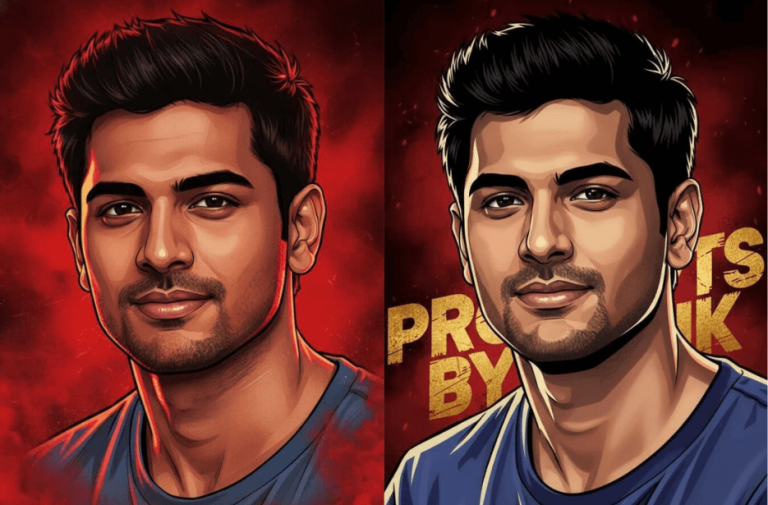
The release of the AA23 movie announcement video didn’t just excite fans; it sparked a whole new trend online. Within hours of the promo dropping, social media feeds were flooded with AI-generated images and videos inspired by its intense red visuals and powerful gangster vibe. From casual users to hardcore fans, everyone started experimenting with AI tools to recreate the look using their own faces.
This trend quickly turned into a creative wave, with people transforming their photos into cinematic Tamil movie-style posters that felt straight out of the AA23 universe. The prompt behind this trend focuses on strong heroic poses, dramatic lighting, and bold poster aesthetics, making it easy for anyone to try the edit and share their version. In this article, we break down the exact prompt that’s driving the viral AA23-inspired AI images and how you can use it yourself.
Try the AA23 Trending AI Prompt
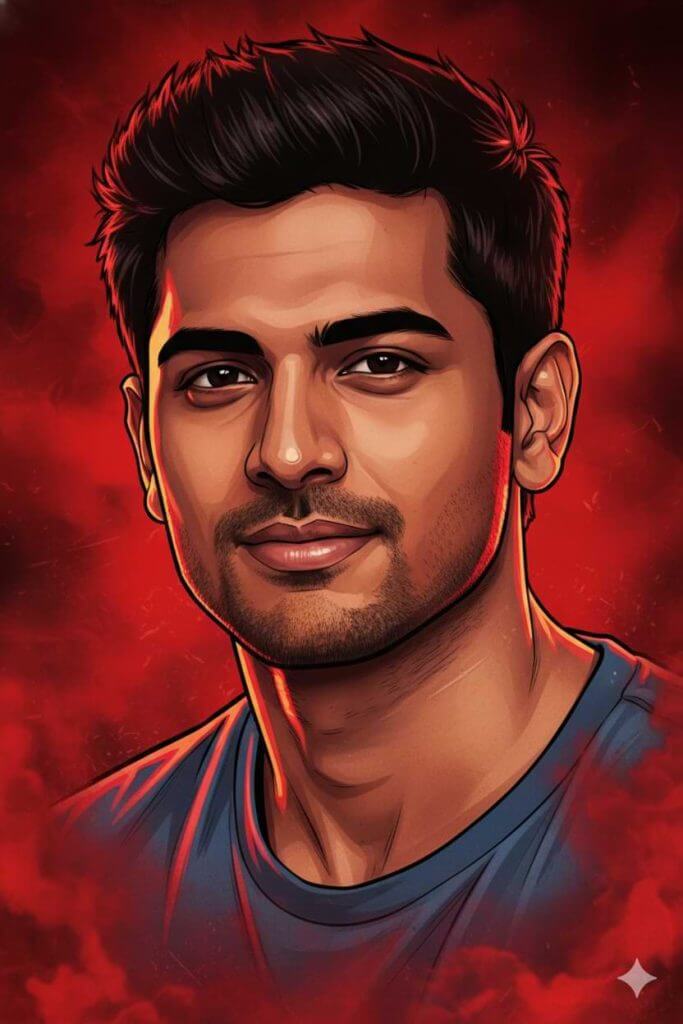
Replace the background with rich red gradients, a smoky atmosphere, and subtle textured details. Add bold comic book-style shading with thick outlines, strong black shadows, and glossy highlights on the skin and clothing. Enhance the outfit with richer colours, clean folds, and dynamic lighting while keeping the original clothing design intact.
Add intense highlights to the jawline, cheekbones, and edges of the body. Maintain the original pose and attitude throughout. Create a gritty, powerful cinematic mood with dramatic lighting and strong contrast. Ultra detailed illustration with sharp lines, a vibrant red atmosphere, action movie poster energy, and 4K quality.
AA23 AI Edit With Text Effect
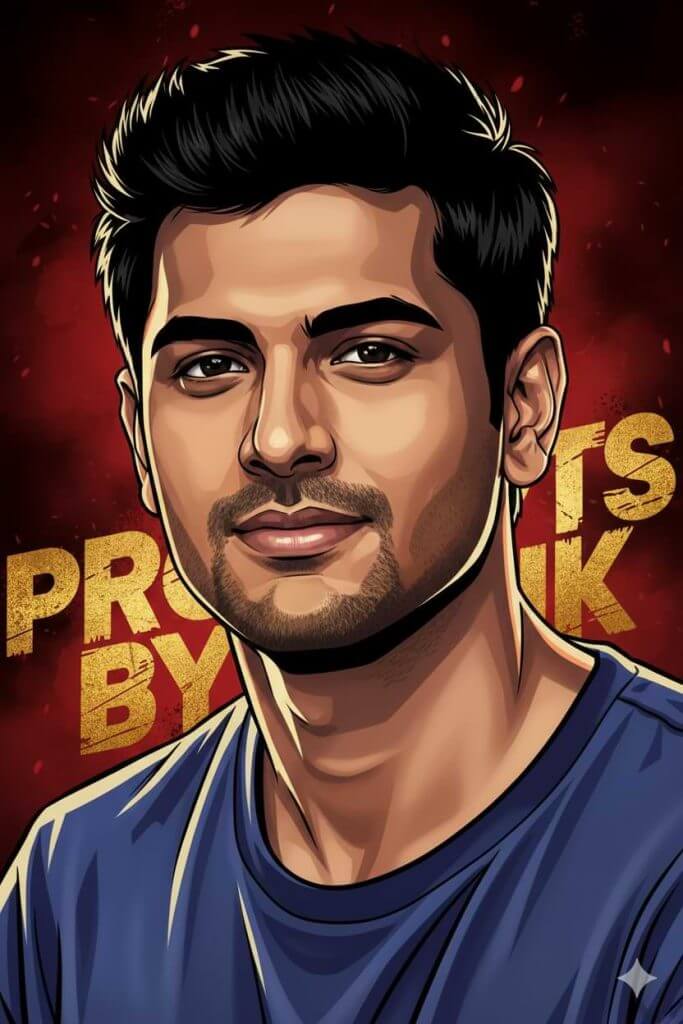
Transform the scene into a deep red, high-contrast Tamil gangster movie poster style. Replace the background with rich red gradients, smoky atmosphere, and subtle textures. Use bold comic-book style shading with thick outlines, strong black shadows, and glossy highlights. Add intense highlights on the jawline, cheekbones, and body edges. Enhance outfit colours and lighting while keeping the original clothing design intact.
Add large distressed brushed-art typography reading “ADD YOUR TEXT” in bold yellow or metallic gold with rough hand-painted scratch texture. Place the text behind the subject, partially obscured, without covering the face, blended naturally into the poster.
Gritty cinematic mood, dramatic lighting, ultra-detailed, sharp lines, action-poster energy, 4K quality.
How to Use These Prompts
1. Below each image, you will see a prompt box with two buttons: Copy and Share to AI.
2. You can tap Copy to copy the full prompt manually. Or simply tap Share to AI; this will automatically copy the prompt for you.
3. After tapping Share to AI, a list of popular AI tools like ChatGPT, Gemini, Copilot, and others will appear on your screen.
4. Click on any AI tool you prefer. It will directly open the selected AI platform.
5. Once the AI page opens, paste the prompt into the prompt box (it is already copied if you used Share to AI).
6. Upload your reference image if required.
7. Click generate, and your image will be created.
8. If needed, you can slightly adjust the prompt for lighting, angle, or mood and generate again.
9. Once you are satisfied with the result, download the image and save it for your use.
Customization Tips
- You can change “ADD YOUR TEXT” to your name, title, or any short line you like.
- Adjust the font style by adding words like bold, hand-painted, vintage movie font, or brush-style text.
- Try different text colours such as gold, yellow, white, or light orange for a new look.
- If the image feels too dark or bright, tweak the lighting by adding softer light or strong side lighting.
- For more drama, add inputs like extra smoke or strong contrast. For a cleaner look, reduce those words.
- If face accuracy is off, add high face accuracy or exact facial features from the reference image.
0 Comments