
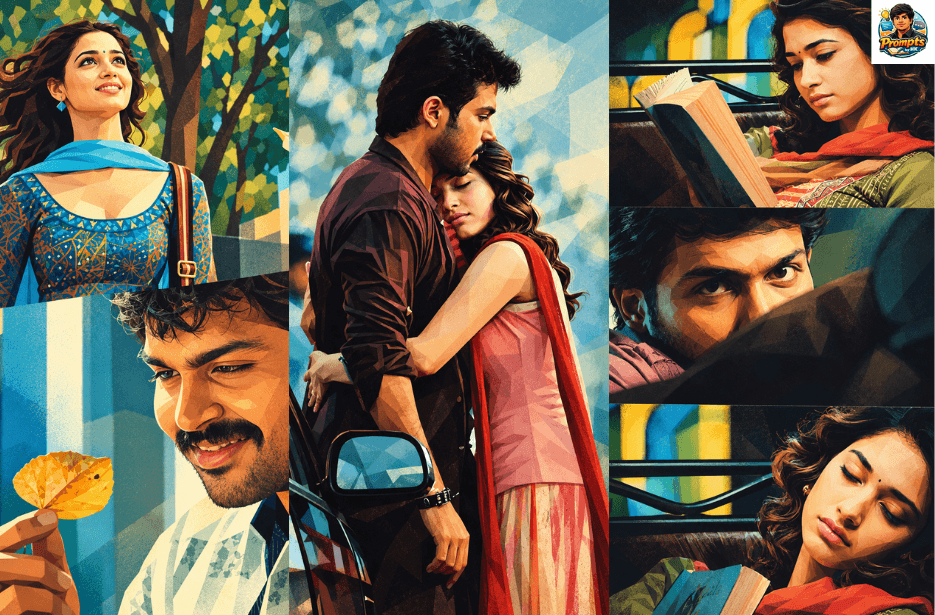
Turn your ordinary photos into stunning geometric illustrations with these AI Vector Art Prompt. From retro pop-art effects to bold polygonal designs and vibrant colour combinations, create unique digital artwork while preserving your original facial identity. Simply upload your photo, copy your favourite prompt, and generate eye-catching vector-style portraits.
Vector Art AI Prompt
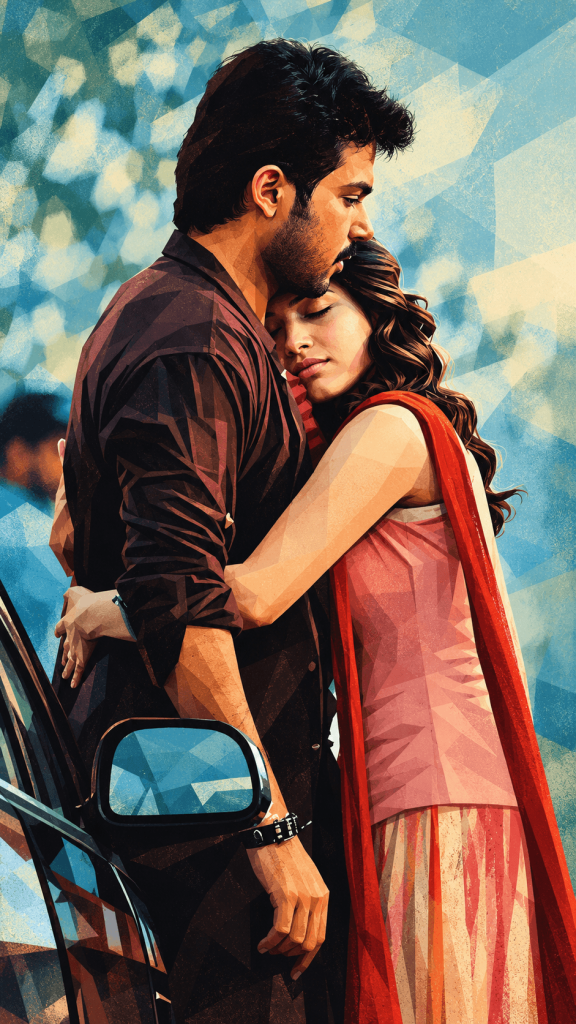
Transform the photo into a **stylized geometric vector illustration with a retro editorial pop-art effect**, featuring bold angular shapes, faceted shading, sharp polygonal shadows, simplified colour blocks, subtle grainy textures, and a matte paper-cut finish. Use dramatic high-contrast lighting, warm orange highlights, deep shadows, and slightly muted vintage colours.
Maintain the original photo’s details while applying a **premium hand-crafted digital illustration aesthetic** with clean edges, minimal gradients, and a sophisticated screen-printed texture. High-quality 4K artwork.
Version 1: Retro Geometric Vector Art Portrait
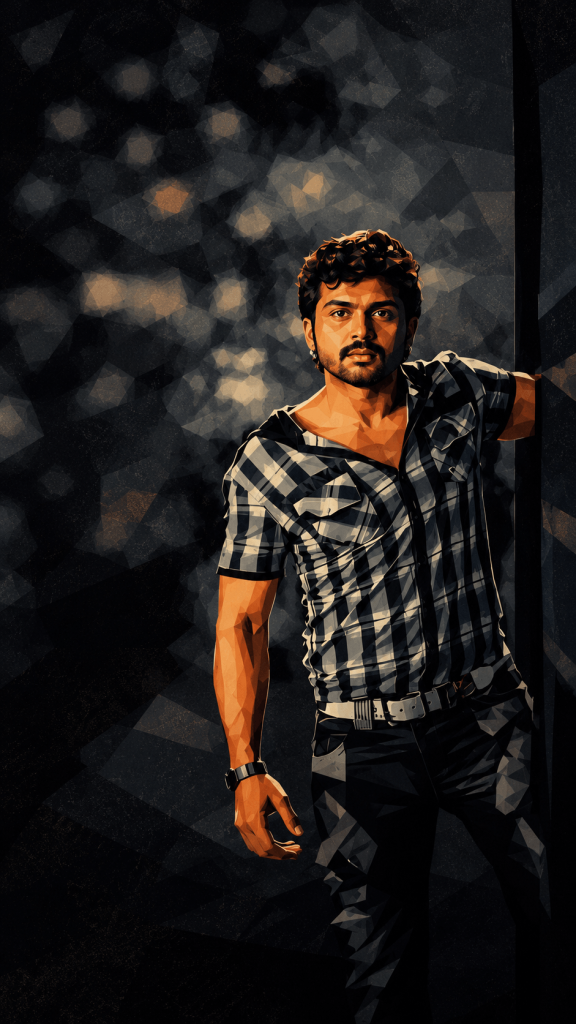
Version 2: Bold Polygonal Vector Illustration
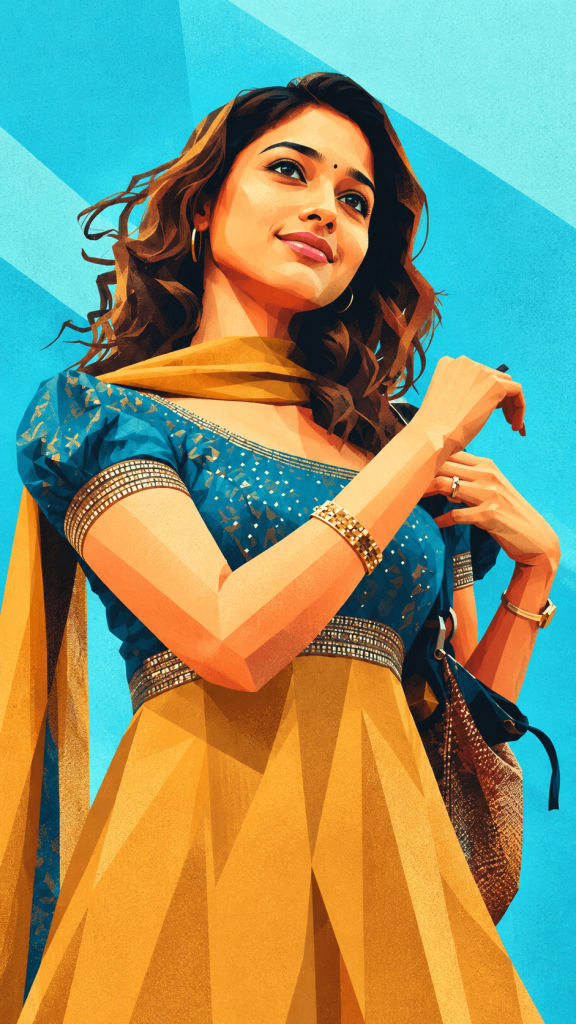
Version 3: Modern Minimalist Vector Art Style
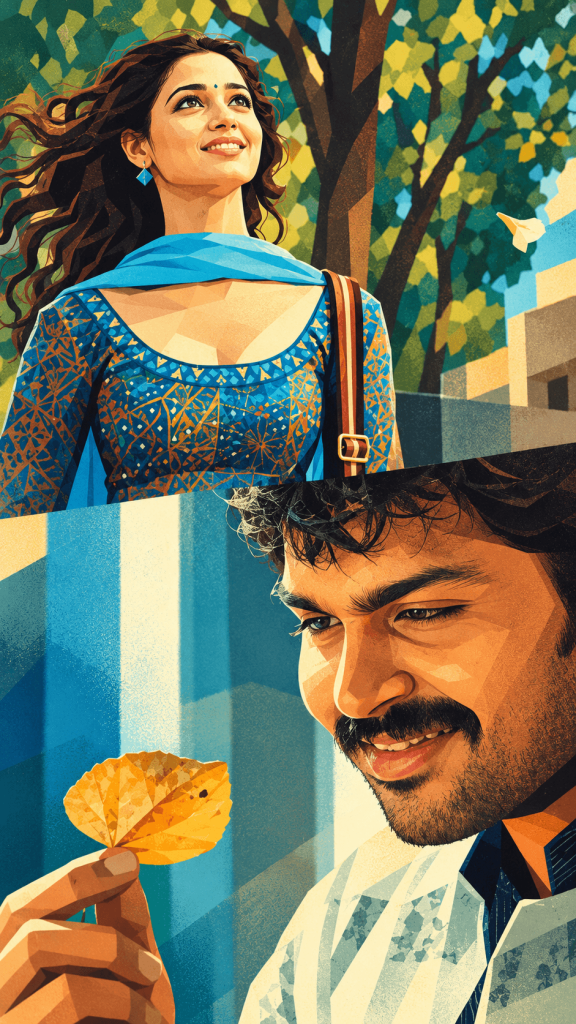
Version 4: Vintage Pop-Art Portrait Effect
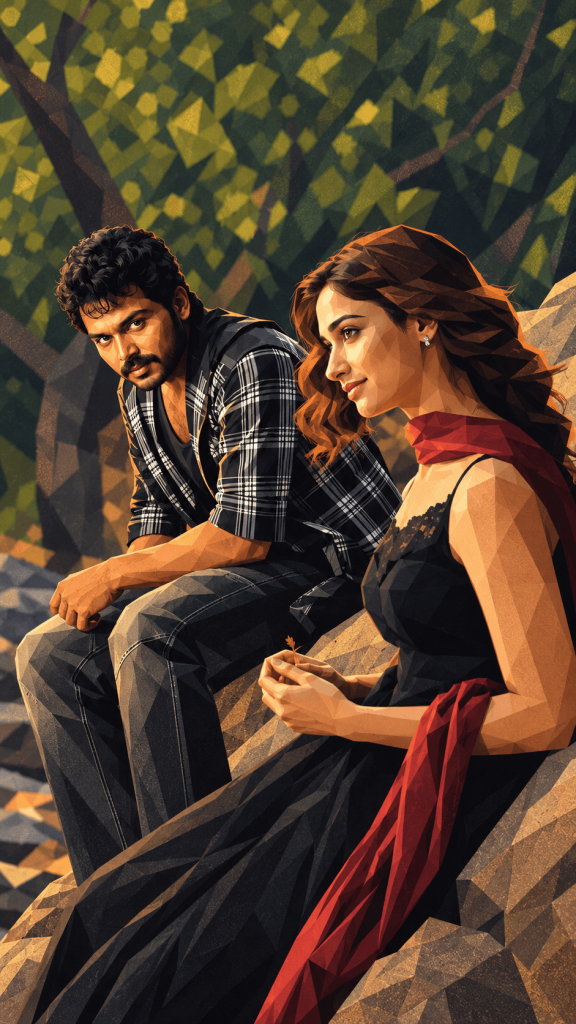
Version 5: Creative Faceted Geometric Illustration
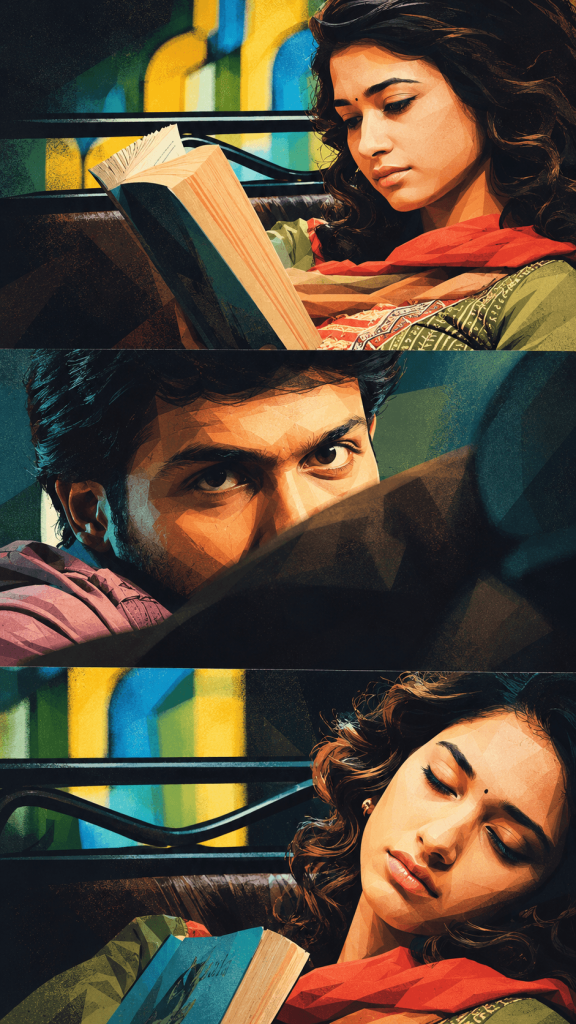
Version 6: Colourful Editorial Vector Art
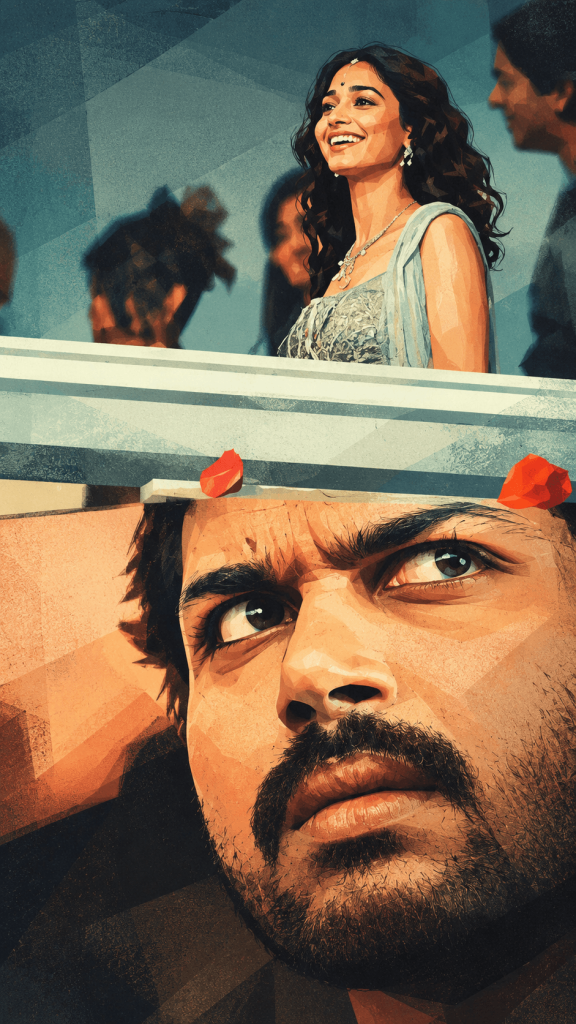
Version 7: Premium Digital Vector Portrait
How to Use These Prompts
1. Below each image, you will see a prompt box with two buttons: Copy and Share to AI.
2. You can tap Copy to copy the full prompt manually. Or simply tap Share to AI; this will automatically copy the prompt for you.
3. After tapping Share to AI, a list of popular AI tools like ChatGPT, Gemini, Copilot, and others will appear on your screen.
4. Click on any AI tool you prefer. It will directly open the selected AI platform.
5. Once the AI page opens, paste the prompt into the prompt box (it is already copied if you used Share to AI).
6. Upload your reference image if required.
7. Click generate, and your image will be created.
8. If needed, you can slightly adjust the prompt for lighting, angle, or mood and generate again.
9. Once you are satisfied with the result, download the image and save it for your use.