

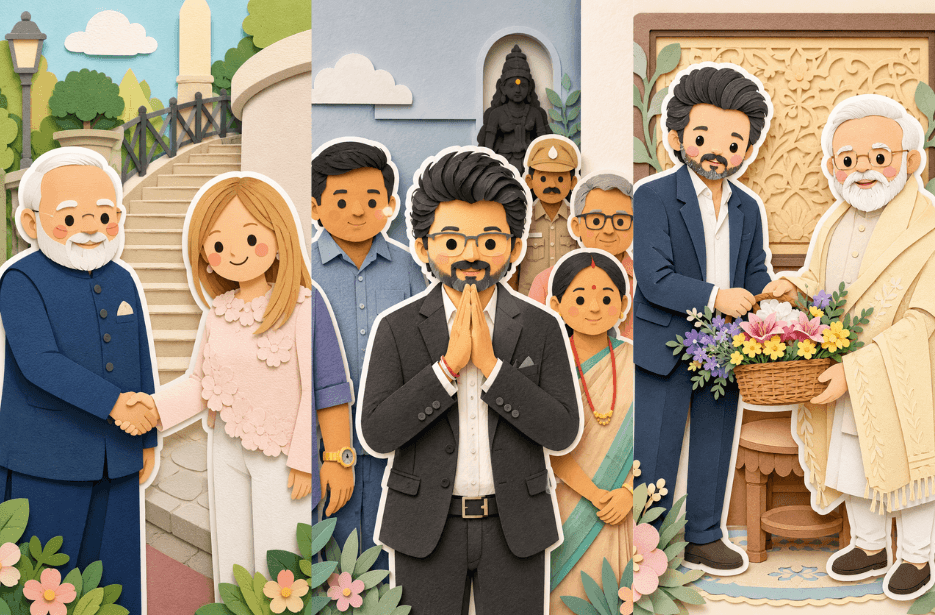
Want to transform your ordinary photos into charming handcrafted artwork? This trending prompt will help you create adorable layered papercraft illustrations with a soft storybook aesthetic. Using AI, you can convert portraits, couple photos, selfies, and character images into beautiful paper-cut designs featuring pastel colours, sticker-style outlines, realistic paper layers, and cosy diorama effects.
Prompt
Incorporate layered paper elements with clear depth, gentle shadows between layers, and crisp edges that resemble precisely cut cardstock. Add a prominent white outer outline around each main character, designed like a thick sticker border or a white backing layer, ensuring the characters stand out distinctly from the background. This outline should feel like a deliberate paper layer rather than a glow effect.
Apply a pastel color palette with muted blues, greens, and soft warm neutrals for a calm and balanced look. Use soft, diffused lighting to highlight the layered depth without creating harsh contrast. The textures should appear matte and tactile, similar to thick art paper or craft foam.
Overall, the composition should feel cozy, wholesome, and gentle, with a storybook-like charm and a polished handcrafted aesthetic suitable for modern illustrations, children’s books, or decorative artwork. Maintain an aspect ratio of 9:16
Version 1: Layered Paper-Cut Illustration Effect
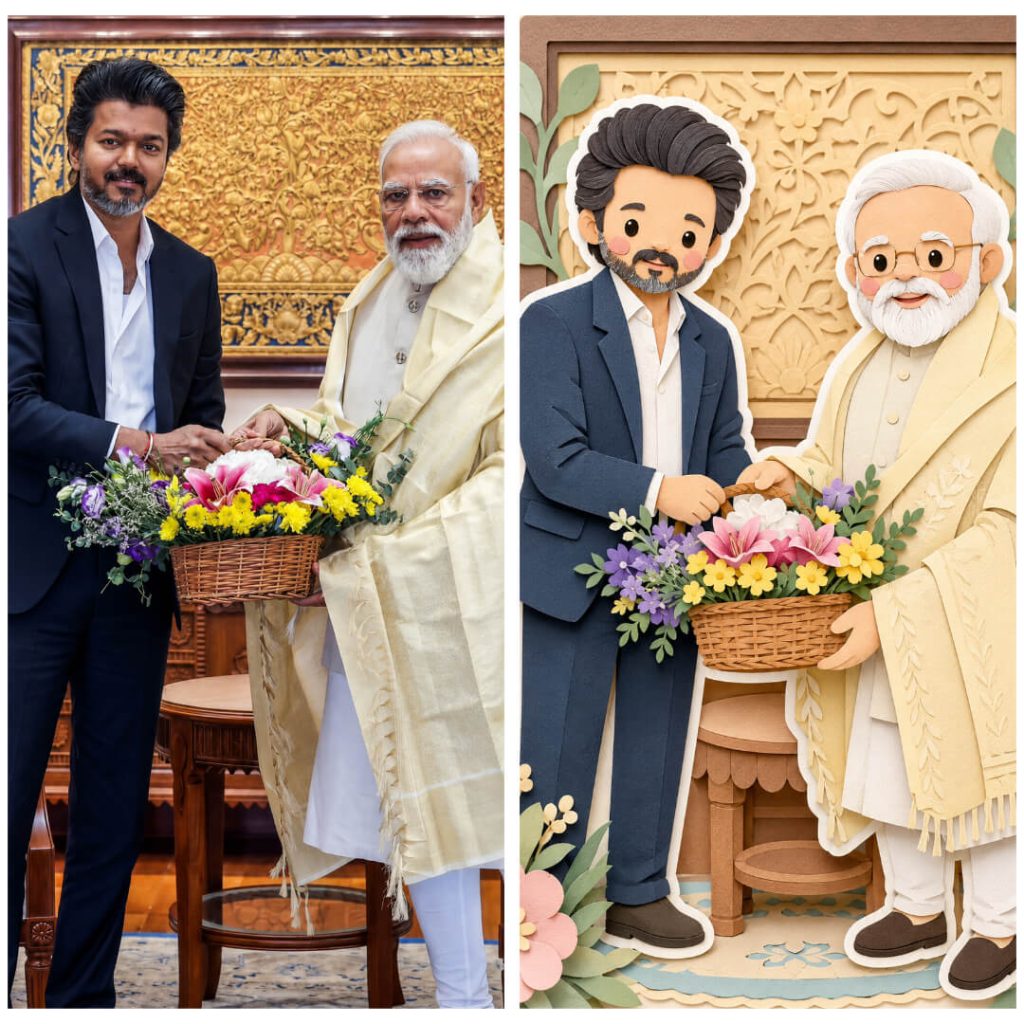
Version 2: CM Vijay Handcrafted Paper Diorama
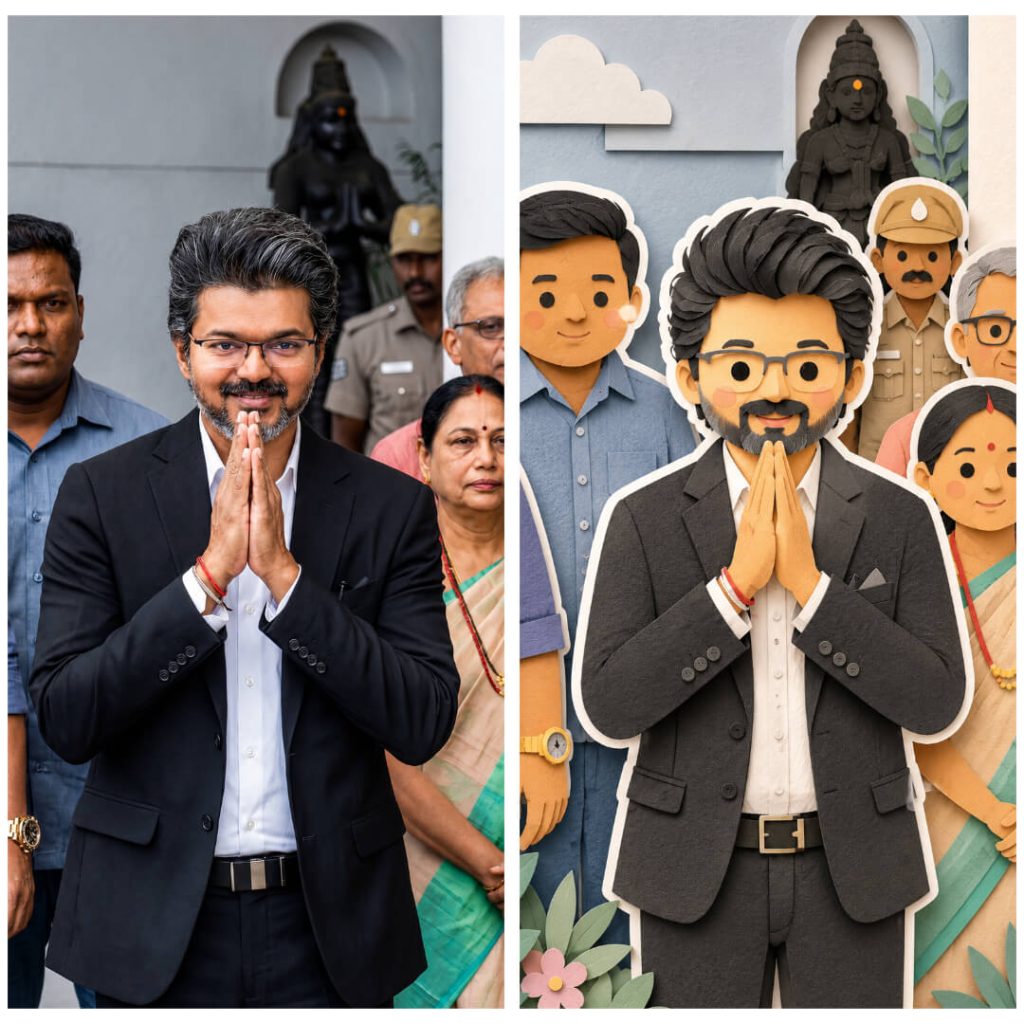
Version 3: 3D Layered Papercraft Characters
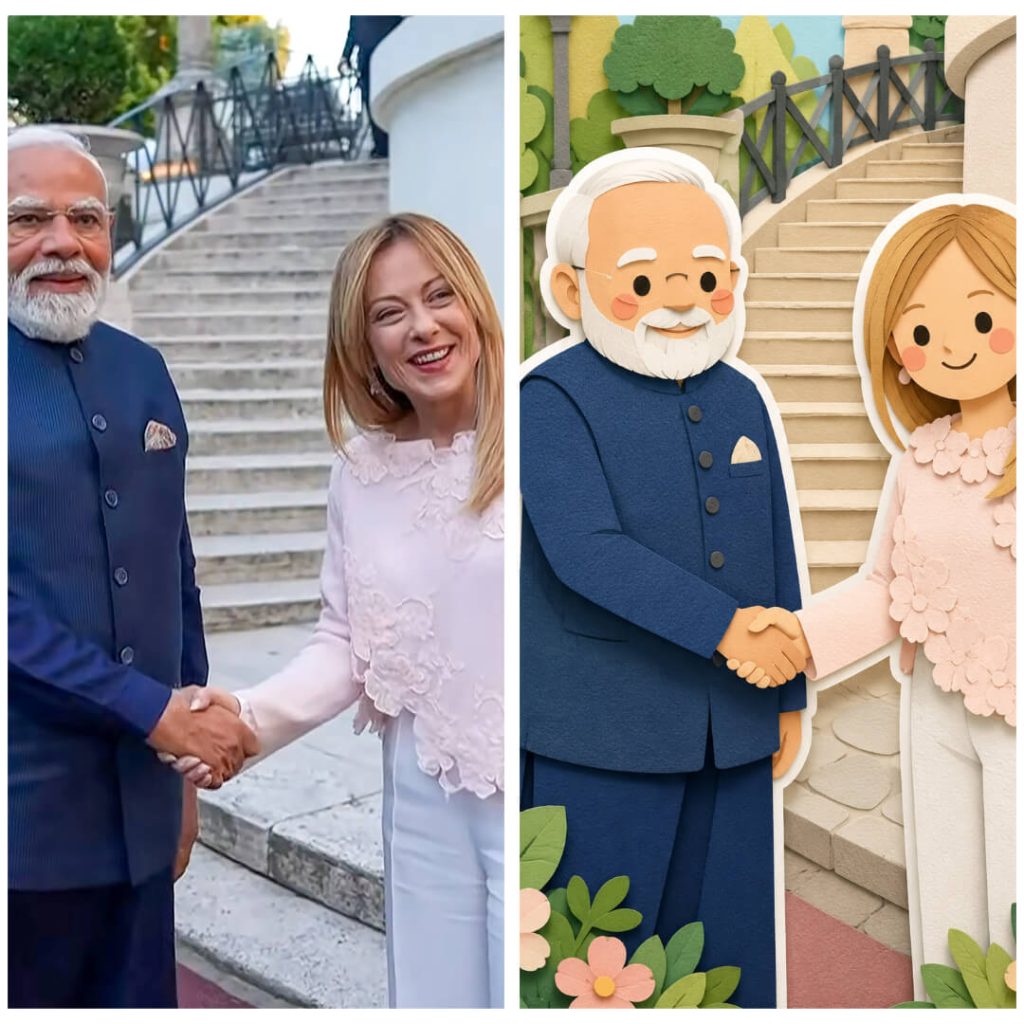
How to Use These Prompts
1. Below each image, you will see a prompt box with two buttons: Copy and Share to AI.
2. You can tap Copy to copy the full prompt manually. Or simply tap Share to AI; this will automatically copy the prompt for you.
3. After tapping Share to AI, a list of popular AI tools like ChatGPT, Gemini, Copilot, and others will appear on your screen.
4. Click on any AI tool you prefer. It will directly open the selected AI platform.
5. Once the AI page opens, paste the prompt into the prompt box (it is already copied if you used Share to AI).
6. Upload your reference image if required.
7. Click generate, and your image will be created.
8. If needed, you can slightly adjust the prompt for lighting, angle, or mood and generate again.
9. Once you are satisfied with the result, download the image and save it for your use.