
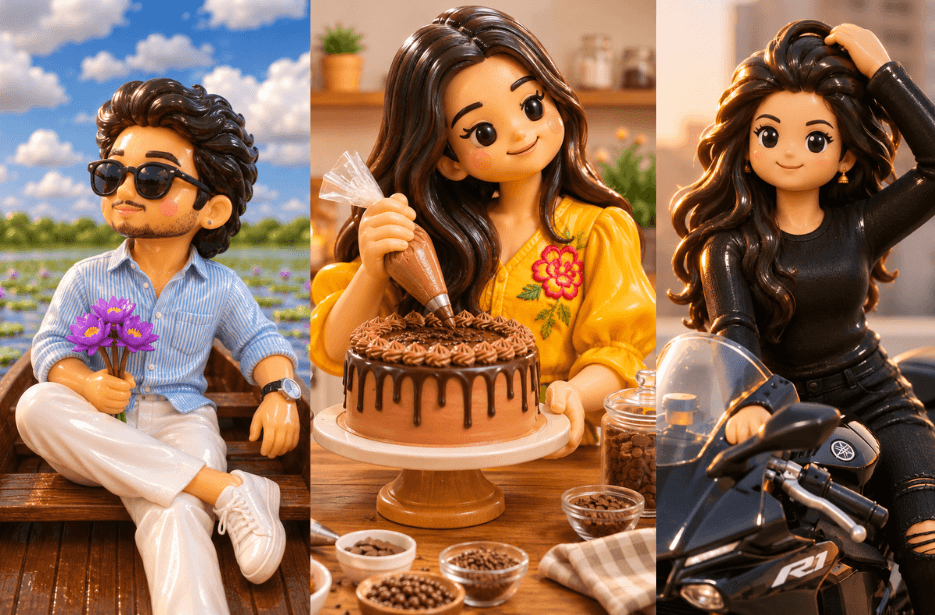
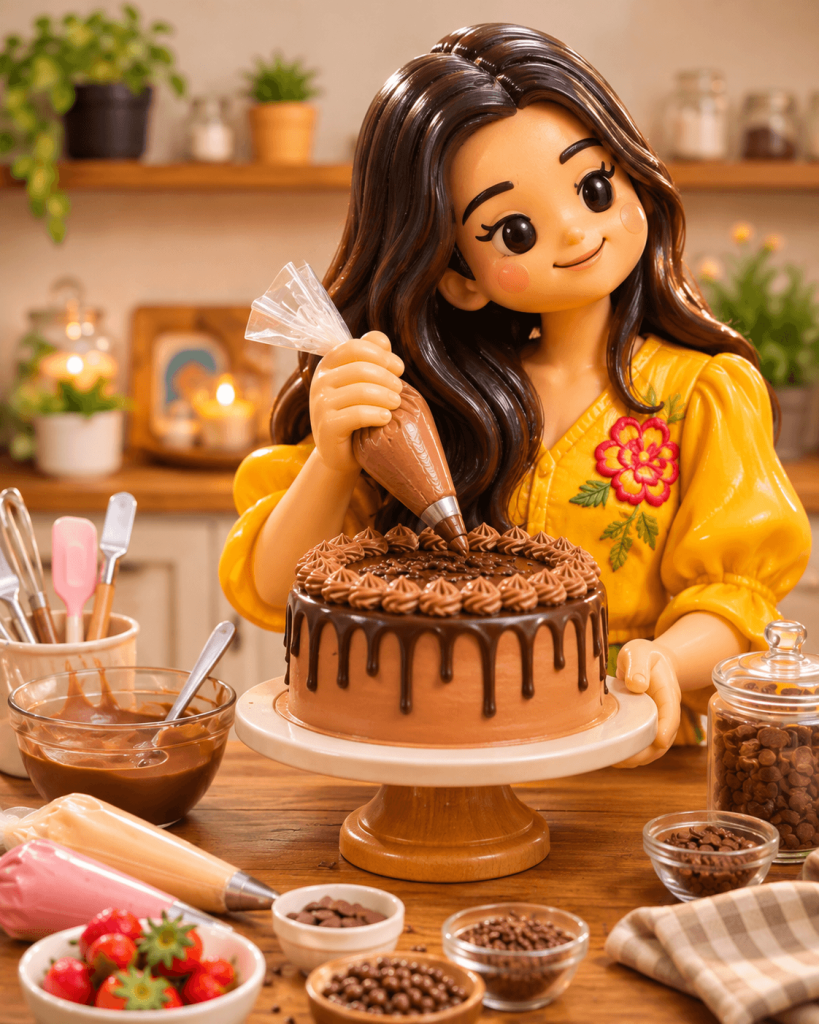
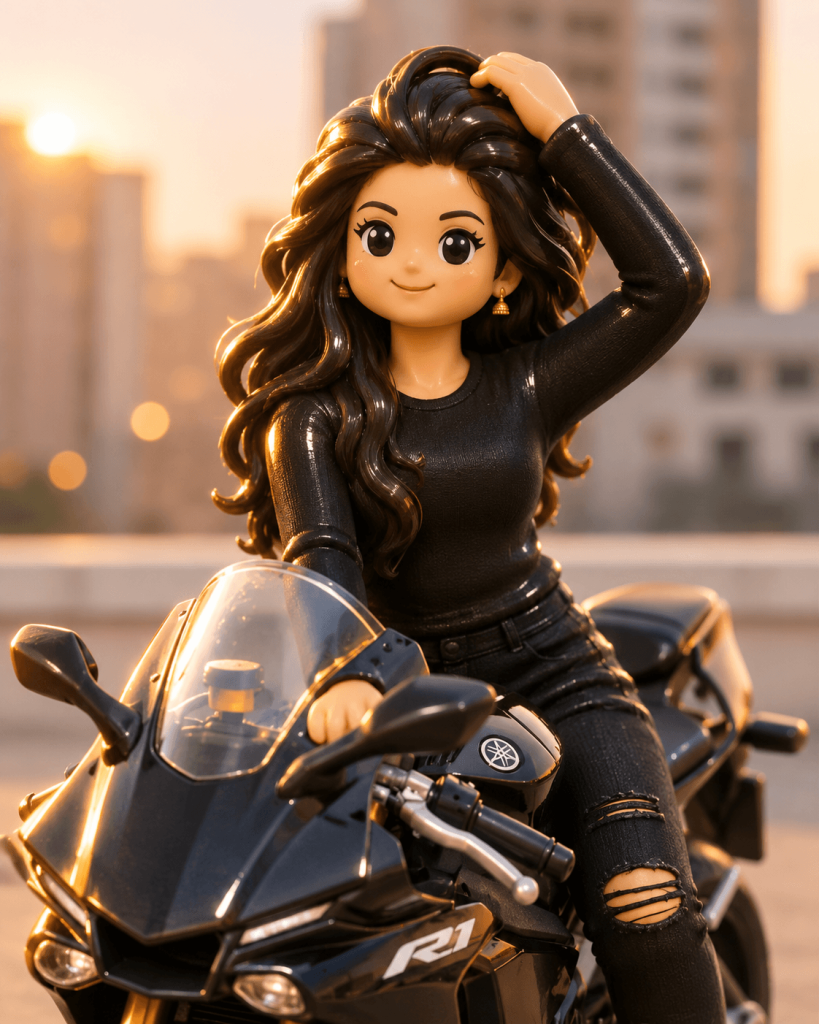
Turn your ordinary photos into an adorable 3D miniature toy world with this Toy World Prompt. Transform your uploaded picture into a cute, glossy collectable figurine while preserving your original facial identity, hairstyle, outfit, and pose. Featuring oversized expressive eyes, smooth vinyl textures, charming miniature details, and a beautifully recreated toy environment, this prompt creates a premium kawaii-style 3D toy effect. Simply upload your photo, copy the prompt, and create your own adorable collectable toy version!
Prompt
STRICT IDENTITY LOCK: Preserve the exact facial identity, hairstyle, skin tone, outfit, accessories, and recognizable features from my original photo.
TOY TRANSFORMATION: Convert the person into a cute, stylized 3D vinyl toy with a slightly oversized head, rounded face, big expressive eyes, tiny nose, rosy cheeks, and a sweet smile. Give the figure smooth, shiny plastic skin, glossy sculpted hair, and realistic molded clothing with miniature details.
STYLE: Premium kawaii collectible figurine, polished resin and vinyl texture, soft rounded proportions, handcrafted toy aesthetic, realistic reflections, and beautifully detailed miniature accessories.
SCENE: Recreate the original photo’s pose, outfit, and surrounding environment as a charming miniature toy diorama. Make all objects appear like glossy handcrafted plastic toys.
LIGHTING: Warm cinematic lighting, soft golden highlights, shallow depth of field, gentle background blur, and professional macro toy photography.
QUALITY: Ultra-detailed 3D rendering, realistic glossy reflections, smooth polished surfaces, vibrant colors, 4K quality.
ASPECT RATIO: 4:5 vertical portrait.
IMPORTANT: Maintain my recognizable facial identity and original photo composition while transforming the entire image into a cute, glossy 3D collectible toy world. No text, no watermark.
Output




How to Use These Prompts
1. Below each image, you will see a prompt box with two buttons: Copy and Share to AI.
2. You can tap Copy to copy the full prompt manually. Or simply tap Share to AI; this will automatically copy the prompt for you.
3. After tapping Share to AI, a list of popular AI tools like ChatGPT, Gemini, Copilot, and others will appear on your screen.
4. Click on any AI tool you prefer. It will directly open the selected AI platform.
5. Once the AI page opens, paste the prompt into the prompt box (it is already copied if you used Share to AI).
6. Upload your reference image if required.
7. Click generate, and your image will be created.
8. If needed, you can slightly adjust the prompt for lighting, angle, or mood and generate again.
9. Once you are satisfied with the result, download the image and save it for your use.