

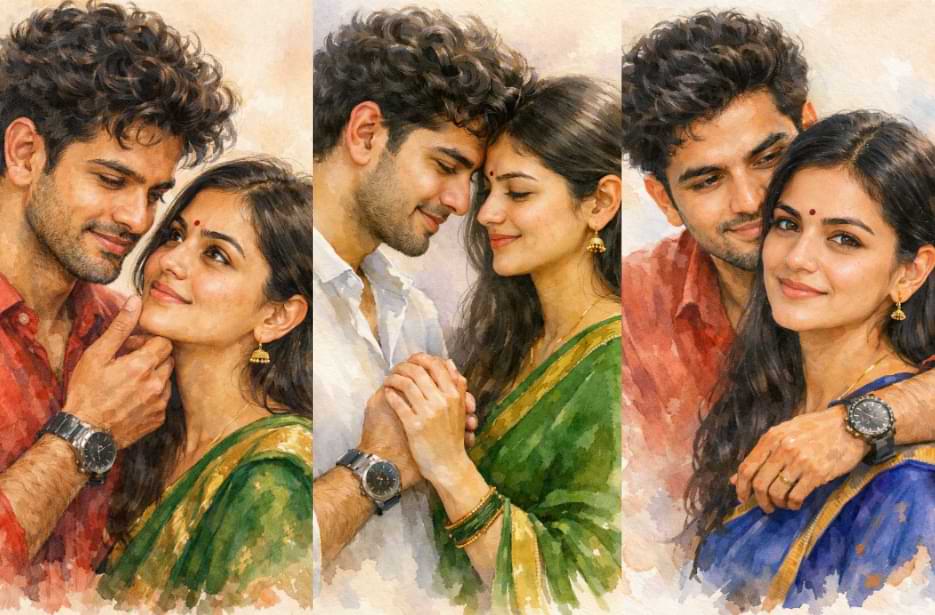
Want to try the latest viral couple art trend? With these trending hand-painted couple portrait prompts, you can create beautiful watercolour-style portraits using ChatGPT’s free version. Just copy the prompt, upload your photo, and generate a soft, artistic image in seconds. The process is simple and beginner-friendly, so anyone can try it without any design skills.
This trend is perfect if you want to surprise your partner with something creative and personal. The hand-painted look gives your photo a warm and timeless feel that stands out on social media. Simply try the prompt, download your image, and share it with your partner for a sweet surprise they will love.
Traditional Handpainting Couple Prompts
Create beautiful, soft watercolour couple portraits that feel warm and timeless. These prompts help generate elegant, high-quality AI artwork with a natural, hand-painted look.
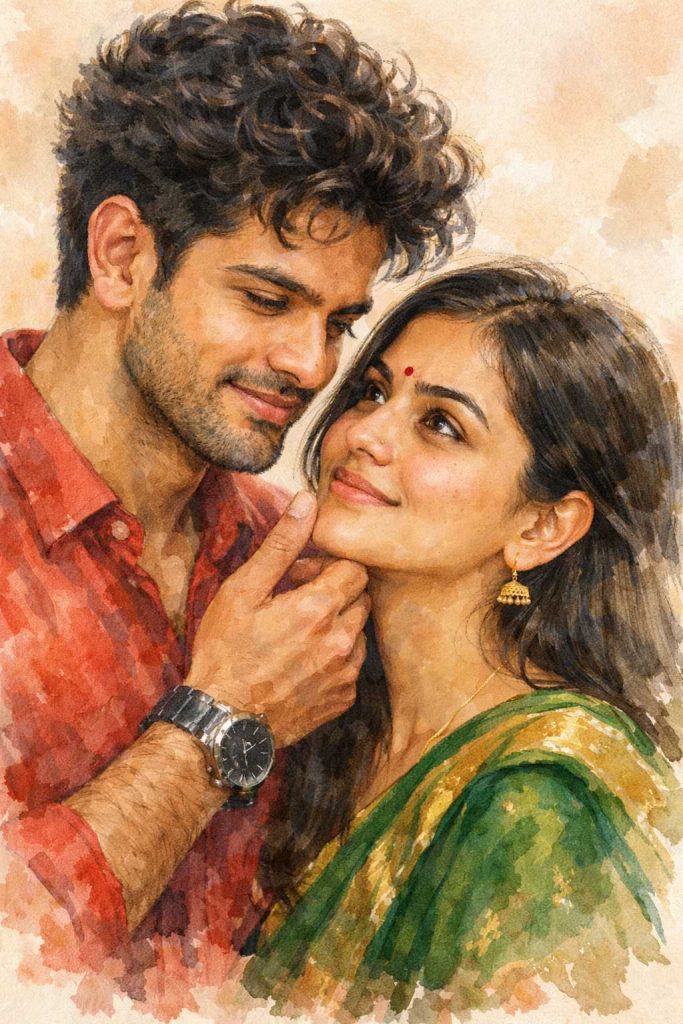
Version 1: Soft Watercolour Couple Portrait
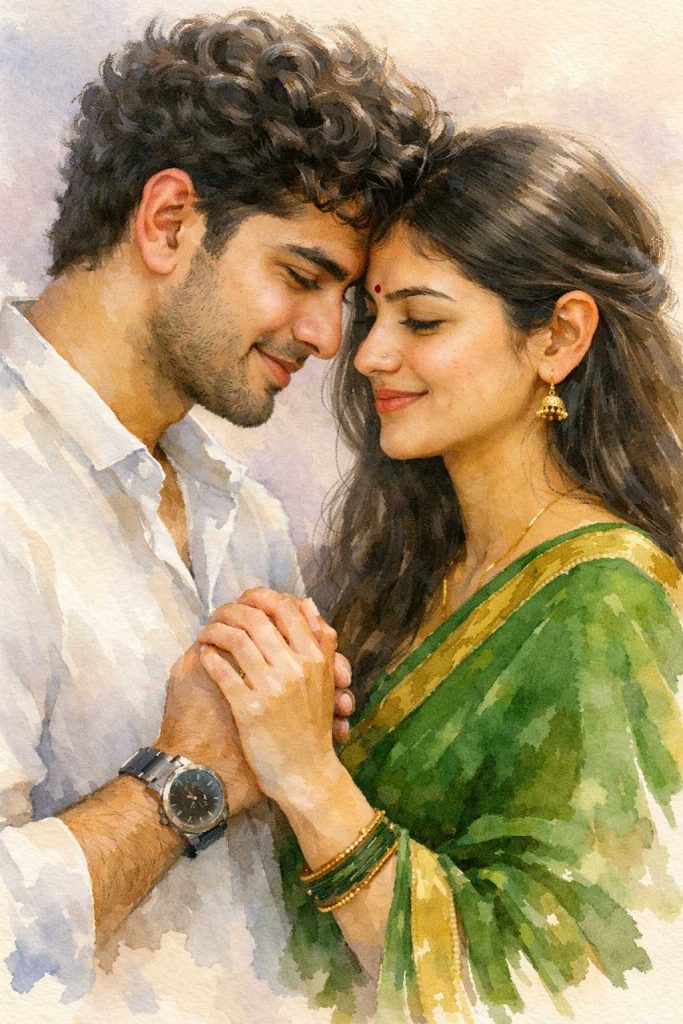
Version 2: Elegant Watercolour Couple Illustration
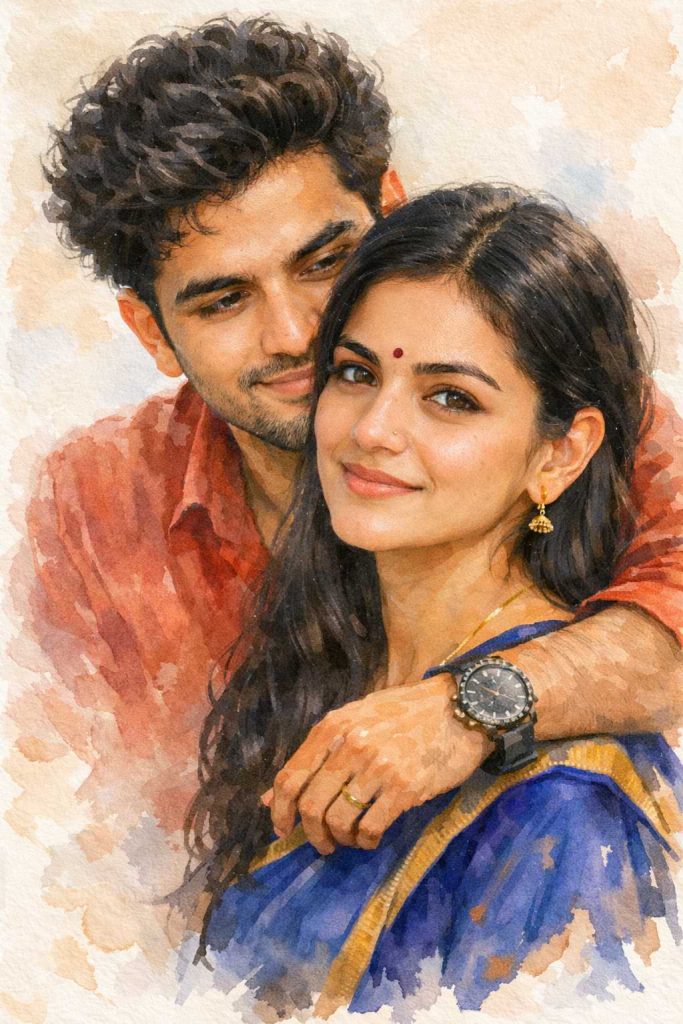
Version 3: Classic Watercolour Couple Artwork
How to Use These Prompts
1. Below each image, you will see a prompt box with two buttons: Copy and Share to AI.
2. You can tap Copy to copy the full prompt manually. Or simply tap Share to AI; this will automatically copy the prompt for you.
3. After tapping Share to AI, a list of popular AI tools like ChatGPT, Gemini, Copilot, and others will appear on your screen.
4. Click on any AI tool you prefer. It will directly open the selected AI platform.
5. Once the AI page opens, paste the prompt into the prompt box (it is already copied if you used Share to AI).
6. Upload your reference image if required.
7. Click generate, and your image will be created.
8. If needed, you can slightly adjust the prompt for lighting, angle, or mood and generate again.
9. Once you are satisfied with the result, download the image and save it for your use.
Customisation Tips to Get the Best Results
- Upload a high-quality, well-lit reference photo for the most accurate output.
- Change clothing colours in the prompt to match your real outfits or preferred theme.
- Try different pastel background shades to create a fresh visual mood.
- Add “extra soft watercolour” if you want a smoother painted finish.
- Use “rich brush texture” if you prefer a more hand-painted look.
- Adjust lighting words like “warm glow” or “soft natural light” to change the mood.
- Increase or reduce “cinematic softness” based on how dreamy you want the image.
- Mention “sharp facial details” if you want stronger face clarity.
- Test both light and deep colour tones to see which suits your photo better.
- Create multiple versions and choose the one that looks most natural.