

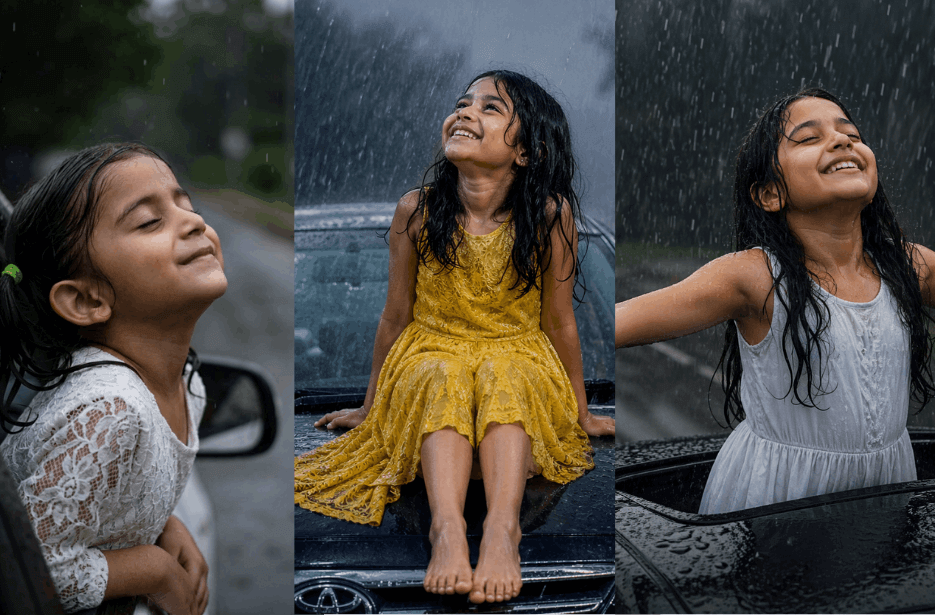
Rain can turn a simple photo into something magical. With the right AI prompts, you can create beautiful cinematic portraits filled with joy, motion, and soft rainy moods. These three creative prompts show a girl enjoying the rain in different car scenes, from smiling at a window to standing through a sunroof and sitting on a car bonnet. Each prompt is designed to create realistic and eye-catching results.
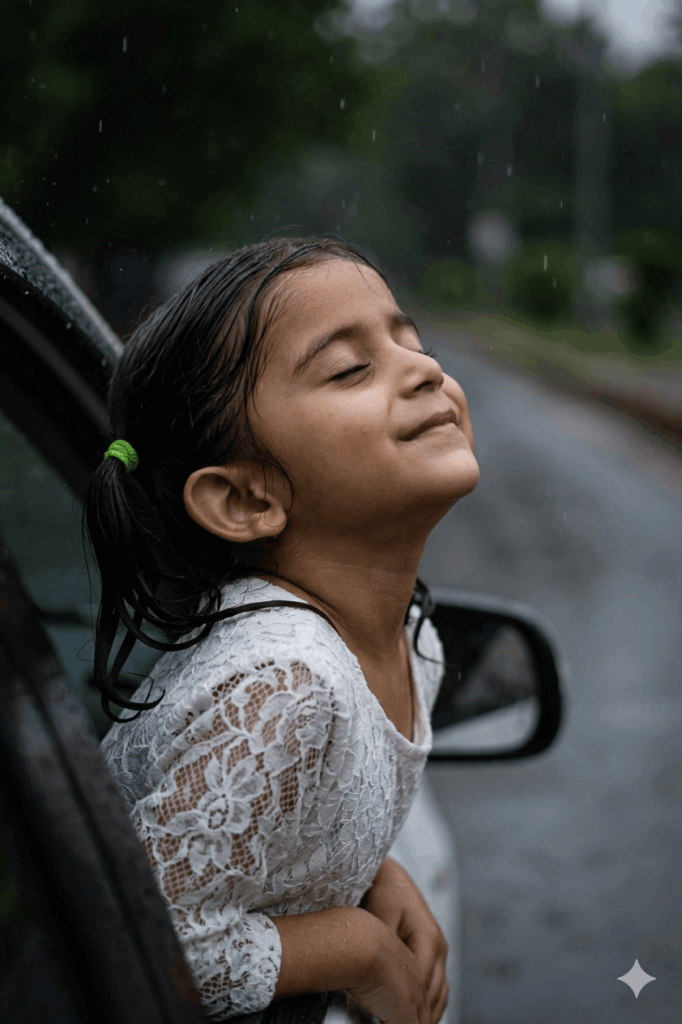
Version 1: Smiling Girl at Window
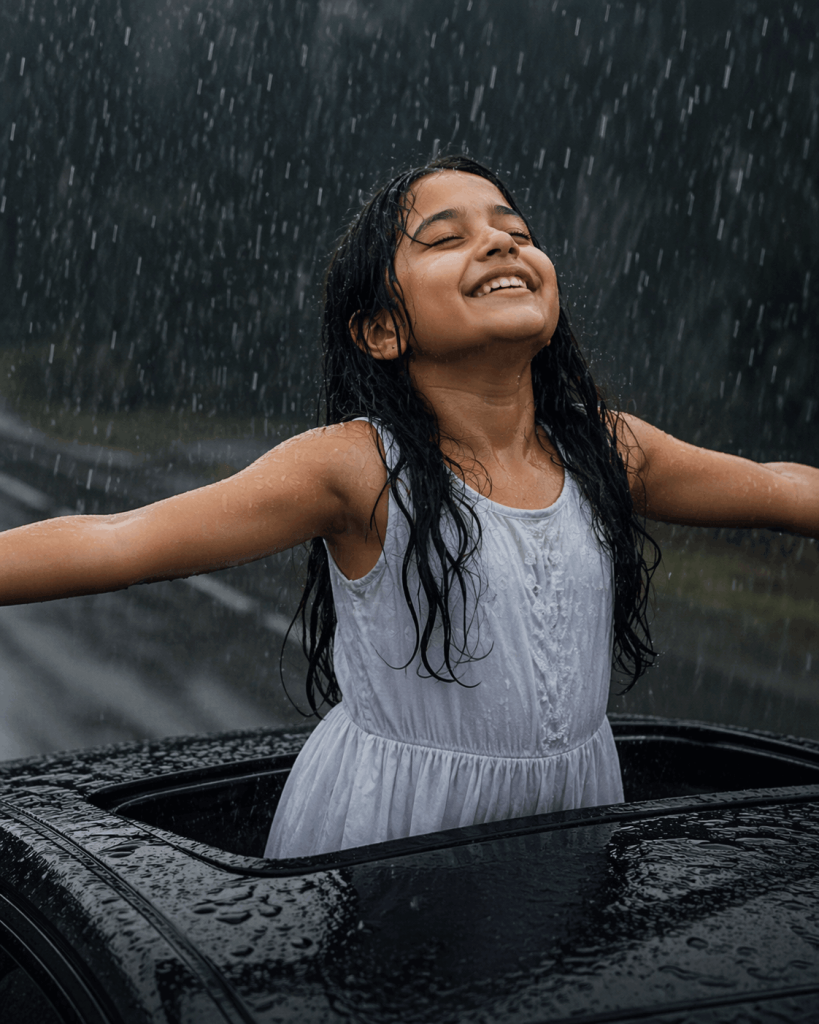
Version 2: Girl Standing in Car Sunroof
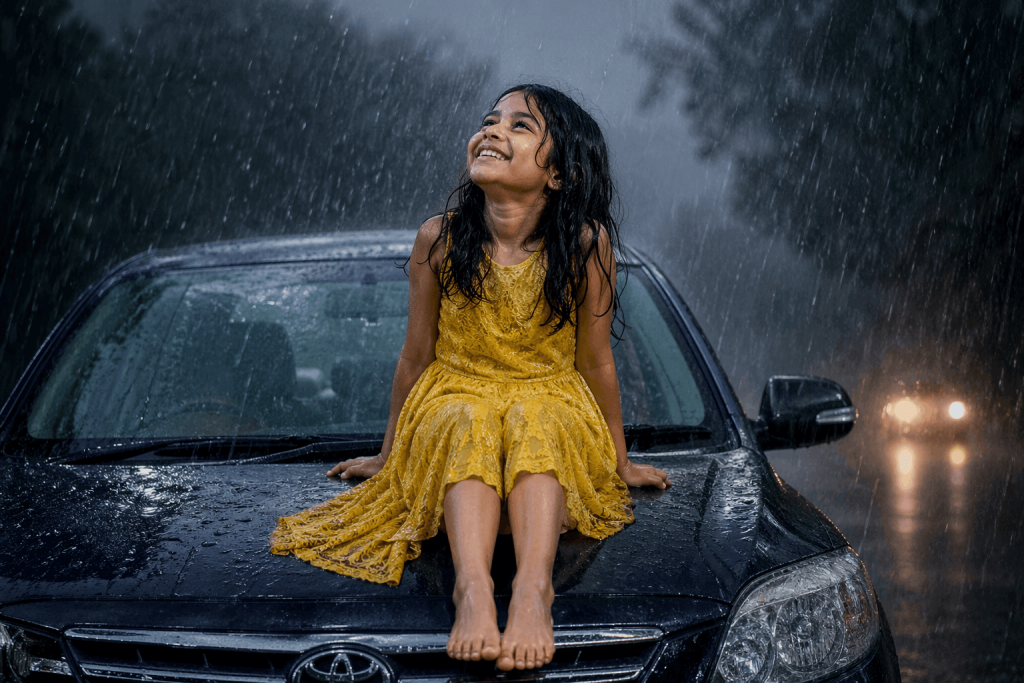
Version 3: Girl Sitting on Car Bonnet
How to Use These Prompts
1. Below each image, you will see a prompt box with two buttons: Copy and Share to AI.
2. You can tap Copy to copy the full prompt manually. Or simply tap Share to AI; this will automatically copy the prompt for you.
3. After tapping Share to AI, a list of popular AI tools like ChatGPT, Gemini, Copilot, and others will appear on your screen.
4. Click on any AI tool you prefer. It will directly open the selected AI platform.
5. Once the AI page opens, paste the prompt into the prompt box (it is already copied if you used Share to AI).
6. Upload your reference image if required.
7. Click generate, and your image will be created.
8. If needed, you can slightly adjust the prompt for lighting, angle, or mood and generate again.
9. Once you are satisfied with the result, download the image and save it for your use.
Customise Your Rain Photo Prompts
You can easily change these prompts to create unique and personalised rainy scenes.
Change Outfit Colours
Replace white or yellow dresses with red, blue, pink, green, or pastel shades for a fresh look.
Adjust Weather Mood
Use light drizzle, heavy rain, thunderstorm, or misty rain for unique scenes.
Change Background Style
Add city lights, village roads, forest views, mountains, or sunset skies.
Modify Expressions
Use smiling, laughing, surprised, peaceful, or excited looks.
Add Camera Angles
Try close-up, side view, wide shot, top angle, or low angle for variety.
Enhance the Scene
Add splashing water, glowing headlights, raindrop reflections, fog, or motion blur for a cinematic touch.