

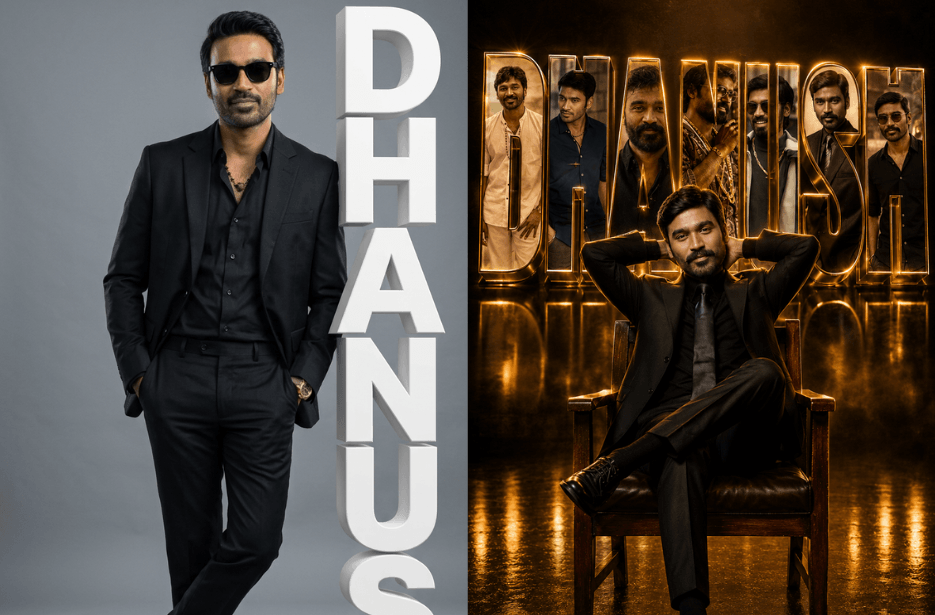
Want to turn your photos into eye-catching name portraits? These DHANUSH AI photo prompts help you create premium studio-style images featuring bold 3D name text, cinematic lighting, and realistic photography. Whether you prefer a clean minimalist portrait or a dramatic golden-lit scene, simply upload your photos and generate stunning personalised artwork in seconds.
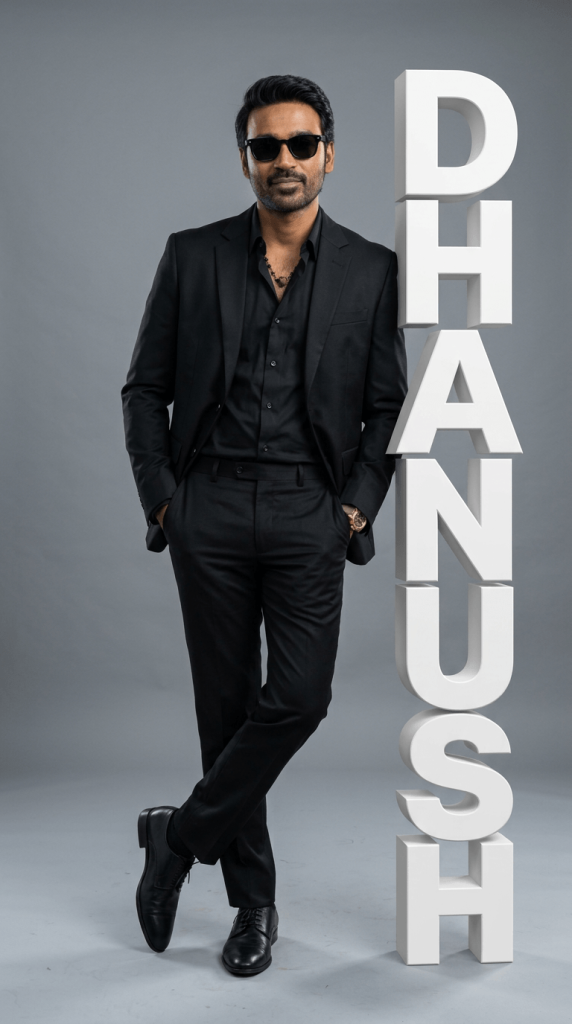
Version 1: Minimalist Studio Portrait with 3D Name
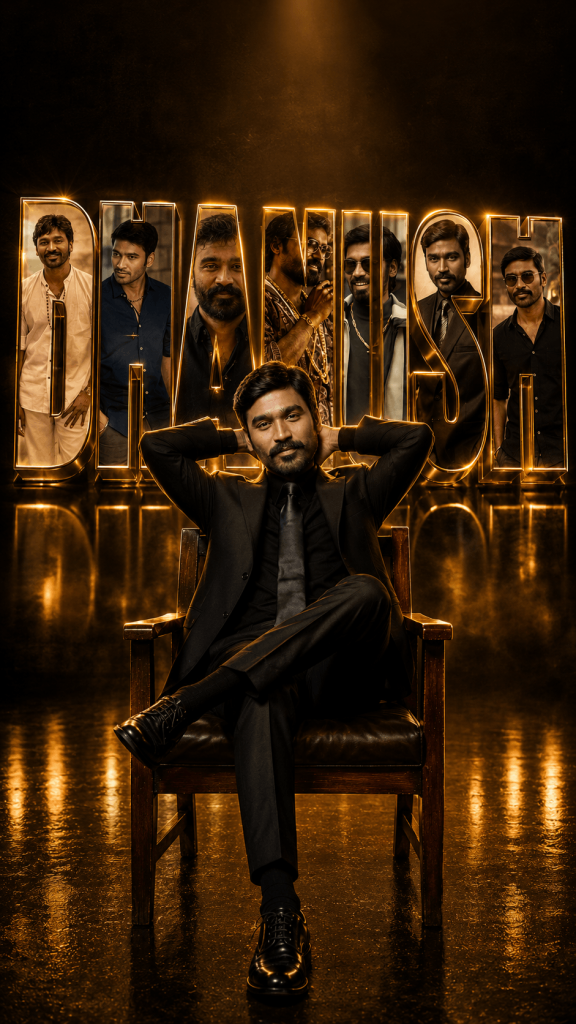
Version 2: Cinematic Golden Portrait with 3D Name Wall
How to Use These Prompts
1. Below each image, you will see a prompt box with two buttons: Copy and Share to AI.
2. You can tap Copy to copy the full prompt manually. Or simply tap Share to AI; this will automatically copy the prompt for you.
3. After tapping Share to AI, a list of popular AI tools like ChatGPT, Gemini, Copilot, and others will appear on your screen.
4. Click on any AI tool you prefer. It will directly open the selected AI platform.
5. Once the AI page opens, paste the prompt into the prompt box (it is already copied if you used Share to AI).
6. Upload your reference image if required.
7. Click generate, and your image will be created.
8. If needed, you can slightly adjust the prompt for lighting, angle, or mood and generate again.
9. Once you are satisfied with the result, download the image and save it for your use.
Customization Tips
- Change the suit color to white, navy, beige, or custom colors.
- Use different text styles such as metallic gold, chrome, neon, or matte white.
- Add city skylines, luxury cars, sports themes, or favorite hobbies.
- Experiment with different lighting styles like cinematic, moody, neon, or golden hour.
- Adjust the aspect ratio for Instagram Posts (4:5), Stories (9:16), or Wallpapers.
- Add personalized accessories such as watches, sunglasses, or jewelry.
- Use different poses while keeping the same identity reference.