

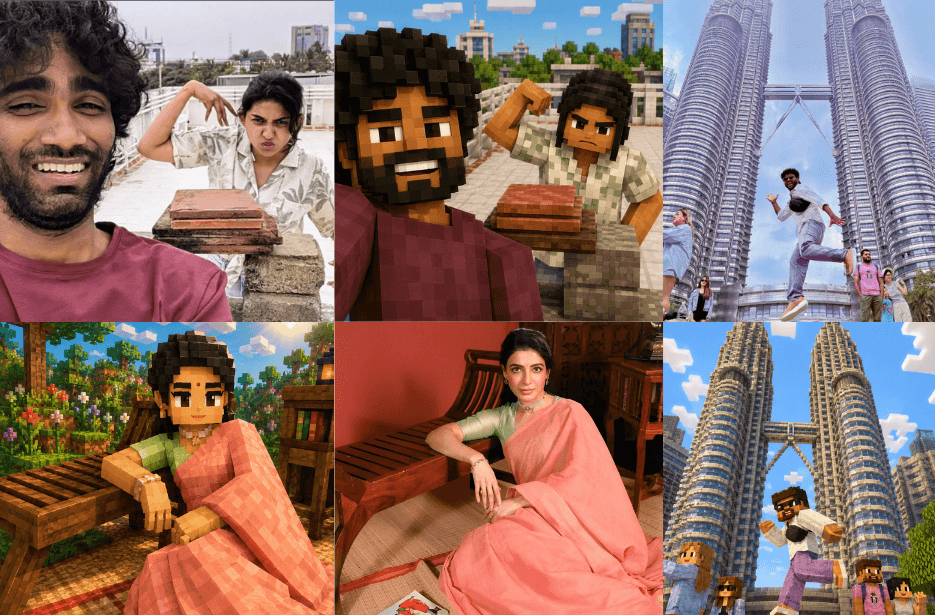
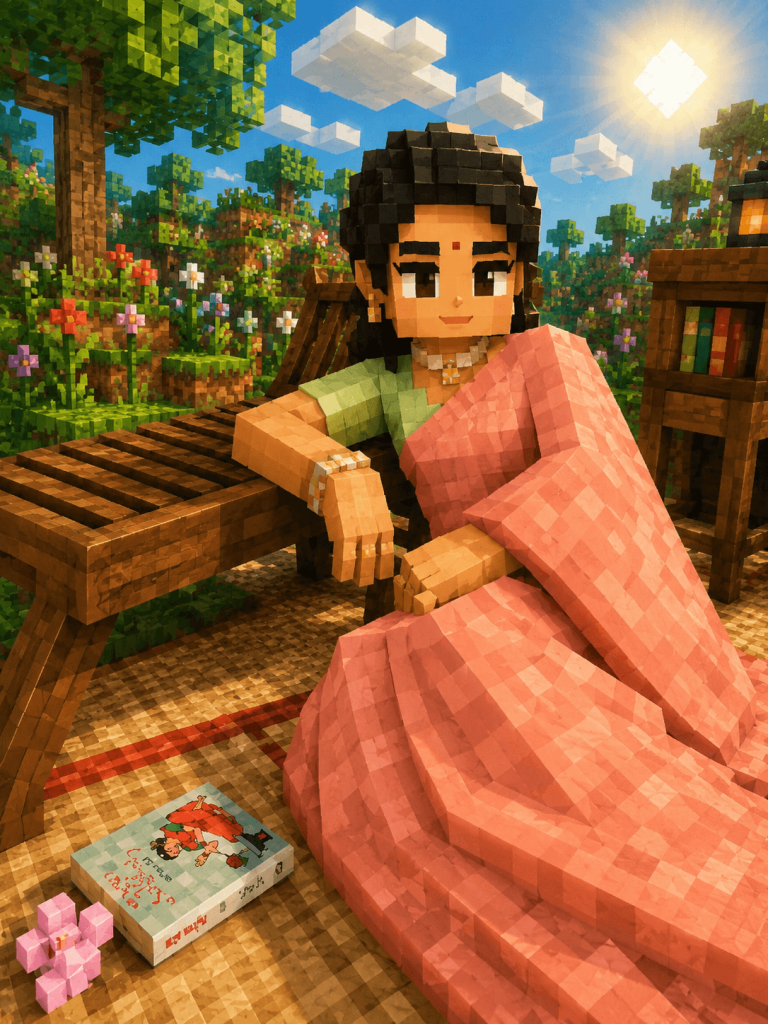
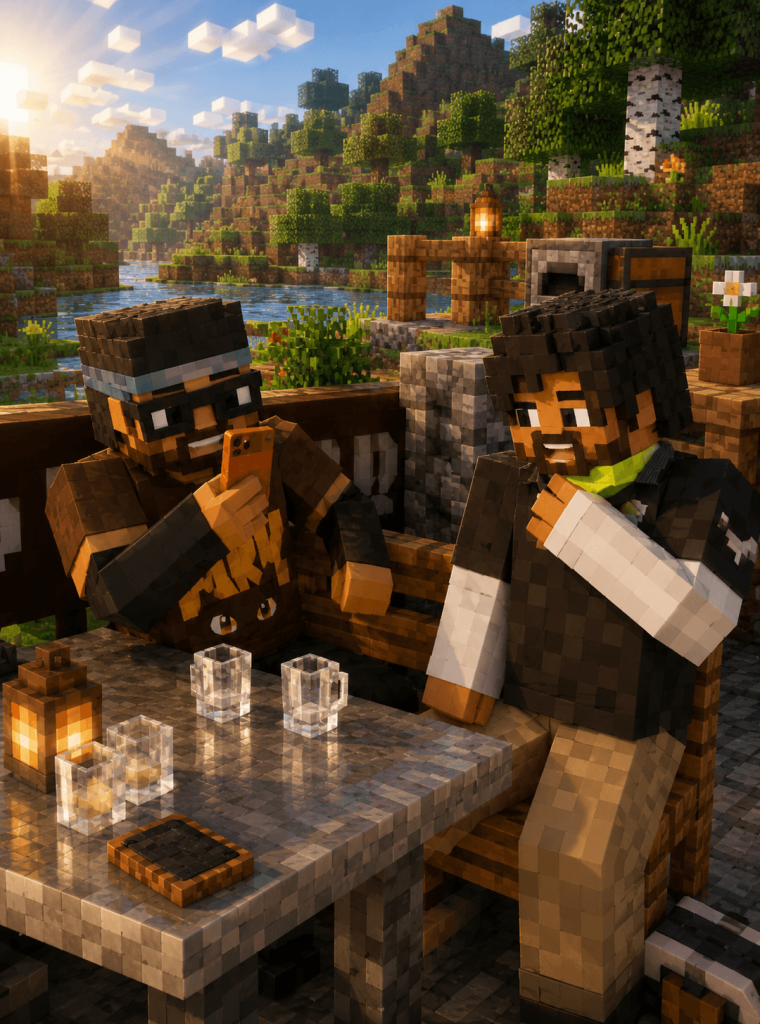
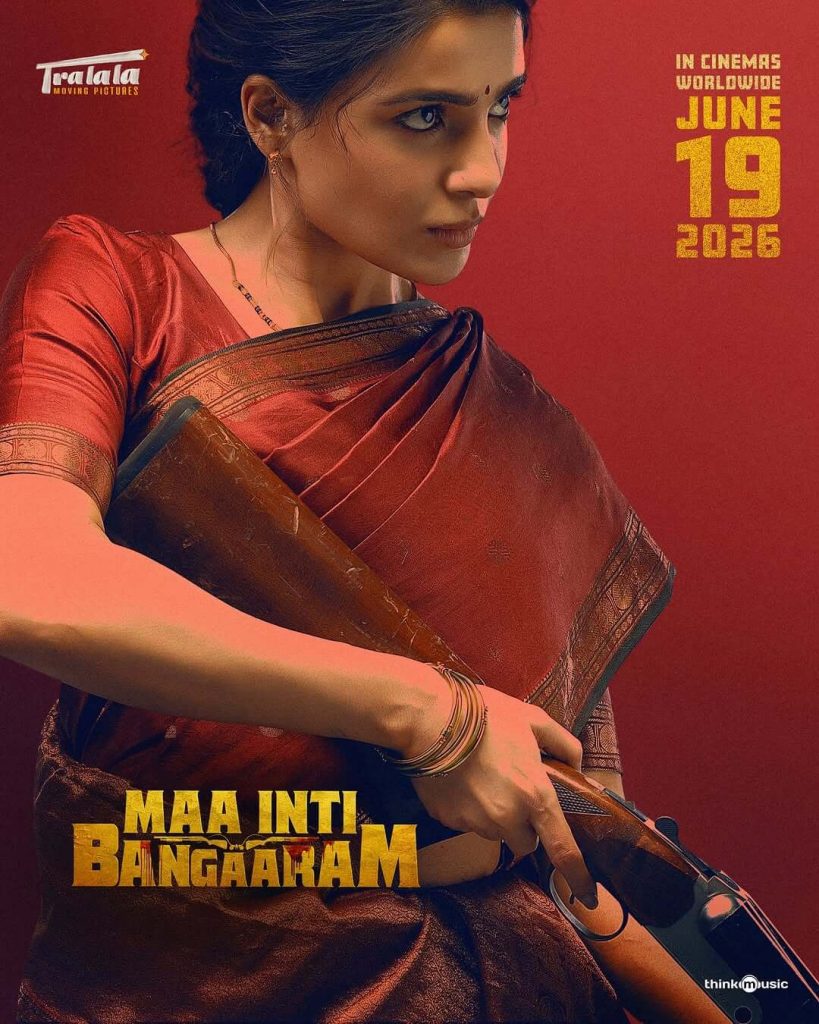
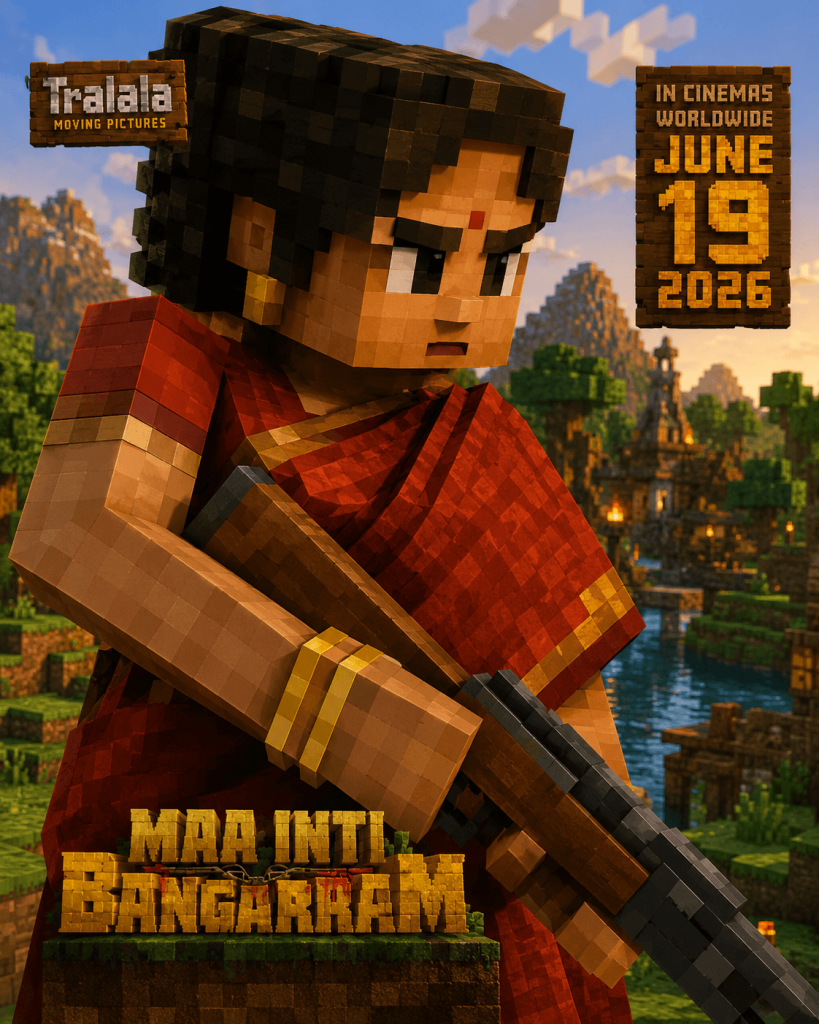
Want to see yourself or your friends in the Minecraft universe? With these AI prompts, you can convert any image into a fully block-built world featuring authentic voxel characters, pixelated environments, and cinematic Minecraft RTX lighting. From portraits and family photos to landscapes and action scenes, these prompts recreate every detail using iconic Minecraft-style blocks while preserving the original composition and atmosphere. The result is a realistic Minecraft screenshot effect that looks like it was captured directly inside the game with ultra-high graphics settings.
Prompt
Convert every person, animal, object, building, vehicle, and environmental element into detailed Minecraft-style voxel creations made entirely from cubic blocks and pixelated textures. Recreate all characters as high-quality Minecraft avatars with block-shaped heads, voxel hair, pixelated facial features, Minecraft-style clothing, and recognizable appearances.
Replace all surfaces, materials, and textures with authentic Minecraft-inspired blocks, including grass blocks, dirt blocks, stone blocks, wood planks, leaves, flowers, water, sand, and decorative Minecraft materials. Ensure every visible element is constructed from voxel cubes with consistent block scale throughout the entire image.
Transform the background into a rich Minecraft landscape with block-built terrain, voxel trees, layered mountains, pixelated vegetation, cubic clouds, Minecraft water, and immersive environmental details. Maintain the original scene layout while fully converting it into a Minecraft universe.
Use realistic Minecraft RTX lighting with ray tracing, global illumination, soft shadows, ambient occlusion, volumetric sunlight, realistic reflections, atmospheric depth, and cinematic color grading. Create the appearance of a modern Minecraft screenshot rendered with premium shaders and ultra-high graphics settings.
Highly detailed voxel geometry, sharp focus, vibrant colors, realistic block textures, high render distance, professional composition, cinematic depth of field, immersive atmosphere, ultra-realistic Minecraft shaders, masterpiece quality, 4K resolution, highly detailed Minecraft RTX render, game screenshot realism.
Everything in the image must be made entirely from Minecraft-style blocks. No realistic materials, no smooth surfaces, no non-voxel objects.
Negative Prompt
Realistic textures, smooth surfaces, rounded geometry, low-poly models, anime style, cartoon style, blurry image, low resolution, distorted anatomy, extra limbs, extra fingers, incorrect proportions, unfinished voxel conversion, mixed art styles, realistic vegetation, realistic clouds, realistic water, non-Minecraft elements, poor lighting, artifacts, watermark, text, logo, cropped subjects, low detail, incomplete background transformation.
Version 1: Turn Your Photo into Minecraft World
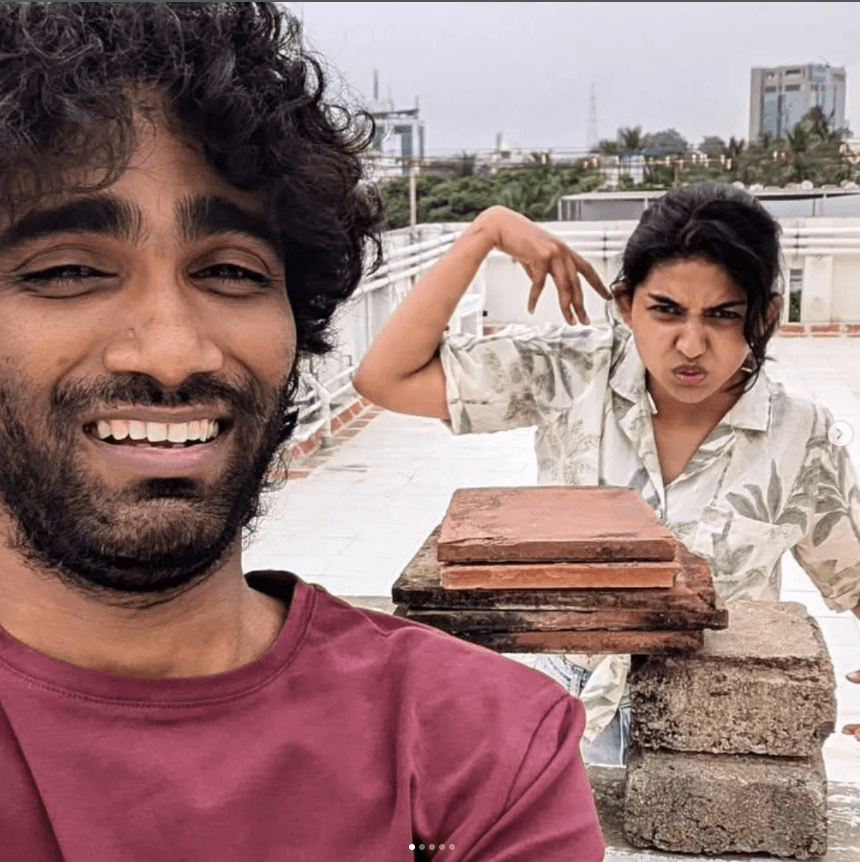
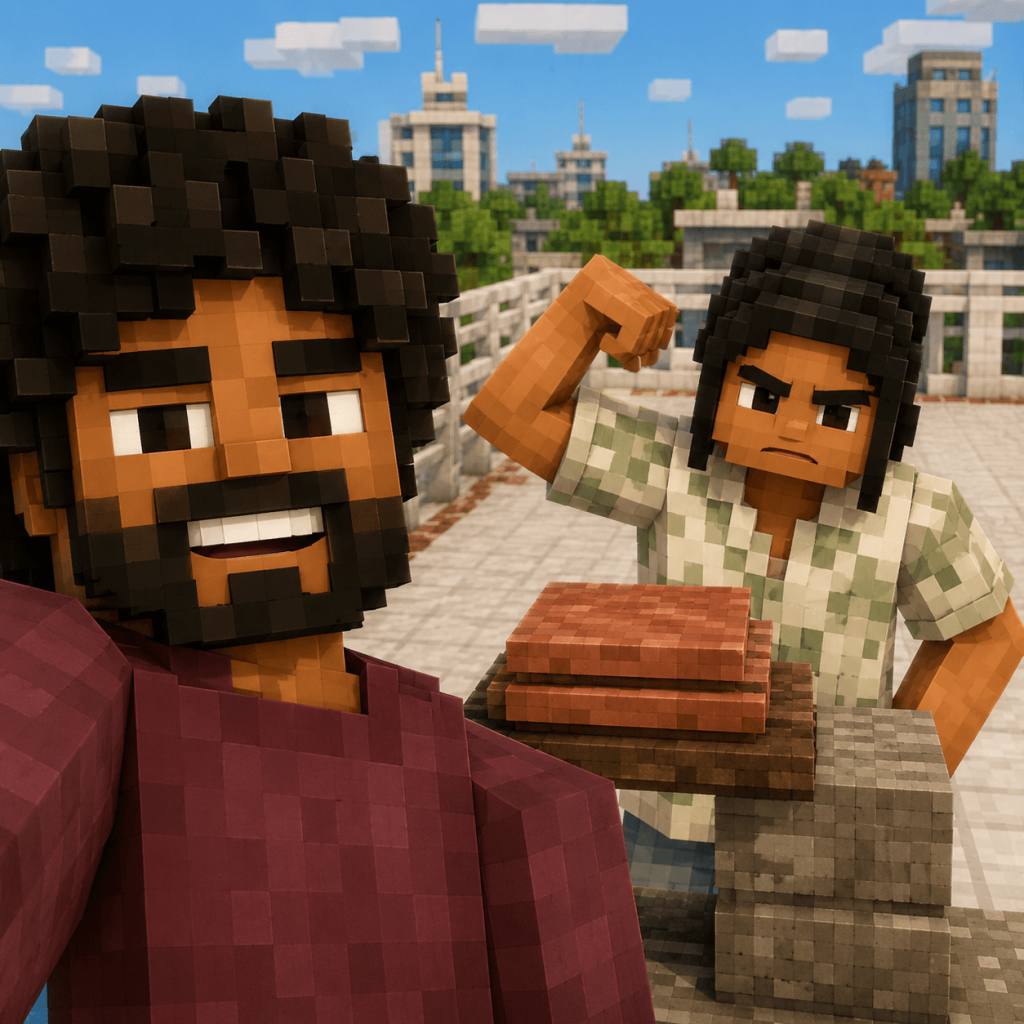
Version 2: Transform Your Picture into a Realistic Minecraft Block Universe
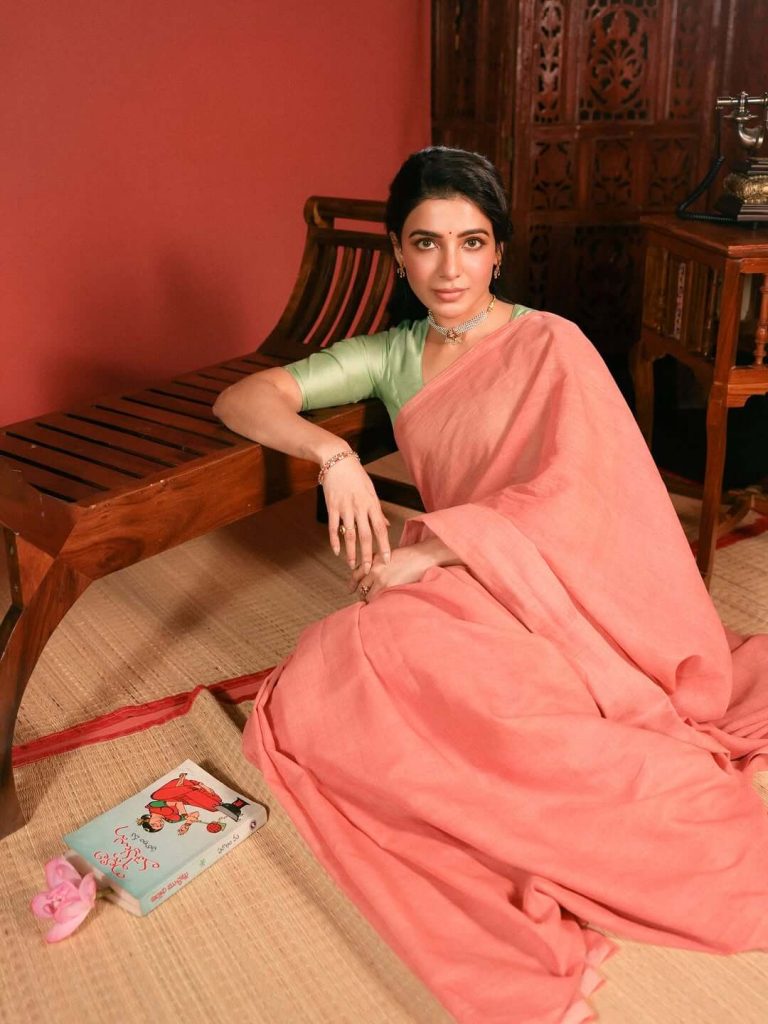
Version 3: Create Stunning Minecraft-Style AI Photos from Any Image
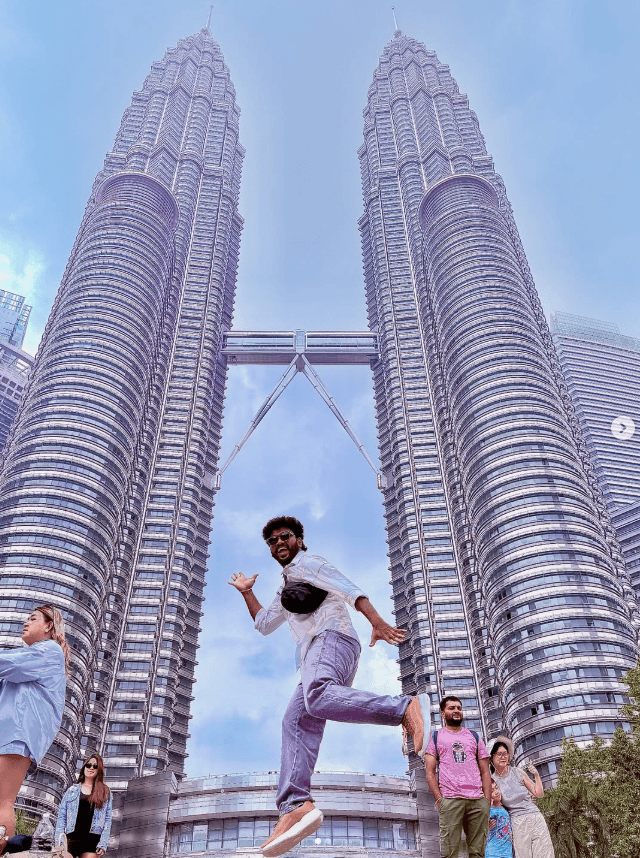
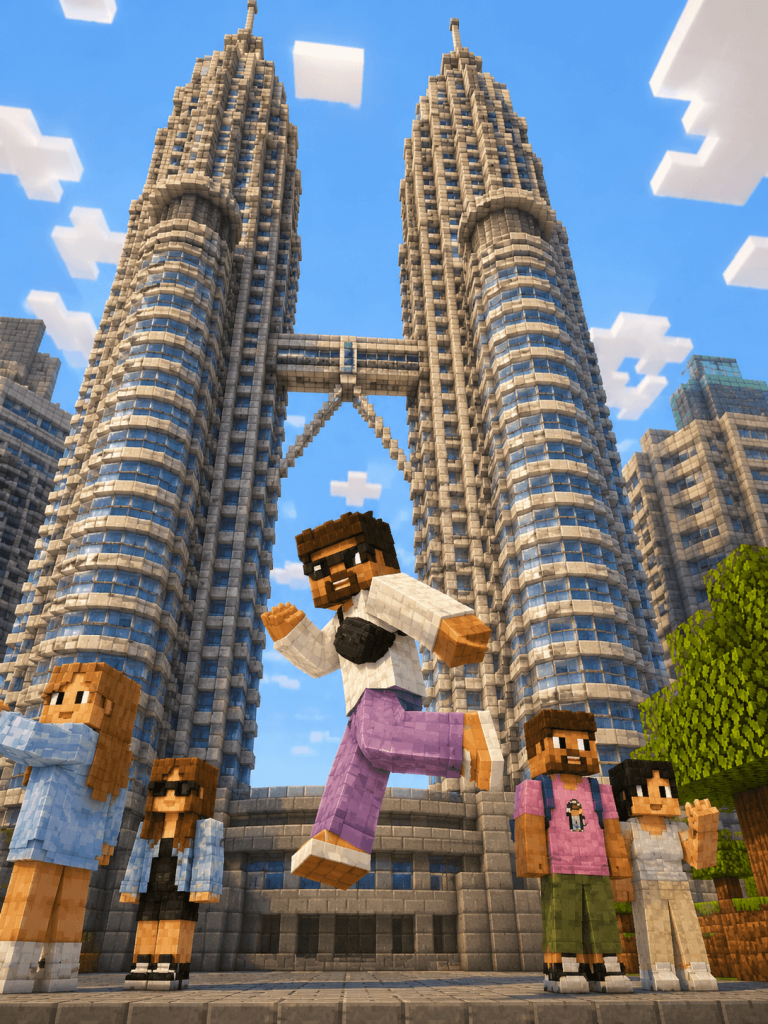
Version 4: Convert Your Photos into Cinematic Minecraft RTX Scenes
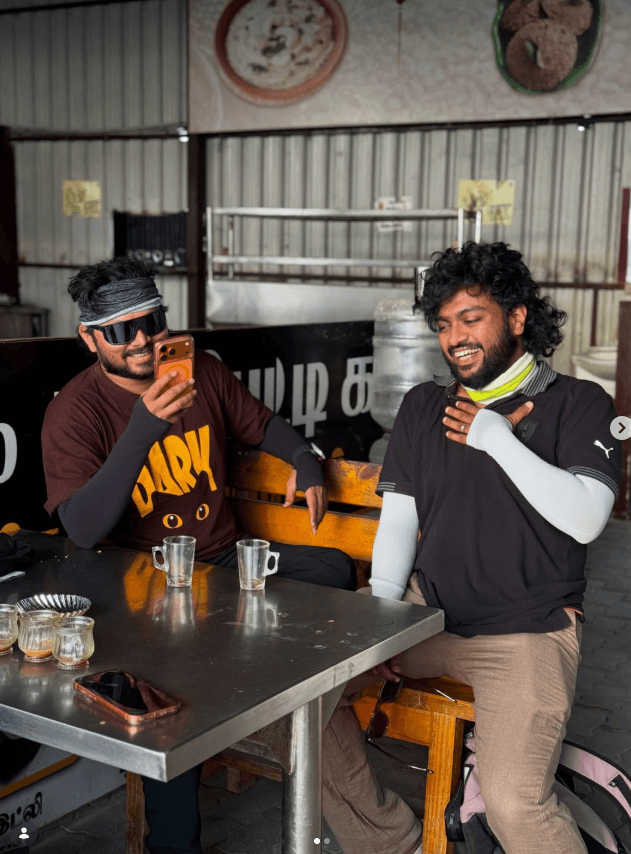
Version 5: Generate Ultra-Detailed Minecraft Avatar Worlds with AI
How to Use These Prompts
1. Below each image, you will see a prompt box with two buttons: Copy and Share to AI.
2. You can tap Copy to copy the full prompt manually. Or simply tap Share to AI; this will automatically copy the prompt for you.
3. After tapping Share to AI, a list of popular AI tools like ChatGPT, Gemini, Copilot, and others will appear on your screen.
4. Click on any AI tool you prefer. It will directly open the selected AI platform.
5. Once the AI page opens, paste the prompt into the prompt box (it is already copied if you used Share to AI).
6. Upload your reference image if required.
7. Click generate, and your image will be created.
8. If needed, you can slightly adjust the prompt for lighting, angle, or mood and generate again.
9. Once you are satisfied with the result, download the image and save it for your use.