

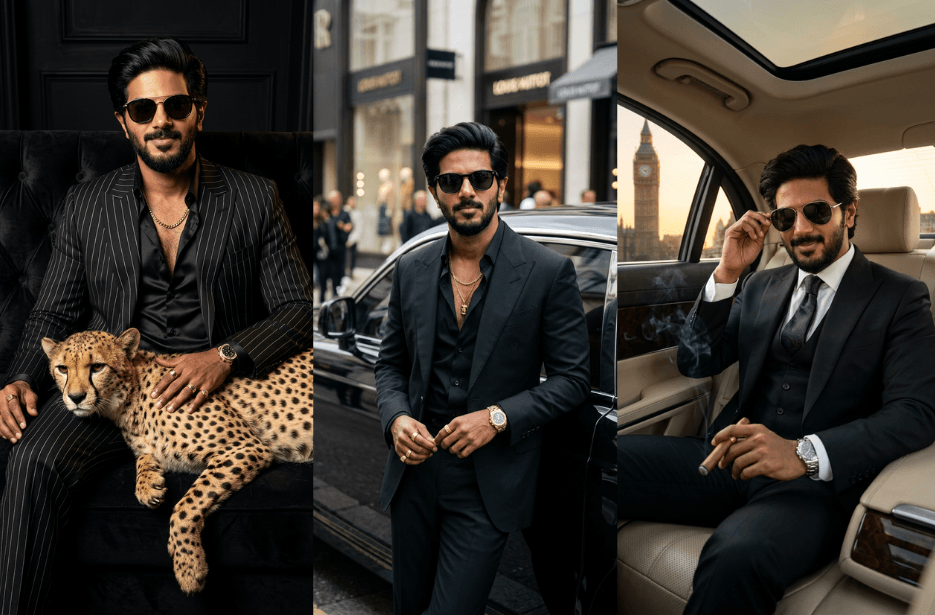
Create bold, luxurious, and cinematic AI portraits with these Mafia Prompts. From Rolls-Royce street scenes to luxury suits, cheetahs, and London skylines, recreate a powerful mafia-inspired aesthetic while keeping your facial identity intact.
Version 1: Luxury Cheetah Mafia Portrait Prompt
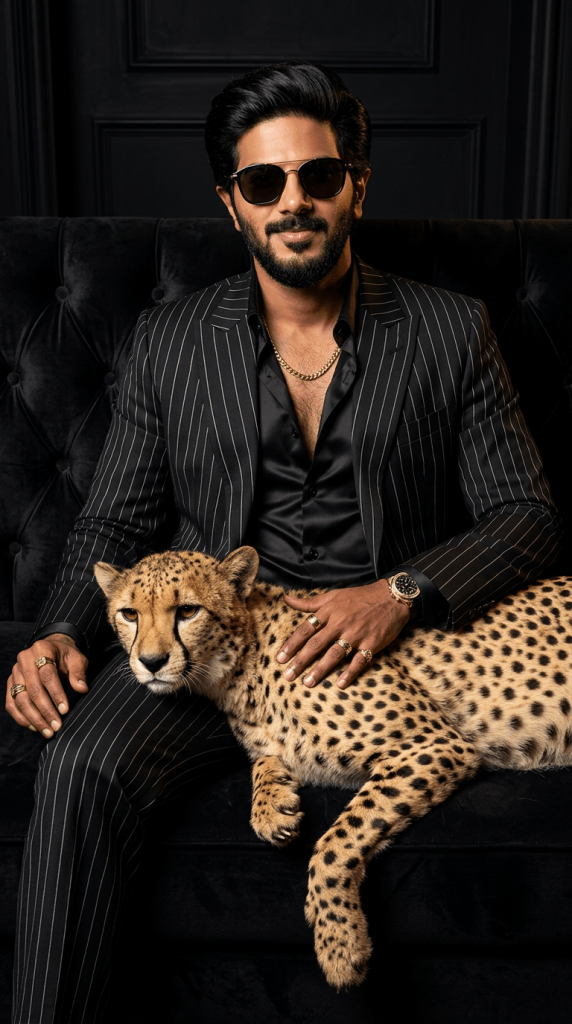
Create an ultra-realistic luxury fashion portrait of me seated on a black tufted velvet sofa, wearing a black pinstriped suit, black satin shirt, gold chain, sunglasses, gold rings, and luxury watch. A realistic cheetah rests across my lap, with one hand gently placed on it. Match the reference pose, composition, lighting, and mood. Dark cinematic setting, high-fashion editorial photography, photorealistic details, vertical 9:16.
Version 2: Mafia Boss Rolls-Royce Street Portrait
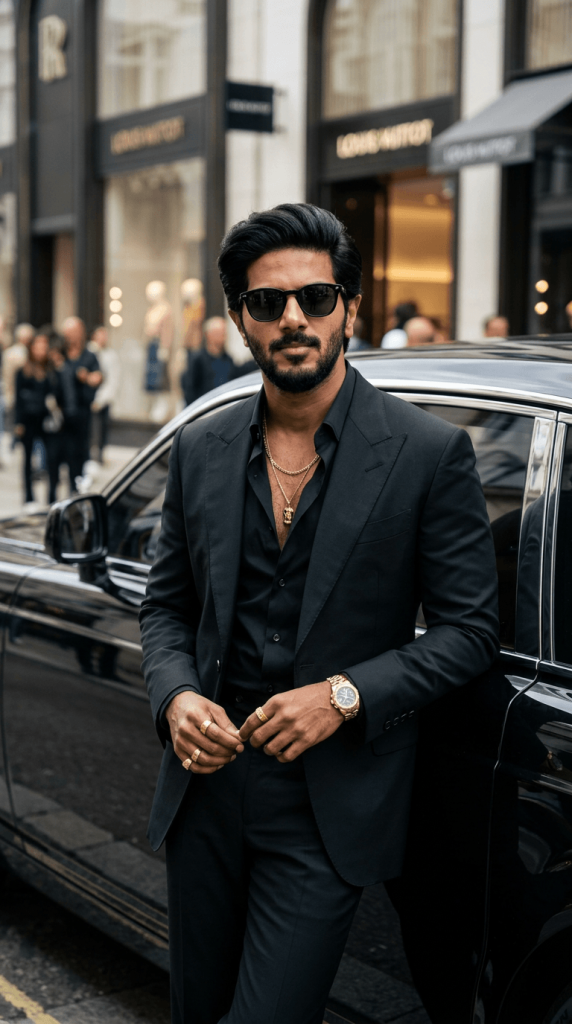
Create an ultra-realistic luxury street-fashion portrait of me leaning casually against a black Rolls-Royce, wearing a black tailored suit with a partially open black shirt, gold chain necklace, black sunglasses, gold rings, and a luxury gold watch. Match the reference pose, body positioning, car placement, urban street background, lighting, and composition. Cinematic, sophisticated, photorealistic, shallow depth of field, vertical 9:16.
Version 3: London Mafia Boss Luxury Portrait
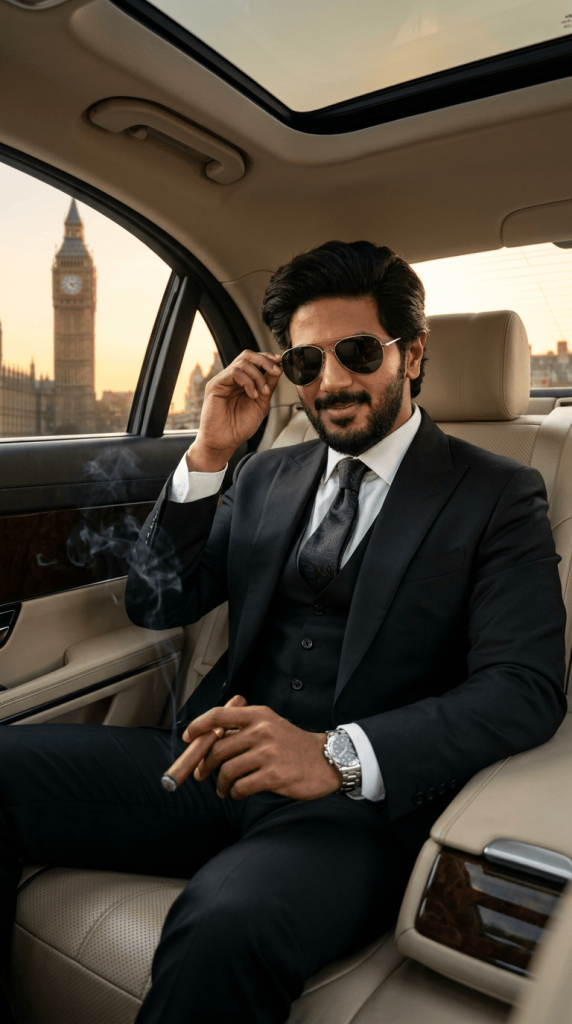
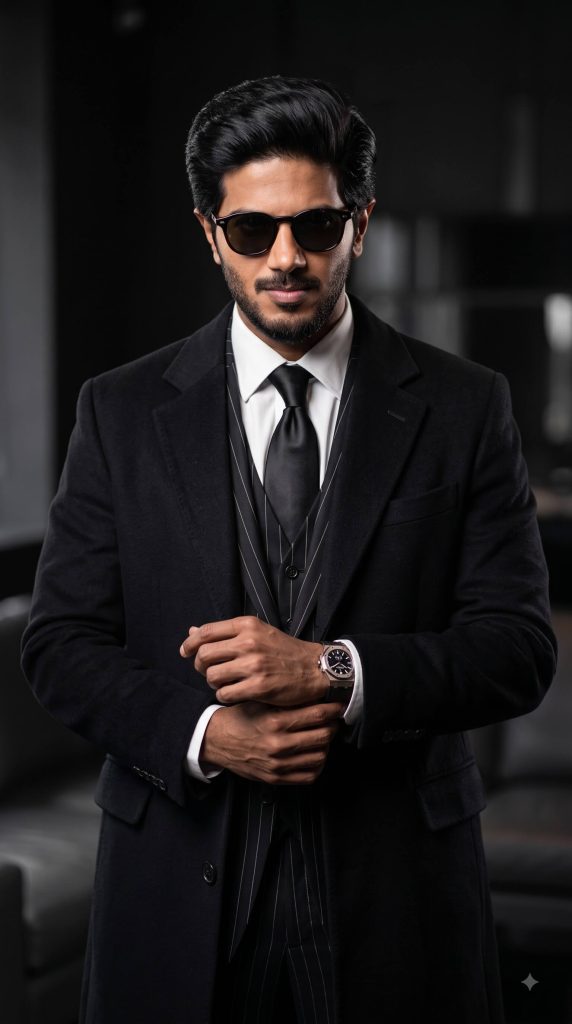
Version 4: Powerful Gentleman Mafia Portrait
How to Use These Prompts
1. Below each image, you will see a prompt box with two buttons: Copy and Share to AI.
2. You can tap Copy to copy the full prompt manually. Or simply tap Share to AI; this will automatically copy the prompt for you.
3. After tapping Share to AI, a list of popular AI tools like ChatGPT, Gemini, Copilot, and others will appear on your screen.
4. Click on any AI tool you prefer. It will directly open the selected AI platform.
5. Once the AI page opens, paste the prompt into the prompt box (it is already copied if you used Share to AI).
6. Upload your reference image if required.
7. Click generate, and your image will be created.
8. If needed, you can slightly adjust the prompt for lighting, angle, or mood and generate again.
9. Once you are satisfied with the result, download the image and save it for your use.