

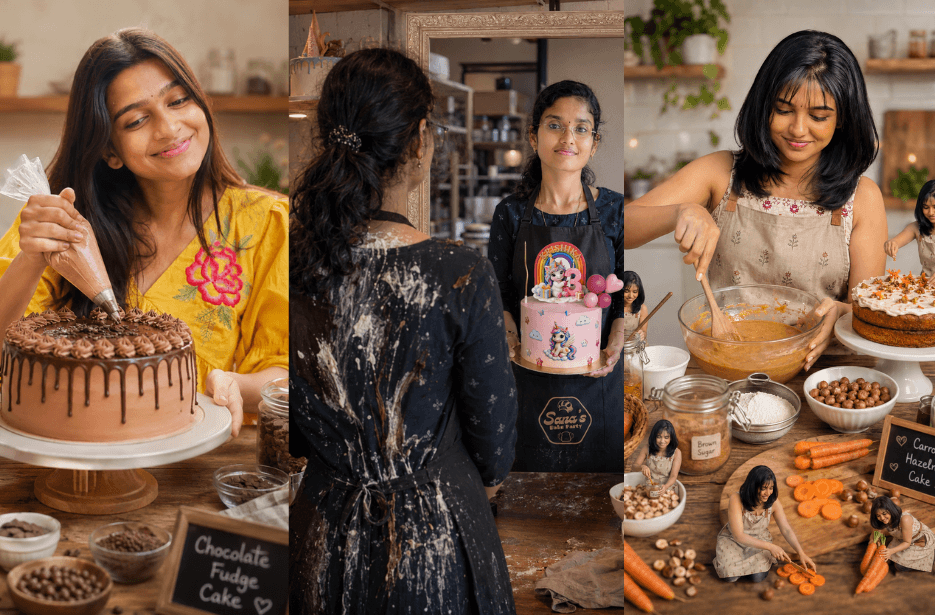
Looking to create eye-catching bakery content with AI? These home baker Prompts help you generate editable social media posts, dessert display templates, and realistic bakery scenes in minutes. Simply customise the placeholders with your own desserts, branding, or photos to create professional-quality visuals for Instagram, marketing, and your baking portfolio.
Version 1: Cinematic Bakery Brand Story
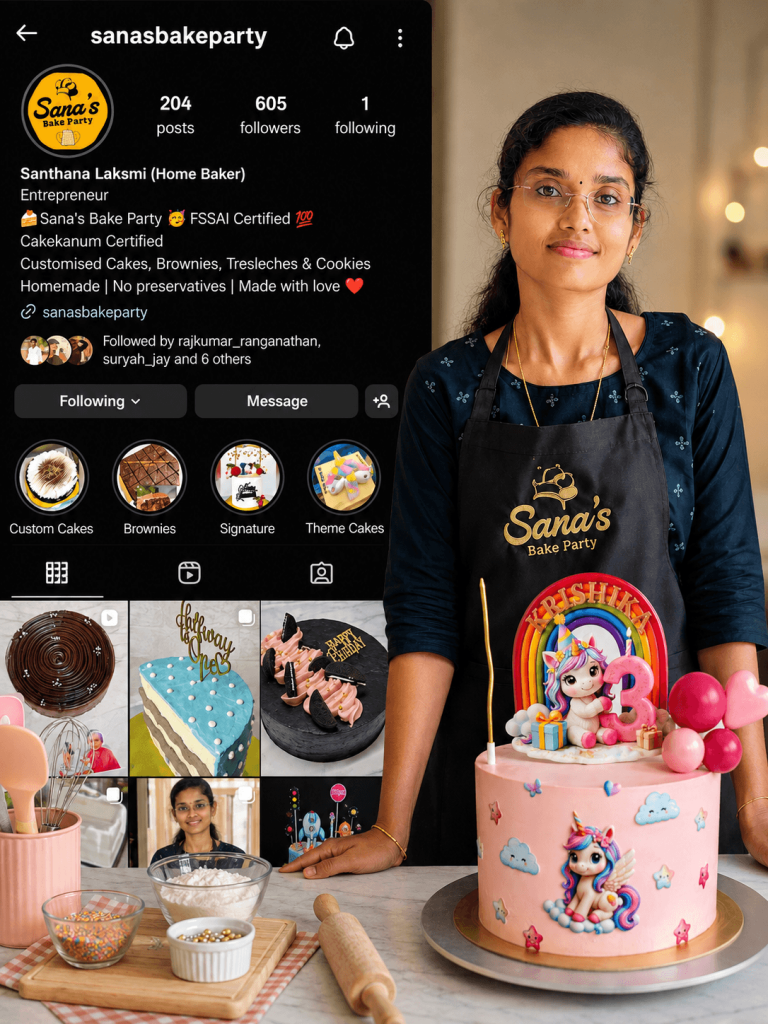
In the foreground, show a confident, well-groomed female baker (use uploaded face/photo) standing in a clean, professional bakery kitchen. She is wearing a branded apron with logo text “[YOUR BRAND NAME]”. She is smiling softly and holding a cake knife next to a beautifully decorated celebration cake placed on a wooden cake stand. The cake design should be elegant and customizable (replaceable with cake types like chocolate cake, brownie stack, tres leches cake, or any custom cake). Include readable text on the cake such as “Happy Birthday [NAME]”.
Behind her, create a second version of the same person turned backwards, showing the messy reality — her clothes slightly stained with flour, cocoa, or batter, hair loosely tied, hands behind her back holding a cloth. This contrast should feel relatable and authentic, representing the effort behind baking. Background: a warm, cozy bakery or home kitchen setting with shelves filled with cakes, cupcakes, jars, and baking tools. Add depth of field and soft warm lighting for a premium Instagram aesthetic. Add a large, semi-transparent overlay of an Instagram profile page behind or beside her (use uploaded profile screenshot). The profile should look realistic and branded, showcasing baking posts, cakes, highlights, and follower stats. Style: ultra-realistic, cinematic lighting, shallow depth of field, warm tones, high detail, professional food photography style. Composition: centered subject, layered storytelling (front = polished brand, back = real effort), visually emotional and relatable.
Ensure the cake is the focal point and easily replaceable with different desserts like brownies, tres leches cake, cupcakes, or pastry boxes.
Version 2: Mirror Reflection Success Illusion
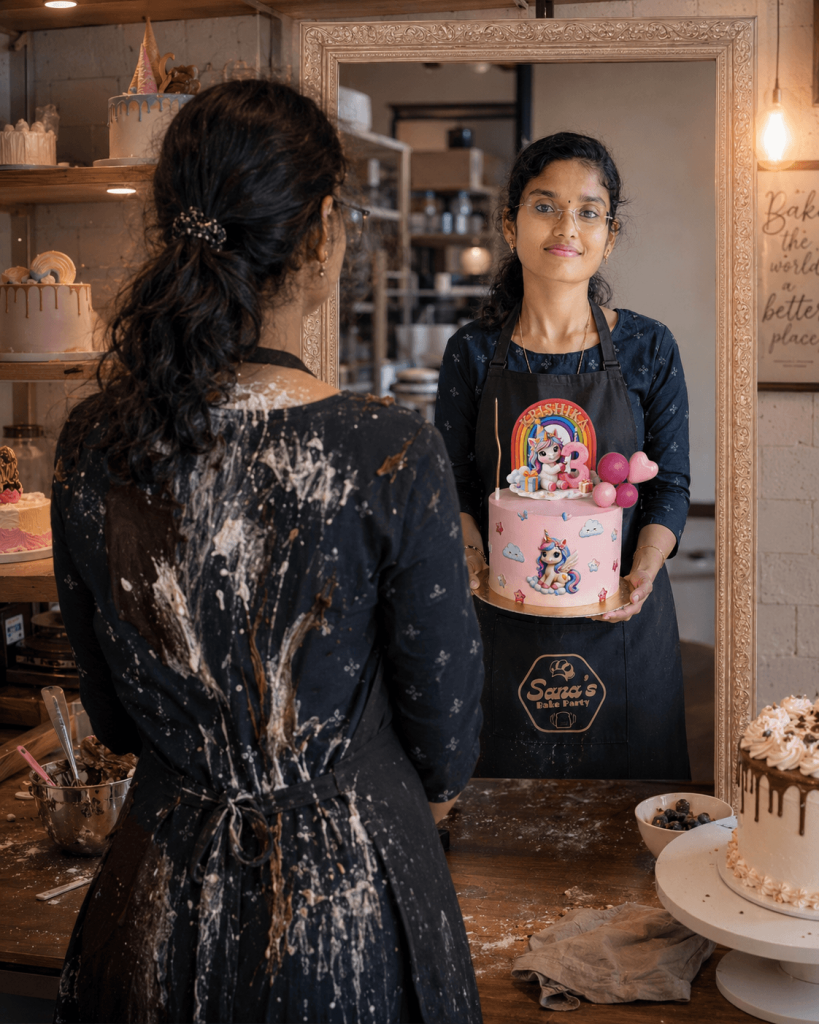
The back of the dress is messy, stained with cake cream, chocolate, and baking spills, symbolizing struggle. Mirror Reflection: Clean, confident version of the same person
Smiling naturally while holding a beautiful decorated birthday cake (as shown in the reference image) Reflection looks neat, successful, and happy.Environment: Professional bakery setup with shelves of cakes, tools, and warm lighting. A decorated cake placed on the table in front
Soft cinematic lighting, warm tones, shallow depth of field. Style: Ultra-realistic, DSLR quality, 4K, cinematic, natural skin texture, sharp focus, depth, no stylization, no face alteration, realistic shadows and reflections. Aspect Ratio: 4:5 or 3:4. Face identity should strictly match the facial features in the provide reference image.
Version 3: Mini Me Decoration the Cake
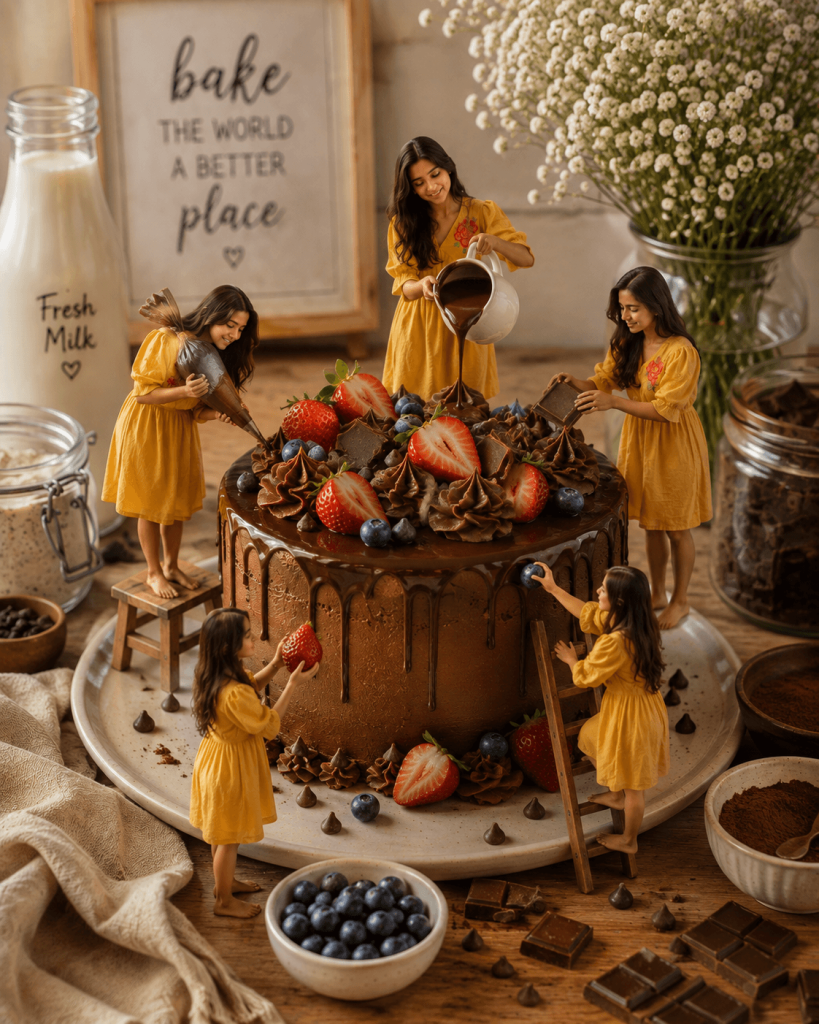
Version 4: Magical Mini Me Baking Crew
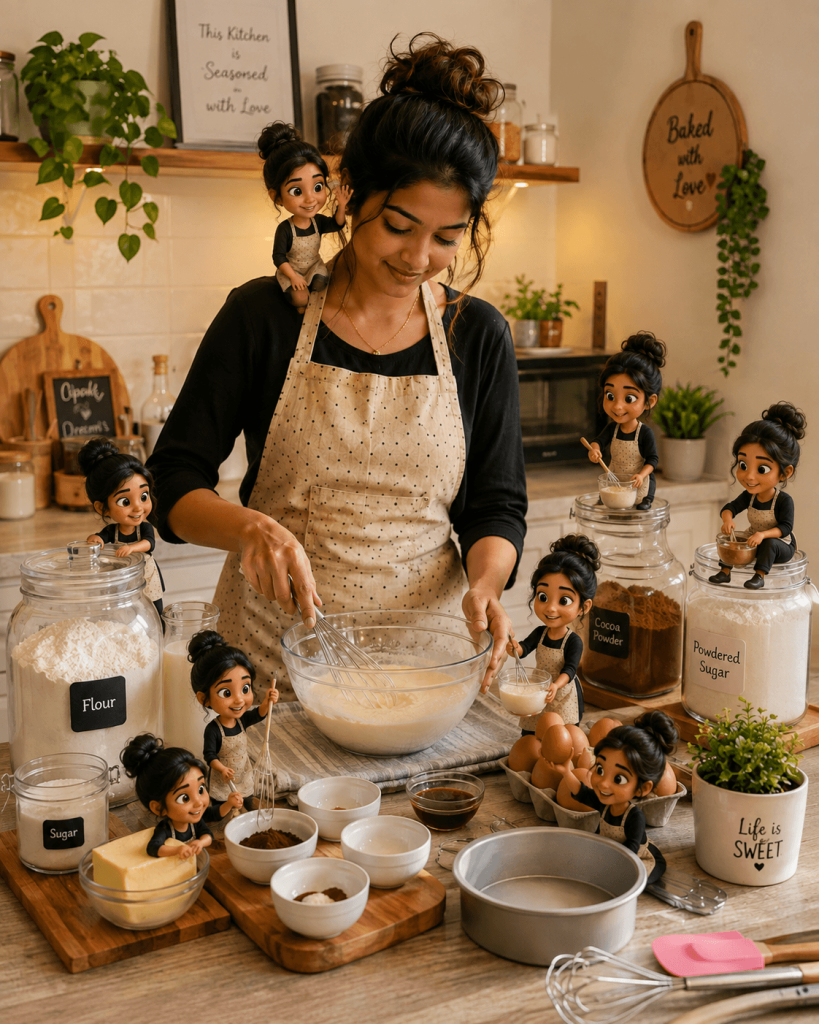
Version 5: Cosy Home Baking Scene with my Mini Versions
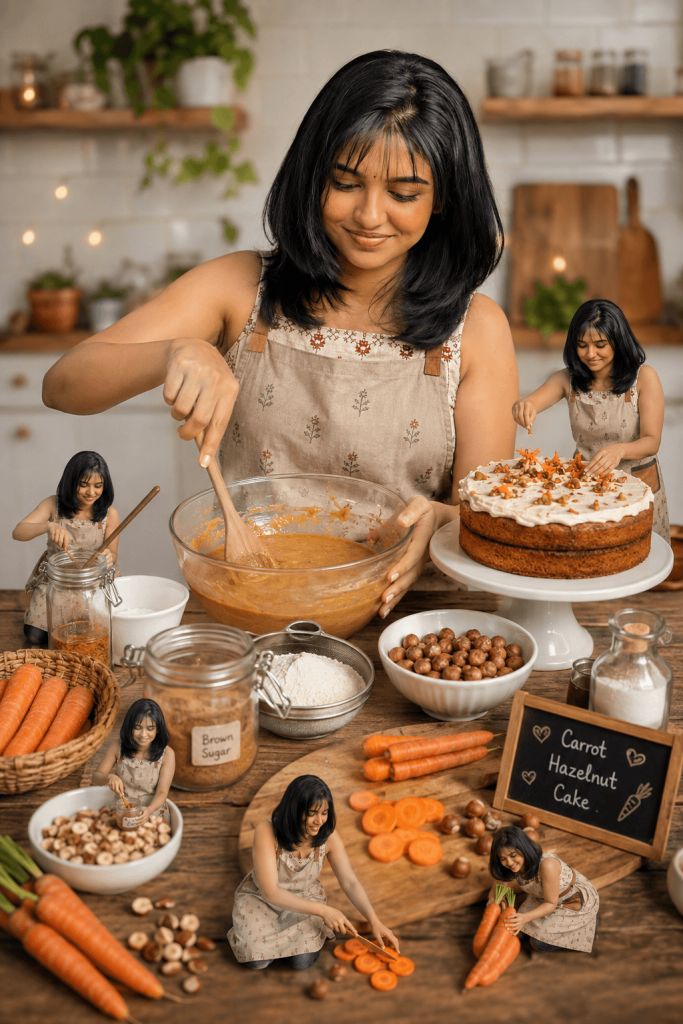
Lighting is soft and warm with natural shadows. The composition is cinematic and Instagram-worthy with a cozy home baking vibe. Maintain realistic textures, depth, and a clean background.
(Optional: Add tiny 3D “Mini Me” versions of the baker interacting with the ingredients — mixing, sitting, decorating, and copying actions.)
Version 6: Chocolate Brownie Baking Scene
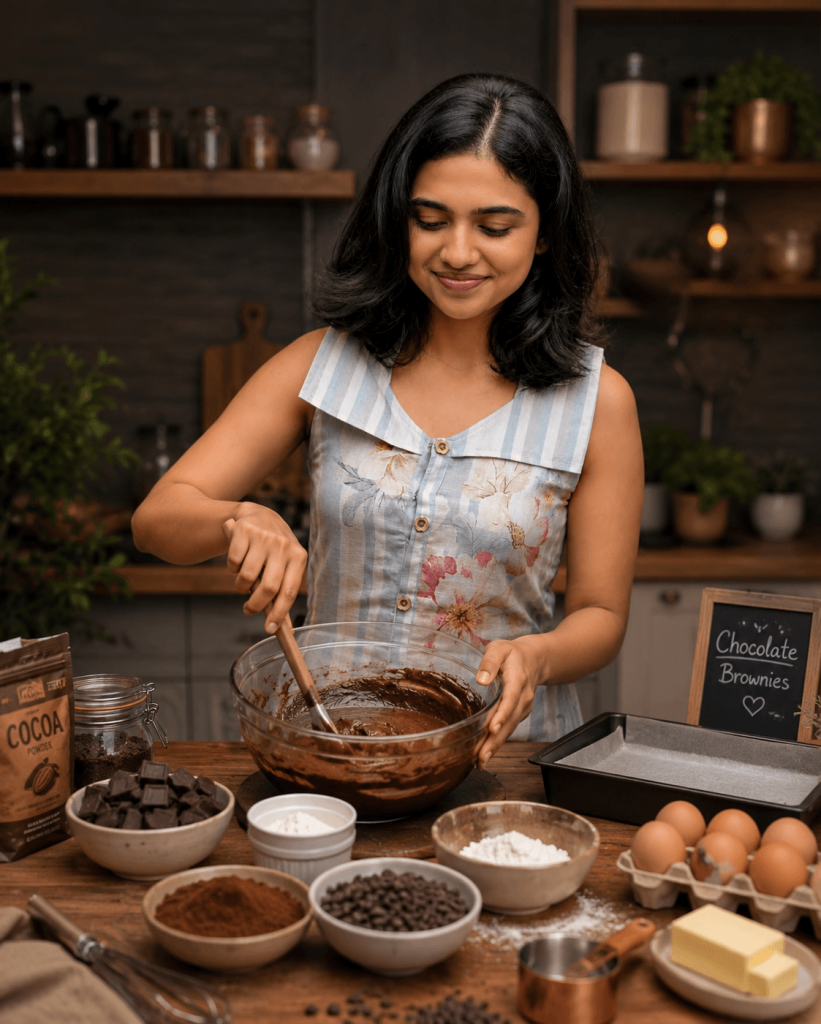
Version 7: Happy Baker Decorating the Cake
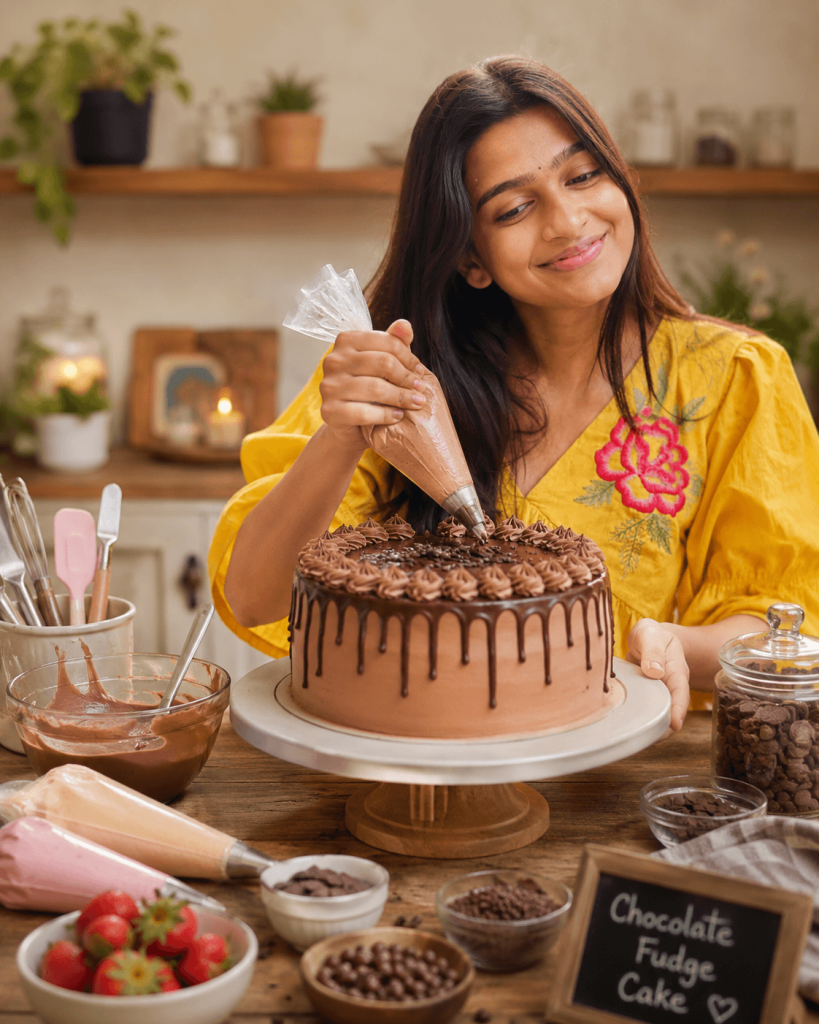
Version 8: Editable Dessert Display Template
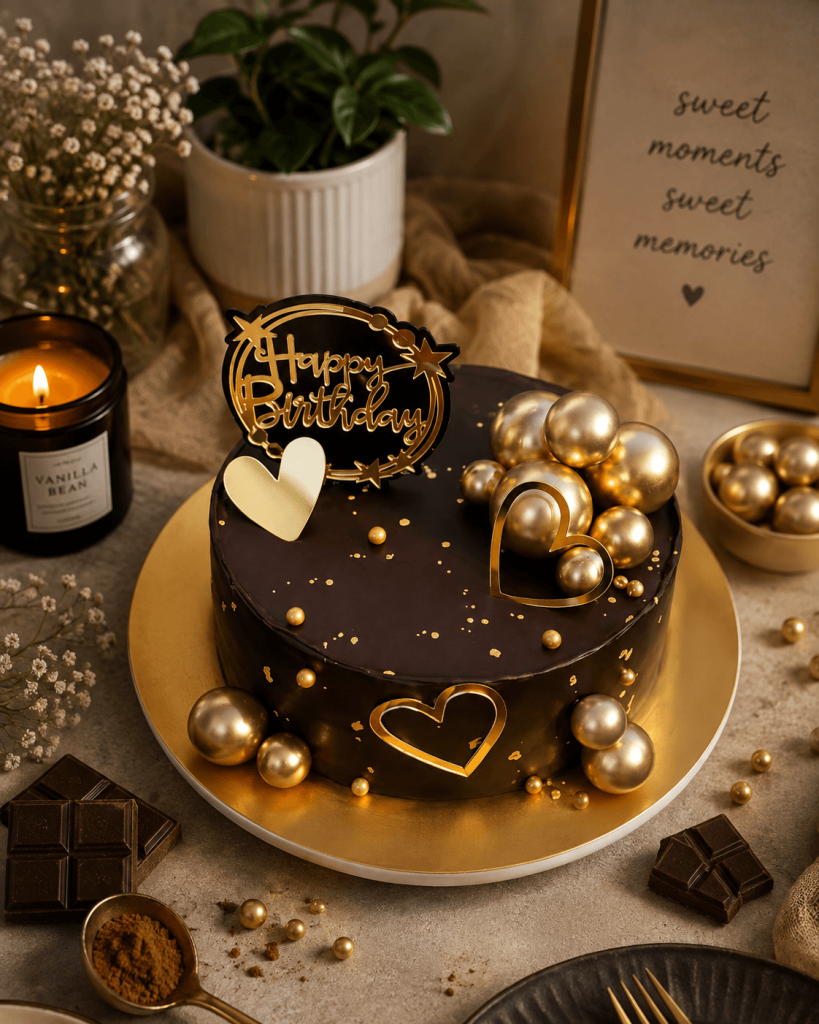
Surround it with neatly arranged elements that match the dessert, such as [RELATED INGREDIENTS / TOPPINGS / PROPS], styled in a minimal and elegant way.
Version 9: Premium Brownie Product Display
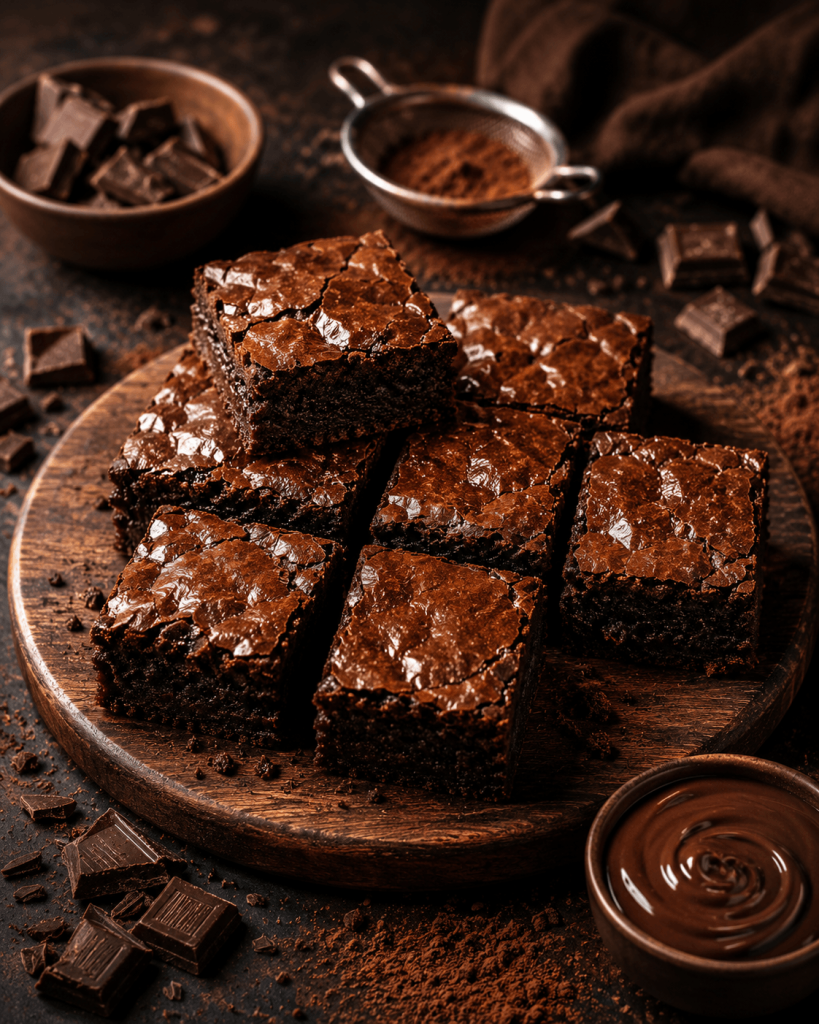
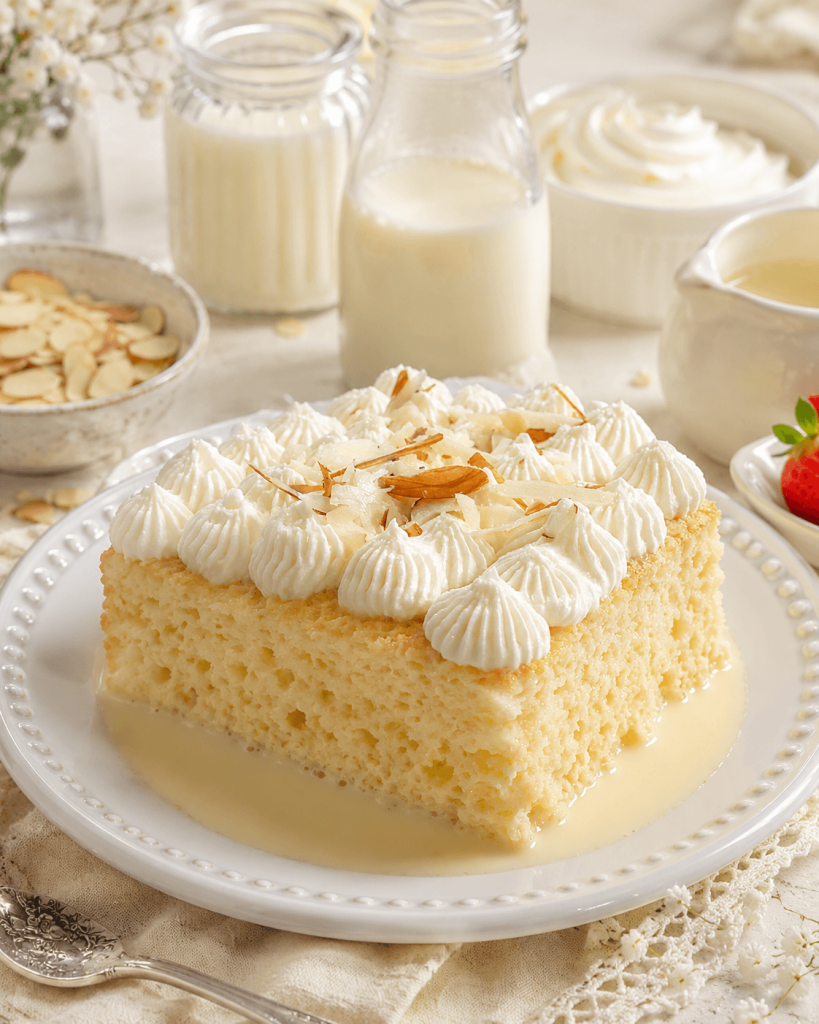
Version 10: Tres Leches Cake Photography
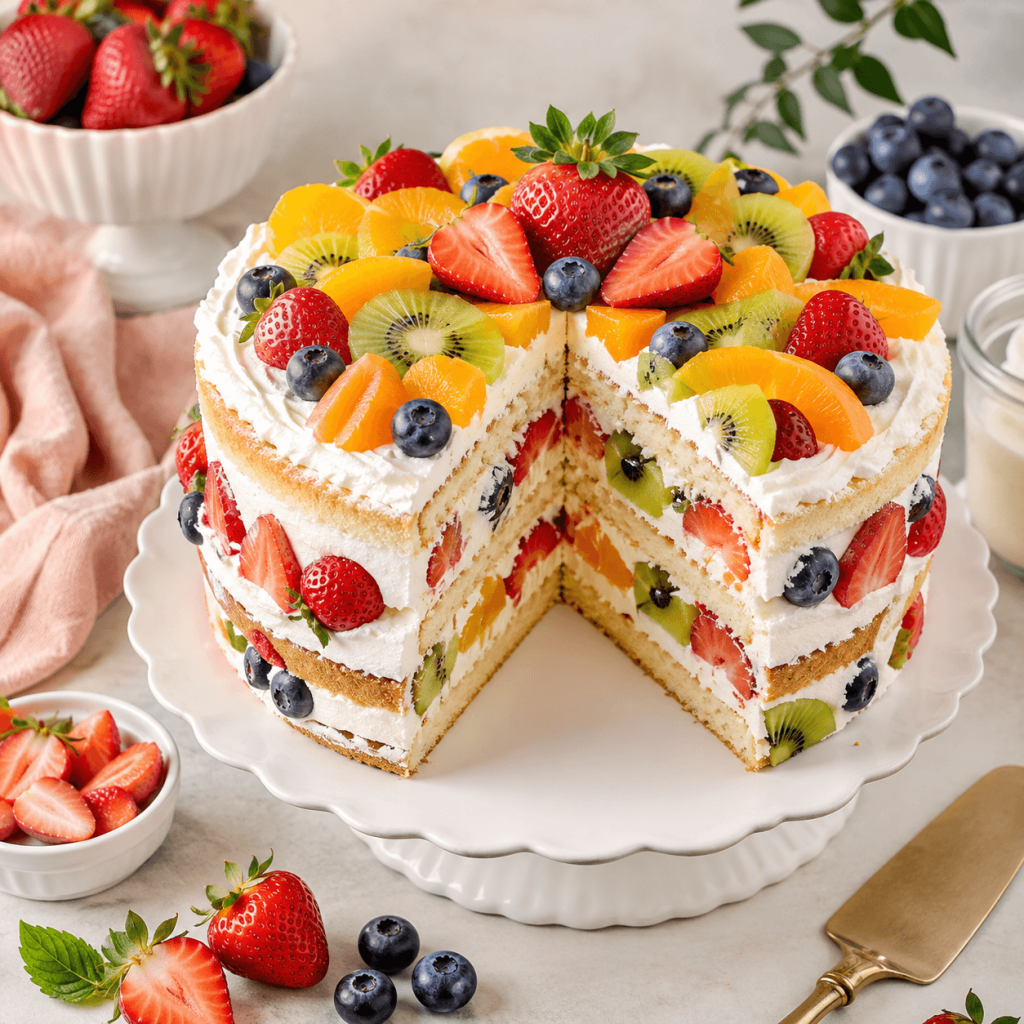
Version 11: Fresh Fruit Cake Photography
How to Use These Prompts
1. Below each image, you will see a prompt box with two buttons: Copy and Share to AI.
2. You can tap Copy to copy the full prompt manually. Or simply tap Share to AI; this will automatically copy the prompt for you.
3. After tapping Share to AI, a list of popular AI tools like ChatGPT, Gemini, Copilot, and others will appear on your screen.
4. Click on any AI tool you prefer. It will directly open the selected AI platform.
5. Once the AI page opens, paste the prompt into the prompt box (it is already copied if you used Share to AI).
6. Upload your reference image if required.
7. Click generate, and your image will be created.
8. If needed, you can slightly adjust the prompt for lighting, angle, or mood and generate again.
9. Once you are satisfied with the result, download the image and save it for your use.
Customization Guide
Each prompt is fully customizable. Simply replace the placeholders with your own details before generating the image.
- [YOUR BRAND NAME] – Your bakery or business name.
- [NAME] – Name to display on the cake.
- [CAKE TYPE] – Chocolate Cake, Red Velvet, Bento Cake, Cheesecake, etc.
- [DESSERT TYPE] – Brownies, Cupcakes, Cookies, Pastries, Macarons, Doughnuts, and more.
- [INGREDIENTS] – Replace with ingredients that match your chosen dessert.
- [TOPPINGS / PROPS] – Fruits, chocolate, cream, sprinkles, nuts, flowers, utensils, jars, cake stands, or other styling props.
- Upload Your Photo – For prompts featuring a baker or Mini Me, upload a clear portrait for the best facial identity match.
- Upload Your Dessert Photo (Optional) – Use your own cake or dessert as the reference for realistic displays.
- Upload Your Instagram Profile (Optional) – Add your profile screenshot for personalised bakery branding scenes.