

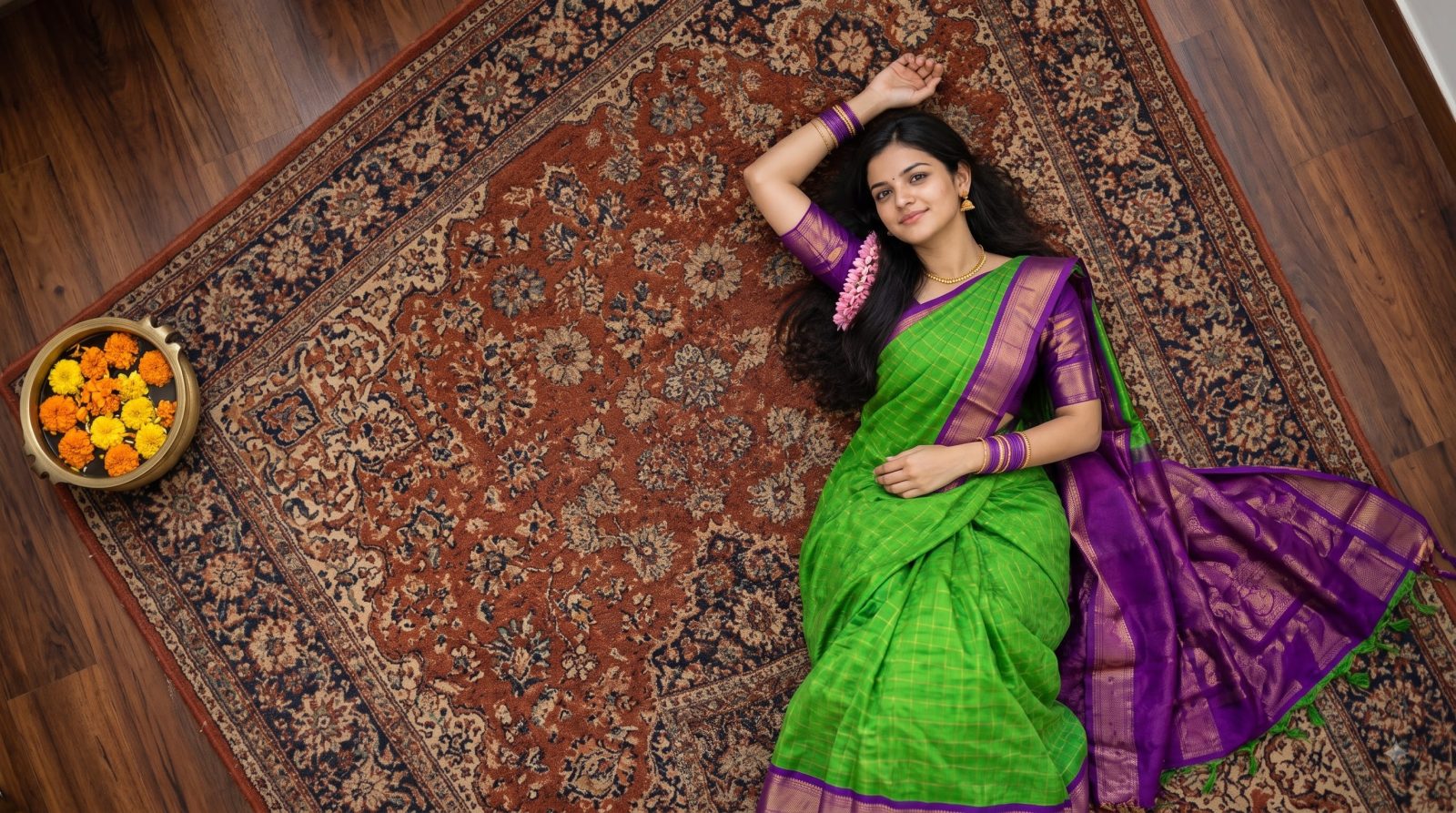
Create a stunning viral fashion-transition reel using the Fan Transition AI Prompt. Turn a single portrait into a cinematic outfit-transition video where a ceiling fan’s spinning blades hide each outfit change with a smooth, realistic transition. Start by generating your portrait with ChatGPT, then use Google Flow to animate the scene and reveal multiple outfits in one seamless video. Follow the prompts and simple steps below to create your own realistic AI fashion-transition reel.
Photo Prompt:
Video Prompt:
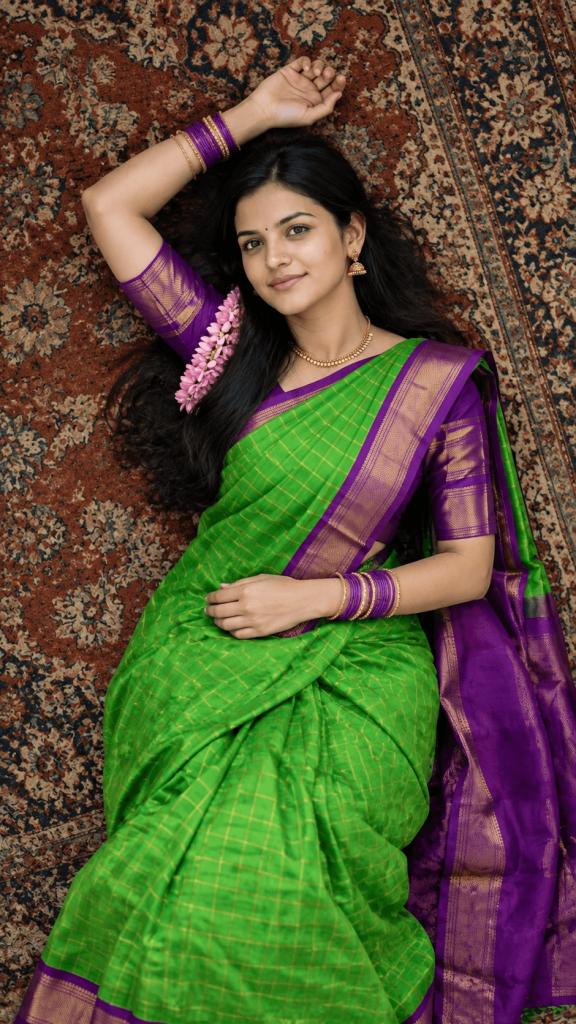
The girl is lying on a beautifully patterned carpet. She notices a fan remote lying beside her, reaches for it, picks it up, and looks directly up at the ceiling camera with a playful smile. She presses the power button, and the ceiling fan above the camera starts spinning.
Transition effect: As the fan blades rotate, each blade sweeps across the camera lens, temporarily covering the entire frame with a realistic, dark motion-blurred wipe. Every time a blade completely obscures the camera, use that moment to create a seamless outfit transformation. When the blade moves away, reveal the girl wearing a next outfit uploaded. Repeat the effect with every blade crossing the camera, revealing a new outfit after each pass.
Maintain the exact same overhead camera angle, carpet, body position, facial identity, and lighting throughout. The girl should remain lying down and looking up at the camera, with subtle changes in her expression and hand pose between transitions. Make the fan blades appear to pass extremely close to the lens, creating a natural full-frame occlusion that perfectly hides each outfit change.
Style: Smooth viral fashion-transition reel, realistic fan motion and shadows, precise timing, seamless cuts hidden by the blades, highly detailed silk sarees, natural skin texture, cinematic realism.
Important: The fan blades must fully cover the lens during every outfit change. Never show the clothes morphing or changing while visible. The final shot reveals her in the last outfit as the fan slows down, ending with her smiling at the camera. No text, no watermark, no camera movement, no facial distortion, and no changes to her identity.
How to Create a Fan Transition AI Video
Follow these simple steps to create your own cinematic fan-transition fashion reel.
- Copy the image prompt from our website.
- Go to any AI image-generating tool, such as ChatGPT.
- Paste the prompt and upload your photo.
- Your image will be generated, showing you on a transparent boat surrounded by sharks.
- Download the generated image.
- Copy the video prompt from our website.
- Now, open the Google Flow app.
- Upload the generated image and paste the video prompt.
- Set the image resolution to 720p or higher.
- Set the video duration to 4, 6, 8, or 10 seconds.
- Generate your video.
Once your video is ready, review the outfit transitions and download the final result. Share your cinematic fashion reel on Instagram Reels, YouTube Shorts, or Facebook Reels to showcase your different looks with a creative AI effect.