

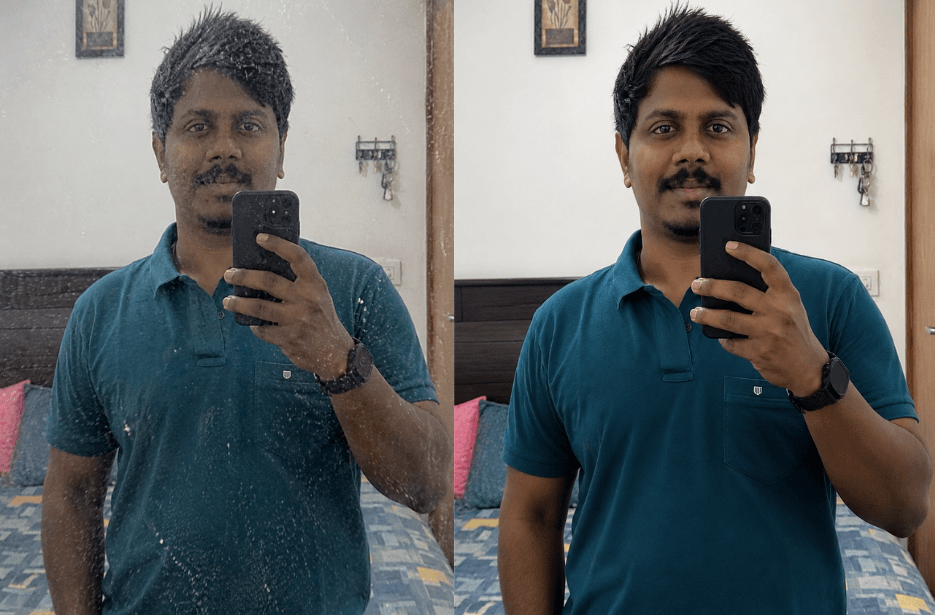
Does your mirror selfie get ruined by white spots, dust, or dirt on your mirror? No worries and no need to clean the mirror manually. Just use this ultra-realistic mirror cleaning prompt to remove all mirror stains and spots while keeping everything else in the photo completely unchanged. Your reflection, lighting, skin texture, background, and natural details stay perfectly intact, giving you a clean, crystal-clear mirror selfie ready to post on social media.
Version 1
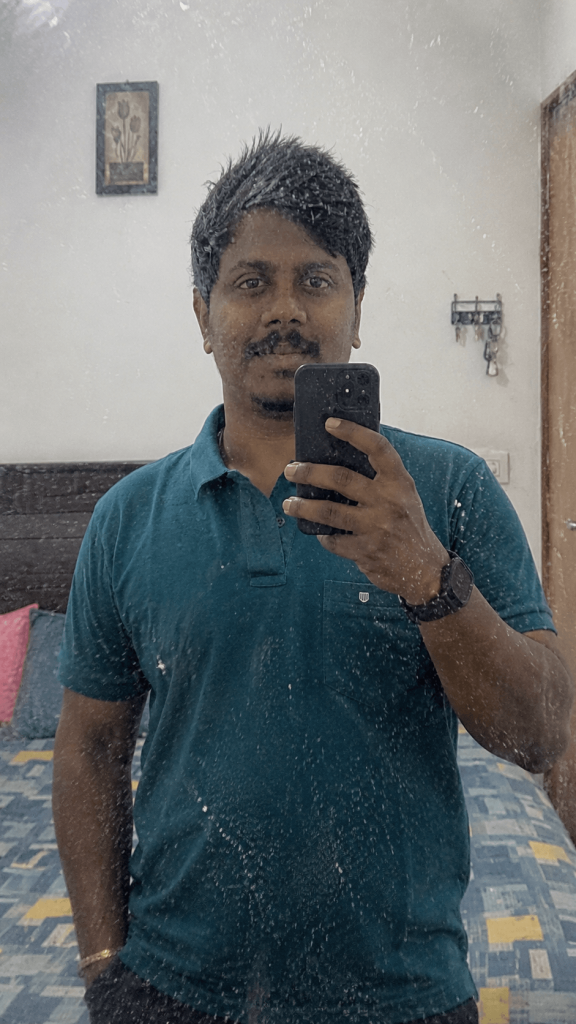
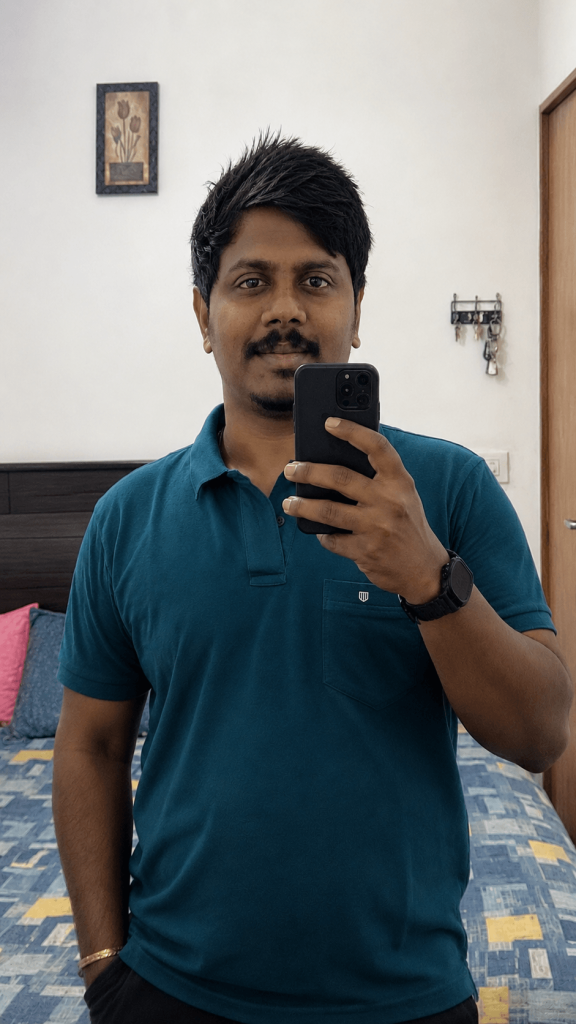
Version 2
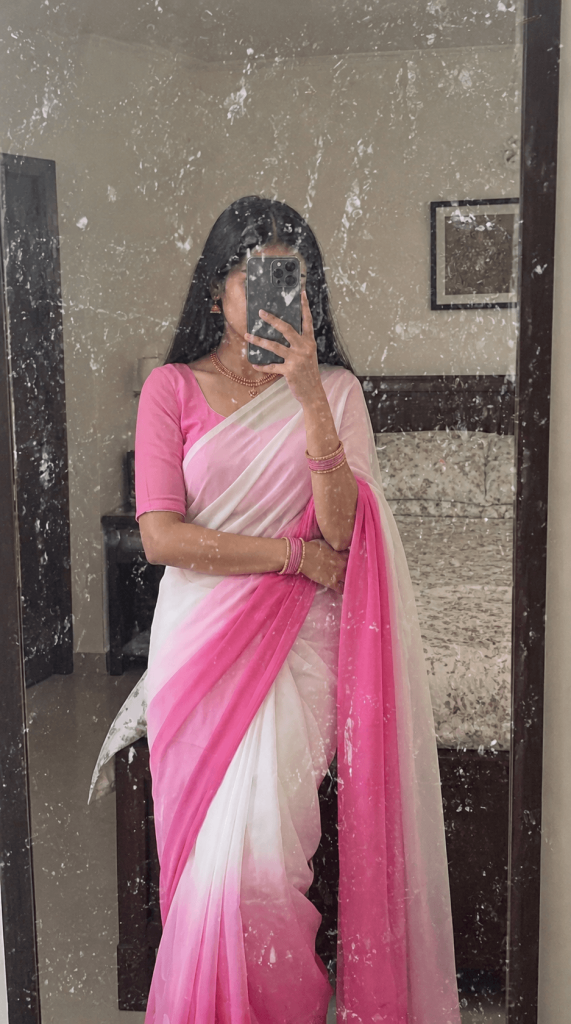

Prompt
How to Use These Prompts
1. Below each image, you will see a prompt box with two buttons: Copy and Share to AI.
2. You can tap Copy to copy the full prompt manually. Or simply tap Share to AI; this will automatically copy the prompt for you.
3. After tapping Share to AI, a list of popular AI tools like ChatGPT, Gemini, Copilot, and others will appear on your screen.
4. Click on any AI tool you prefer. It will directly open the selected AI platform.
5. Once the AI page opens, paste the prompt into the prompt box (it is already copied if you used Share to AI).
6. Upload your reference image if required.
7. Click generate, and your image will be created.
8. If needed, you can slightly adjust the prompt for lighting, angle, or mood and generate again.
9. Once you are satisfied with the result, download the image and save it for your use.