
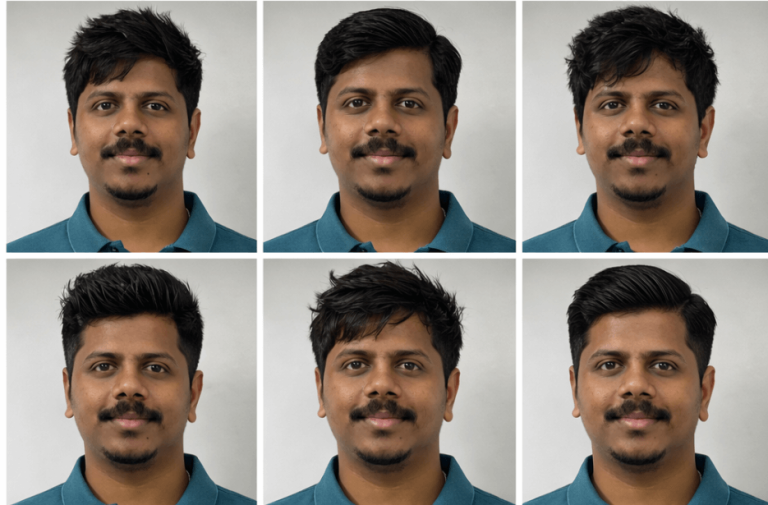
Choosing the right hairstyle can completely change your look. With the help of AI, you can now preview different hairstyles before visiting the barber. By uploading your photo and using the prompt below, you can generate different hairstyles while keeping your face, skin tone, and identity exactly the same.
This AI hairstyle guide helps you explore trendy cuts that match your face shape. It creates ultra-realistic results so you can easily compare different styles and decide which haircut suits you best.
AI Prompt to Generate Different Hairstyles from Your Photo
How to Use These Prompts
1. Below each image, you will see a prompt box with two buttons: Copy and Share to AI.
2. You can tap Copy to copy the full prompt manually. Or simply tap Share to AI; this will automatically copy the prompt for you.
3. After tapping Share to AI, a list of popular AI tools like ChatGPT, Gemini, Copilot, and others will appear on your screen.
4. Click on any AI tool you prefer. It will directly open the selected AI platform.
5. Once the AI page opens, paste the prompt into the prompt box (it is already copied if you used Share to AI).
6. Upload your reference image if required.
7. Click generate, and your image will be created.
8. If needed, you can slightly adjust the prompt for lighting, angle, or mood and generate again.
9. Once you are satisfied with the result, download the image and save it for your use.
How to Download Your Preferred Hairstyle from the Grid
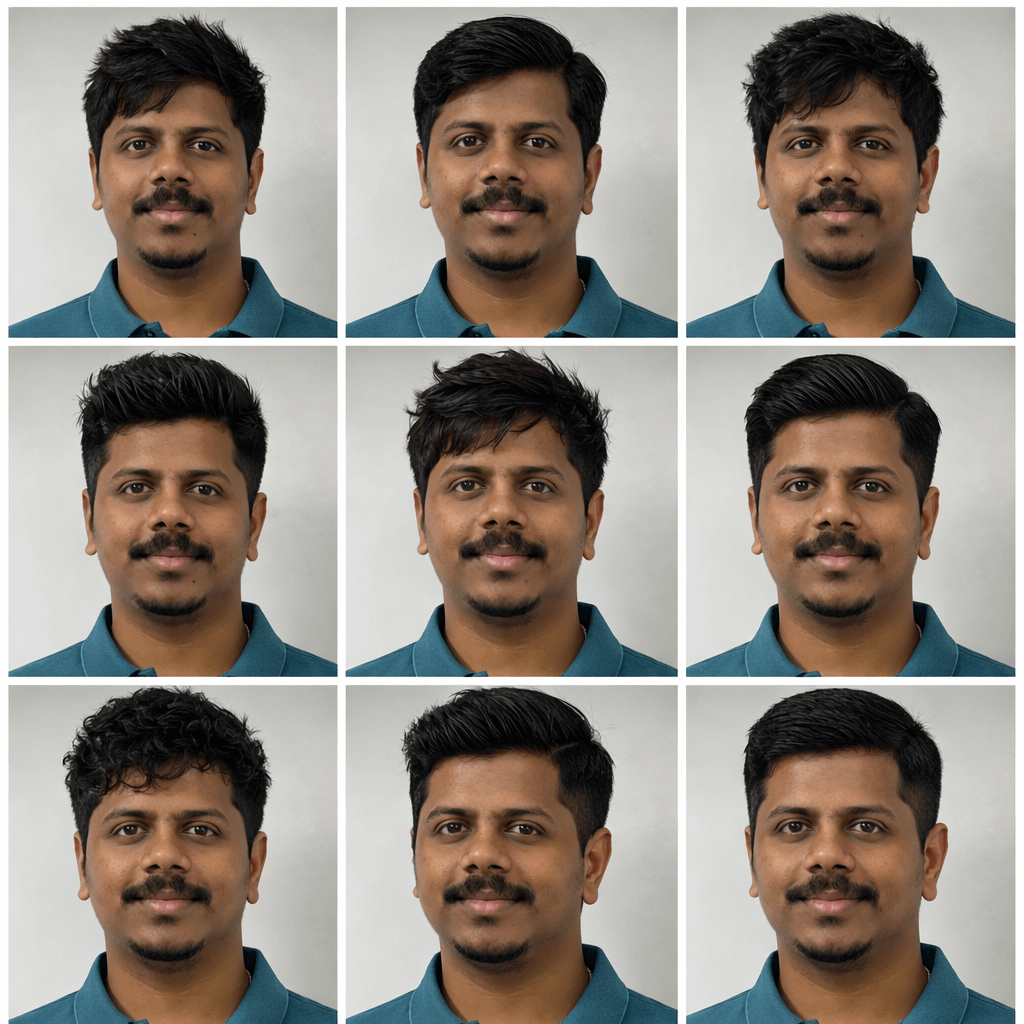
After generating the hairstyle guide, you will see 9 different hairstyle options arranged in a 3×3 grid. Each image shows the same face with a different hairstyle, making it easier to compare styles.
Follow these simple steps to select your preferred hairstyle:
- Look through all 9 hairstyle options in the grid carefully.
- Choose the hairstyle you like the most or the one that suits your personality and face shape.
- Note the position of the image in the grid (for example: 1st, 5th, or 9th image).
- Type a request such as: “I pick the 6th picture, give me that photo.”
- The selected hairstyle image will then be extracted and provided as a separate download.
This method helps you easily pick and download the hairstyle you like from the generated grid.
Customisation Tips
You can easily customise the hairstyle results by adjusting a few elements in the prompt. These small changes help you explore different looks and create more personalised hairstyle previews.
Change hairstyle types
You can replace “modern and trendy hairstyles” with specific styles such as fade cuts, curly hairstyles, undercuts, textured crops, or classic styles.
Adjust hair length
Modify the prompt to test short, medium, or long hairstyles. This helps you see which hair length suits your face shape best.
Experiment with hair texture
You can ask the AI to generate straight, wavy, curly, or messy hairstyles to match your natural hair texture.
Try different lighting styles
You may change the lighting to natural daylight, barbershop lighting, or professional studio lighting for a different visual feel.
Modify the background
Instead of a neutral studio background, you can try a barbershop environment, a city street background, or a lifestyle setting.
Change the camera angle
You can request slight side angles, 45-degree portraits, or close-up headshots to see how the hairstyle looks from different perspectives.
Test beard or grooming styles
If the subject has facial hair, you can experiment with different beard styles, a clean shave, or light stubble to match the hairstyle.
Add styling products
You can mention matte finish, glossy pomade style, natural texture, or messy volume to simulate different grooming results.
These customisation options allow you to generate many hairstyle variations and find the look that suits you best before visiting the barber.
0 Comments