
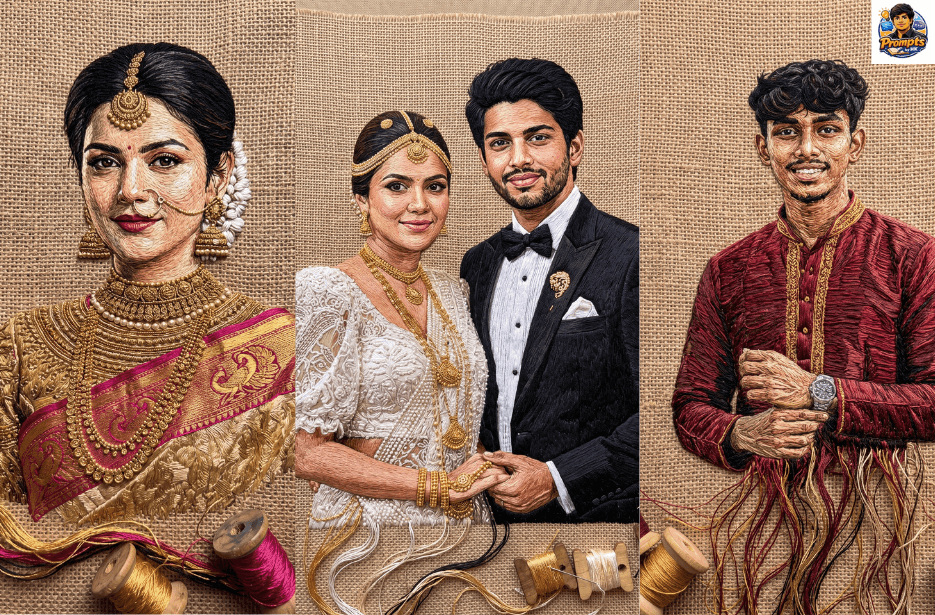
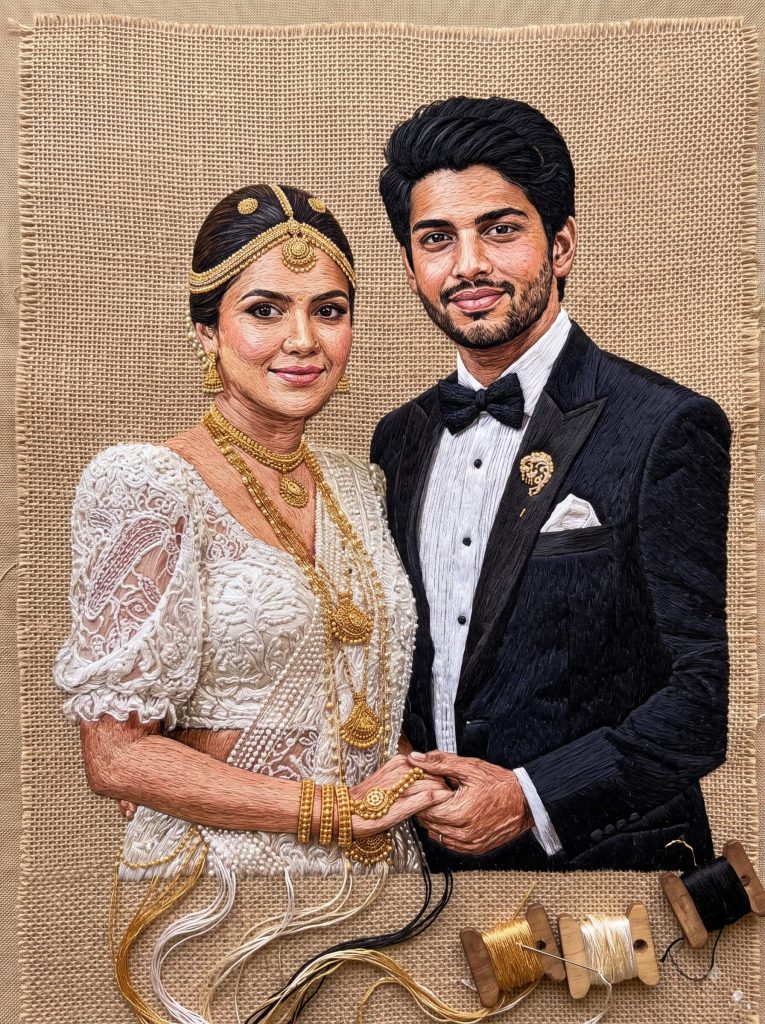
Transform your ordinary photo into a stunning handmade-style embroidery portrait with this trending AI Embroidery Effect prompt. Recreate your face, hairstyle, outfit, and accessories using thousands of realistic colored threads stitched onto natural beige burlap fabric. With raised 3D stitches, intricate thread details, wooden spools, and a beautiful handcrafted finish, this AI photo effect turns your picture into a unique piece of embroidery art. Simply upload your photo, copy the prompt, and create your own hyper-realistic embroidered portrait while preserving your original identity.
AI Embroidery Effect Prompt:
1. 3D Thread Portrait on Burlap Fabric
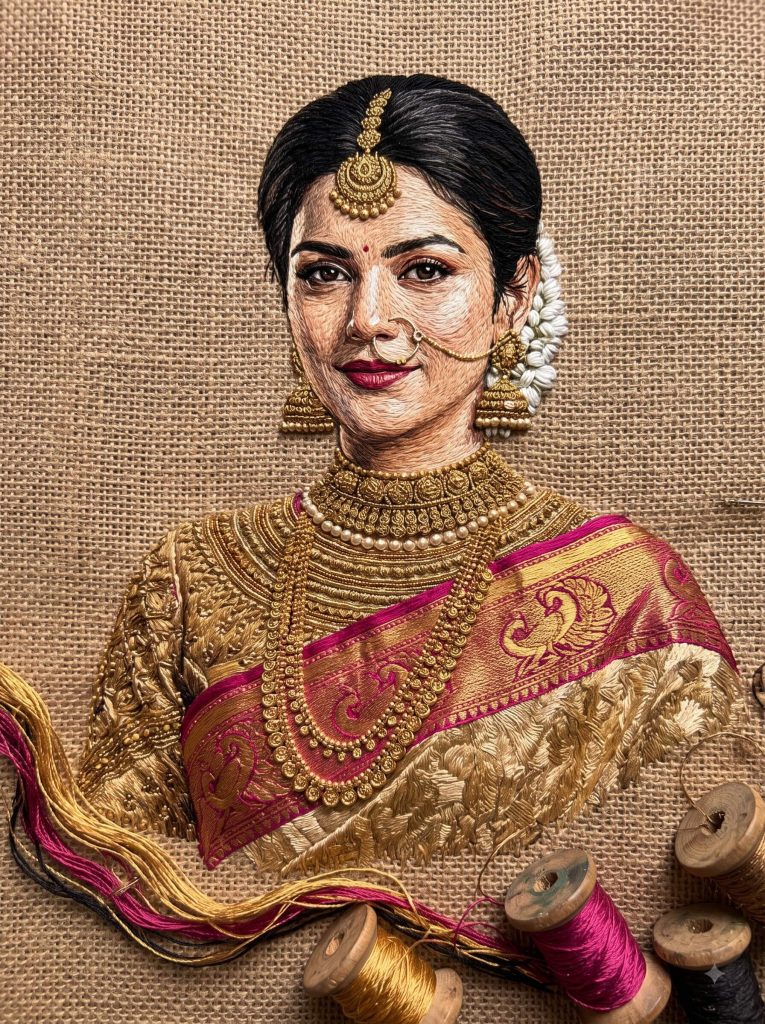
2. Realistic Hand-Stitched Photo Art
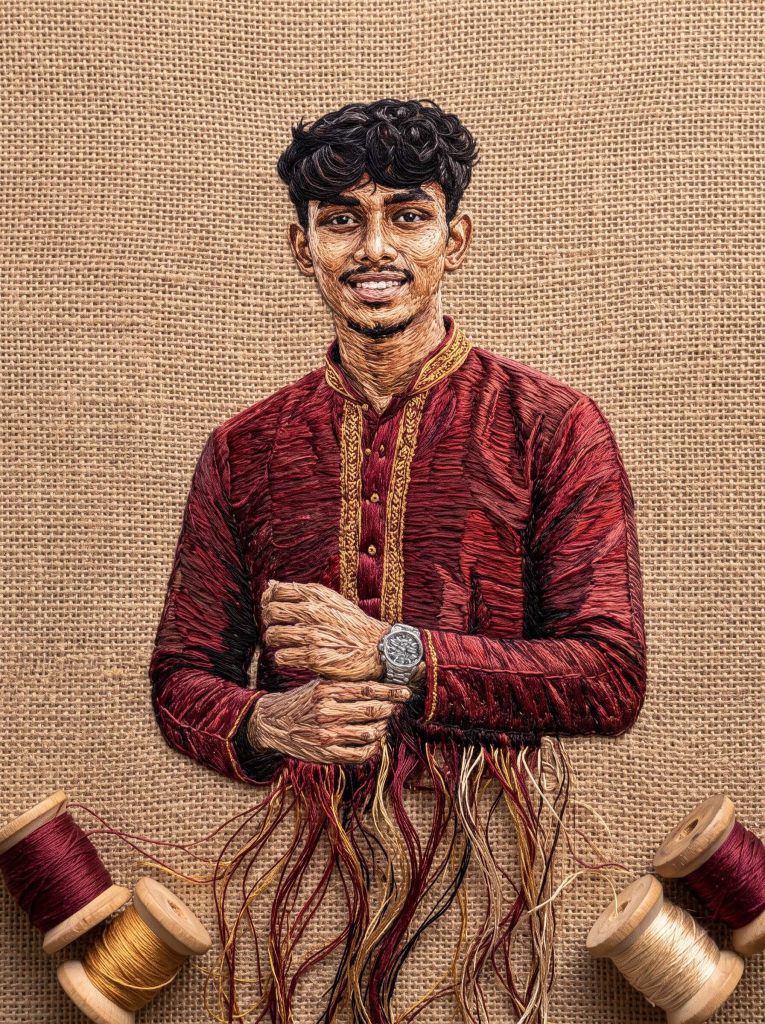
3. Colorful 3D Embroidered Fashion Portrait
How to Use These Prompts
1. Below each image, you will see a prompt box with two buttons: Copy and Share to AI.
2. You can tap Copy to copy the full prompt manually. Or simply tap Share to AI; this will automatically copy the prompt for you.
3. After tapping Share to AI, a list of popular AI tools like ChatGPT, Gemini, Copilot, and others will appear on your screen.
4. Click on any AI tool you prefer. It will directly open the selected AI platform.
5. Once the AI page opens, paste the prompt into the prompt box (it is already copied if you used Share to AI).
6. Upload your reference image if required.
7. Click generate, and your image will be created.
8. If needed, you can slightly adjust the prompt for lighting, angle, or mood and generate again.
9. Once you are satisfied with the result, download the image and save it for your use.