

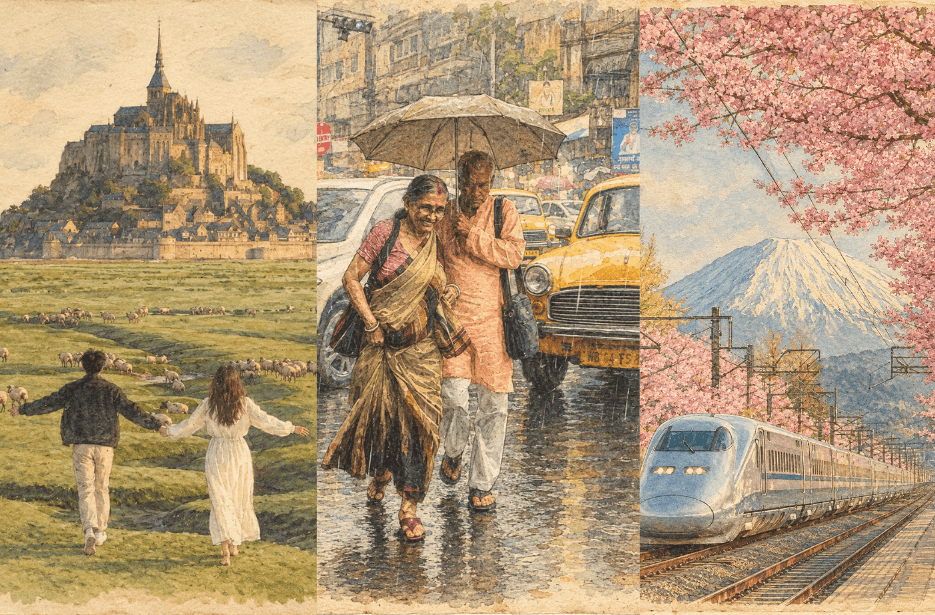
Give your photos a beautiful nostalgic makeover with these Vintage Journal Card Prompts. Transform your uploaded images into elegant hand-drawn illustrations featuring delicate ink outlines, soft watercolor washes, muted vintage tones, warm paper textures, and subtle handmade imperfections. The prompts preserve your original identity, composition, and details while creating a timeless journal-card aesthetic.
Prompt
Version 1: Soft Vintage Watercolor Journal Card

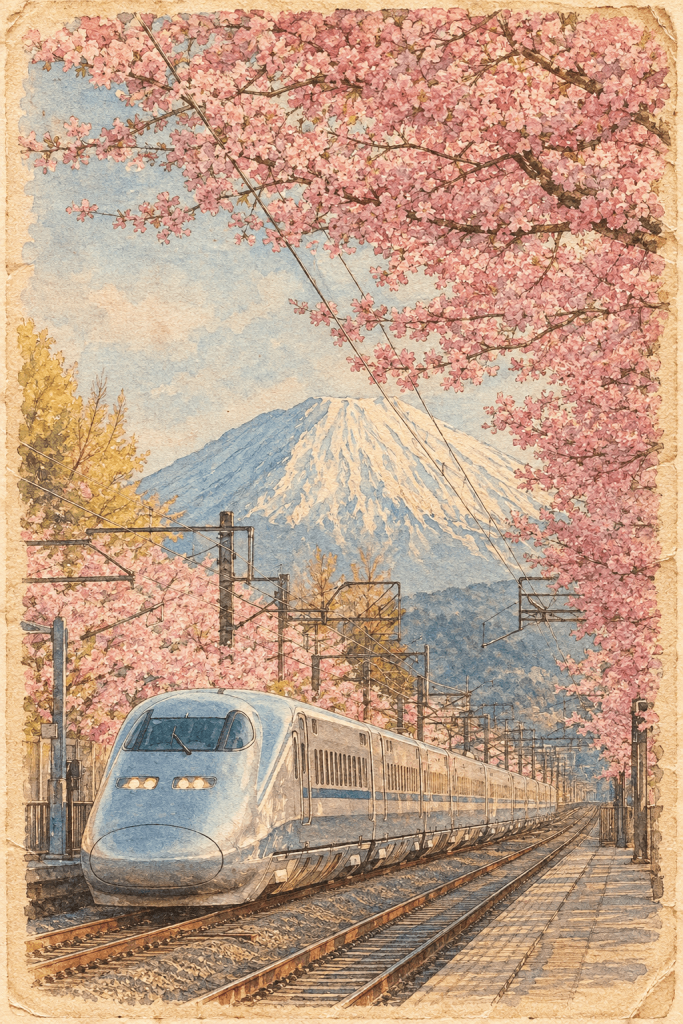
Version 2: Artistic Ink & Watercolor Journal Card

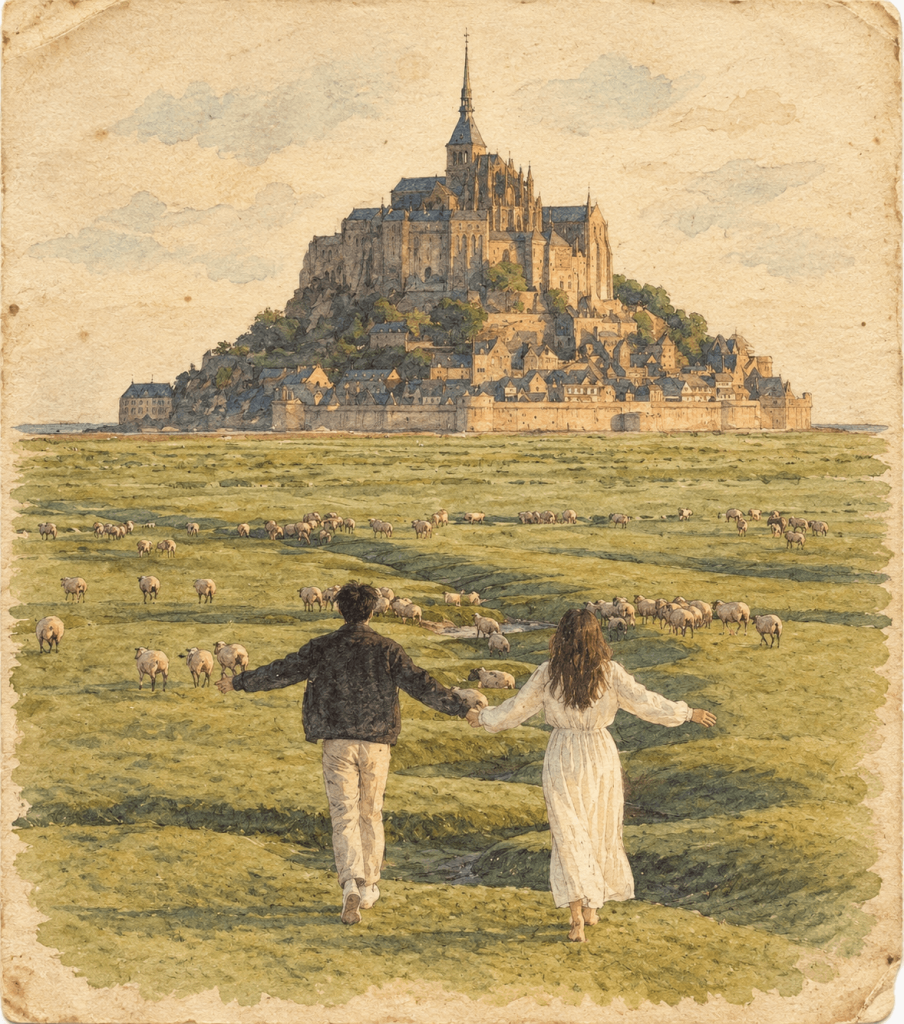
Version 3: Nostalgic Hand-Drawn Journal Card

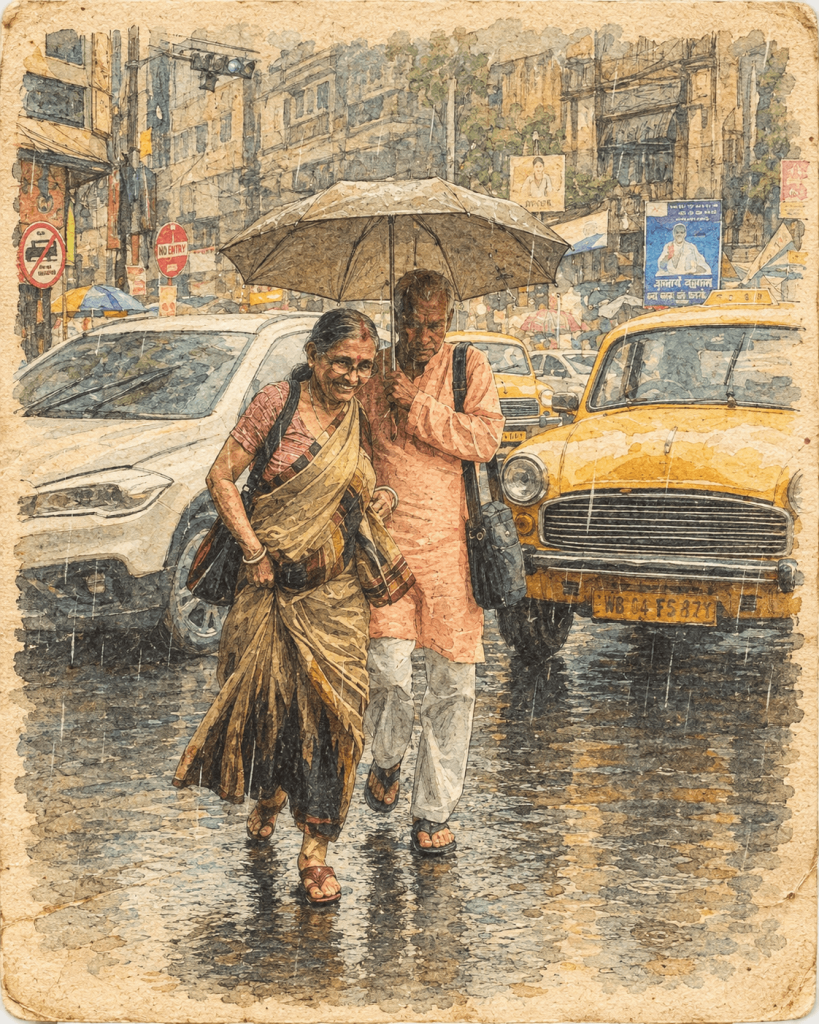
How to Use These Prompts
1. Below each image, you will see a prompt box with two buttons: Copy and Share to AI.
2. You can tap Copy to copy the full prompt manually. Or simply tap Share to AI; this will automatically copy the prompt for you.
3. After tapping Share to AI, a list of popular AI tools like ChatGPT, Gemini, Copilot, and others will appear on your screen.
4. Click on any AI tool you prefer. It will directly open the selected AI platform.
5. Once the AI page opens, paste the prompt into the prompt box (it is already copied if you used Share to AI).
6. Upload your reference image if required.
7. Click generate, and your image will be created.
8. If needed, you can slightly adjust the prompt for lighting, angle, or mood and generate again.
9. Once you are satisfied with the result, download the image and save it for your use.