

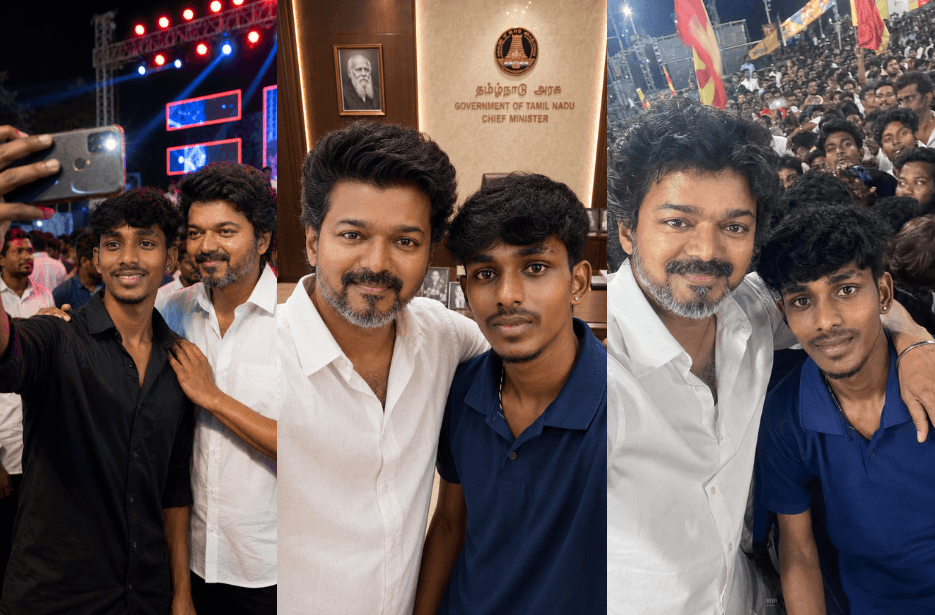
Want to see yourself taking a selfie with Thalapathy Vijay? These Prompts help you create ultra-realistic AI-generated photos featuring Vijay in a variety of exciting scenarios, from Chief Minister office meetings and TVK political rallies to movie release celebrations and crowded public events. Simply upload your photo and use these carefully crafted prompts to generate natural-looking selfies that preserve your identity while capturing authentic fan moments with Vijay. Whether you prefer cinematic quality, candid smartphone shots, or energetic crowd scenes, these prompts make it easy to create stunning AI images that look like real memories.
Version 1: Selfie with Vijay at CM Office
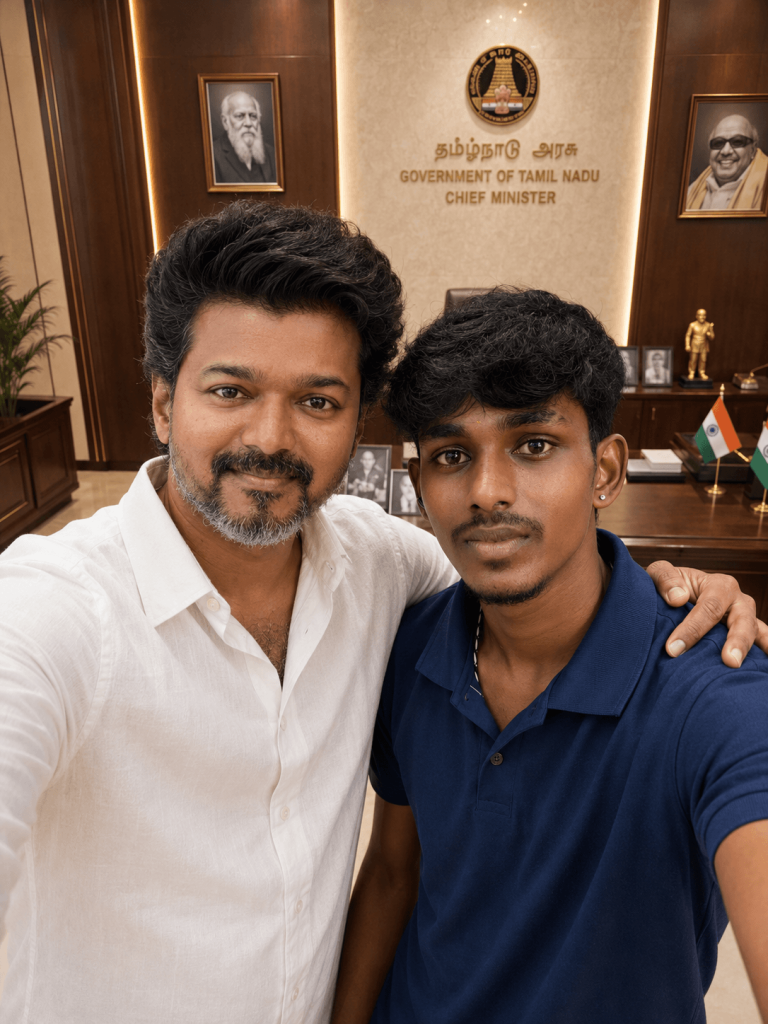
Version 2: TVK Political Rally Selfie with Vijay
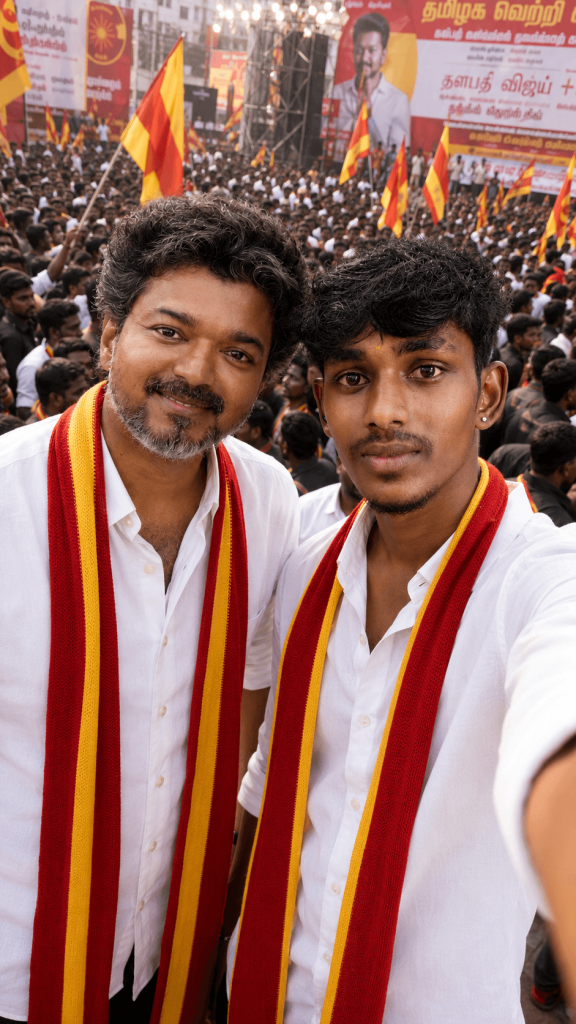
Version 3: Night Event Selfie with Vijay
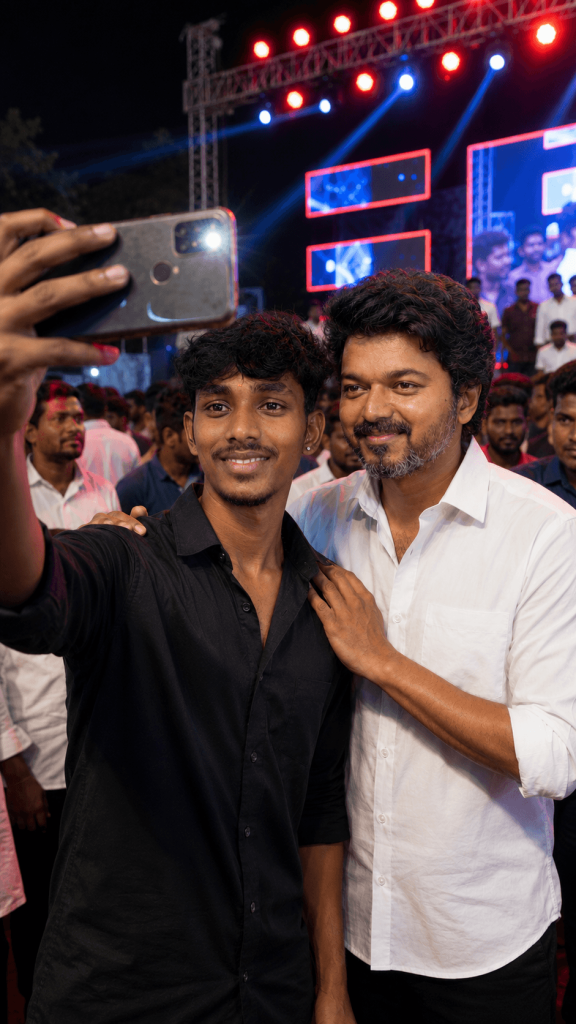
Standing beside him is a middle-aged South Indian male celebrity resembling Vijay (salt-and-pepper hair, short beard), wearing a clean white shirt, looking calmly at the phone camera. His right hand is placed gently on the young man’s shoulder in a friendly pose.
The environment includes a vibrant stage setup behind them with bright red and blue LED lights, truss structures, and a crowd of people slightly blurred in the background. The lighting is cinematic and balanced, illuminating both faces evenly without overexposure.
The camera angle is slightly elevated and tilted inward (typical selfie perspective), with the phone visible in the foreground. Depth of field is shallow, keeping both subjects in sharp focus while the background remains softly blurred.
Ultra-realistic, high detail, natural skin tones, sharp facial features, DSLR quality, 4K resolution, candid moment, no distortion. generate me the image
Version 4: Crowded Public Event Selfie with Vijay
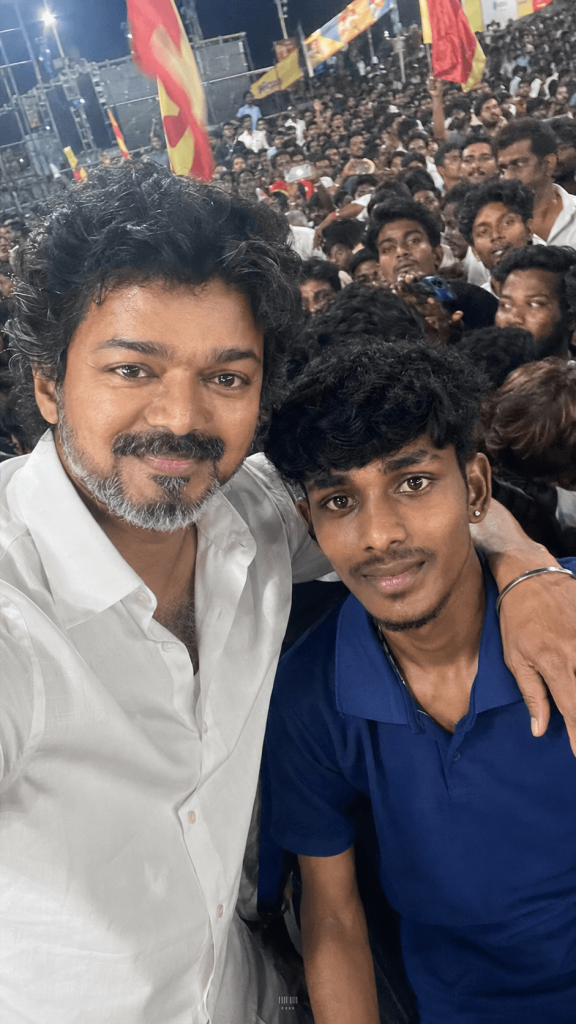
Vijay stands close beside the person with one arm resting comfortably over their shoulder. Both are slightly leaning toward the phone camera, smiling naturally and looking directly into the lens, capturing a genuine, friendly moment.
The background should be filled with a lively crowd, closely packed people, waving flags, subtle movement, and an energetic public gathering atmosphere. The image should feel spontaneous and authentic, as if captured quickly during a real event.
Use a handheld selfie perspective from arm’s length with slightly imperfect framing and a subtle camera tilt. Include realistic smartphone-camera characteristics such as mild motion blur, slight hand shake, minor softness, uneven focus, and natural imperfections rather than a polished or studio-quality appearance.
Lighting should be natural and inconsistent, with mixed ambient light sources, occasional highlights, slight overexposed areas, and realistic shadows. Avoid cinematic perfection or artificial enhancements. Maintain realistic skin texture, authentic color rendering, and a raw documentary-style look without beauty filters or excessive sharpening.
Version 5: Jana Nayagan Release Celebration Selfie with Vijay
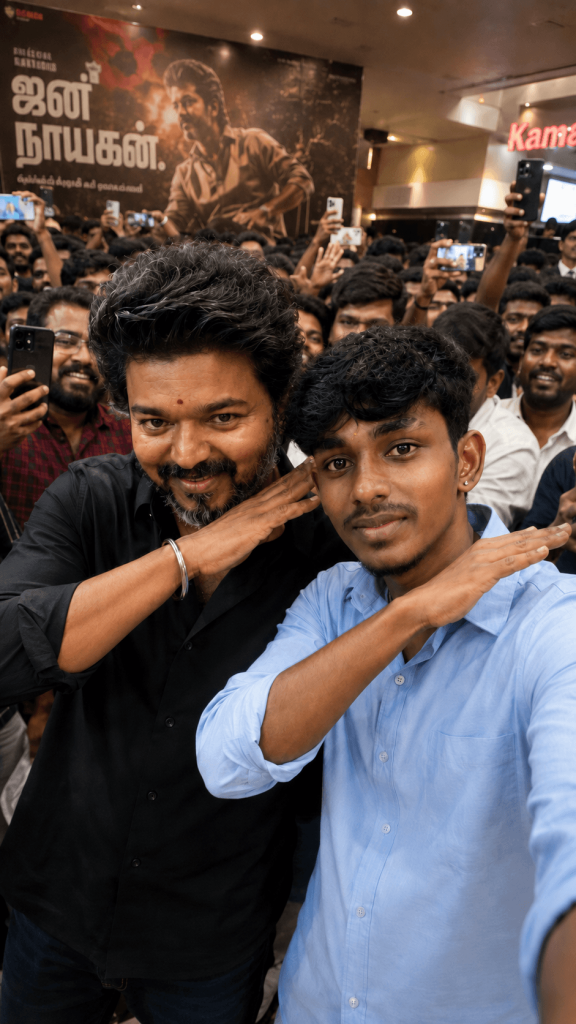
Background filled with cheering fans, banners, cutouts, confetti, and theatre decorations celebrating the release of “ஜன நாயகன்” (correct Tamil spelling). Large movie posters and welcome banners visible around the venue. Vibrant public atmosphere, excited crowd, cinematic celebration mood.
Ultra-realistic photography, natural facial expressions, accurate identity preservation, realistic skin texture, authentic lighting, candid public-event feel, shallow depth of field, DSLR quality, 85mm lens, photorealistic, cinematic color grading, high detail, 4K, vertical 9:16 composition. Preserve my exact face, hairstyle, skin tone, and features from the uploaded photo while keeping Vijay’s appearance accurate to the reference.
How to Use These Prompts
1. Below each image, you will see a prompt box with two buttons: Copy and Share to AI.
2. You can tap Copy to copy the full prompt manually. Or simply tap Share to AI; this will automatically copy the prompt for you.
3. After tapping Share to AI, a list of popular AI tools like ChatGPT, Gemini, Copilot, and others will appear on your screen.
4. Click on any AI tool you prefer. It will directly open the selected AI platform.
5. Once the AI page opens, paste the prompt into the prompt box (it is already copied if you used Share to AI).
6. Upload your reference image if required.
7. Click generate, and your image will be created.
8. If needed, you can slightly adjust the prompt for lighting, angle, or mood and generate again.
9. Once you are satisfied with the result, download the image and save it for your use.
Customization Tips
- Change the location (CM office, rally, theatre, stadium, airport, etc.).
- Modify outfits, scarves, or party colours.
- Switch between selfie, candid, or professional camera styles.
- Adjust crowd size and event atmosphere.
- Customise lighting from daylight to cinematic night scenes.
- Add posters, banners, confetti, or stage elements for unique results.
- Use your own reference photo to maintain facial identity and realism.