

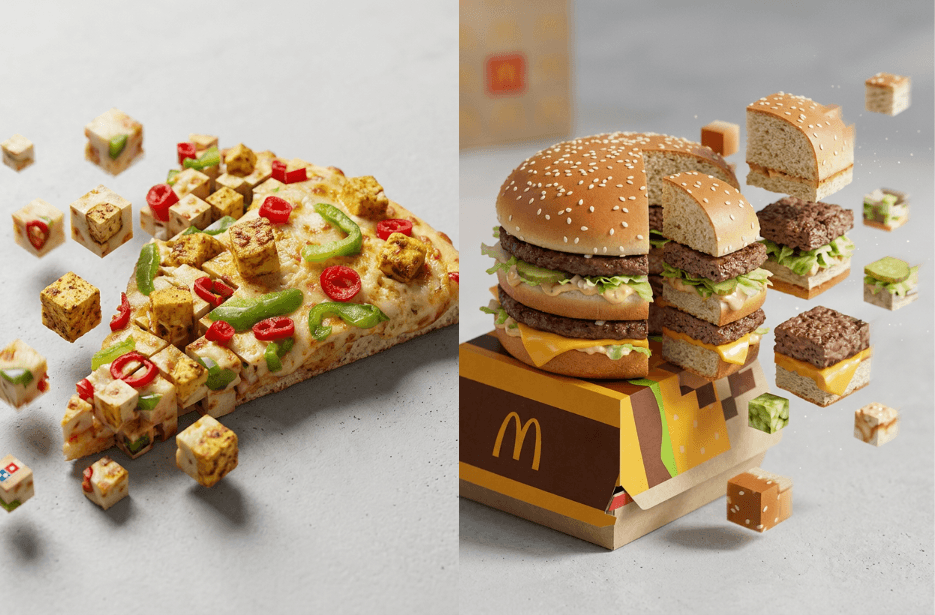
Transform ordinary food photos into eye-catching digital masterpieces with these 3D Pixelated Prompts. This creative effect captures food items mid-transformation into floating geometric cubes, revealing textures, ingredients, and vibrant colours in a striking blend of realism and abstraction. Whether you’re creating content for social media, advertising, or food photography, these 3D Pixelated Prompts add a unique artistic touch to any dish.
Perfect for burgers, fried chicken, pizza, desserts, and other food photography projects. These prompts create cinematic, high-resolution visuals with studio lighting, shallow depth of field, and hyperrealistic details that stand out in marketing campaigns, menus, and social media feeds.
Prompt
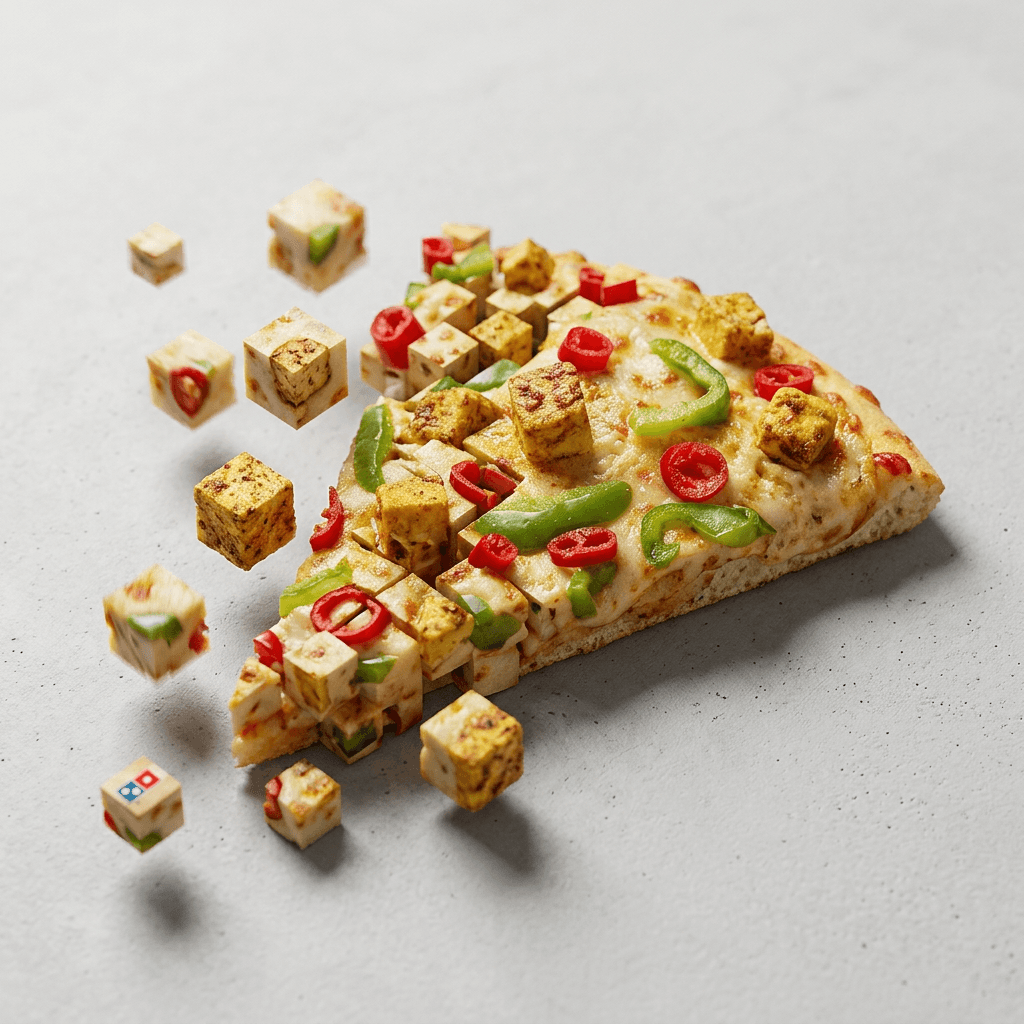
Version 1: 3D Pixelated Pizza
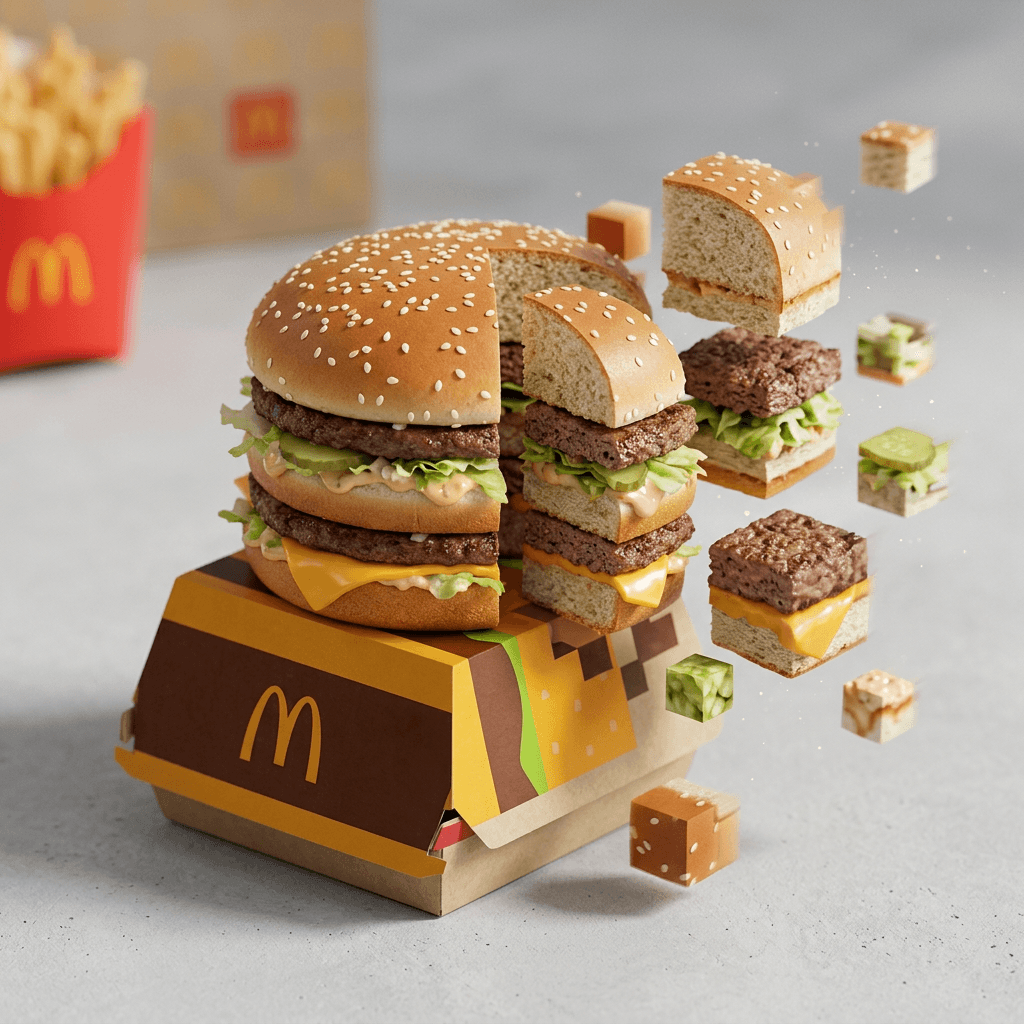
Version 2: Floating Burger Cube
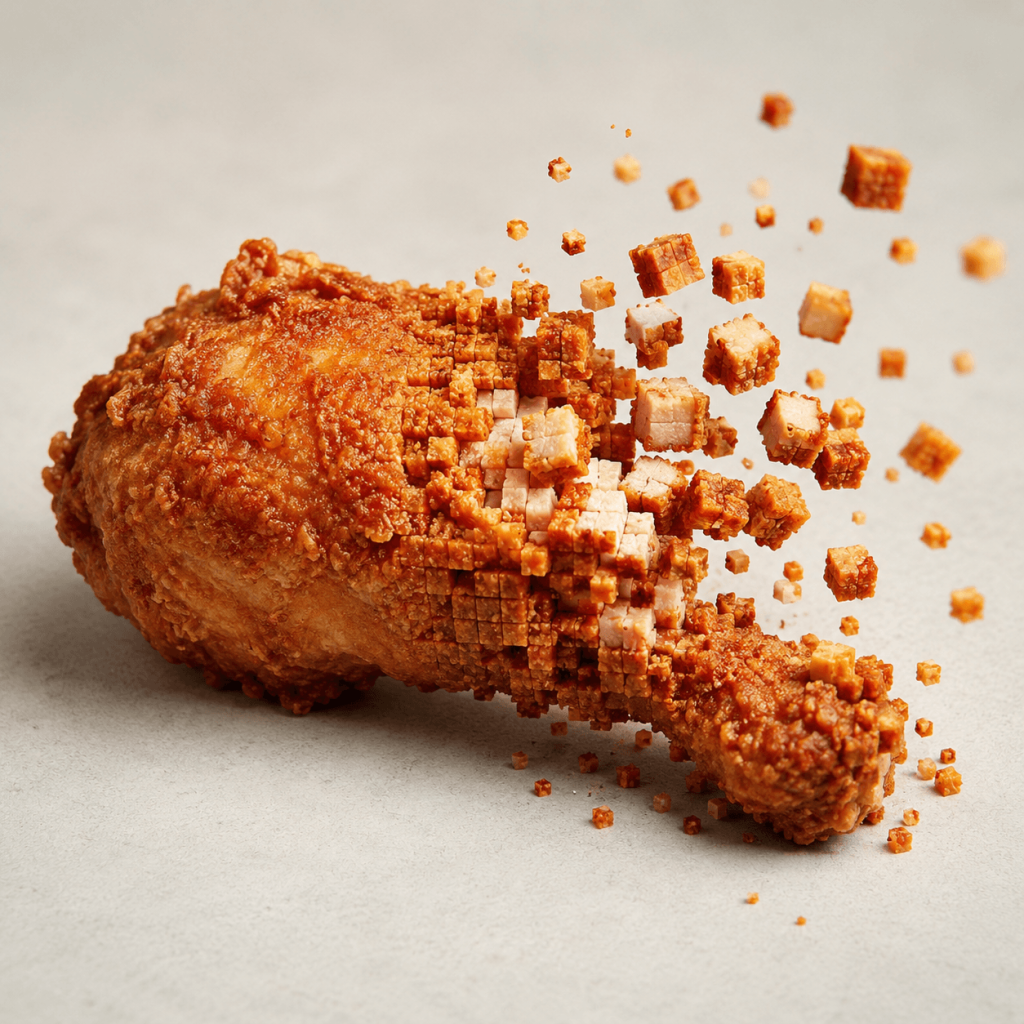
Version 3: AI Food Pixel Explosion
How to Use These Prompts
1. Below each image, you will see a prompt box with two buttons: Copy and Share to AI.
2. You can tap Copy to copy the full prompt manually. Or simply tap Share to AI; this will automatically copy the prompt for you.
3. After tapping Share to AI, a list of popular AI tools like ChatGPT, Gemini, Copilot, and others will appear on your screen.
4. Click on any AI tool you prefer. It will directly open the selected AI platform.
5. Once the AI page opens, paste the prompt into the prompt box (it is already copied if you used Share to AI).
6. Upload your reference image if required.
7. Click generate, and your image will be created.
8. If needed, you can slightly adjust the prompt for lighting, angle, or mood and generate again.
9. Once you are satisfied with the result, download the image and save it for your use.