

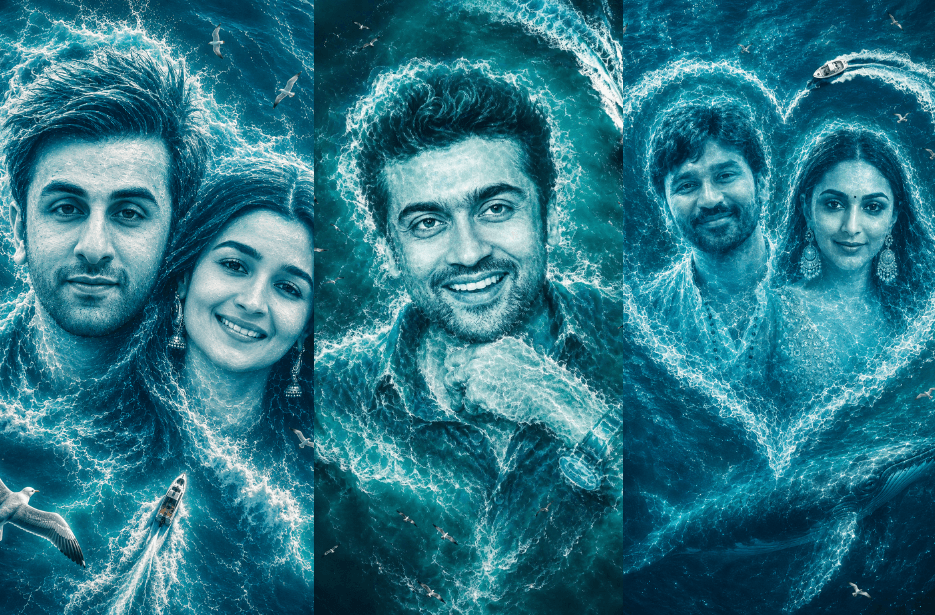
Turn your photos into amazing ocean wave art using these viral AI prompts. These prompts create giant face designs made from sea waves, white foam, and glowing ocean water using a cinematic drone-shot style. Perfect for solo and couple photos, these edits give a dreamy and realistic ocean fantasy look. If you love creative AI photo edits for Instagram, reels, and social media, these prompts are perfect to try.
Version 1: Smiling Faces in Ocean Foam
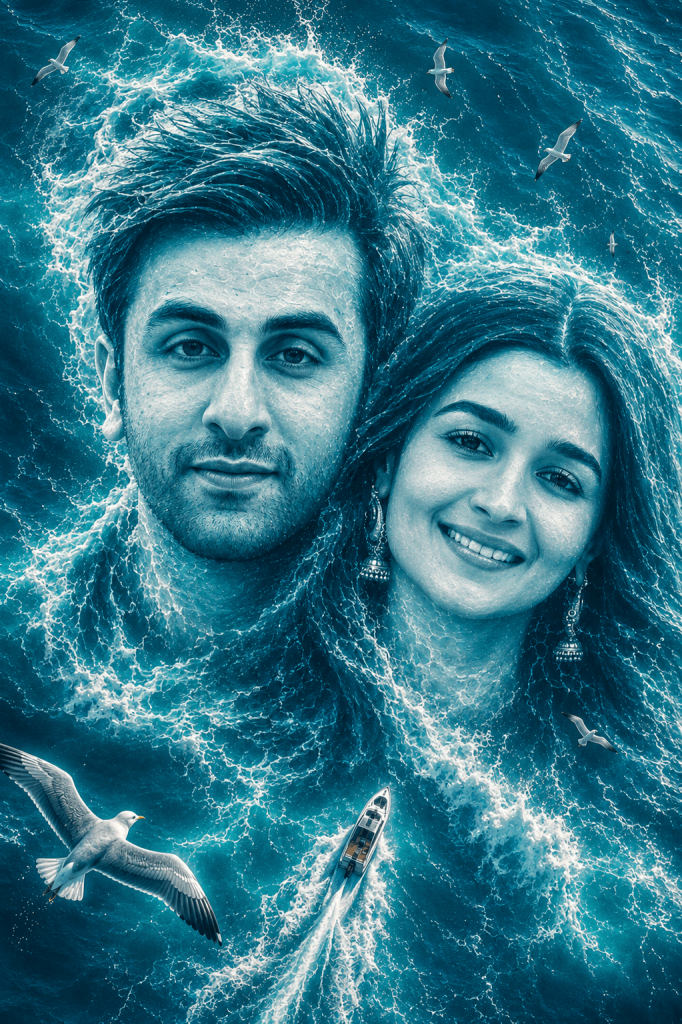
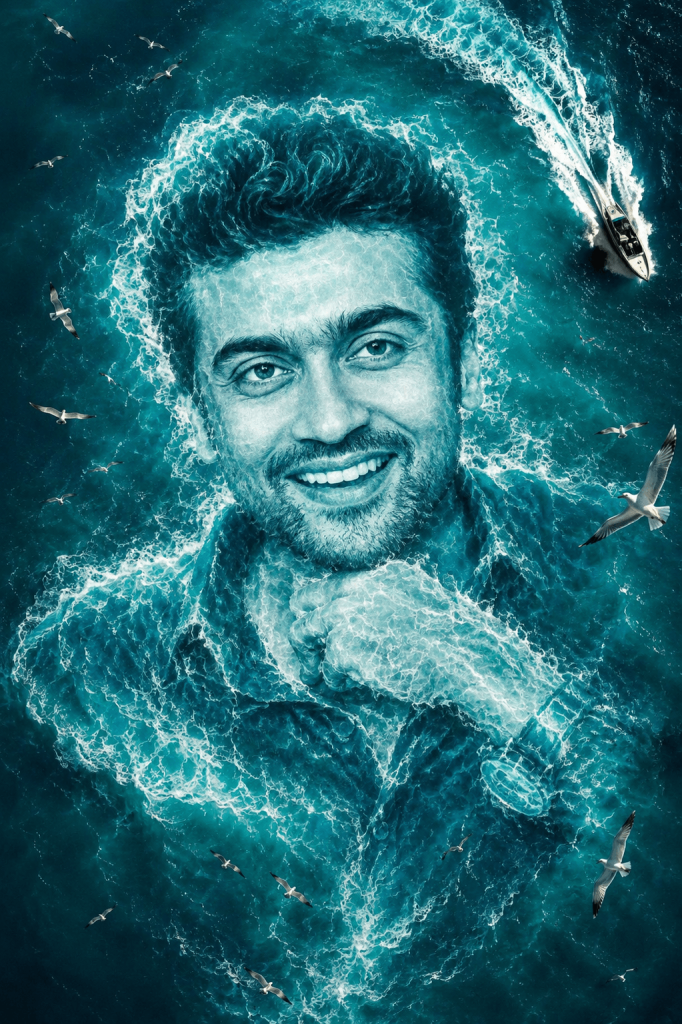
The artwork should look like the portrait is emerging from the ocean itself, created entirely from turquoise-blue sea waves, white water splashes, and glowing foam textures. Add cinematic aerial perspective, dramatic ocean movement, realistic water physics, and fine wave details. Include small flying seagulls around the composition and a speedboat cutting through the water below for scale and cinematic storytelling.
Use cool aqua-blue tones, soft glowing highlights, high contrast, ultra-detailed water textures, realistic ocean reflections, and a fantasy-meets-photorealistic style. Make the final image look like a premium digital ocean painting with emotional and romantic vibes, centered composition, vertical poster framing, 8K quality, hyper-detailed, masterpiece cinematic artwork.
Version 2: Oceanic Portrait in the Waves
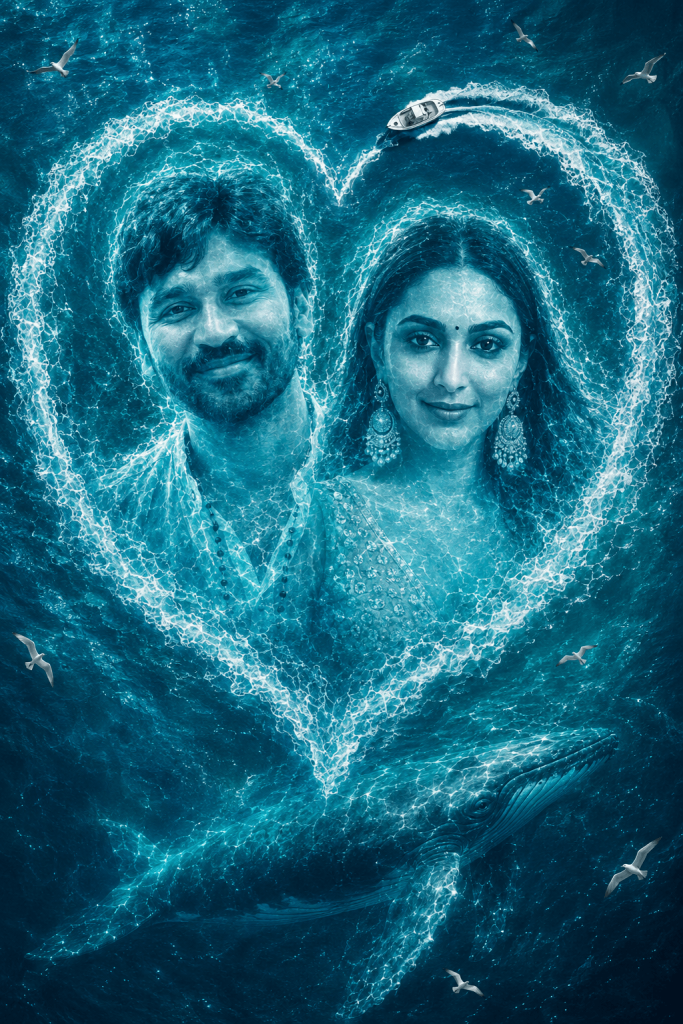
Version 3: Romantic Hearts on the Ocean Waves
How to Use These Prompts
1. Below each image, you will see a prompt box with two buttons: Copy and Share to AI.
2. You can tap Copy to copy the full prompt manually. Or simply tap Share to AI; this will automatically copy the prompt for you.
3. After tapping Share to AI, a list of popular AI tools like ChatGPT, Gemini, Copilot, and others will appear on your screen.
4. Click on any AI tool you prefer. It will directly open the selected AI platform.
5. Once the AI page opens, paste the prompt into the prompt box (it is already copied if you used Share to AI).
6. Upload your reference image if required.
7. Click generate, and your image will be created.
8. If needed, you can slightly adjust the prompt for lighting, angle, or mood and generate again.
9. Once you are satisfied with the result, download the image and save it for your use.
How to Customise These Ocean Wave AI Art Ideas
You can personalise these AI art styles using your own photos for unique cinematic results. Here are a few customisation ideas:
- Use solo photos for dramatic ocean face compositions.
- Upload couple photos for romantic dual-wave artworks.
- Change the ocean colour tones to deep blue, emerald green, or sunset aqua.
- Add elements like whales, dolphins, ships, moonlight, or glowing waves.
- Experiment with stormy oceans, calm tropical water, or fantasy sea aesthetics.
- Use vertical framing for Instagram Reels and posters.
- Add cinematic lighting, underwater rays, or glowing foam effects for a magical look.
- Try aerial drone perspective for more realistic large-scale ocean illusions.
These prompts work best with clear front-facing photos with good lighting and visible facial details.