

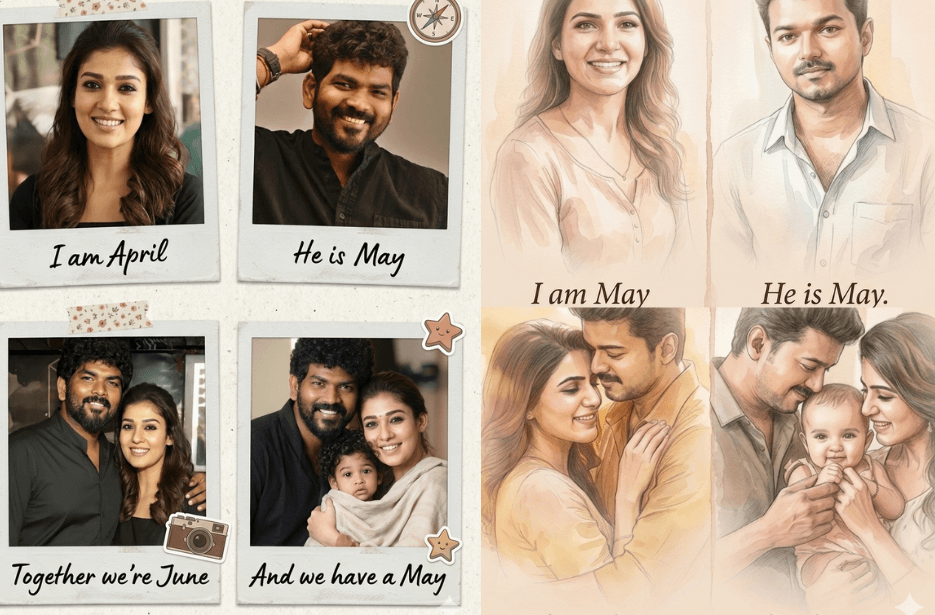
Love stories are built from meaningful moments that come together over time. Every stage tells a part of the journey. With the help of AI, you can capture emotions, events, and milestones in an easy and personal way, making your love story feel more real and memorable. Whether you want to document your relationship, create a romantic story, or just explore a fun idea, these prompts help bring your experiences to life in a unique and engaging format.
Variation 1: Soft WaterColor Style
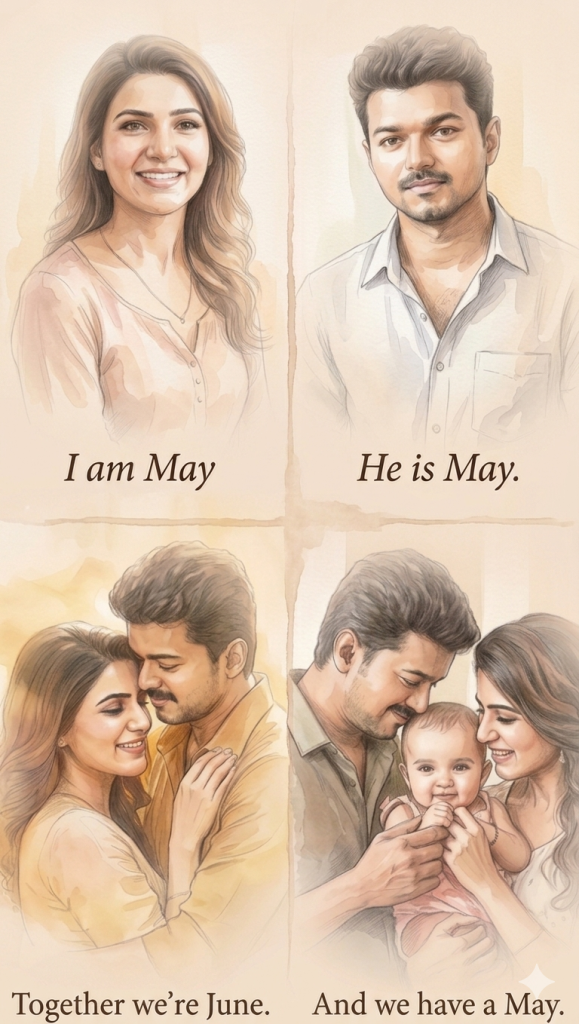
The artwork should be in a delicate watercolor illustration style blended with pencil sketch detailing, soft brush strokes, faded edges, subtle paper texture, and a hand-painted look.
Top left: a smiling young woman with natural makeup and soft lighting, shown from mid-torso up, captioned “I am May” in elegant serif font, with only “May” italicized.
Top right: a handsome young man with a gentle expression, shown from mid-torso up, captioned “He is May”, only “May” italicized.
Bottom left: the couple embracing romantically, shown from waist up, warm tones and soft glow, captioned “Together we’re June”, only “June” italicized.
Bottom right: the couple holding a baby, shown from waist up, joyful and intimate family moment, captioned “And we have a May”, only “May” italicized.
Overall style: warm, airy, pastel tones, watercolor wash effect, light sepia tint, cinematic soft lighting, dreamy romantic mood, vignette fade around subjects, minimalistic and elegant composition.
Variation 2: Scrapbook Style
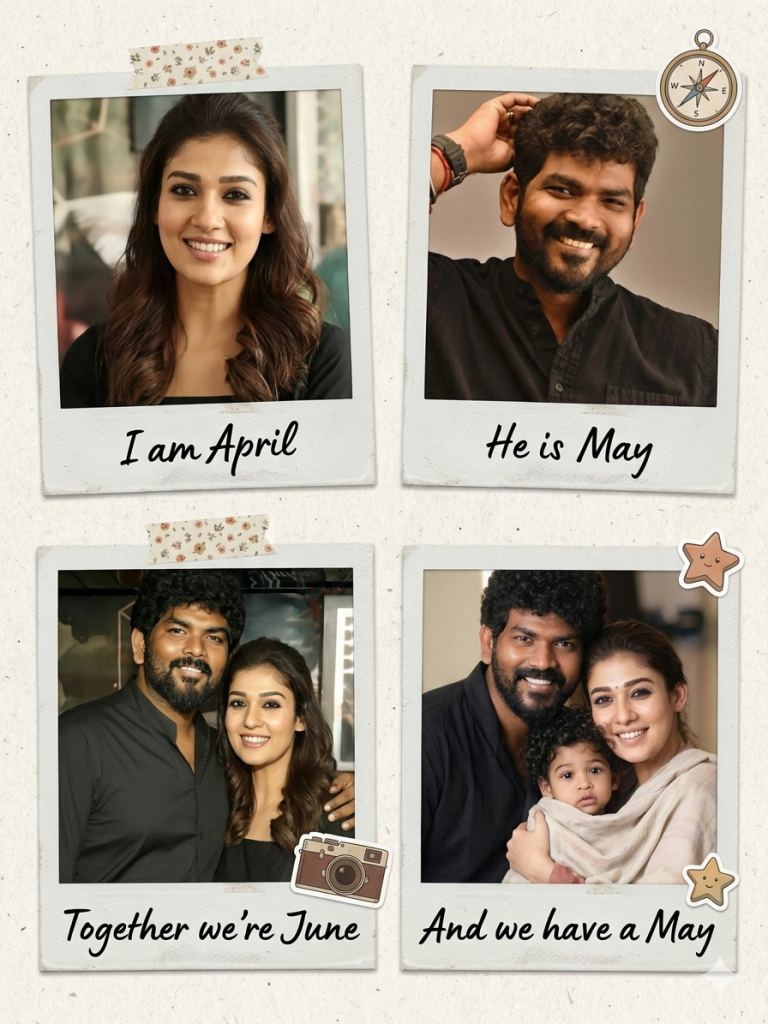
Top left: polaroid of a woman labeled “I am April” (only “April” italicized).
Top right: polaroid of a man labeled “He is May”.
Bottom left: polaroid of the couple together, labeled “Together we’re June”.
Bottom right: polaroid of the couple with a baby, labeled “And we have a May”.
Style: realistic photo look, soft vintage tones, paper texture, tape/stickers, nostalgic and personal vibe.
How to Use These Prompts
1. Below each image, you will see a prompt box with two buttons: Copy and Share to AI.
2. You can tap Copy to copy the full prompt manually. Or simply tap Share to AI; this will automatically copy the prompt for you.
3. After tapping Share to AI, a list of popular AI tools like ChatGPT, Gemini, Copilot, and others will appear on your screen.
4. Click on any AI tool you prefer. It will directly open the selected AI platform.
5. Once the AI page opens, paste the prompt into the prompt box (it is already copied if you used Share to AI).
6. Upload your reference image if required.
7. Click generate, and your image will be created.
8. If needed, you can slightly adjust the prompt for lighting, angle, or mood and generate again.
9. Once you are satisfied with the result, download the image and save it for your use.
Additional Tips to Make Your Love Timeline AI Prompts Better
- Be specific with milestones – Instead of general ideas like “our first date,” include details such as the place, season, or emotion. The more context you give, the more meaningful the AI output becomes.
- Include emotions, not just events – Add feelings like excitement, nervousness, joy, or comfort. This helps the AI generate more heartfelt and realistic storytelling.
- Use a clear timeline structure – Break your prompts into stages such as first meeting, first date, challenges, growth, and future. This keeps the story organized and natural.
- Mention tone and style – Specify whether you want the output to be romantic, poetic, cinematic, playful, or realistic. This guides the AI’s writing style.
- Keep prompts consistent – If you are building a series, maintain a similar format for each stage so the final timeline feels cohesive.
- Experiment with variations – Try rephrasing the same prompt in different ways to get richer and more diverse results.