

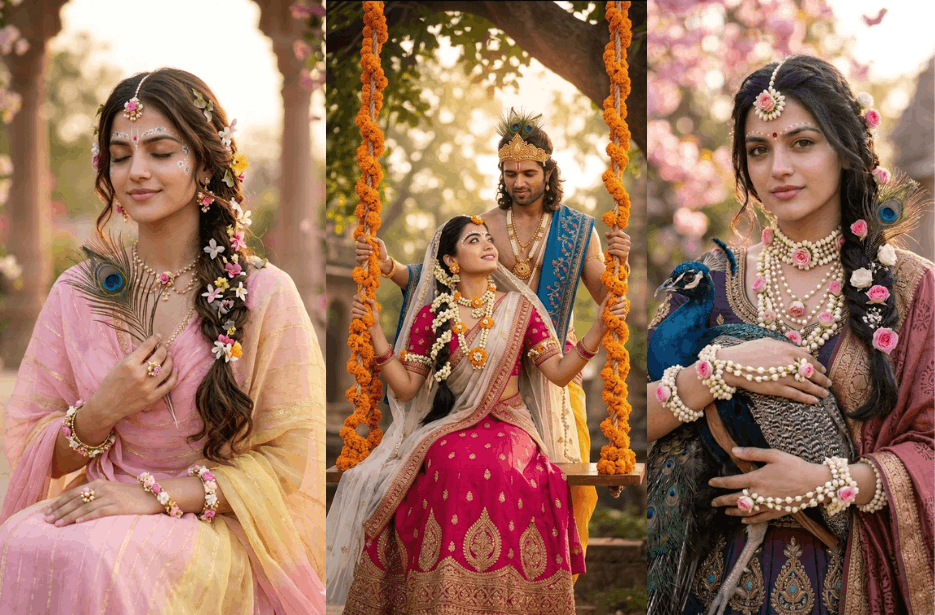
Want to turn your photo into a beautiful Radha Rani-inspired portrait? AI image tools now make it easy to create divine, elegant, and cinematic edits in just a few clicks. With the right prompt, you can transform your image into a graceful Radha look with floral jewellery, peacock feathers, temple gardens, and spiritual vibes.
In this article, we have collected the best Radha Rani AI photo prompts for girls and couples. These prompts are perfect for creating realistic devotional portraits, romantic Radha Krishna scenes, close-up beauty shots, and dreamy Vrindavan backgrounds.
Simply upload your photo, copy your favourite prompt, and generate a magical Radha Rani-style image instantly.
Version 1: Little Radha Rani Prompt
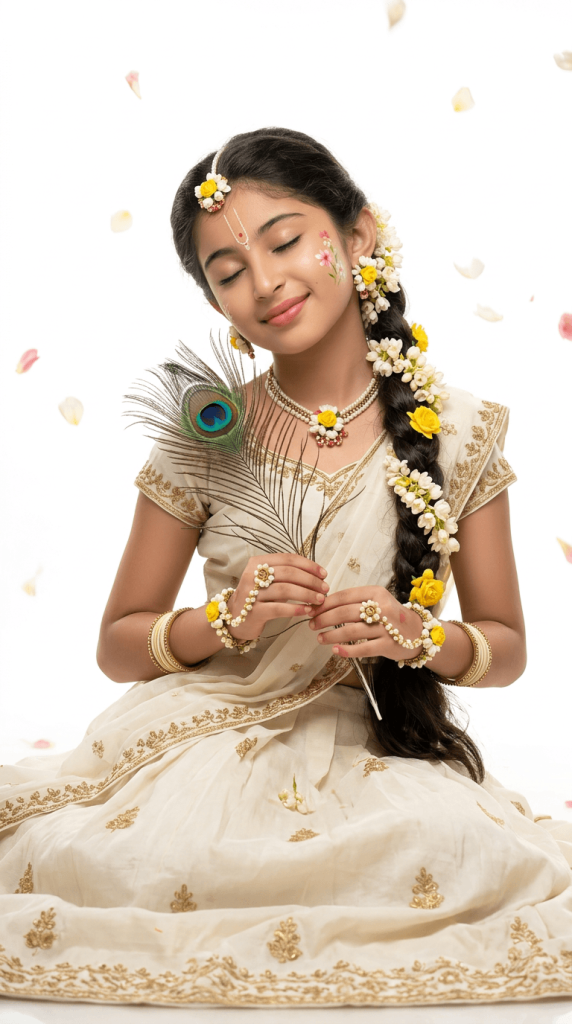
Recreate this as a photorealistic traditional Indian Krishna-inspired portrait. I am seated gracefully in a flowing ivory-white lehenga/saree with delicate golden floral embroidery, holding a beautiful peacock feather naturally in both hands. Style me with a long side braid decorated with small white and yellow flowers, a delicate floral necklace, matching floral bangles, traditional earrings, and an elegant Krishna-inspired forehead jewelry/tilak.
Pose: seated gracefully with eyes gently closed, a soft peaceful smile, head slightly tilted, natural relaxed hands holding the peacock feather. Add subtle colorful floral face decoration near one cheek.
Background: minimal pure white studio setting, soft dreamy lighting, floating yellow and white flower petals around me, gentle shadows, airy elegant atmosphere. Photographed like a premium DSLR portrait, soft natural skin texture, realistic fabric details, shallow depth of field, cinematic soft lighting, ultra-realistic 8K, highly detailed, natural and graceful, no CGI, no cartoon, no artificial face alteration, no text, no watermark. Vertical 9:16 composition.
Version 2: Serene Radha Portrait with Peacock Feather
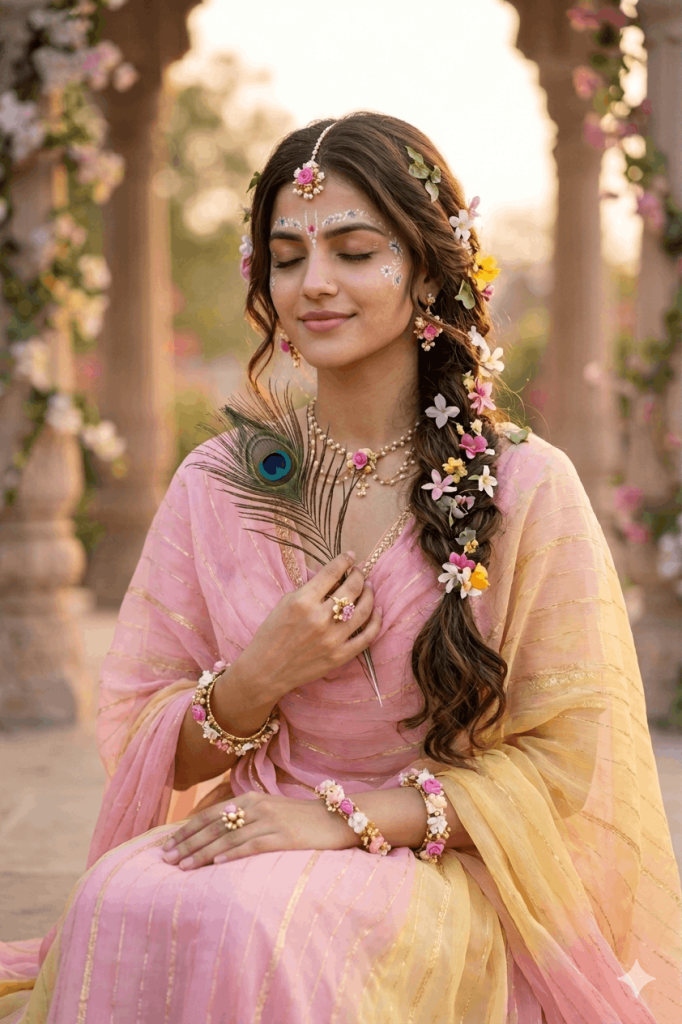
Version 3: Divine Radha Close-Up with Spiritual Details
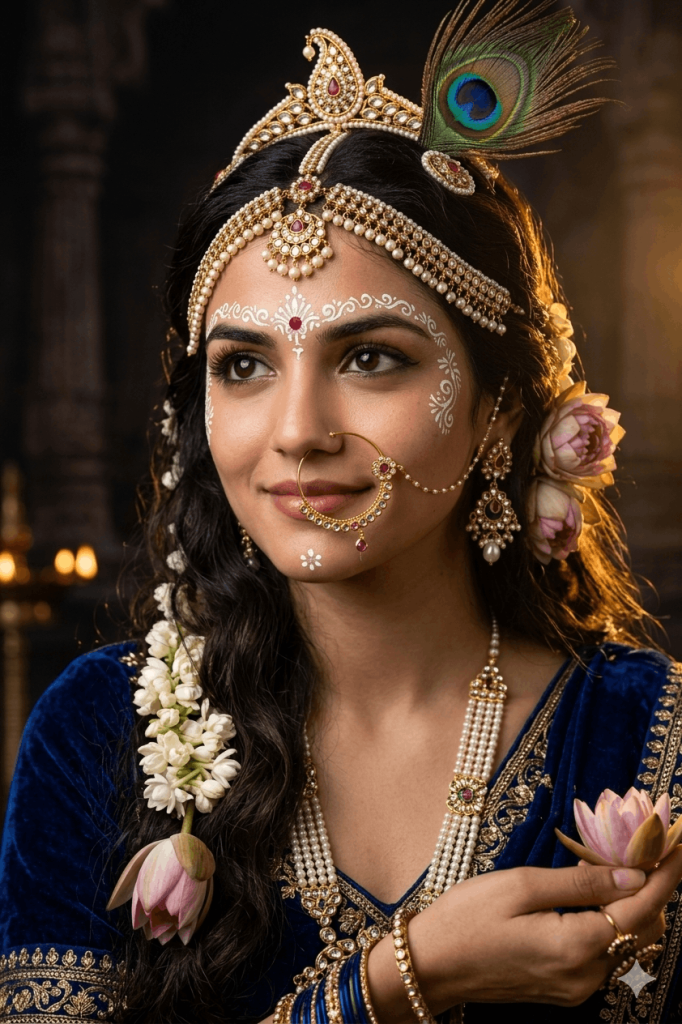
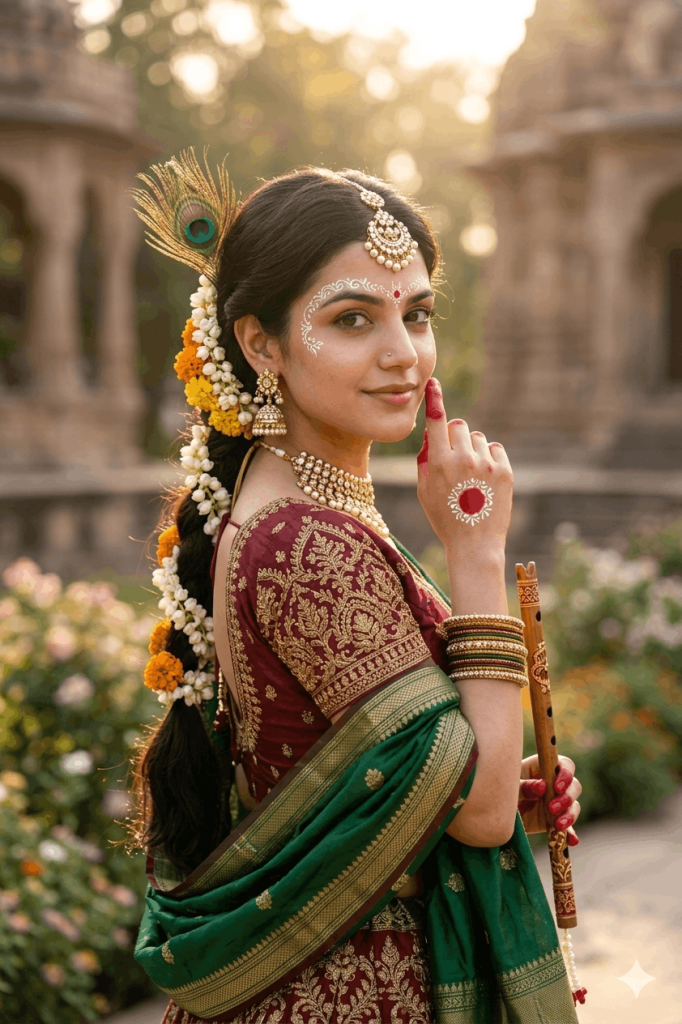
Version 4: Elegant Radha Rani in Vrindavan Pose
Version 5: Romantic Radha Krishna Jhula Couple Portrait
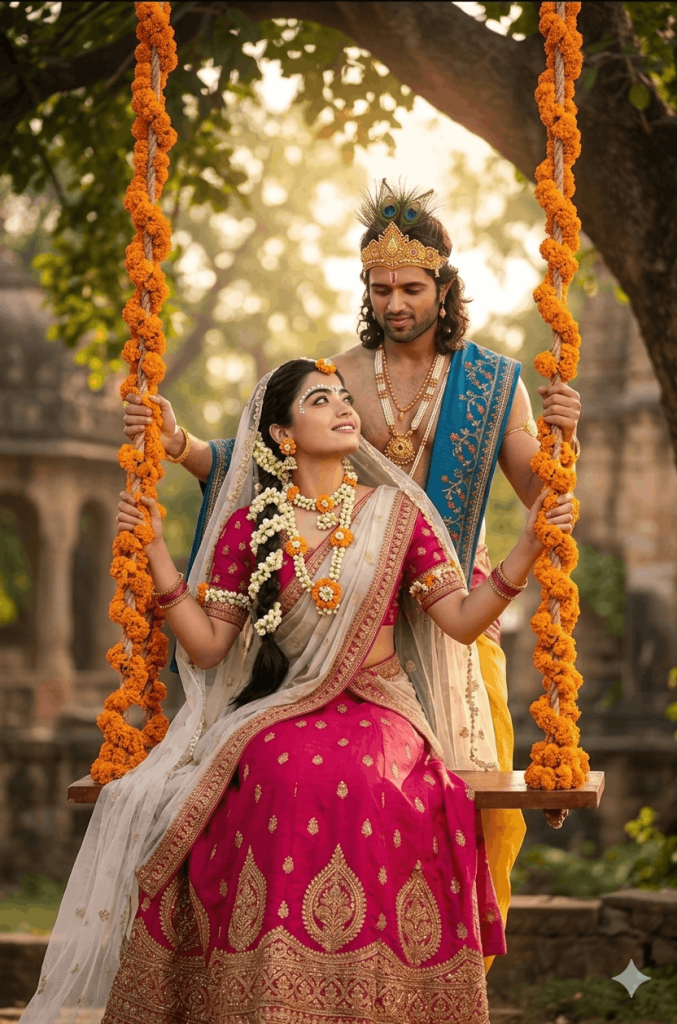
The man stands behind her gently holding the swing ropes, styled like Lord Krishna, wearing a yellow dhoti with a blue embroidered shawl across his shoulder, traditional gold jewelry, and a peacock feather crown. He has a calm, loving expression while looking at her, and she gazes back with a soft smile.
Set in a serene Vrindavan garden with large trees, warm golden sunlight filtering through leaves, soft bokeh background, and a divine romantic atmosphere. Add natural soft lighting, warm tones, cinematic depth of field, ultra-detailed textures, realistic skin tones, 85mm lens look, high-end photography style, 8K resolution.
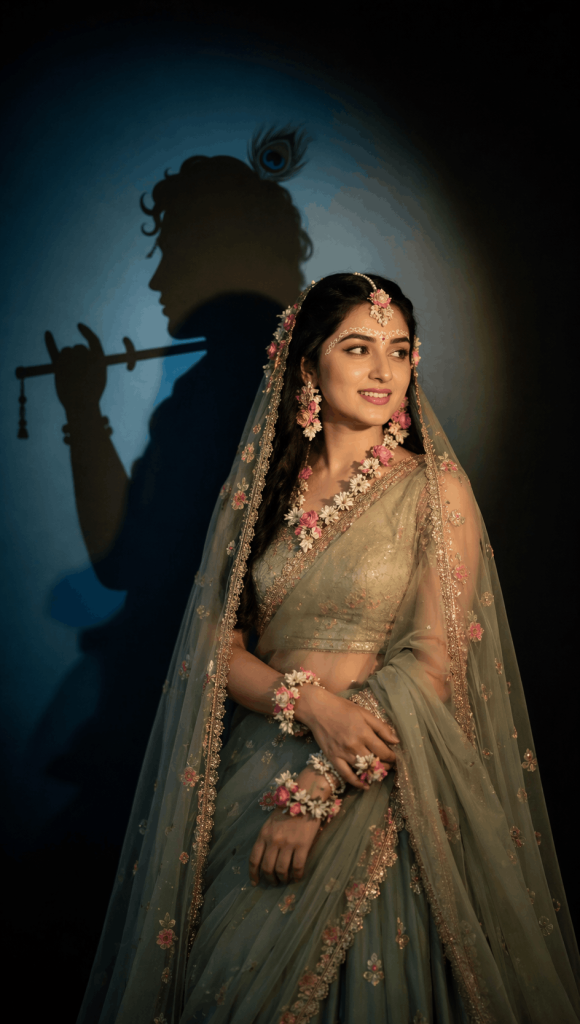
Version 6: Radha with Krishna Shadow Cinematic Portrait
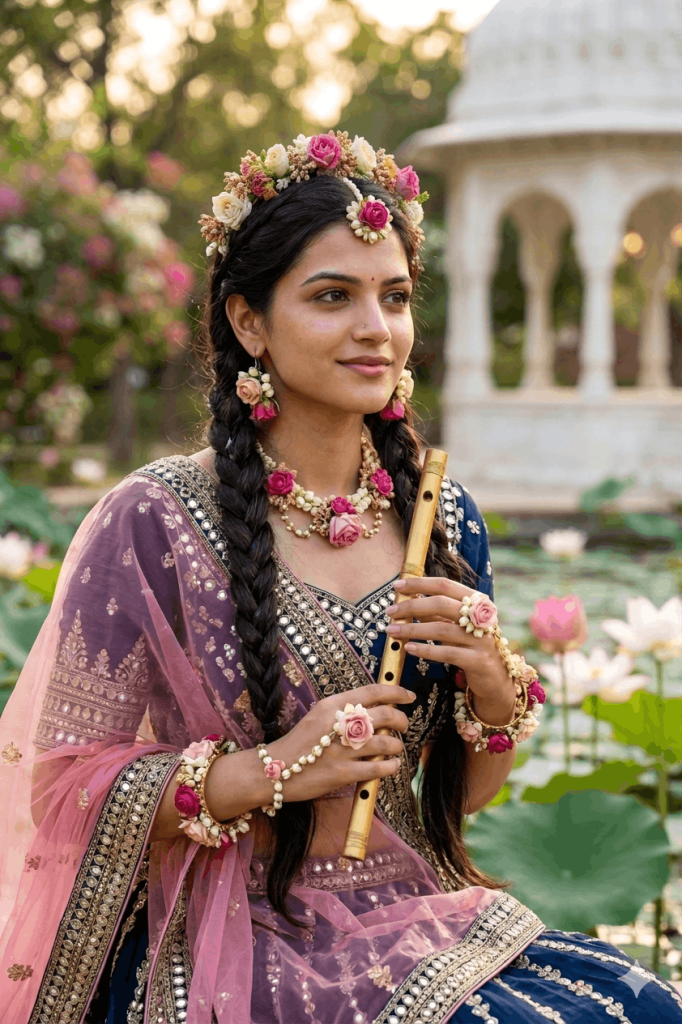
Version 7: Floral Radha Garden Portrait with Flute
Version 8: Radha Rani with Peacock in Temple Garden
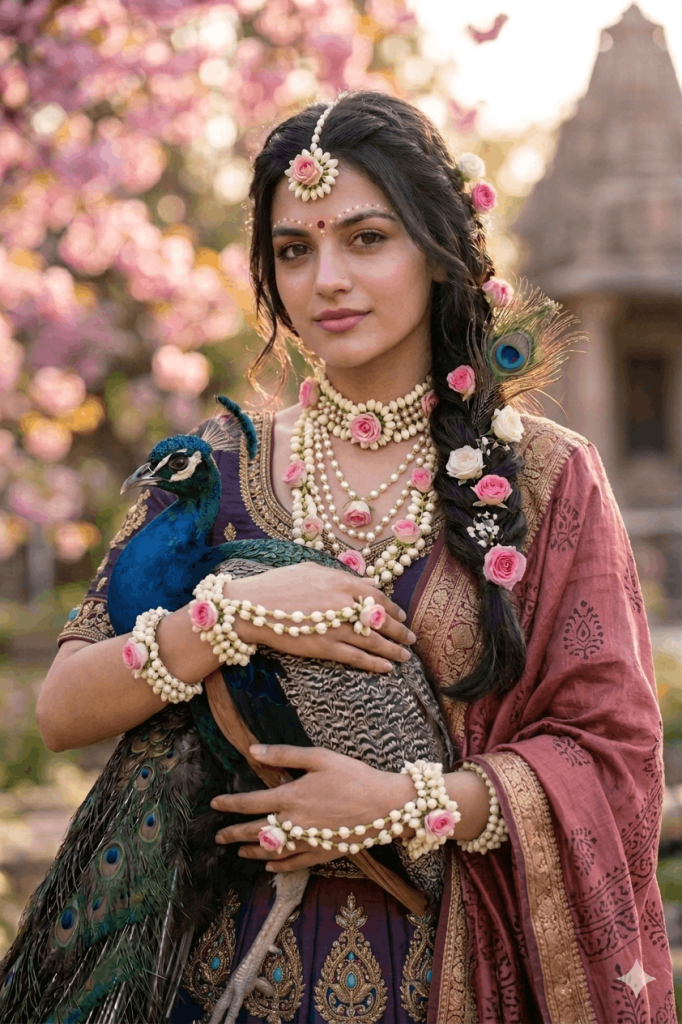
Version 9: Radha Costume Prompt
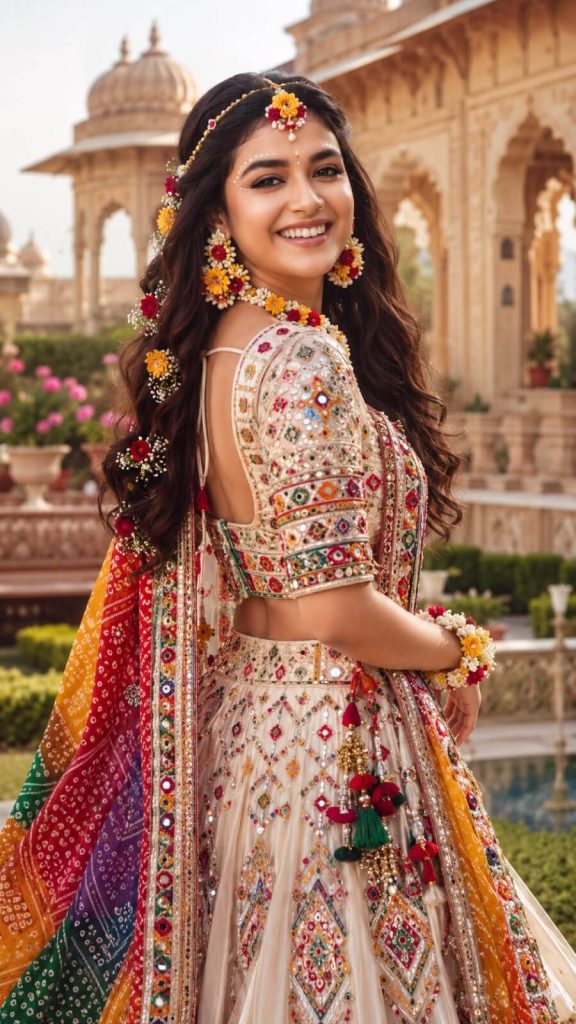
Version 10: Radha in the Flower Garden
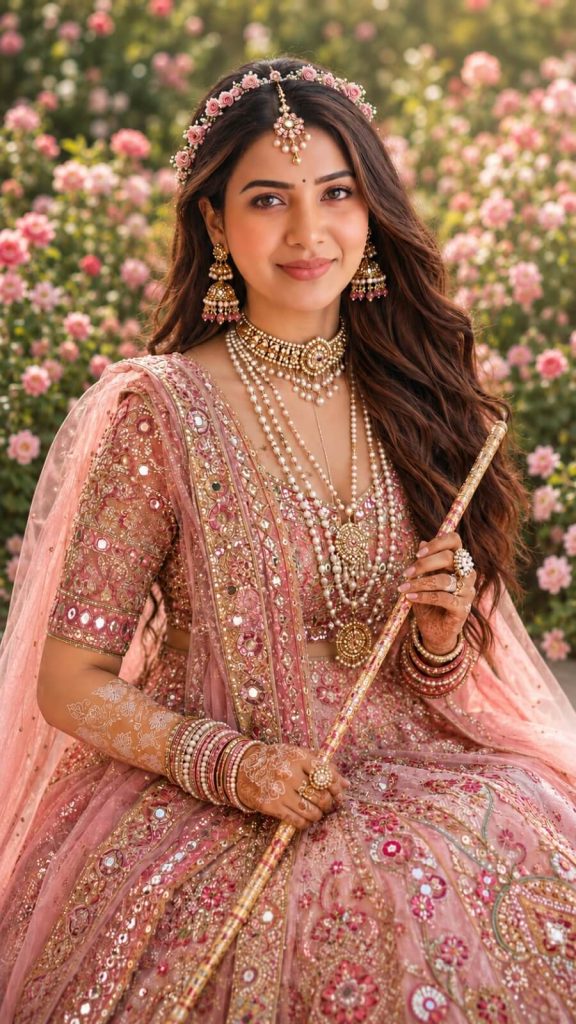
Version 11: Krishna The Great Cartoon Inspired Radha Look
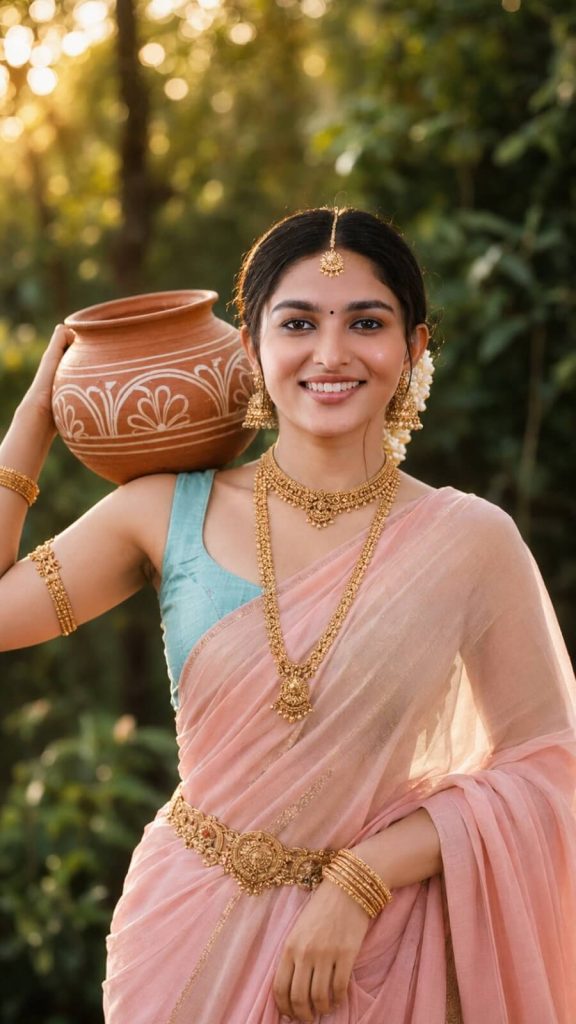
Version 12: Krishna’s Radha Look
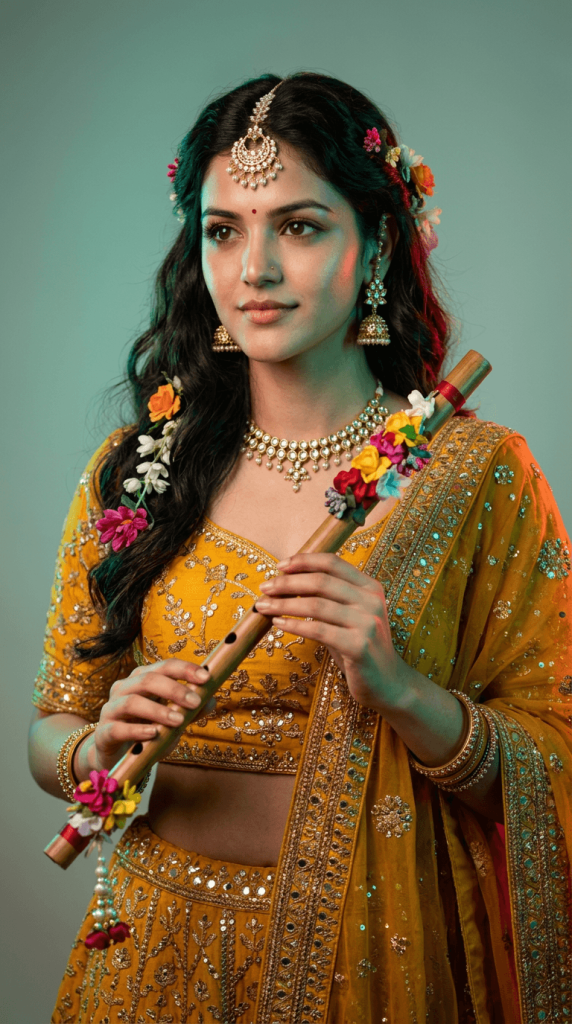
Create a hyper-realistic cinematic portrait of me dressed as a graceful Radha-inspired woman, wearing a vibrant mustard-yellow traditional lehenga with matching embroidered blouse and flowing dupatta, detailed with golden zari, floral embroidery, and delicate embellishments.
Style my long, wavy dark hair with a beautiful floral headpiece made of colorful fresh flowers, along with an elegant maang tikka, traditional jhumka earrings, floral-gold necklace, bangles, and subtle makeup with a small bindi.
Pose me standing gracefully while holding a beautifully decorated wooden flute diagonally across my body, adorned with colorful flowers. Give me a soft, dreamy expression, looking slightly to the side.
Use dramatic teal-green and warm red studio rim lighting, creating a vibrant cinematic glow around the subject. Soft gradient background, realistic skin texture, natural hair strands, shallow depth of field, professional DSLR photography, 85mm lens, f/1.8, ultra-detailed, photorealistic, premium editorial aesthetic, 8K.
Composition: vertical 9:16, waist-up/full portrait, centered subject, elegant posture.
Negative prompt: distorted face, changed identity, blurry, cartoon, anime, CGI, extra fingers, extra limbs, bad hands, duplicate accessories, unnatural skin, watermark, text, logo.
How to Use These Prompts
1. Below each image, you will see a prompt box with two buttons: Copy and Share to AI.
2. You can tap Copy to copy the full prompt manually. Or simply tap Share to AI; this will automatically copy the prompt for you.
3. After tapping Share to AI, a list of popular AI tools like ChatGPT, Gemini, Copilot, and others will appear on your screen.
4. Click on any AI tool you prefer. It will directly open the selected AI platform.
5. Once the AI page opens, paste the prompt into the prompt box (it is already copied if you used Share to AI).
6. Upload your reference image if required.
7. Click generate, and your image will be created.
8. If needed, you can slightly adjust the prompt for lighting, angle, or mood and generate again.
9. Once you are satisfied with the result, download the image and save it for your use.
Customization Tips
1. Use Your Clear Face Photo
Upload a bright and clear front-facing image for better face resemblance and sharper results.
2. Choose Outfit Colors
You can replace lehenga colors with pink, lavender, yellow, maroon, green, blue, or pastel shades.
3. Add Jewelry Details
Include floral jewelry, maang tikka, bangles, nose ring, pearl necklace, or temple ornaments.
4. Improve Background
Use keywords like Vrindavan garden, temple background, lotus pond, sunset glow, or bokeh lights.
5. Select Camera Style
For premium results, add terms like 85mm lens, cinematic lighting, DSLR photo, ultra realistic, or 8K quality.
6. Adjust Mood
Use words like divine, serene, romantic, spiritual, or royal depending on your style.
7. Add Props
Use flute, peacock feather, swing (jhula), flowers, veil, or Krishna shadow for more creative edits.