

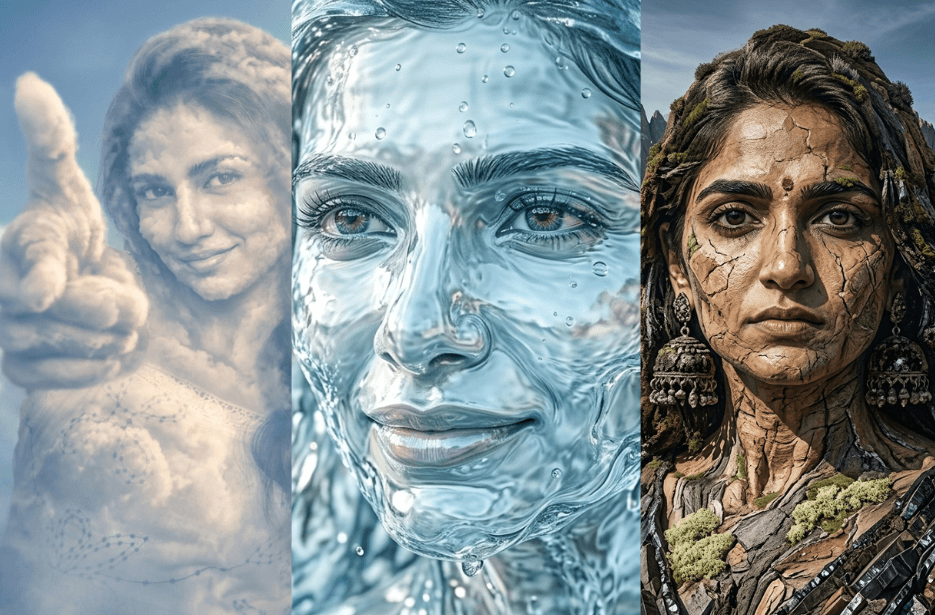
What if you weren’t just in nature… but you were nature? This is possible with the right AI prompts. You can create powerful, artistic portraits in which human features and natural elements blend into one. These portraits feel less like photos and more like a transformation. It is not about standing in nature, it’s about becoming a part of it.
If you are an environmentalist, nature lover, or someone who simply enjoys creative visuals, this style is a beautiful way to express that connection. Simply copy the prompt, paste it into any AI image generation tool, upload your photo, and turn yourself into a stunning masterpiece.
Version 1: Dreamy Cloud
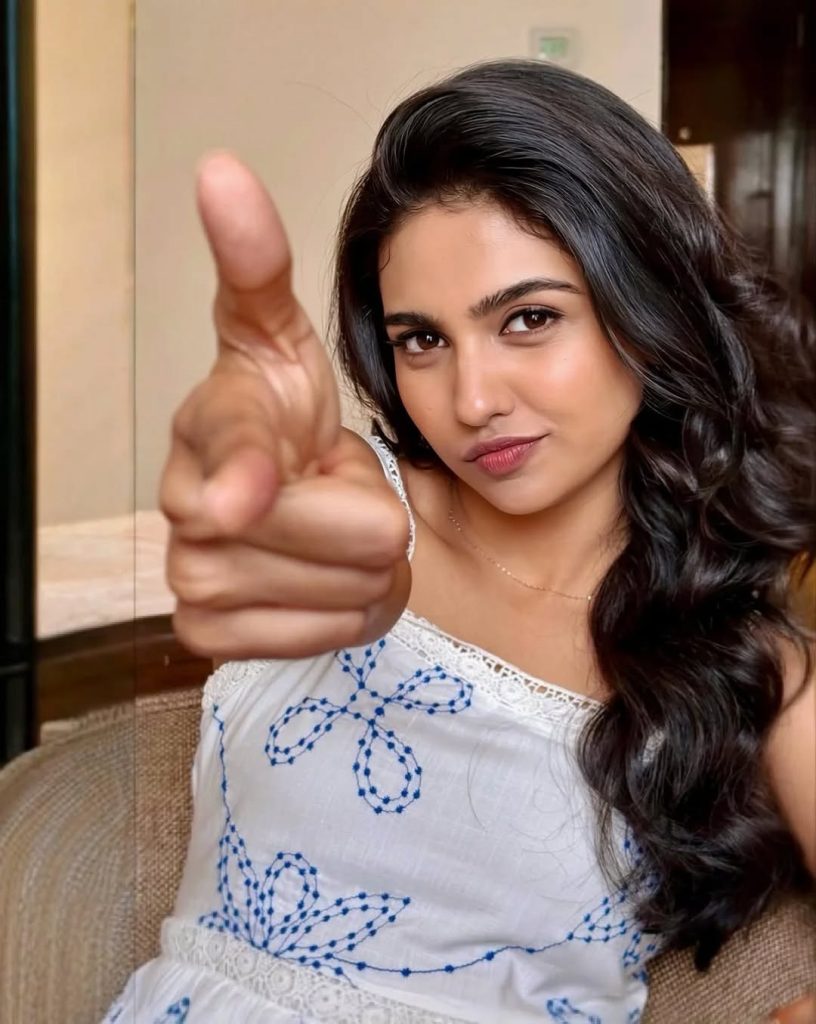
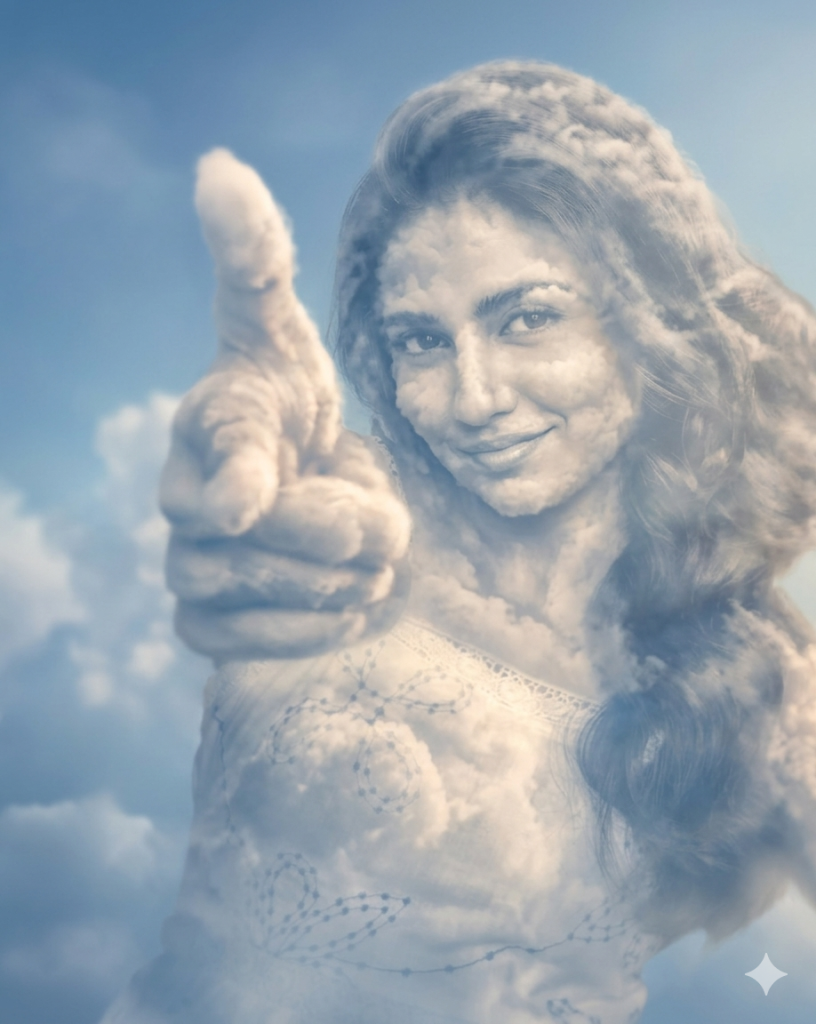
Negative Prompt:
harsh shadows, distorted face, extra limbs, blurry, low quality, overexposed, cartoonish, noise, artifacts.
Version 2: Go with the Flow
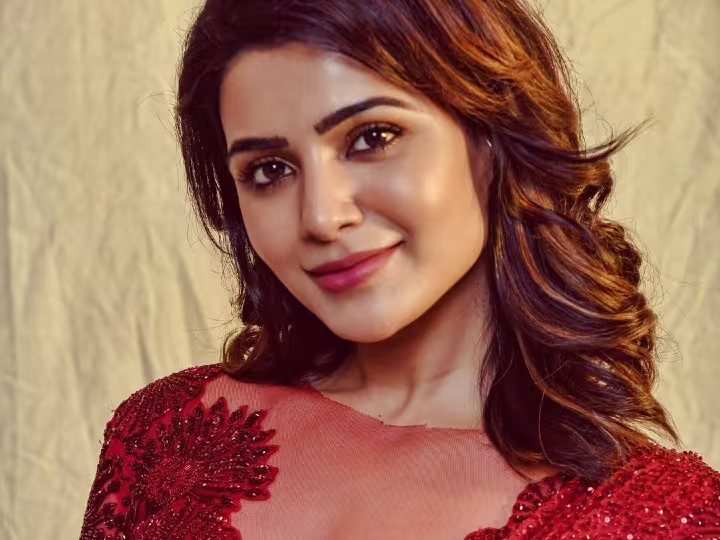
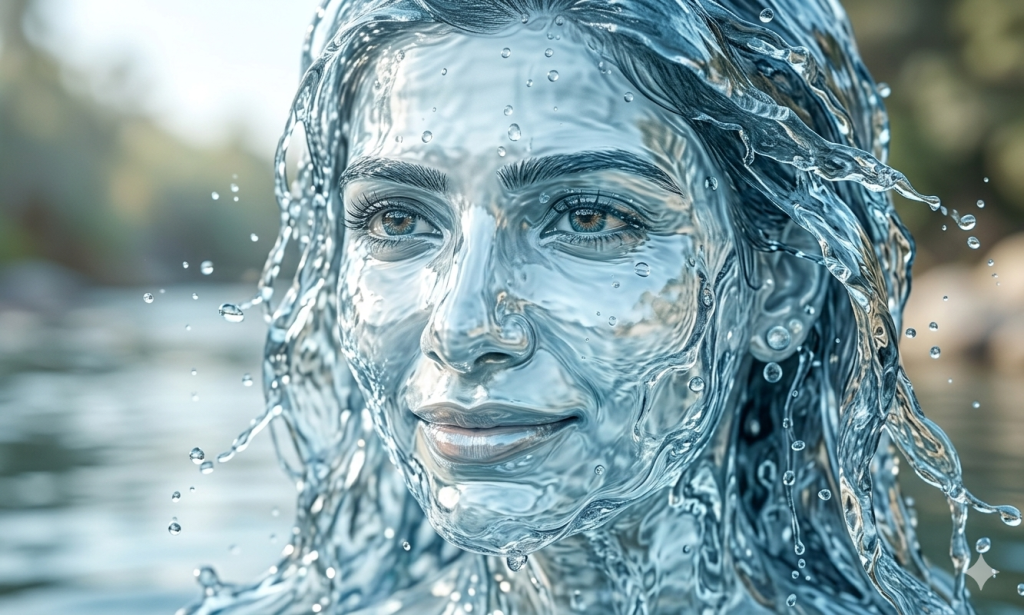
Version 3: Strong As a Mountain
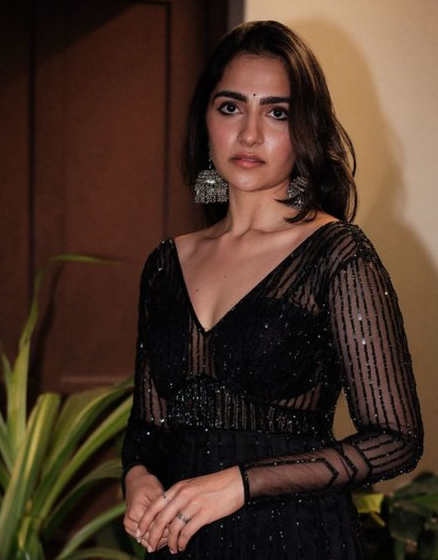
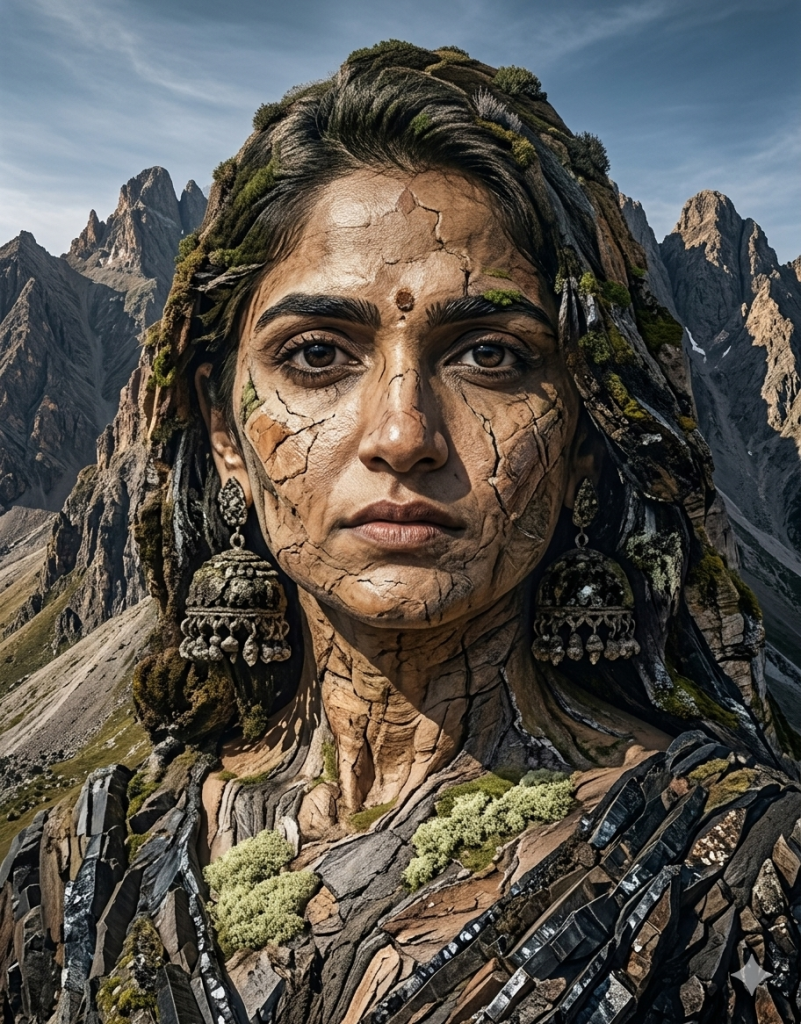
Negative Prompt:
statue, sculpture, smooth face, artificial carving, symmetry, cartoon.
How to Use These Prompts
1. Below each image, you will see a prompt box with two buttons: Copy and Share to AI.
2. You can tap Copy to copy the full prompt manually. Or simply tap Share to AI; this will automatically copy the prompt for you.
3. After tapping Share to AI, a list of popular AI tools like ChatGPT, Gemini, Copilot, and others will appear on your screen.
4. Click on any AI tool you prefer. It will directly open the selected AI platform.
5. Once the AI page opens, paste the prompt into the prompt box (it is already copied if you used Share to AI).
6. Upload your reference image if required.
7. Click generate, and your image will be created.
8. If needed, you can slightly adjust the prompt for lighting, angle, or mood and generate again.
9. Once you are satisfied with the result, download the image and save it for your use.
Additional Tips to Make The Prompts Better!
You can easily personalise these prompts to match your style, mood, and platform. Use the tips below to achieve better, more unique results.
1. Face Identity & Accuracy
- Always mention “use the provided image for exact face identity (100% preserved)”
- Add: sharp eyes, natural skin texture, no distortion
- If needed, include: same hairstyle, same expression
2. Lighting Control
Lighting plays a huge role in realism:
- Golden hour → warm, soft, aesthetic
- LED/cool light → moody, cinematic
- Flash lighting → bold, high contrast
- Soft indoor light → clean and natural
3. Camera Angle & Composition
- Try different angles for better results:
- Eye level → natural look
- Low angle → powerful vibe
- Side profile → aesthetic feel
- Mirror reflection focus → cinematic style
- Add: shallow depth of field for background blur
4. Mood & Expression
You can control the emotion of the image:
- Confident & bold
- Calm & introspective
- Soft & smiling
- Serious & moody
5. Colour Grading & Style
- Add finishing styles like:
- Cinematic tone
- Warm vintage look
- Black & white editorial
- High contrast luxury style
- Use: subtle film grain for realism
6. Quality & Output Settings
- Always include:
- 4K or 8K resolution
- Aspect ratio: 4:5 or 3:4 (best for social media)
- Add: ultra-realistic, sharp focus, great detail.
Start with any prompt from this list, then tweak outfit + lighting + mood + background to create endless variations. Small changes can give completely new results.