

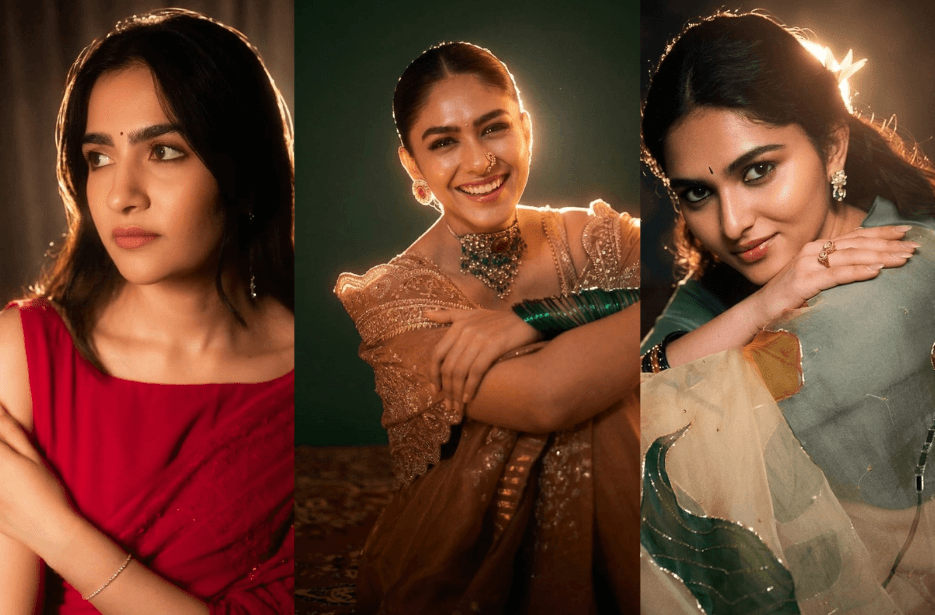
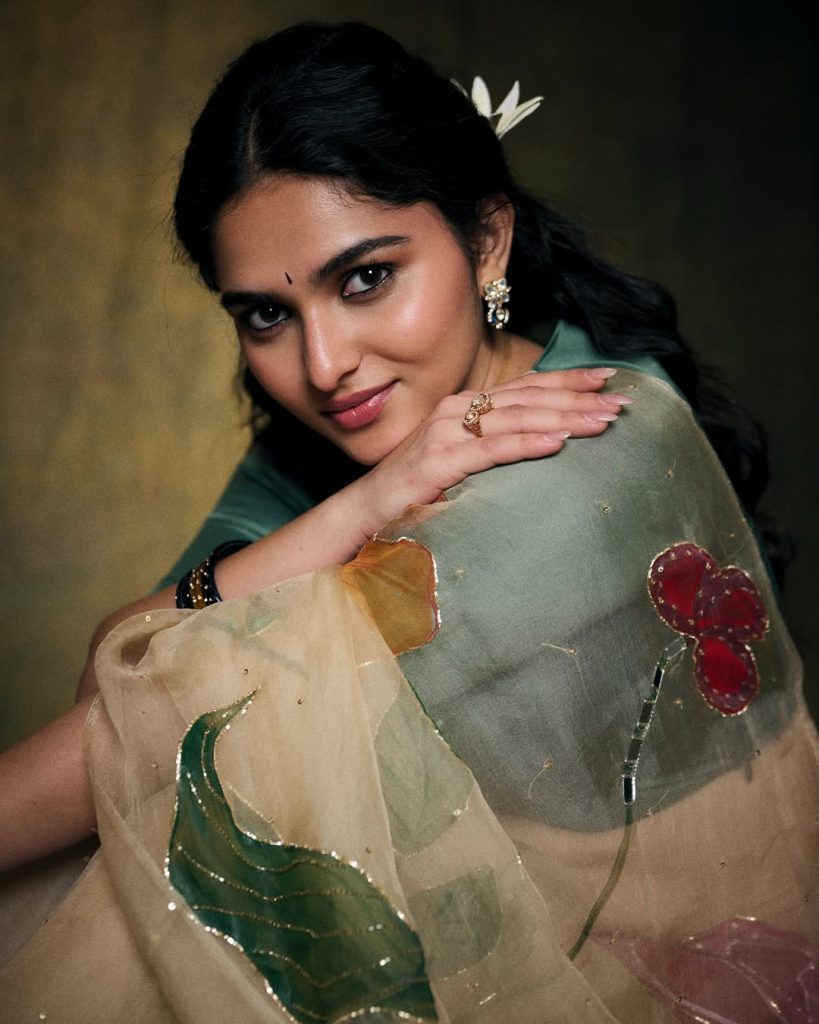
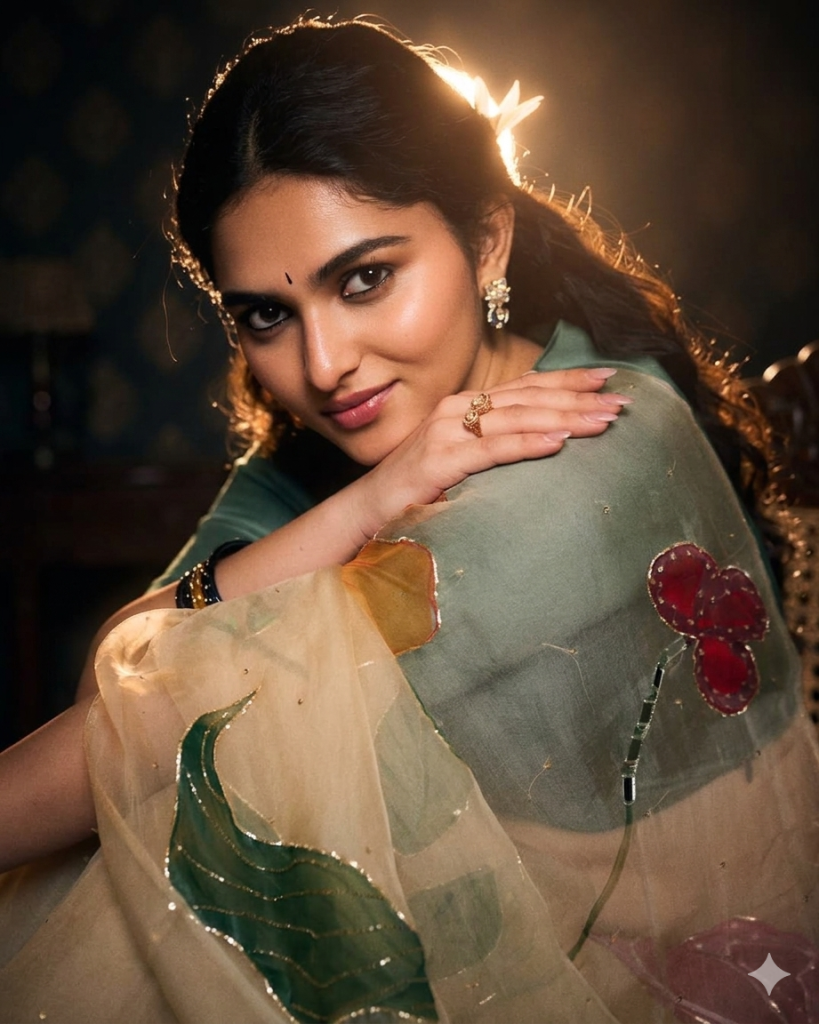
What if a single flash could turn an ordinary photo into a cinematic masterpiece? The night-flash look is all about mastering contrast, mood, and controlled lighting, bringing your subject to life against deep, dramatic shadows. By combining strong directional flash with warm, glowing highlights, this style creates portraits that feel bold, immersive, and professionally shot. With the right AI prompt below, you can achieve this striking effect while keeping every detail of your original image perfectly intact.
Keep the environment deep, dark, and naturally unlit, retaining all original shadows and spatial depth.
Light the subject using a powerful, warm flash source positioned slightly behind and above, creating a defined rim light around the head and shoulders. Allow this light to subtly wrap forward, softly illuminating the face and upper body while keeping the background in darkness. The subject must remain the brightest and most visually dominant element in the frame.
Enhance the lighting with delicate, diffused glow rays that interact naturally with the skin, producing luminous highlights on the cheekbones, nose bridge, lips, and fine hair strands. Maintain strong cinematic contrast between highlights and shadows without clipping details.
Apply controlled lens bloom, subtle atmospheric haze, and a soft halo glow around the subject’s silhouette to add depth and separation.
Grade the skin with warm, peach-toned luminosity and slight translucency, ensuring texture and realism are preserved.
Strict constraints:
Do not alter or stylize the face
Do not change pose, framing, or background
Do not add or remove objects
Only modify lighting, glow, and color mood
Photo 1:
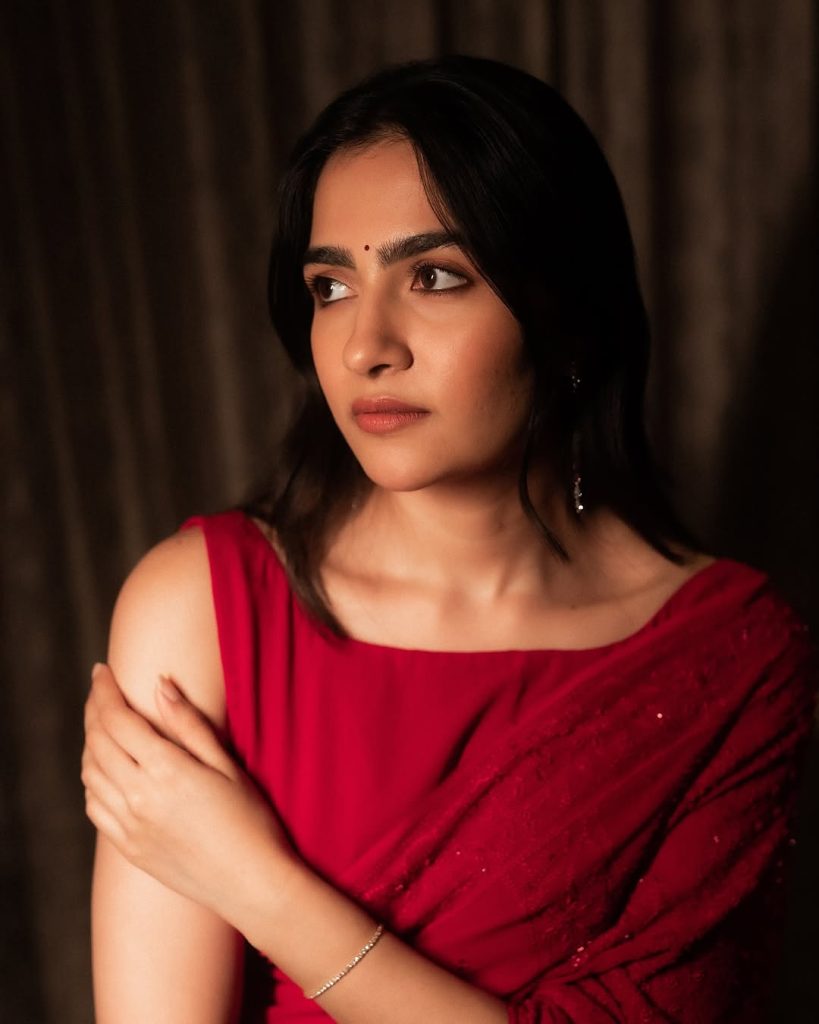
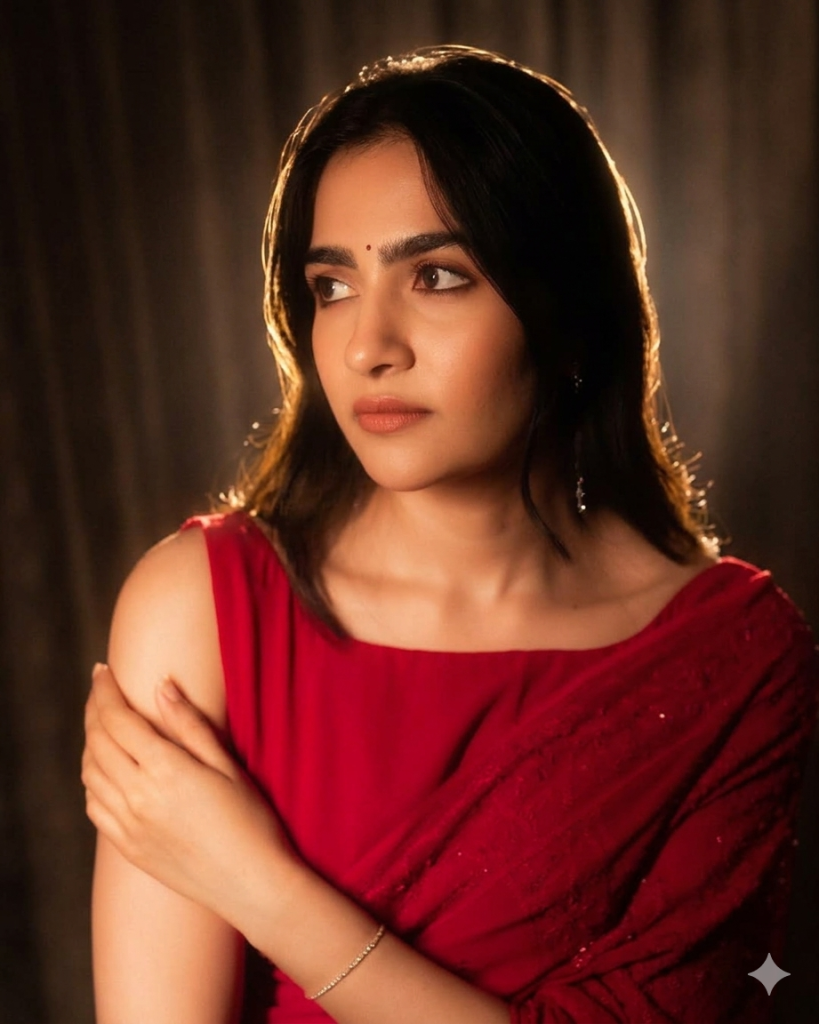
Photo 2:
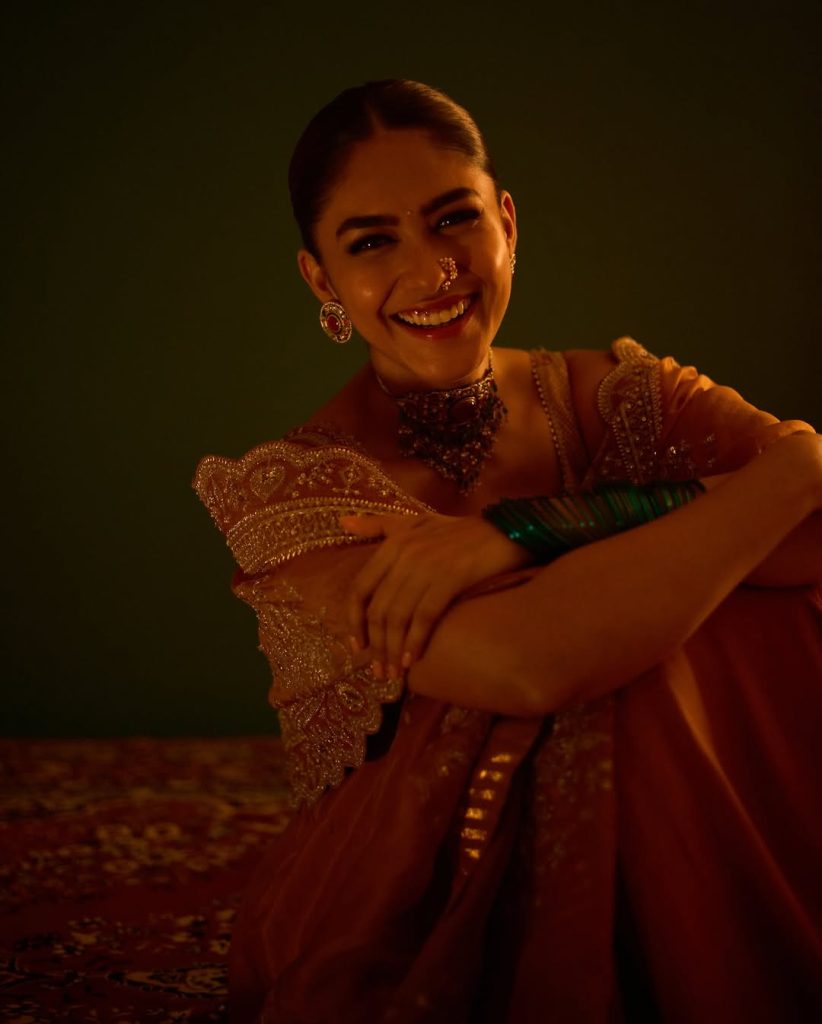
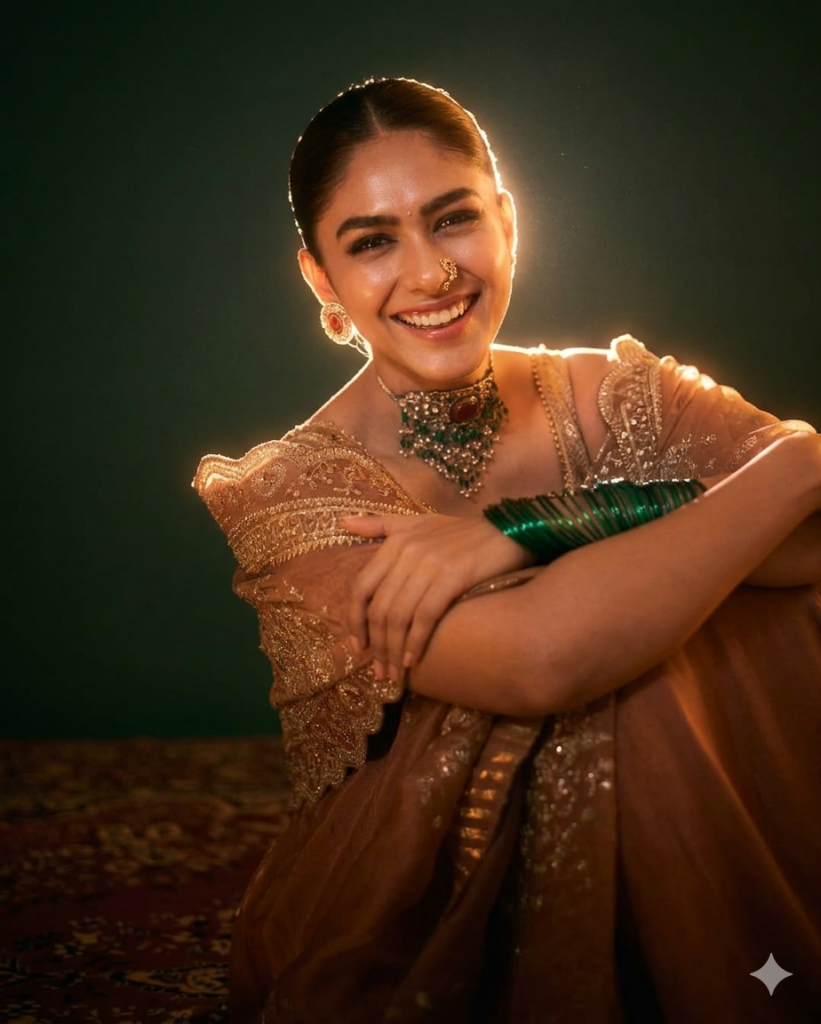
Photo 3:
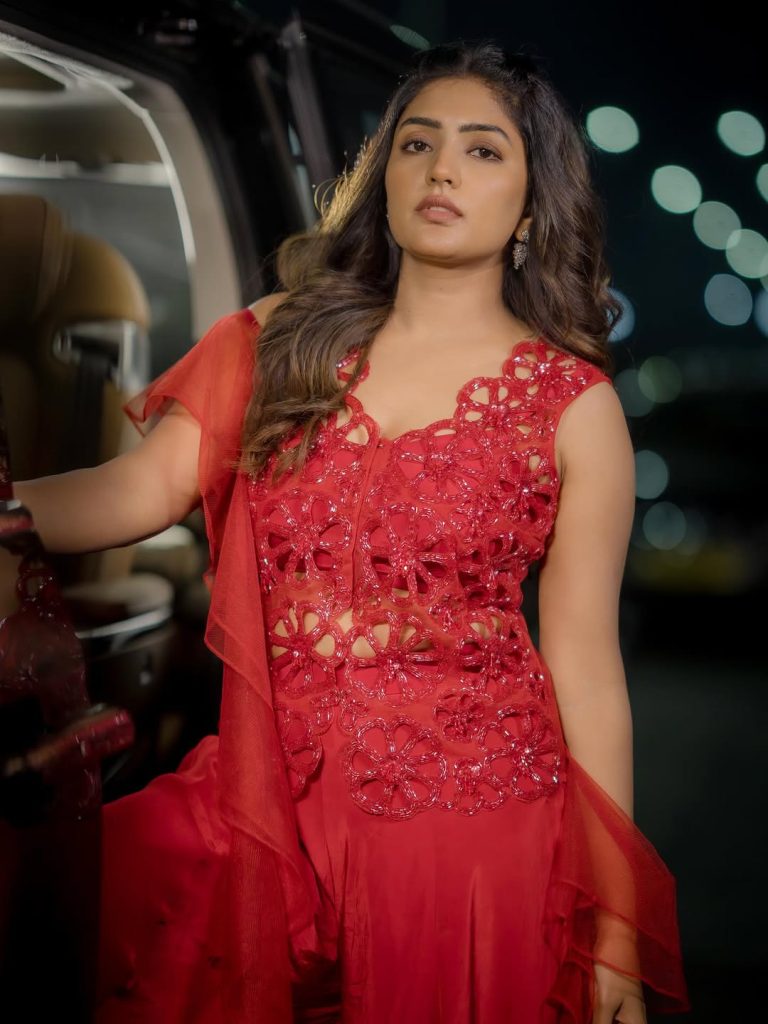
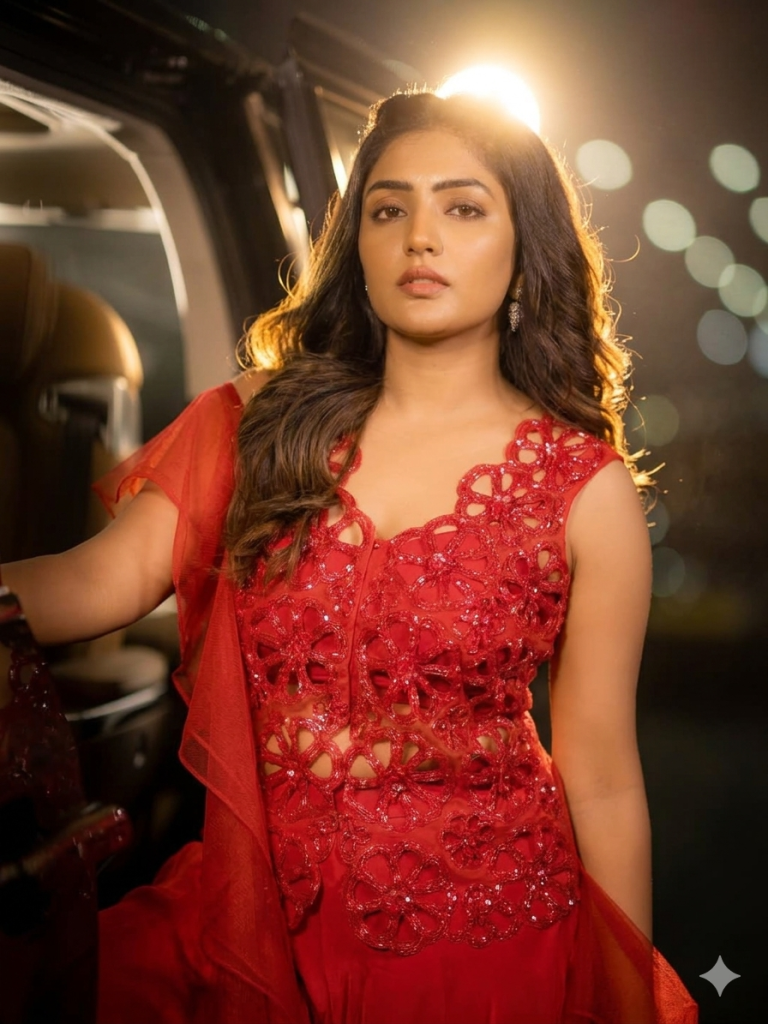
Photo 4:
How to Use These Prompts
1. Below each image, you will see a prompt box with two buttons: Copy and Share to AI.
2. You can tap Copy to copy the full prompt manually. Or simply tap Share to AI; this will automatically copy the prompt for you.
3. After tapping Share to AI, a list of popular AI tools like ChatGPT, Gemini, Copilot, and others will appear on your screen.
4. Click on any AI tool you prefer. It will directly open the selected AI platform.
5. Once the AI page opens, paste the prompt into the prompt box (it is already copied if you used Share to AI).
6. Upload your reference image if required.
7. Click generate, and your image will be created.
8. If needed, you can slightly adjust the prompt for lighting, angle, or mood and generate again.
9. Once you are satisfied with the result, download the image and save it for your use.
Customisation Tips for Better Results
You can easily personalise these prompts to match your style, mood, and platform. Use the tips listed below to get better and more unique results.
1. Face Identity & Accuracy
- Always mention “use the provided image for exact face identity (100% preserved)”
- Add: sharp eyes, natural skin texture, no distortion
- If needed, include: same hairstyle, same expression
2. Lighting Control
Lighting plays a huge role in realism:
- Golden hour → warm, soft, aesthetic
- LED/cool light → moody, cinematic
- Flash lighting → bold, high contrast
- Soft indoor light → clean and natural
3. Camera Angle & Composition
- Try different angles for better results:
- Eye level → natural look
- Low angle → powerful vibe
- Side profile → aesthetic feel
- Mirror reflection focus → cinematic style
- Add: shallow depth of field for background blur
4. Colour Grading & Style
- Add finishing styles like:
- Cinematic tone
- Warm vintage look
- Black & white editorial
- High contrast luxury style
- Use: subtle film grain for realism
5. Quality & Output Settings
- Always include:
- 4K or 8K resolution
- Aspect ratio: 4:5 or 3:4 (best for social media)
- Add: ultra-realistic, sharp focus, great detail.