

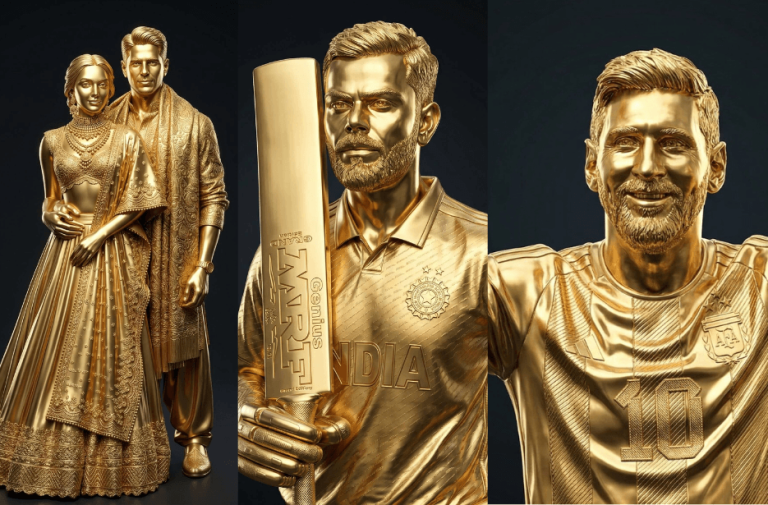
There are many AI prompt trends going viral right now, and one of the most exciting is the 3D golden statue conversion. With the right prompt, you can turn your photos into ultra-realistic gold sculptures that look like premium 3D renders. To try this, simply copy the prompt below, upload your image to your favourite AI image generator, and transform your iconic moments into stunning golden masterpieces.
Prompt
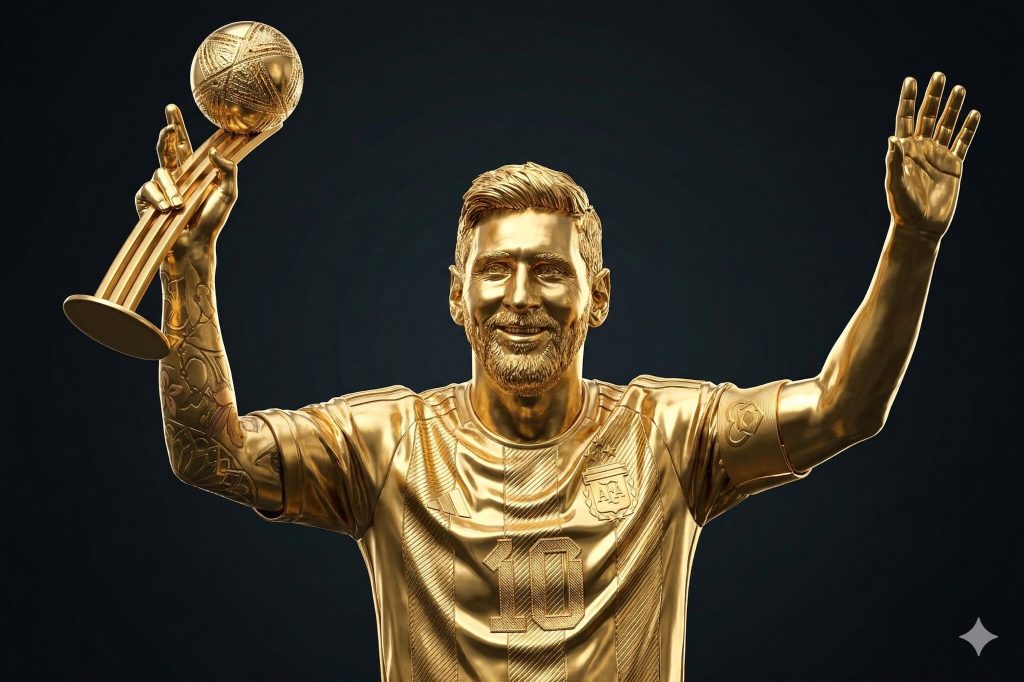
Version 1: Lionel Andres Messi Cuccitini Holding the World Cup
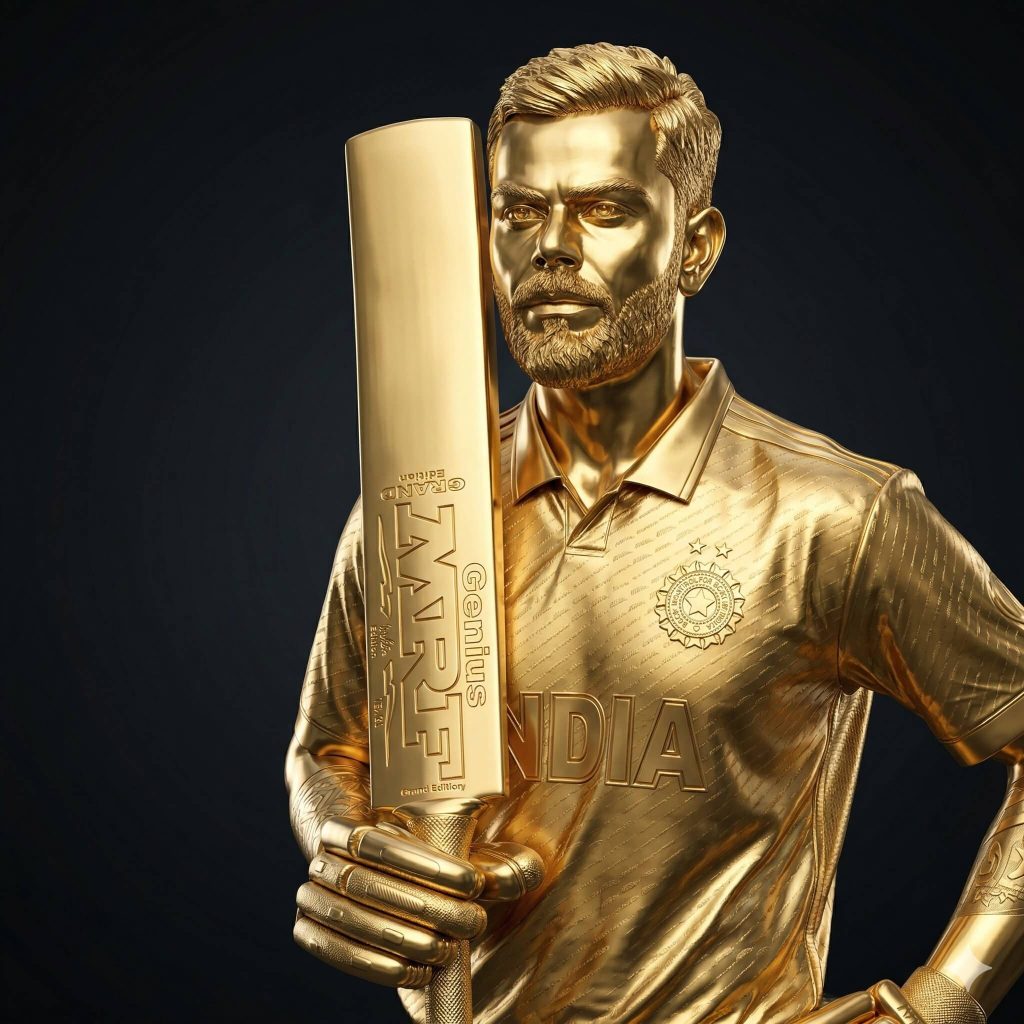
Version 2: Virat Kohli Holding his Bat
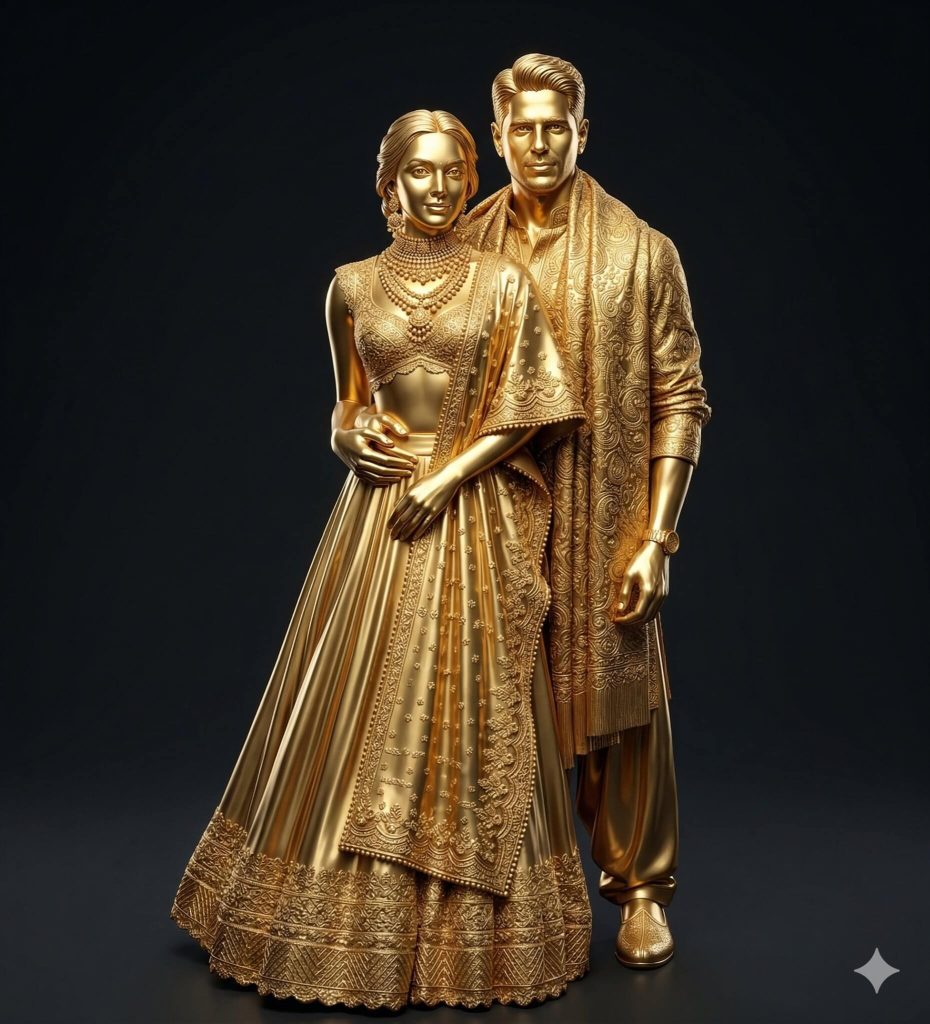
Version 3: Kiara and Sidharth Wedding Portrait
How to Use These Prompts
1. Below each image, you will see a prompt box with two buttons: Copy and Share to AI.
2. You can tap Copy to copy the full prompt manually. Or simply tap Share to AI; this will automatically copy the prompt for you.
3. After tapping Share to AI, a list of popular AI tools like ChatGPT, Gemini, Copilot, and others will appear on your screen.
4. Click on any AI tool you prefer. It will directly open the selected AI platform.
5. Once the AI page opens, paste the prompt into the prompt box (it is already copied if you used Share to AI).
6. Upload your reference image if required.
7. Click generate, and your image will be created.
8. If needed, you can slightly adjust the prompt for lighting, angle, or mood and generate again.
9. Once you are satisfied with the result, download the image and save it for your use.
Creative Control Options for Your Golden Sculpture Look
- Dress & Styling: Change outfits (wedding, casual, sports, royal) or keep everything in full gold sculpted form.
- Lighting: Use soft studio light, dramatic spotlight, golden glow, or high-contrast cinematic lighting.
- Background: Switch between dark gradient, luxury studio, stadium, temple, or palace backdrop.
- Pose: Try standing, sitting, walking, a romantic pose, or a powerful hero pose.
- People: Add or remove subjects (solo, couple, family, group).
- Props & Accessories: Include trophies, bats, jewellery, watches, or remove unwanted items.
- Material Finish: Experiment with polished gold, matte gold, antique gold, or mix with marble/glass.
- Framing: Close-up, half-body, full-body, or vertical 9:16 composition.
0 Comments