
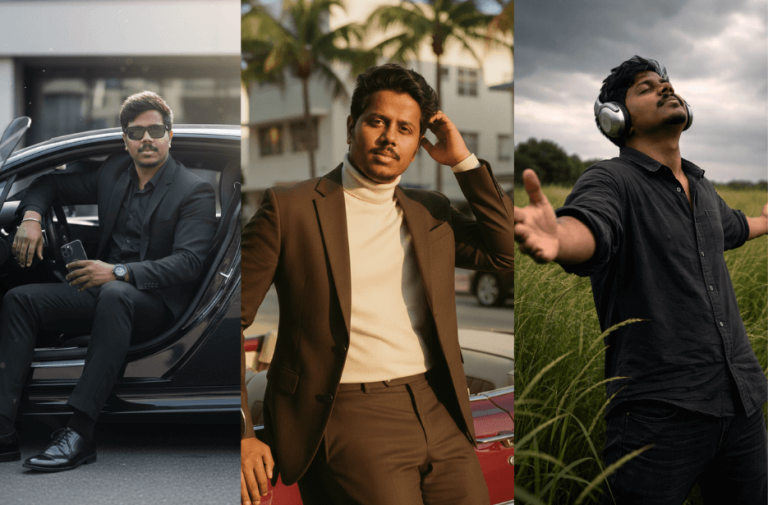
If you want ultra-realistic AI photos that look like professional DSLR shots, the right prompt makes all the difference. We have carefully curated 10 powerful cinematic AI photo prompts for strict face lock and perfect identity preservation.
From luxury car scenes and rooftop fashion shots to emotional black-and-white portraits and dramatic outdoor moments, each prompt helps you create high-end, realistic images with natural skin texture and zero AI smoothing.
Use these prompts to generate stylish, bold, and cinematic portraits while keeping your face 100% identical to your reference image.
Version 1: Billionaire Bugatti Aura
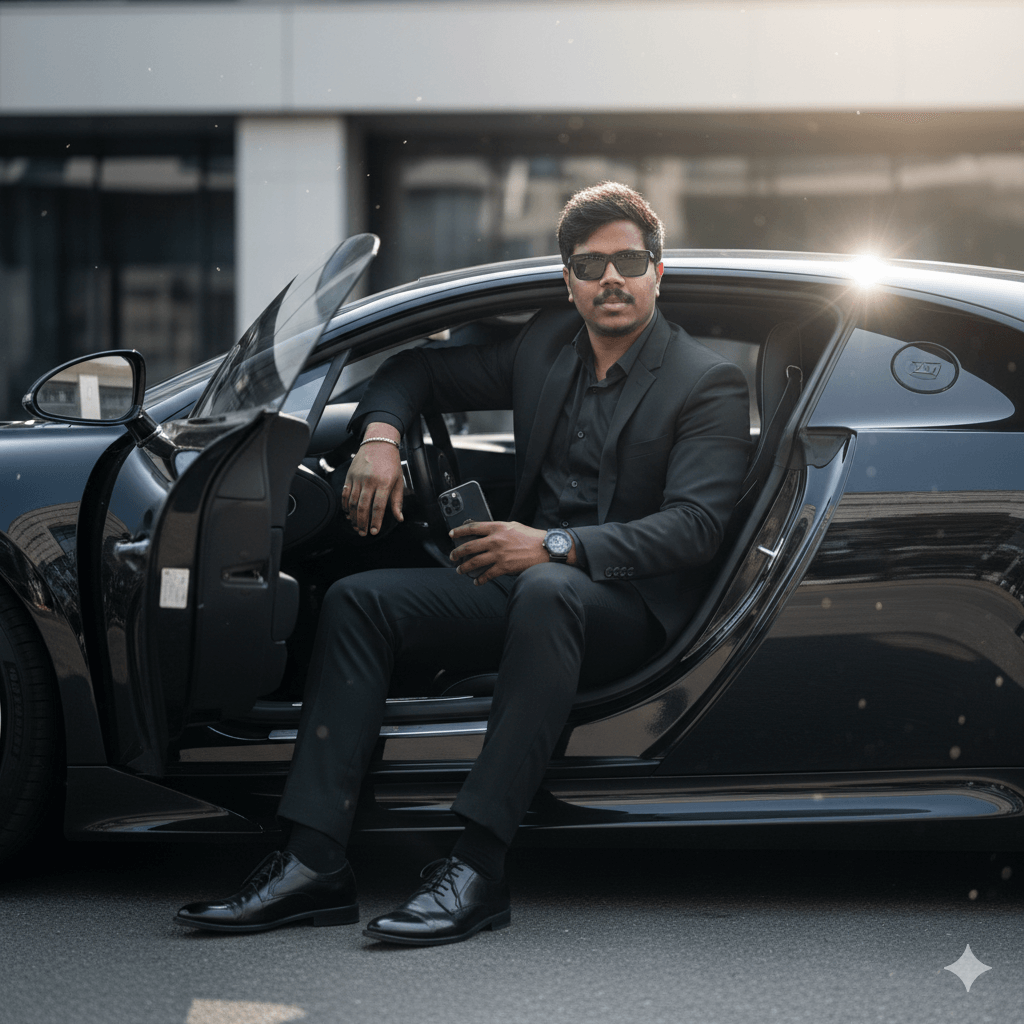
He looks extremely stylish and gives a billionaire aura. Capture a clean, slightly long side-profile shot that clearly shows his full seated posture.
He is wearing a perfectly tailored black suit, black pants, and a black shirt with the top button open. Along with shiny black sunglasses, polished black formal shoes, and a luxury black Bugatti watch that subtly shines in the sunlight. He holds a black iPhone naturally in one hand, resting it stylishly on his thigh.
The entire scene should feel like a high-end cinematic shoot with a bright, sun-lit background. Natural sunlight, realistic shadows, premium luxury atmosphere, DSLR-quality photography, ultra-detailed textures, and sharp focus.
Face lock: strict identity preservation
Use the uploaded reference image as the ONLY identity source. Keep the face 100% identical. No face reshaping. No beautification. No symmetry correction, AI smoothing, or glow filters. Preserve real skin texture, visible pores, and subtle beard hair strands. Must look like authentic, high-end DSLR photography.
Version 2: Neon BMW Street Boss
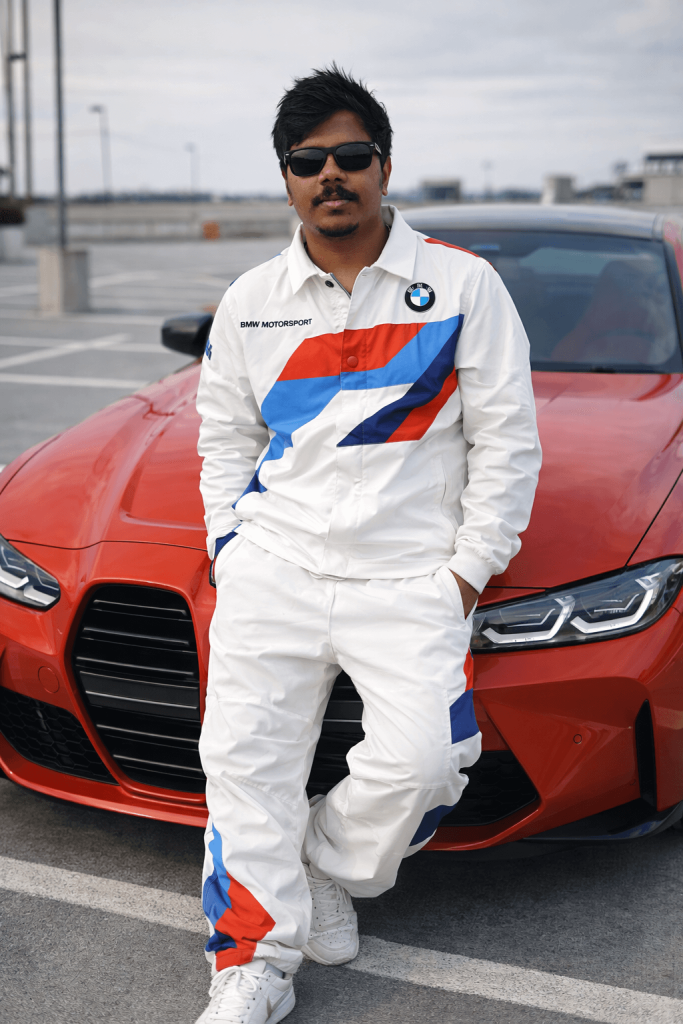
Face lock: strict identity preservation (Keep my face 100% the same as in the reference image). Use the uploaded reference image as the ONLY identity source. Face must remain EXACTLY identical, no face reshaping, and no beautification. No symmetry correction, AI smoothing, and skin glow filters. Skin must show real pores, natural texture, subtle beard hair strands. Must look like real DSLR photography.
Version 3: Urban Bike Hero Walk
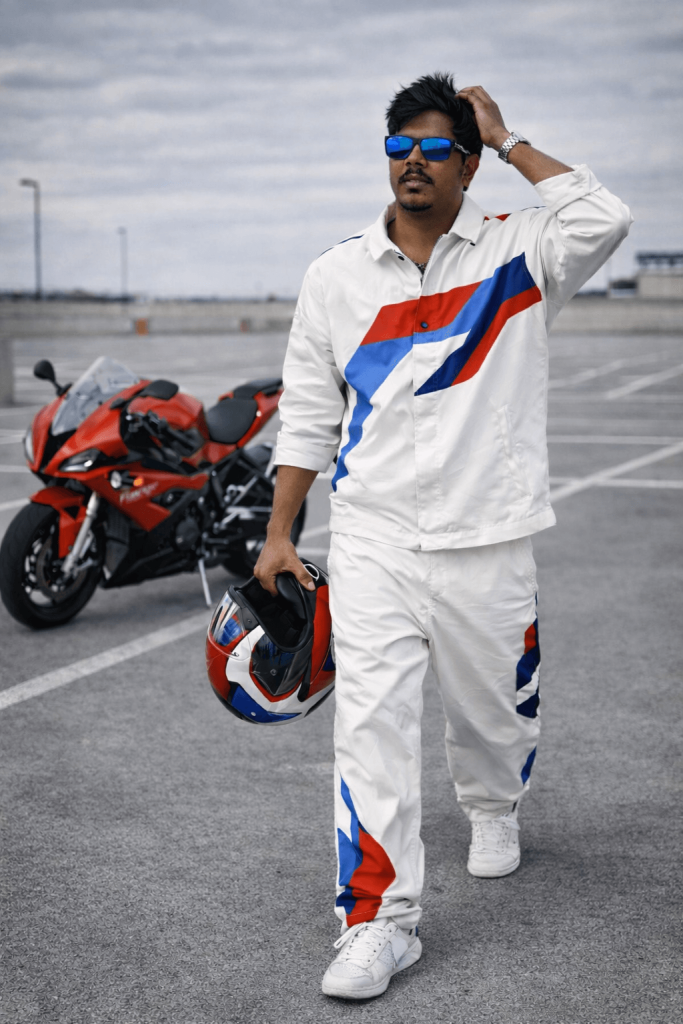
Version 4: Fearless Black Horse Rider
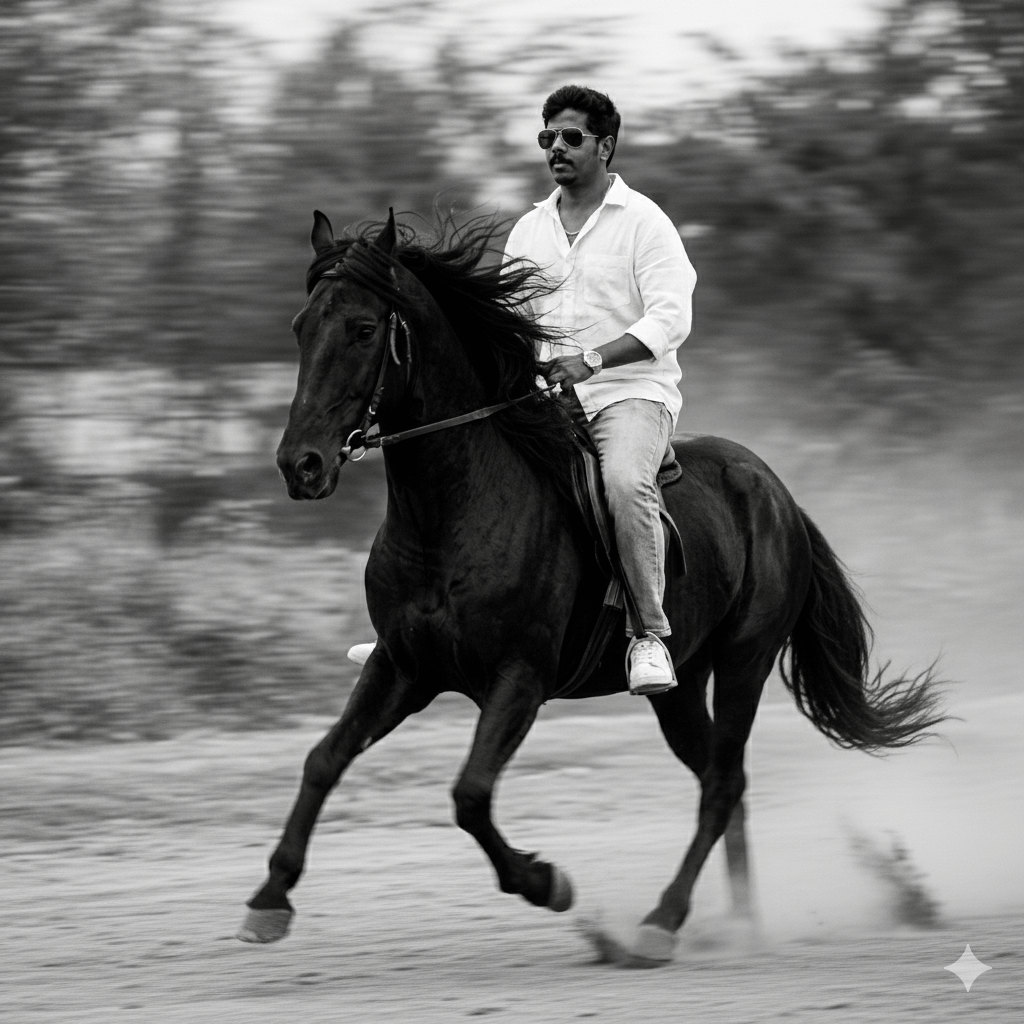
Face lock: strict identity preservation (Keep my face 100% the same as in the reference image). Use the uploaded reference image as the ONLY identity source. Face must remain EXACTLY identical, no face reshaping, and no beautification. No symmetry correction, AI smoothing, or skin glow filters. Skin must show real pores, natural texture, subtle beard hair strands. Must look like real DSLR photography.
Version 5: Northern Lights Editorial Poster
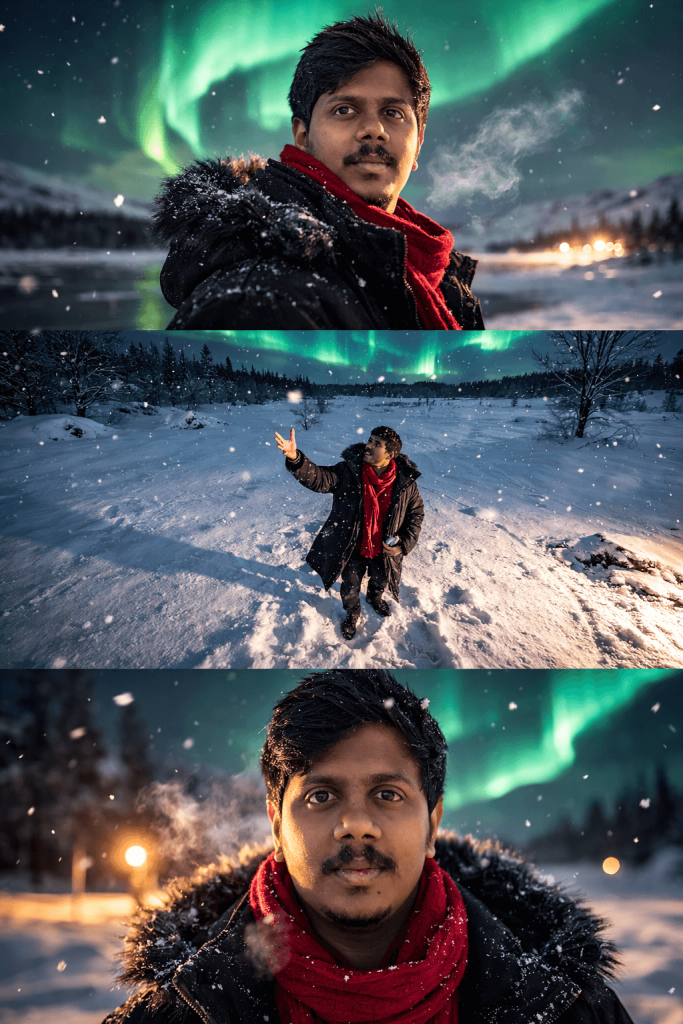
SUBJECT: Utilizing the provided facial reference strictly, maintaining exact features, skin texture, and hairstyle. The subject conveys a mix of joy and nostalgia.
OUTFIT: A long, loose, luxurious black fur winter jacket paired with a vibrant red scarf.
PANEL 1 (Top – Portrait): Cinematic medium portrait. The subject looks back over their shoulder with an editorial gaze. Background is a dreamy, out-of-focus snowy landscape under a vibrant, dancing northern lights sky.
PANEL 2 (Middle – Full Body): Aerial overhead shot of the subject standing in a vast, pristine snowy field. Subject is reaching upward toward falling snowflakes. Barren, majestic trees in the far distance.
PANEL 3 (Bottom – Close-up): Tight, intimate close-up on the face. Focus on beautiful, bright, expressive eyes looking directly into the camera with a neutral,
Face lock: strict identity preservation (Keep my face 100% the same as in the reference image). Use the uploaded reference image as the ONLY identity source. Face must remain EXACTLY identical, no face reshaping, and no beautification. No symmetry correction, or skin glow filters. Skin must show real pores, natural texture, subtle beard hair strands. Must look like real DSLR photography.
Version 6: Calm Moment in the Open Field
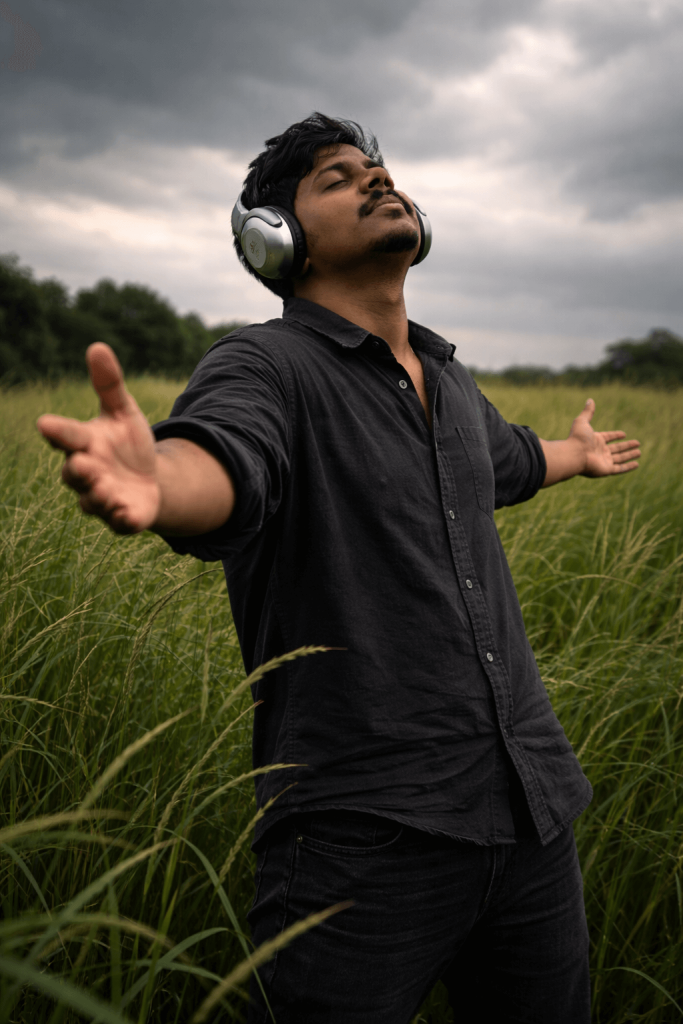
Face lock: strict identity preservation (Keep my face 100% the same as in the reference image). Use the uploaded reference image as the ONLY identity source. Face must remain EXACTLY identical, no face reshaping, and no beautification. No symmetry correction, AI smoothing, or skin glow filters. Skin must show real pores, natural texture, subtle beard hair strands. Must look like real DSLR photography.
Version 7: Golden Hour at the Rooftop
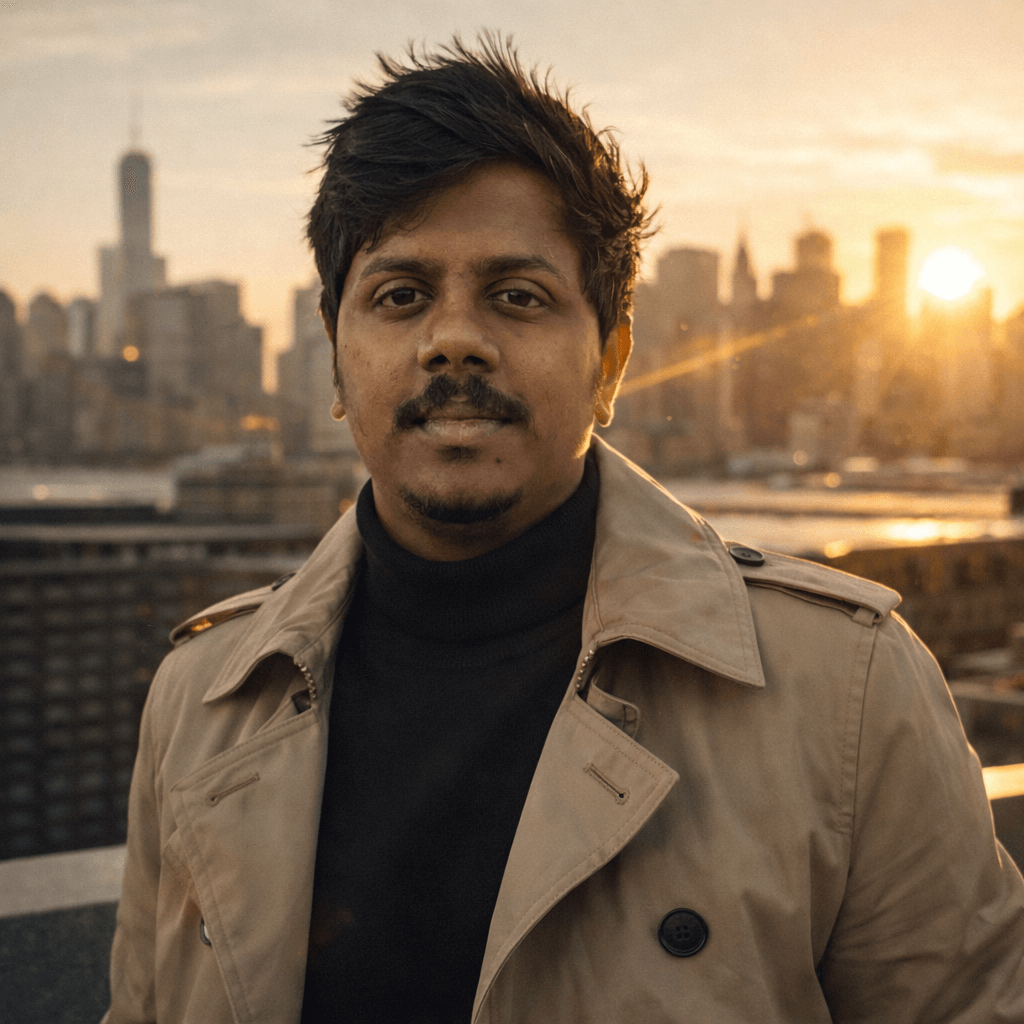
Face lock: strict identity preservation (Keep my face 100% the same as in the reference image). Use the uploaded reference image as the ONLY identity source. Face must remain EXACTLY identical, no face reshaping, and no beautification.
Version 8: Emotional Black and White Portrait
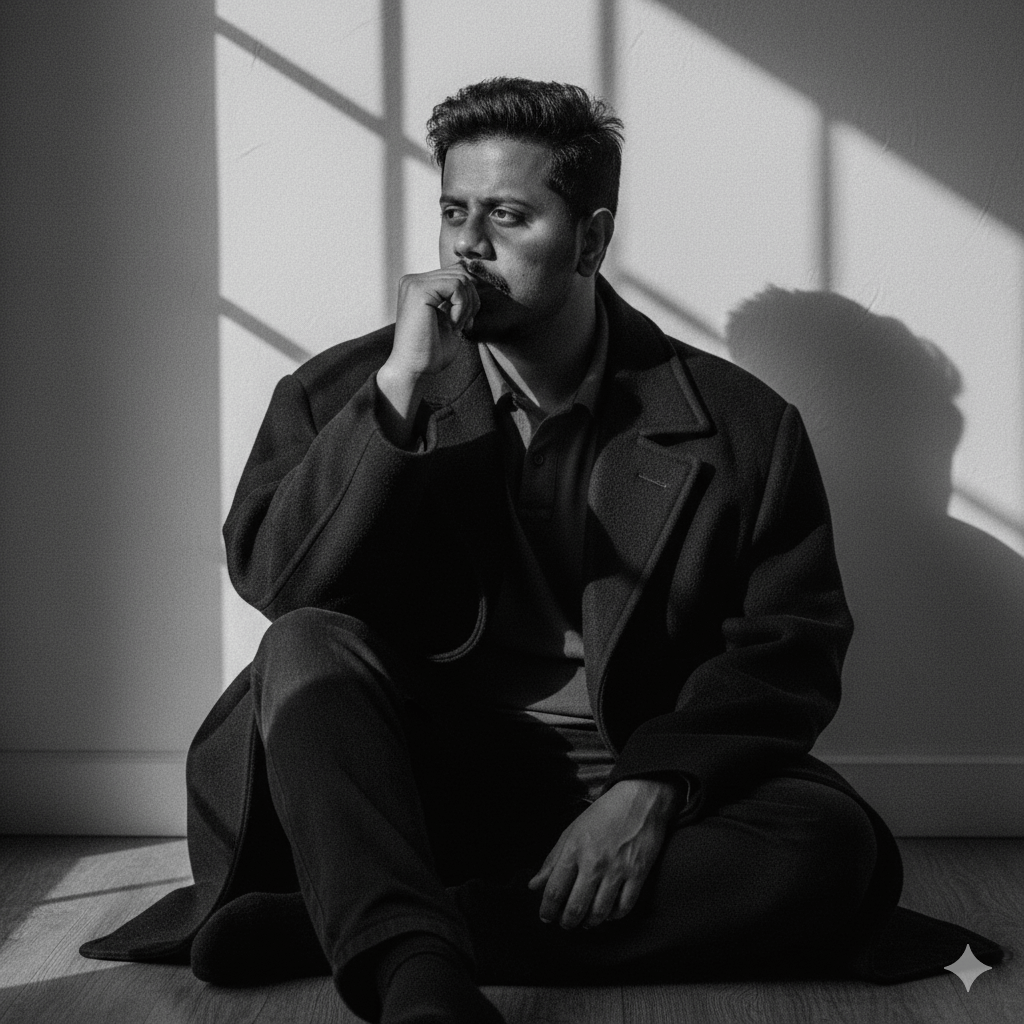
Face lock: strict identity preservation (Keep my face 100% the same as in the reference image). Use the uploaded reference image as the ONLY identity source.
Version 9: Miami Vintage Luxury Vibe
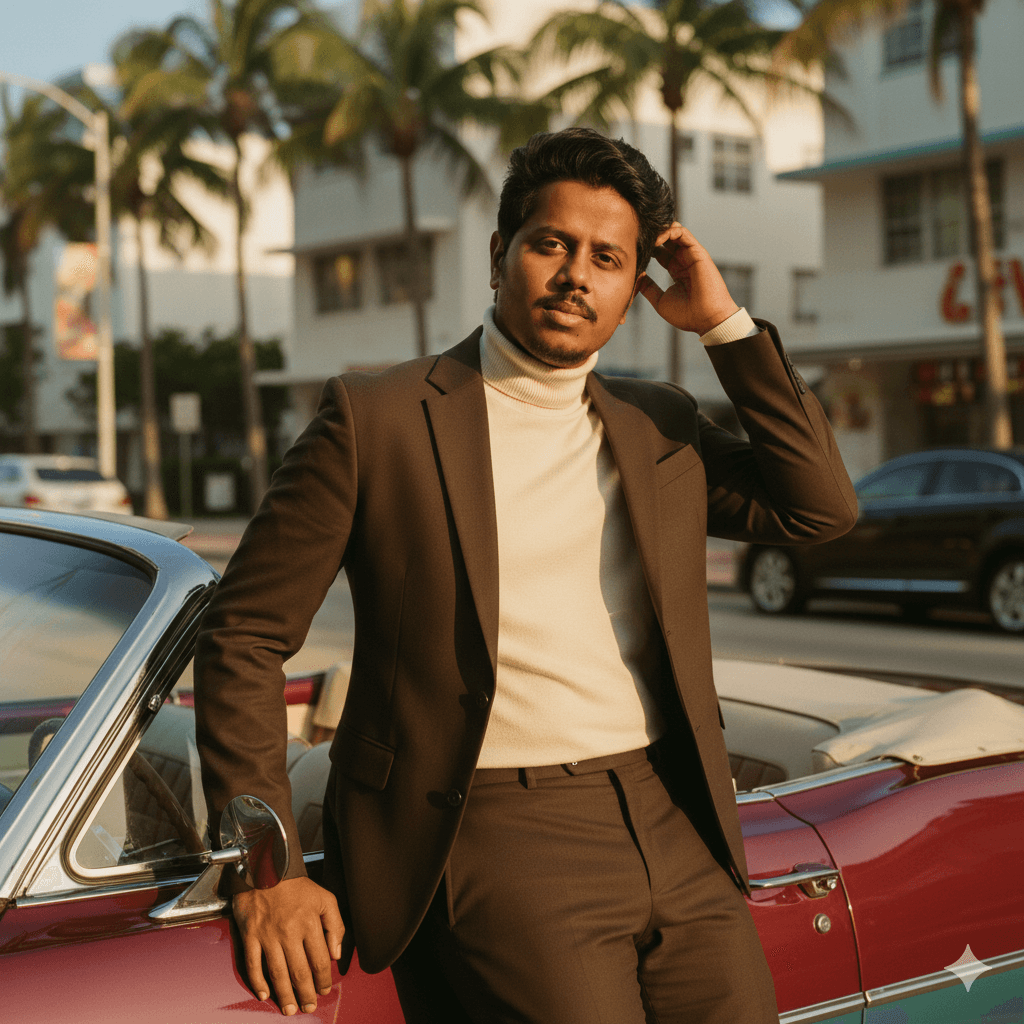
Face lock: strict identity preservation (Keep my face 100% the same as in the reference image). Use the uploaded reference image as the ONLY identity source. Face must remain EXACTLY identical, no face reshaping, and no beautification. No symmetry correction, AI smoothing, or skin glow filters. Skin must show real pores, natural texture, subtle beard hair strands. Must look like real DSLR photography.
Version 10: Midnight Apartment Editorial
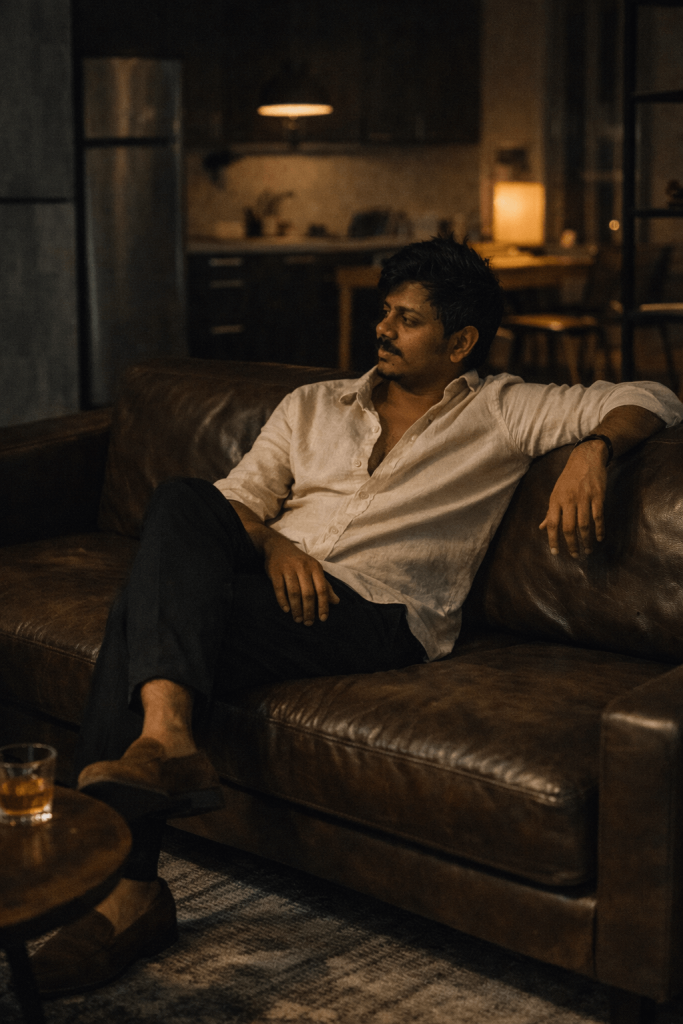
Face lock: strict identity preservation (Keep my face 100% the same as in the reference image). Use the uploaded reference image as the ONLY identity source. Face must remain EXACTLY identical, no face reshaping, and no beautification. No symmetry correction and AI smoothing. Skin must show real pores, natural texture, subtle beard hair strands. Must look like real DSLR photography.
How to Use These Prompts
1. Below each image, you will see a prompt box with two buttons: Copy and Share to AI.
2. You can tap Copy to copy the full prompt manually. Or simply tap Share to AI; this will automatically copy the prompt for you.
3. After tapping Share to AI, a list of popular AI tools like ChatGPT, Gemini, Copilot, and others will appear on your screen.
4. Click on any AI tool you prefer. It will directly open the selected AI platform.
5. Once the AI page opens, paste the prompt into the prompt box (it is already copied if you used Share to AI).
6. Upload your reference image if required.
7. Click generate, and your image will be created.
8. If needed, you can slightly adjust the prompt for lighting, angle, or mood and generate again.
9. Once you are satisfied with the result, download the image and save it for your use.
Customization Tips for Better Results
1. Use a High-Quality Reference Photo
Upload a clear image with good lighting and full face visibility. This improves strict face lock accuracy and keeps your identity realistic.
2. Keep Natural Expressions
Choose a natural expression in your reference image. AI works best when the face looks relaxed and not heavily edited.
3. Adjust Lighting Style
You can modify lighting based on your vibe:
- Bright sunlight for luxury scenes
- Golden hour for editorial looks
- Moody shadows for dramatic portraits
- Black and white for timeless style
4. Change Outfit Colors
Match outfit colors to the background. For example:
- Dark suits for luxury car shots
- Light tones for rooftop or outdoor scenes
- Oversized coats for moody portraits
5. Modify Camera Angle
Try different perspectives:
- Low angle for powerful hero shots
- Side profile for luxury poses
- Close-up for emotional portraits
- Wide shot for cinematic storytelling
6. Maintain Real Skin Texture
Always mention:
- No AI smoothing
- No glow filters
- Visible pores
- Natural beard texture
This keeps the image ultra-realistic and DSLR-like.
7. Control Background Blur
Use shallow depth of field (85mm, f/1.8 look) for professional background blur. This creates subject separation and cinematic quality.
8. Adjust Mood & Emotion
Small changes in posture or expression can completely change the vibe:
- Closed eyes for emotional feel
- Slight smirk for confidence
- Calm gaze for luxury aura
9. Keep Accessories Minimal
Luxury watches, sunglasses, helmets, or headphones add style. But avoid overcrowding the scene.
10. Experiment with Composition
For poster-style images, try:
- Vertical layout
- Three-panel designs
- Rule of thirds framing
0 Comments