
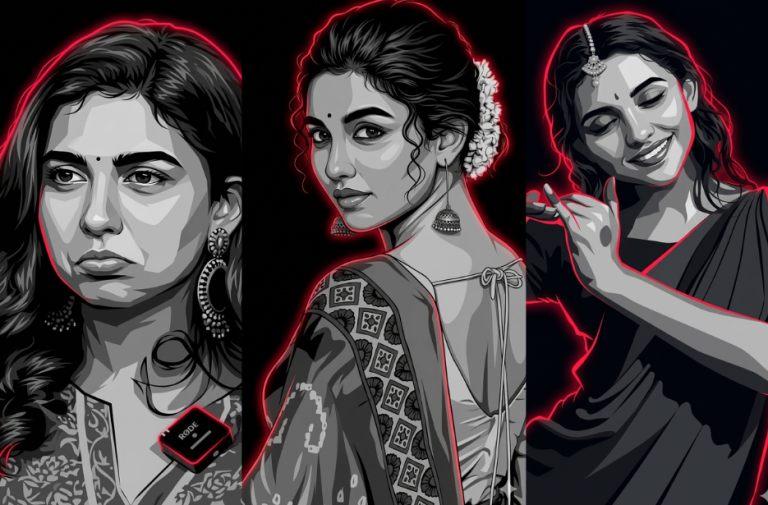
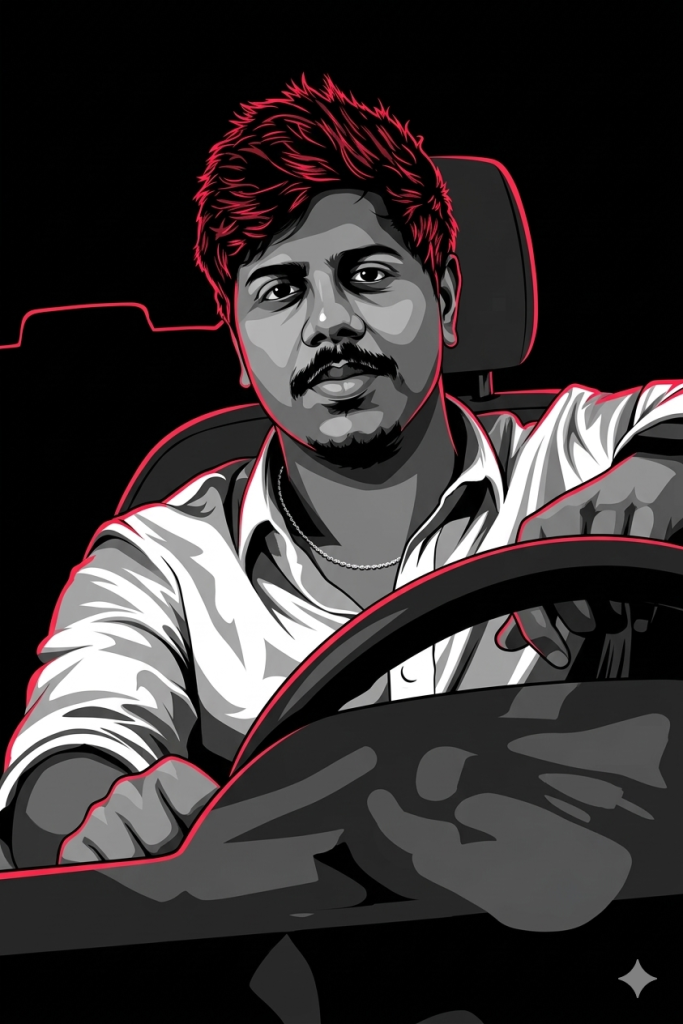
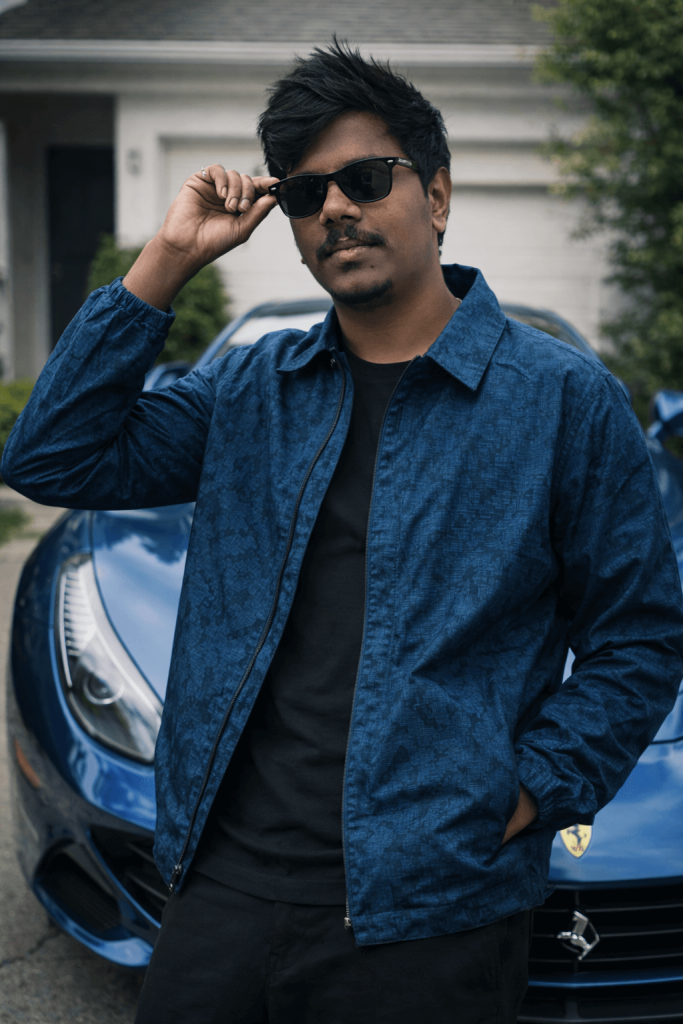
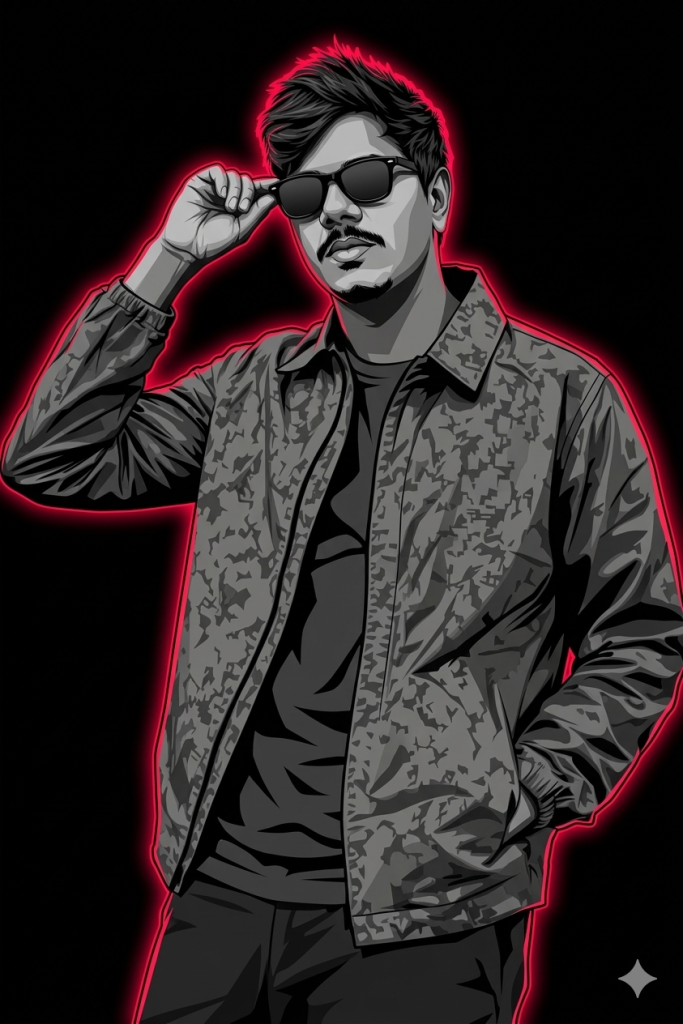
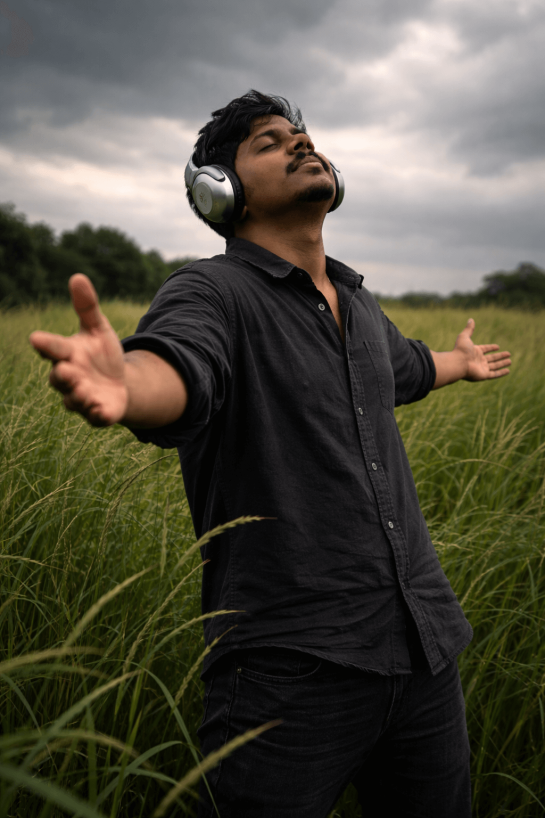
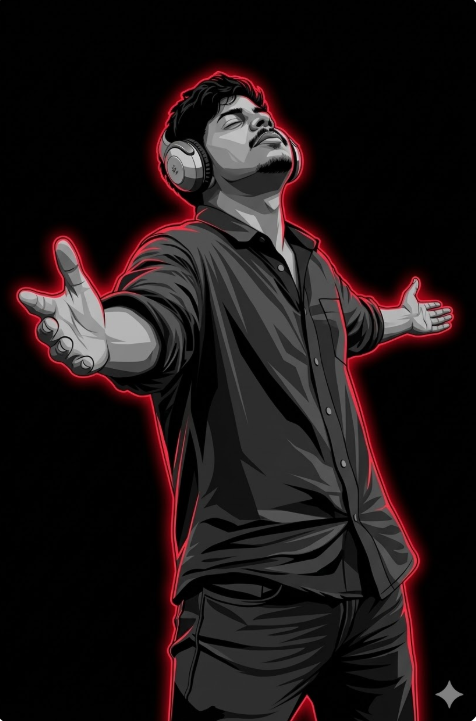
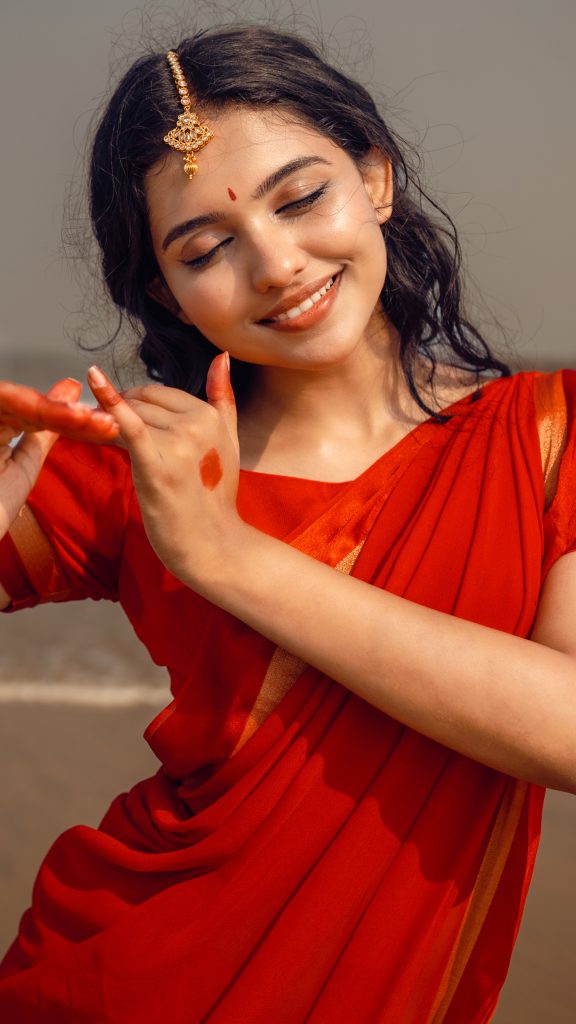
What if you could turn a simple photo into a glowing piece of digital art in just a few seconds? With the help of the AI prompts mentioned below, you can easily transform any ordinary photo into a stunning, glowing portrait with dramatic neon outlines and artistic lighting. The result will be a unique, eye-catching image that stands out instantly. You can use it as a stylish profile picture or share it on Instagram and other social media platforms to grab attention and showcase a creative new look.
Version 1 – Glowing Art Prompt For Men

Version 2 – Glowing Art Prompt For Women
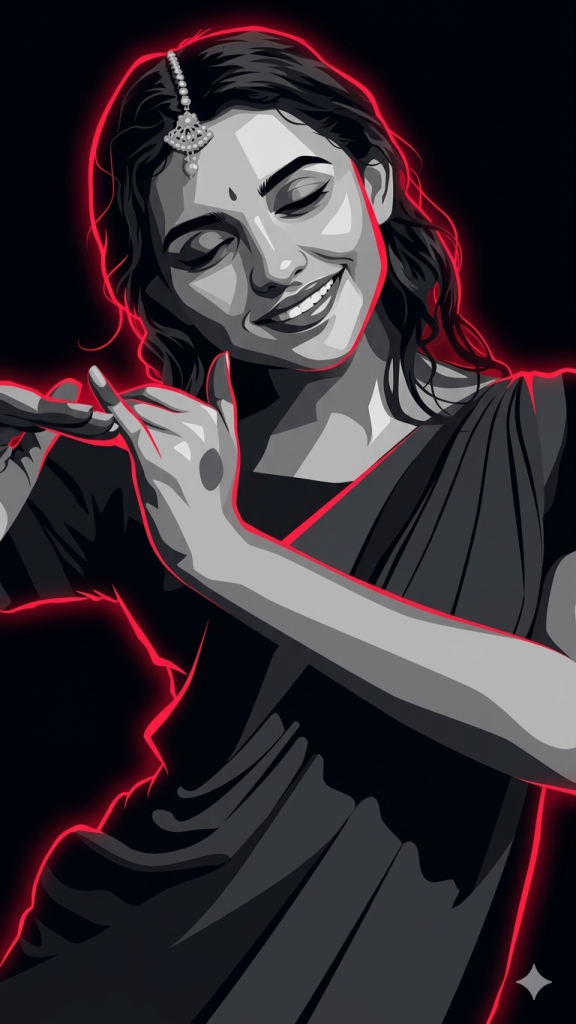
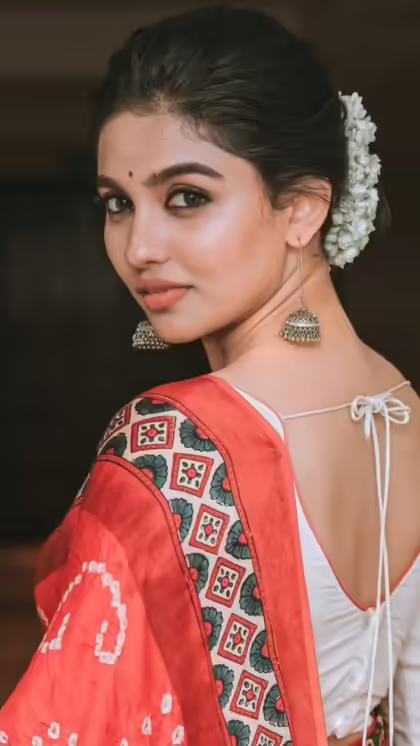
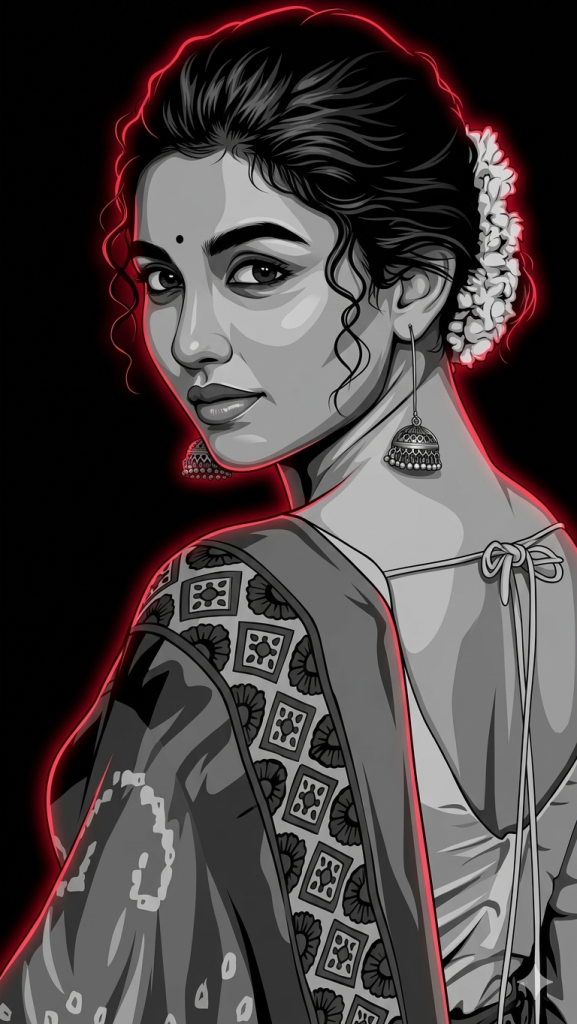
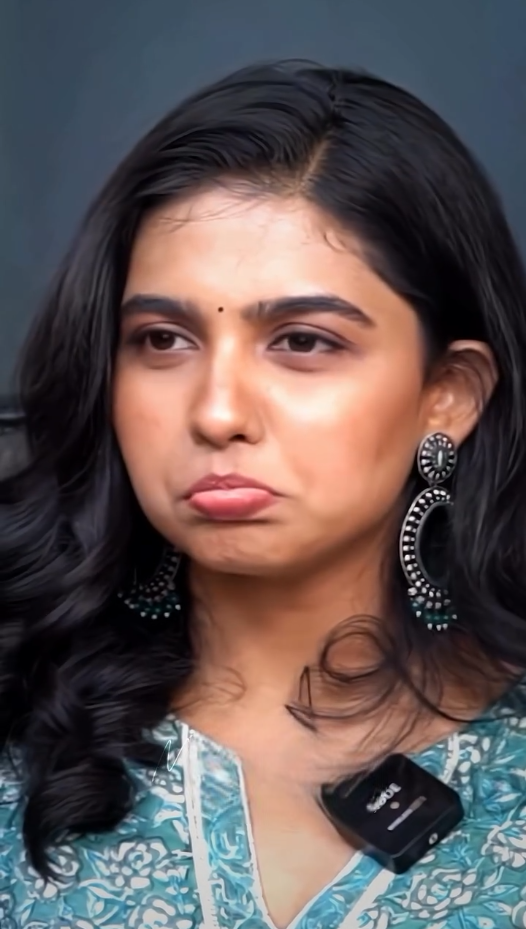
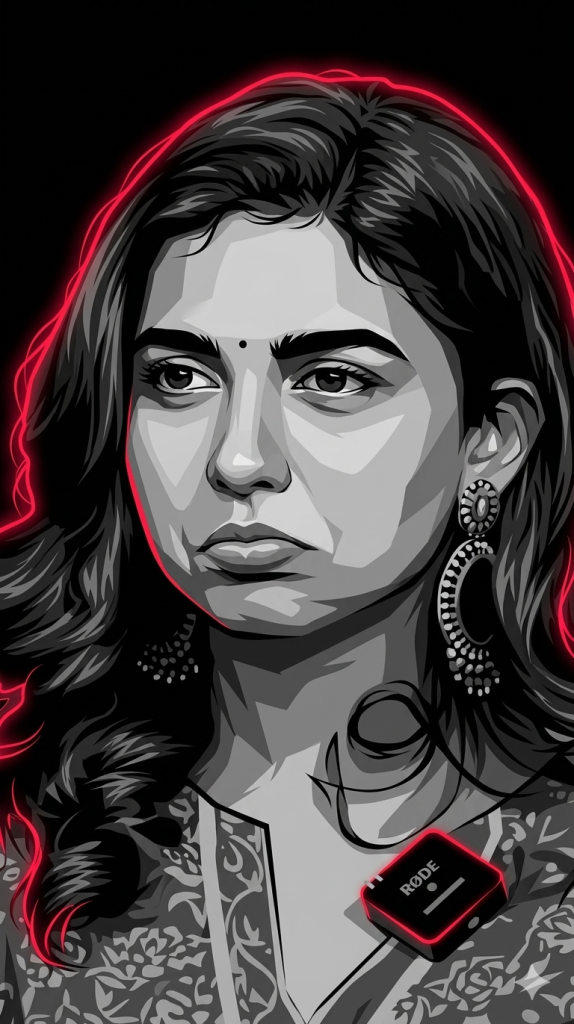
How to Generate Glowing AI Images
1. You can see a prompt menu at the top with two options – Copy and Share to AI.
2. Select Copy to copy the full prompt manually. Or tap Share to AI; this will automatically copy the prompt for you.
3. After tapping Share to AI, choose Gemini. If you have chosen the Copy option, visit the Gemini webpage.
4. Paste the prompt into the box (it is already copied if you used Share to AI).
5. Now, upload your photo and click the Arrow icon. If needed, you can slightly adjust the prompt for lighting, angle, or mood and generate again.
6. Wait a few seconds while Gemini processes and generates the enhanced and more detailed version of the image.
7. Once you are satisfied with the result, download the image and save it for your use.
Customization Tips
You can slightly modify the prompts to get even better results depending on the AI tool you use.
1. Adjust Lighting
If the image appears too dark or too bright, add instructions like: “enhance cinematic lighting” or “soft natural lighting.”
2. Improve Face Matching
If the face swap does not look natural, include phrases like: “highly detailed face match” or “accurate facial identity preservation.”
3. Enhance Cinematic Style
To make the image look more dramatic, add styles such as: “epic cinematic color grading,” “film poster style,” or “ultra-realistic lighting.”
4. Adjust Camera Perspective
You can modify the viewing angle with phrases like: “slight low-angle shot,” “close-up cinematic portrait,” or “wide cinematic framing.”
5. Increase Image Quality
For sharper results, add quality terms like: “high detail,” “8K resolution,” or “ultra realistic textures.”
6. Experiment with Multiple Generations
Sometimes the best result appears after a few tries. Generate the image multiple times and pick the version you like the most.
0 Comments