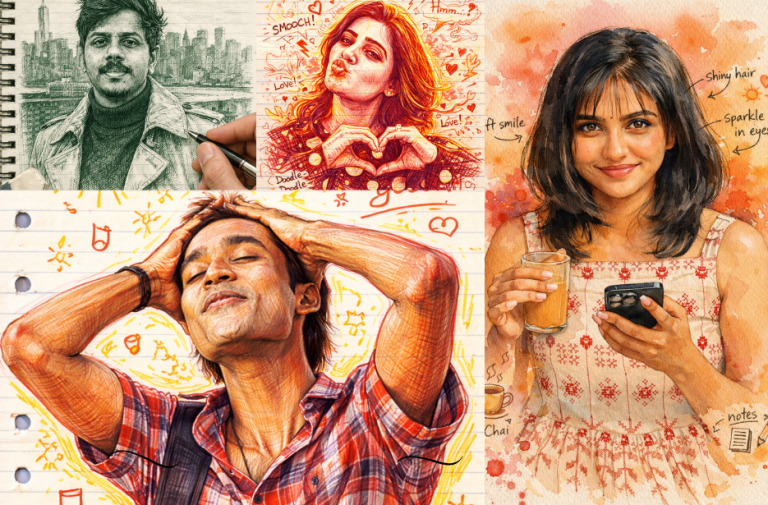
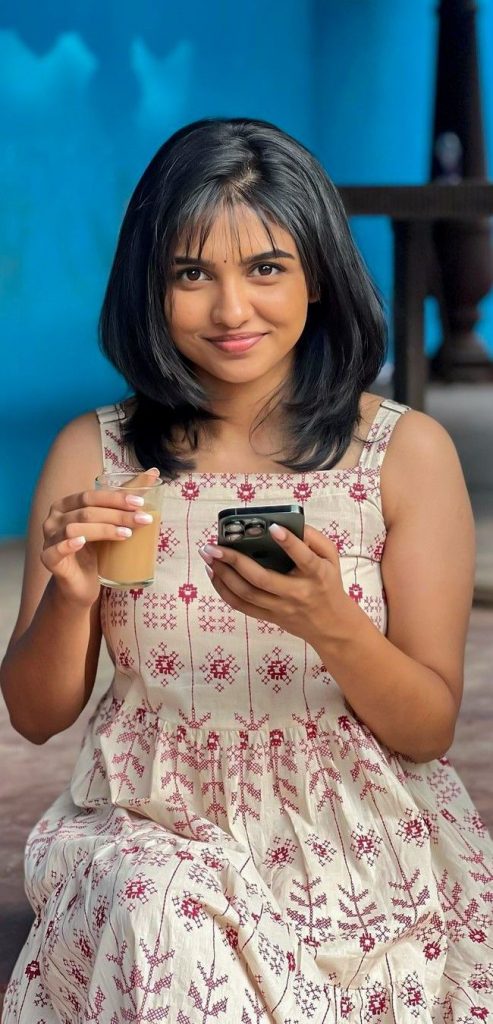
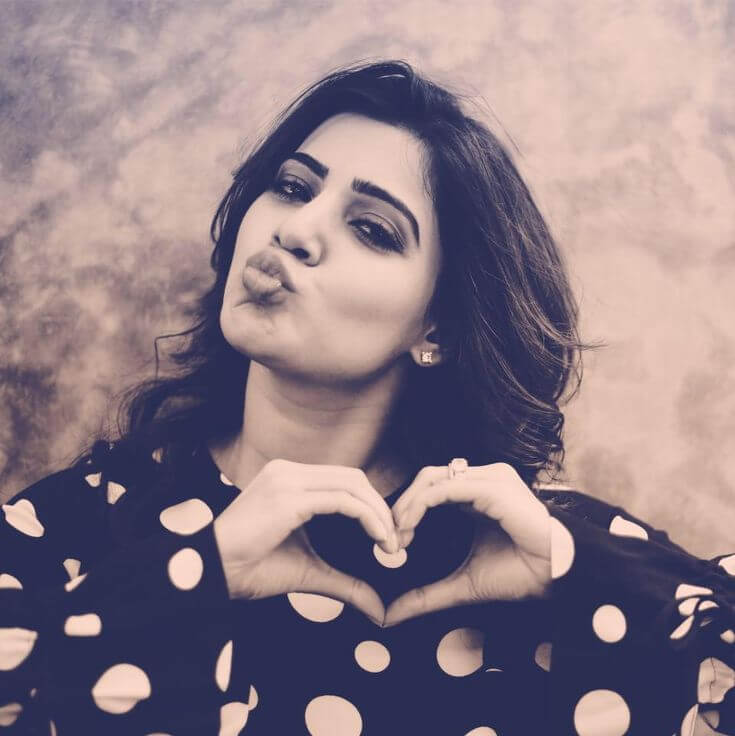
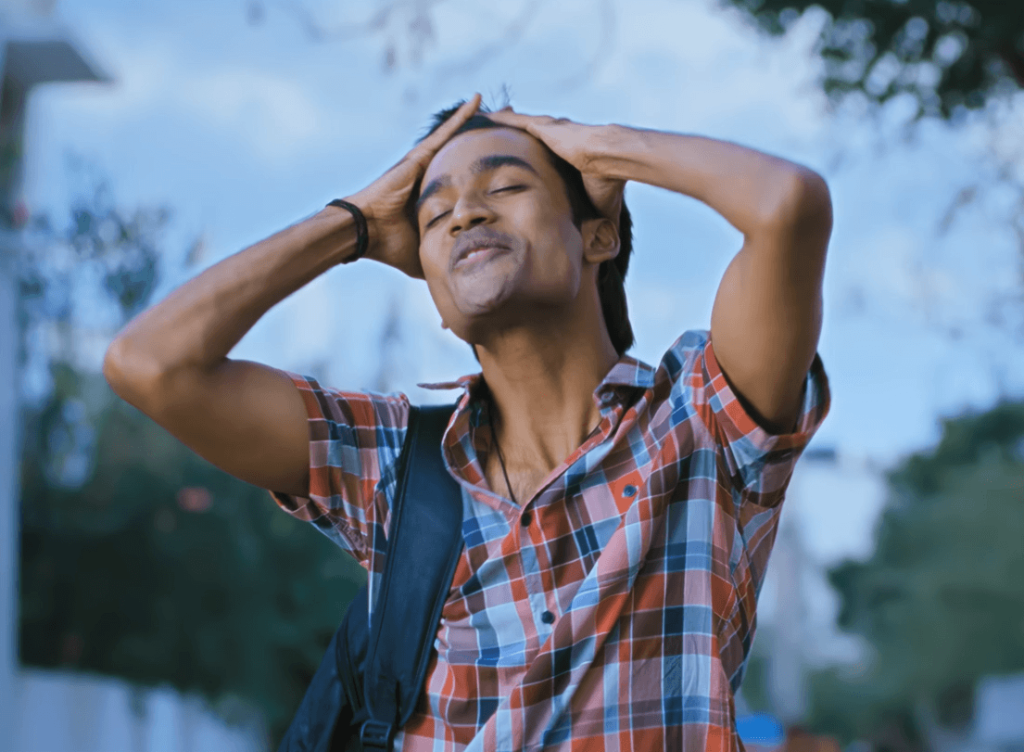
We all love doodle art because it feels personal, creative, and full of character. But what if you could turn your own photos into that same hand-drawn style?
With the right AI prompts, you can transform any normal image into a stunning doodle-style sketch in seconds. You can use these images for your Instagram posts, profile pictures, WhatsApp DP, or even creative content and thumbnails. From pencil strokes to playful scribbles, your photos turn into artwork that looks artistic, unique, and full of life.
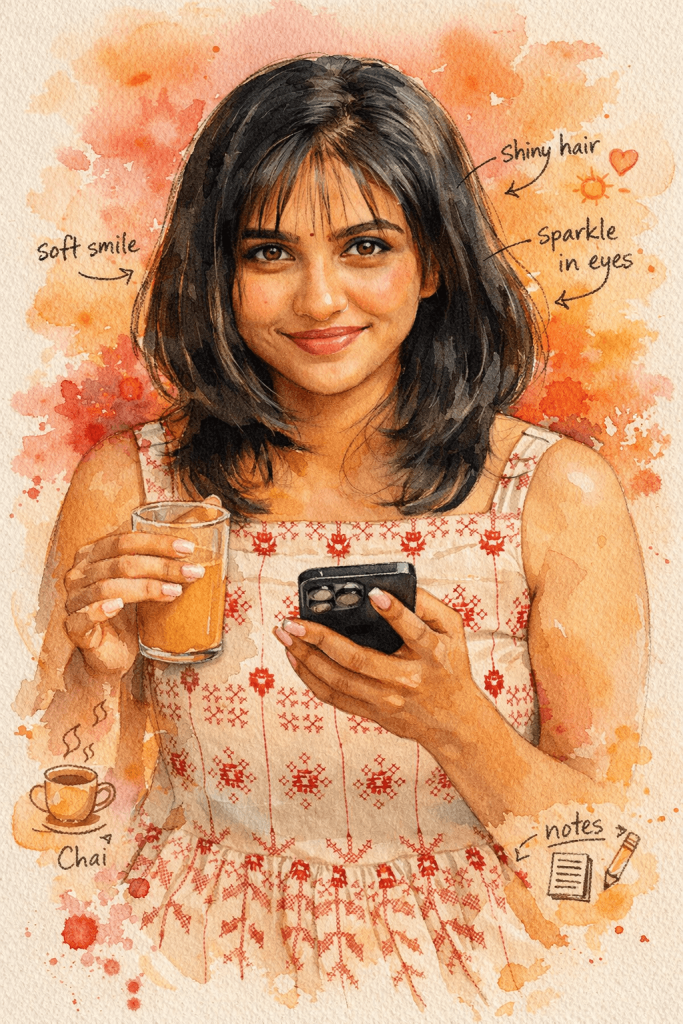
Version 1 – Watercolor Doodle Portrait
Click COPY or Share to AI
Create a vibrant hand-painted watercolor portrait illustration of the same subject, preserving the exact facial likeness and natural features. The artwork should look like a real watercolor painting on textured paper with visible paper grain, soft shadows, and organic pigment diffusion. Use expressive, fluid brushstrokes and transparent watercolor layers with natural water bleed, soft edges, and gentle paint splashes in warm reds, yellows, and golden tones blending around the portrait. Keep a sketch-to-paint look with faint pencil or ink lines slightly visible under the paint. Add subtle handwritten notes, arrows, and small doodle-style annotations around the face to give a creative sketchbook diary feel. Include soft glowing highlights, natural watercolor gradients, and light paint splatters to enhance the artistic mood, making the final image feel spontaneous, lively, and highly detailed like a real watercolor artwork in 4K resolution.
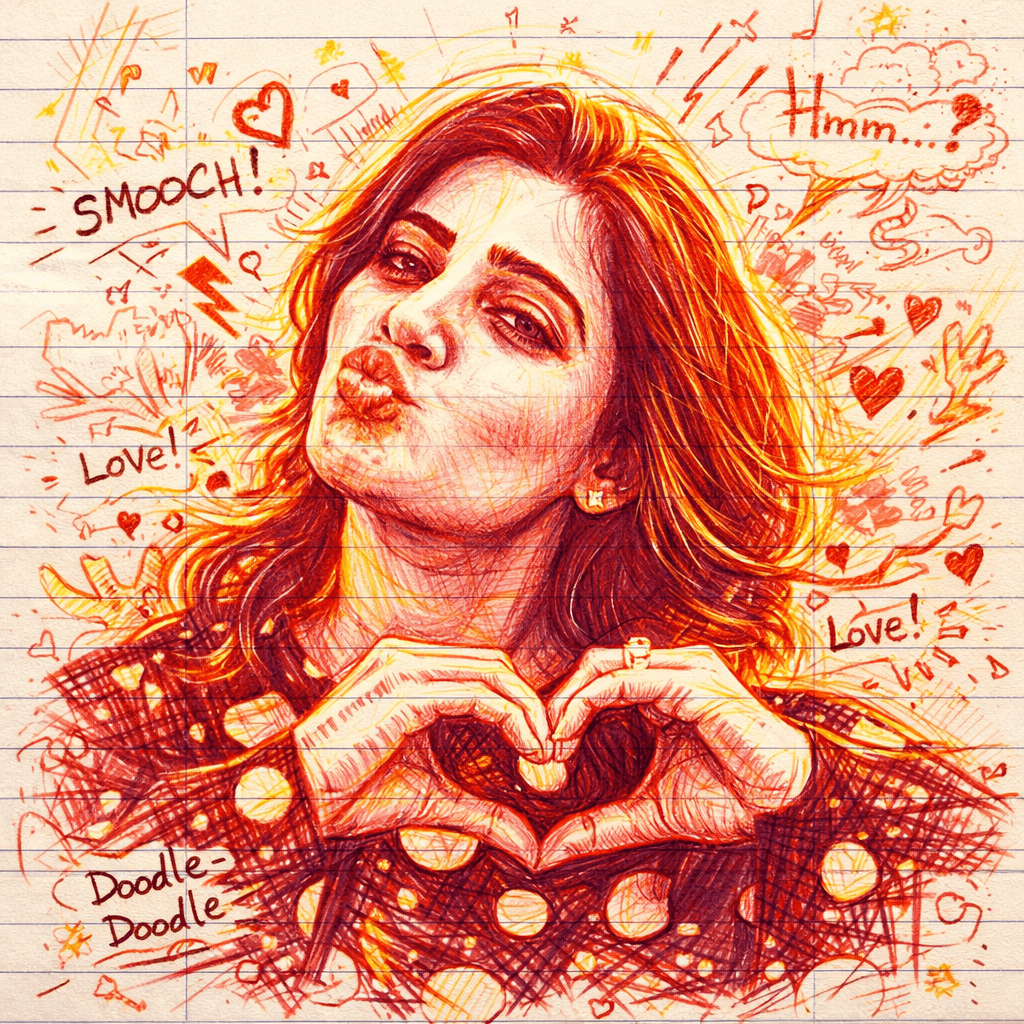
Version 2 – Red Ink Scribble Portrait
Click COPY or Share to AI
Create a highly detailed hand-drawn portrait illustration on ruled notebook paper, using only red and yellow pen ink. Maintain a strong, accurate likeness of the subject’s facial features while expressing a loose, energetic doodle-art style. Use dynamic, sketchy linework with visible pen pressure variations and natural ink flow. Incorporate spontaneous comic-style annotations, handwritten notes, arrows, and expressive marks surrounding the portrait, as if it’s a creative brainstorm page. Add bold glowing outlines around the subject using layered red and yellow strokes to create contrast and visual depth. Emphasize realistic pen textures, cross-hatching, scribbles, and imperfect strokes to enhance the authentic hand-drawn feel. Blend controlled detail in the face with chaotic, playful gestures in the background. Lighting should feel stylized rather than realistic, with highlights and shadows suggested through line density and ink layering. Keep the notebook paper texture clearly visible, including faint lines, grain, and slight imperfections. Render in ultra-high resolution (4K), with crisp detail in ink strokes and paper fibers, giving a tactile, sketchbook aesthetic that feels raw, expressive, and alive.
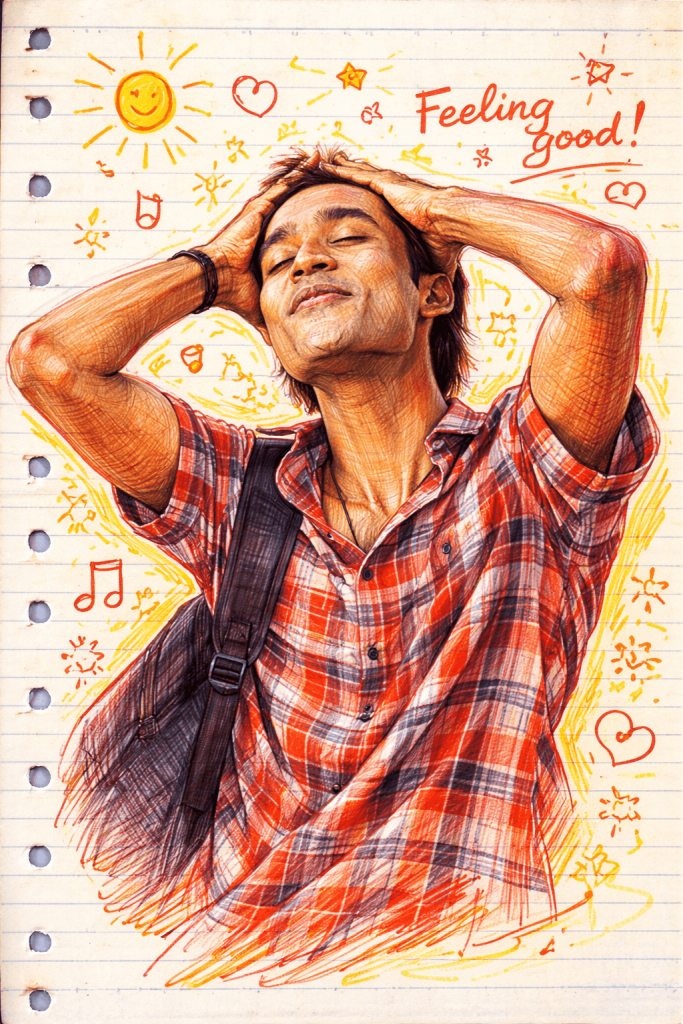
Version 3 – Notebook Doodle Sketch Portrait
Click COPY or Share to AI
Create a detailed hand-drawn portrait on notebook paper using red and yellow pens. Preserve the subject’s exact facial likeness with expressive sketchy lines, natural pen strokes, and bold glowing outlines. Add doodle-style comic annotations, arrows, and handwritten notes around the face for a creative sketchbook feel. Include realistic pen texture, slight imperfections, and a high-detail 4K illustration style.
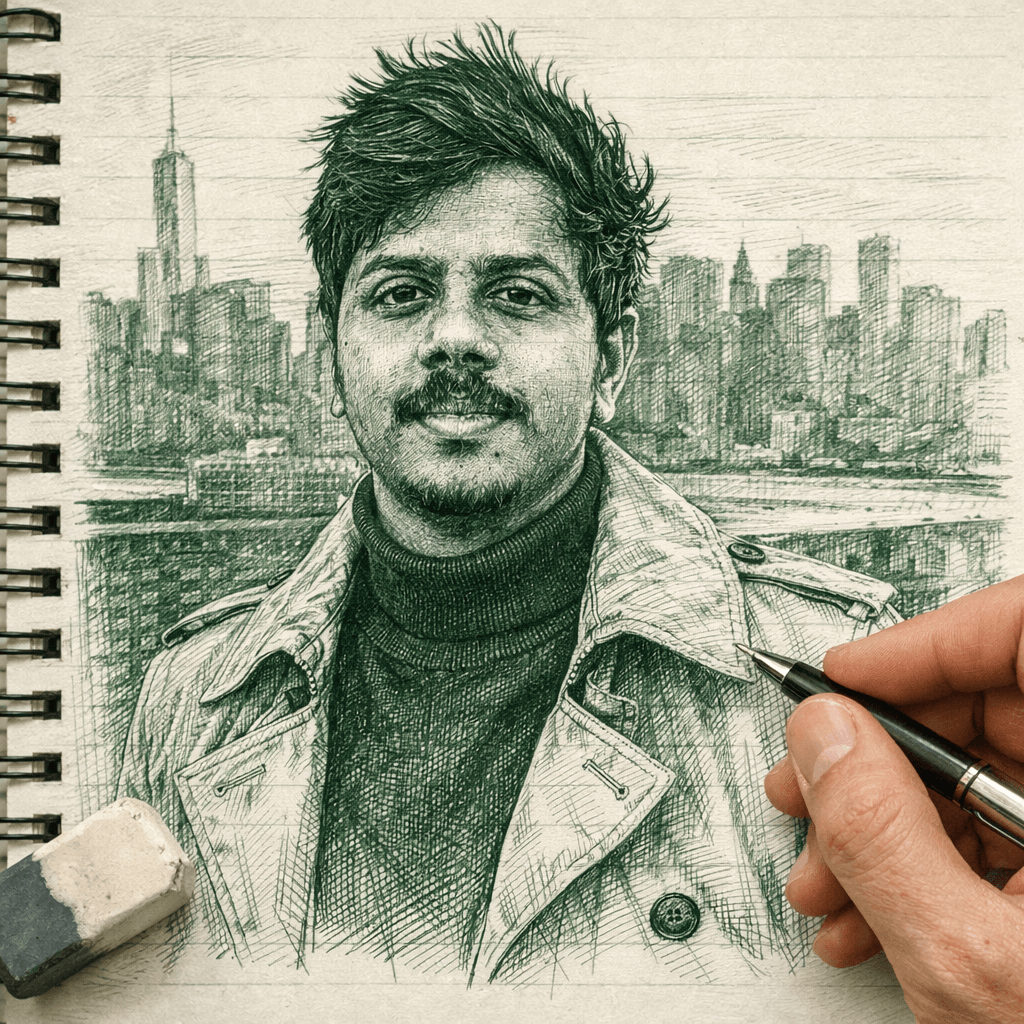
Version 4 – Monochrome Green Ink Sketch Portrait
Click COPY or Share to AI
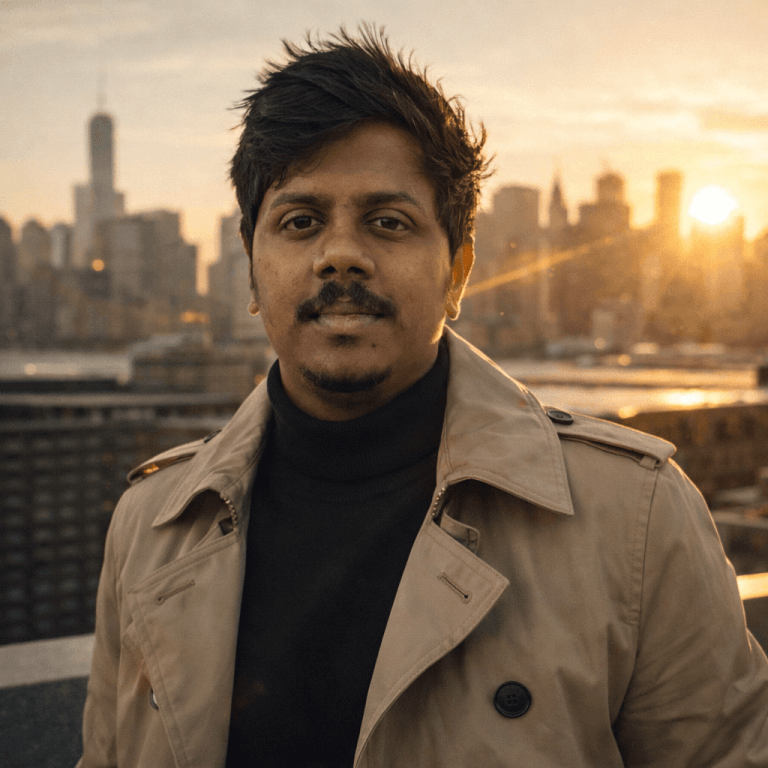
Create a highly detailed, photo-realistic ink sketch of a face based on the uploaded reference image, preserving every facial feature, proportion, and expression exactly. Use fine, intricate line work with green and white ink tones to build depth and realism. Render the drawing on a notebook-style paper background with subtle texture and faint lines. Include a right hand holding a pen and an eraser near the portrait, as if actively working on the sketch. Emphasize natural pen strokes, precision, and delicate shading to achieve a lifelike yet hand-drawn appearance. Ensure high resolution (4K), sharp details, and a clean, artistic composition that blends realism with a traditional ink sketch aesthetic.
How to Generate Doodle Art AI Images
1. You can see a prompt menu at the top with two options – Copy and Share to AI.
2. Select Copy to copy the full prompt manually. Or tap Share to AI; this will automatically copy the prompt for you.
3. After tapping Share to AI, choose your desired AI tool. If you have chosen the Copy option, visit any AI tool website.
4. Paste the prompt into the box (it is already copied if you used Share to AI).
5. Now, upload your photo and click the Arrow icon. If needed, you can slightly adjust the prompt for lighting, angle, or mood and generate again.
6. Wait a few seconds while the AI tool processes and generates the enhanced and more detailed version of the image.
7. Once you are satisfied with the result, download the image and save it for your use.
Customization Tips
You can slightly modify the prompts to get even better results depending on the AI tool you use.
1. Adjust Lighting
If the image appears too dark or too bright, add instructions like: “enhance cinematic lighting” or “soft natural lighting.”
2. Improve Face Matching
If the face swap does not look natural, include phrases like: “highly detailed face match” or “accurate facial identity preservation.”
3. Enhance Cinematic Style
To make the image look more dramatic, add styles such as: “epic cinematic color grading,” “film poster style,” or “ultra-realistic lighting.”
4. Adjust Camera Perspective
You can modify the viewing angle with phrases like: “slight low-angle shot,” “close-up cinematic portrait,” or “wide cinematic framing.”
5. Increase Image Quality
For sharper results, add quality terms like: “high detail,” “8K resolution,” or “ultra realistic textures.”
6. Experiment with Multiple Generations
Sometimes the best result appears after a few tries. Generate the image multiple times and pick the version you like the most.

0 Comments