

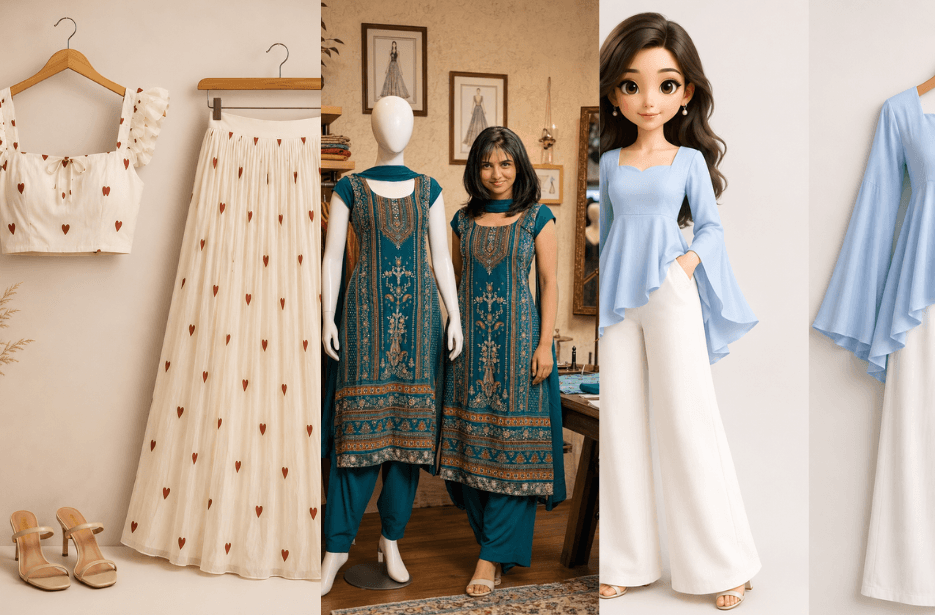
Looking for the perfect Clothing brand catalogue template? This collection features 10 ultra-realistic AI prompts for creating premium fashion catalog images, boutique displays, mannequin showcases, flat lays, and editorial photoshoots while preserving every detail of your outfit with professional-quality results.
Version 1: Fashion Pricing Catalog Prompt
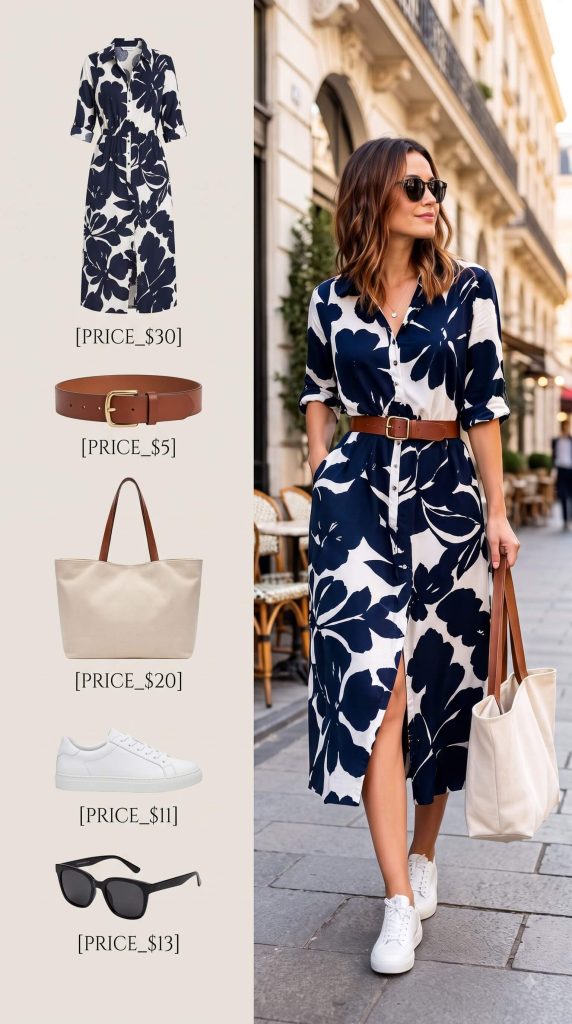
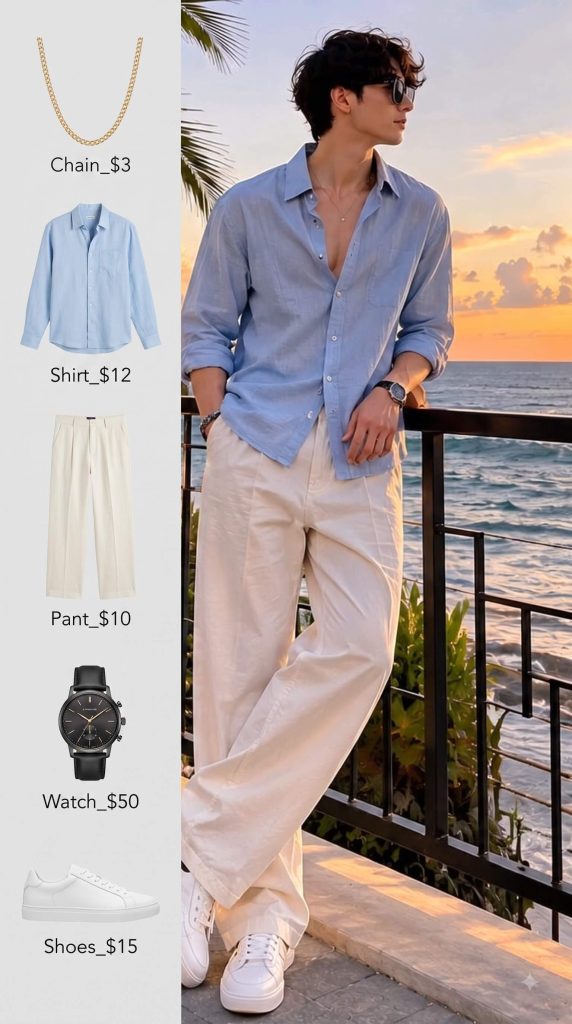
LEFT HALF: Show clean isolated product cutouts of each major item the person is wearing — [OUTERWEAR] [TOP] [PANTS] [SHOES] [ACCESSORY] — with an editable price directly underneath each:
[PRICE_1]
[PRICE_2]
[PRICE_3]
[PRICE_4]
[PRICE_5]
RIGHT HALF: Show the person wearing the exact same complete outfit in a photorealistic, full-body fashion editorial setting. Preserve the person’s identity, face, hairstyle, outfit details, colors, textures, and proportions.
Clean neutral background, elegant typography, balanced spacing, luxury fashion catalog aesthetic, realistic product cutouts, sharp details, premium commercial photography, vertical 4:5.
No extra text, no extra prices, no watermark.
Version 2: Luxury Outfit Flat Lay Prompt
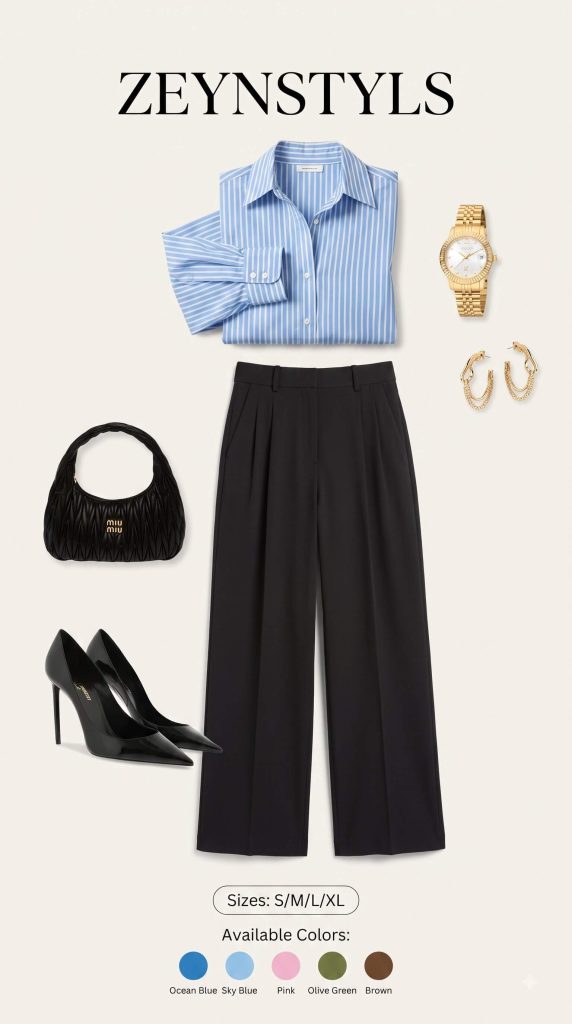
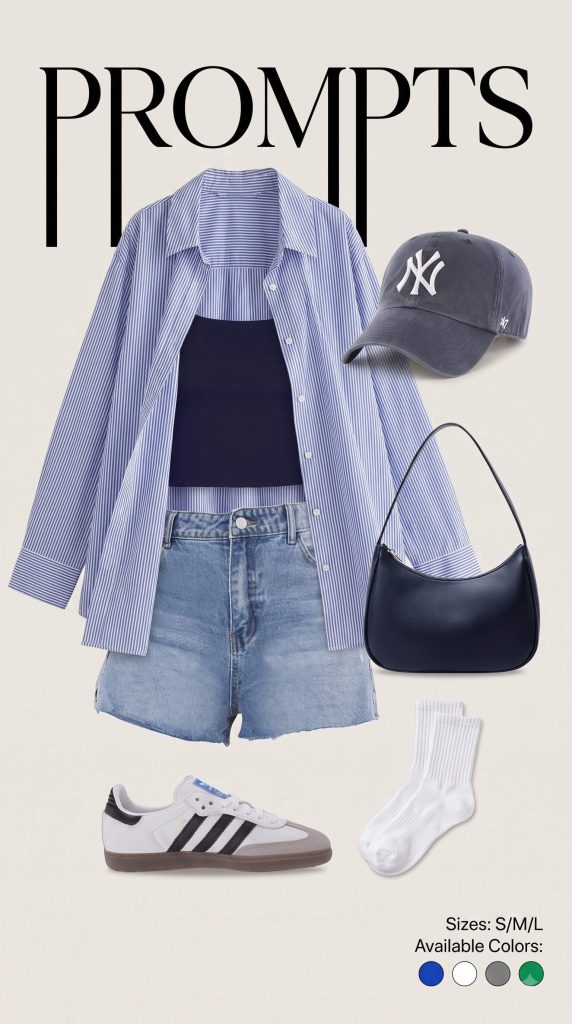
Show only the outfit items, arranged neatly as a luxury ecommerce product display — no person, no mannequin, no character.
OUTFIT ITEMS
• [ITEM 1 — e.g. oversized blazer]
• [ITEM 2 — e.g. graphic t-shirt]
• [ITEM 3 — e.g. wide-leg trousers]
• [ITEM 4 — e.g. cap]
• [ITEM 5 — e.g. sneakers]
• [ITEM 6 — e.g. handbag]
• [ADD / REMOVE ITEMS AS NEEDED]
Arrange every item in a stylish, balanced flat-lay composition that visually suggests how the complete outfit would look when worn. Preserve the exact colors, materials, patterns, shapes, textures, and design details specified for each item.
Add large stylish background text: [BRAND NAME]
Add a small product-info section:
Sizes: [SIZE OPTIONS]
Available Colors: [COLOR OPTIONS]
Show the colors as small circular color indicators.
Style: luxury fashion catalog, clean editorial composition, soft studio lighting, realistic fabric folds, subtle natural shadows, ultra-detailed textures, sharp product photography, premium ecommerce presentation, 4K quality.
Important: Only clothing and accessories. No person, body, mannequin, character, duplicate items, unnecessary objects, watermark, or extra text.
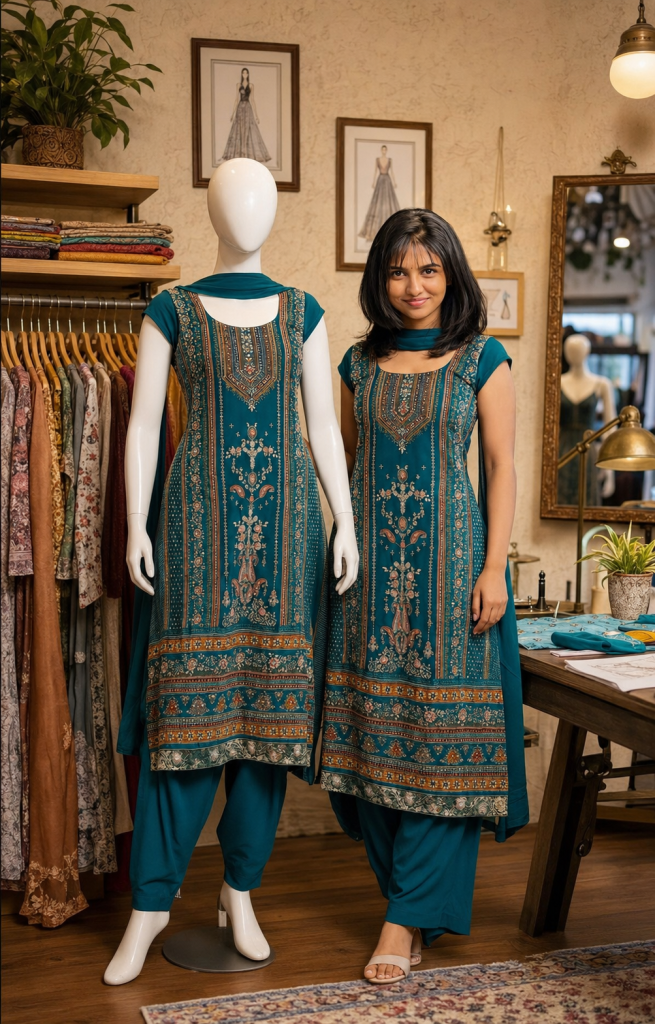
Version 3: Boutique Scene with Matching Mannequin
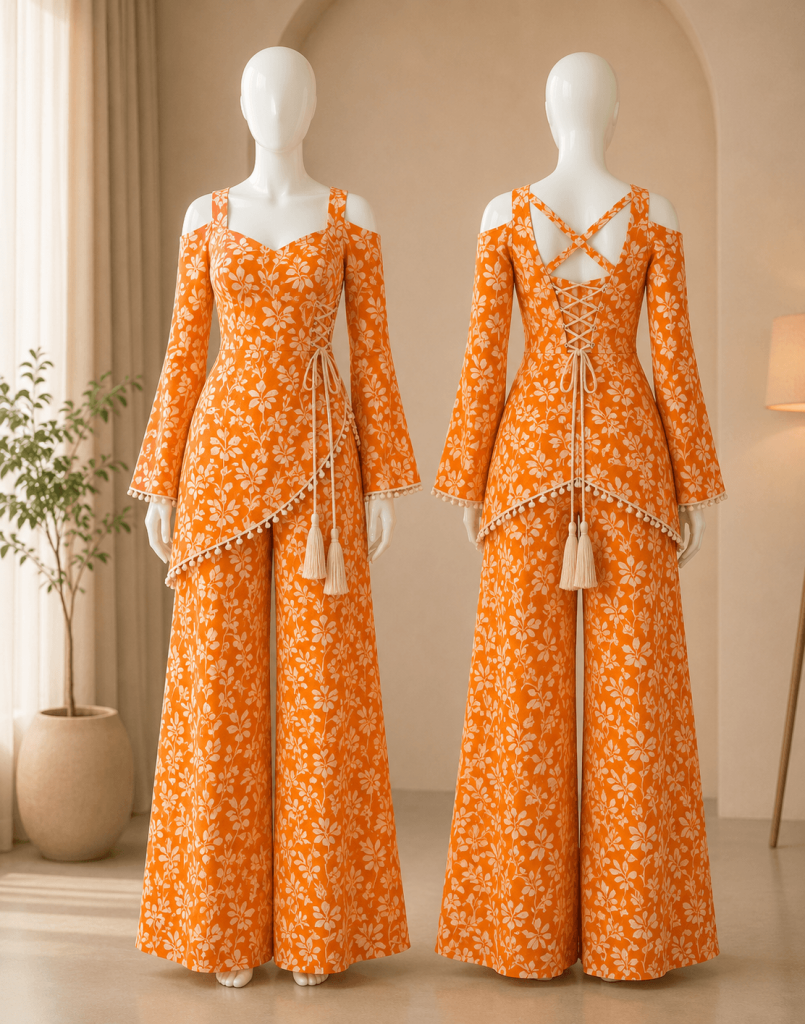
Version 4: Front & Back Mannequin Display
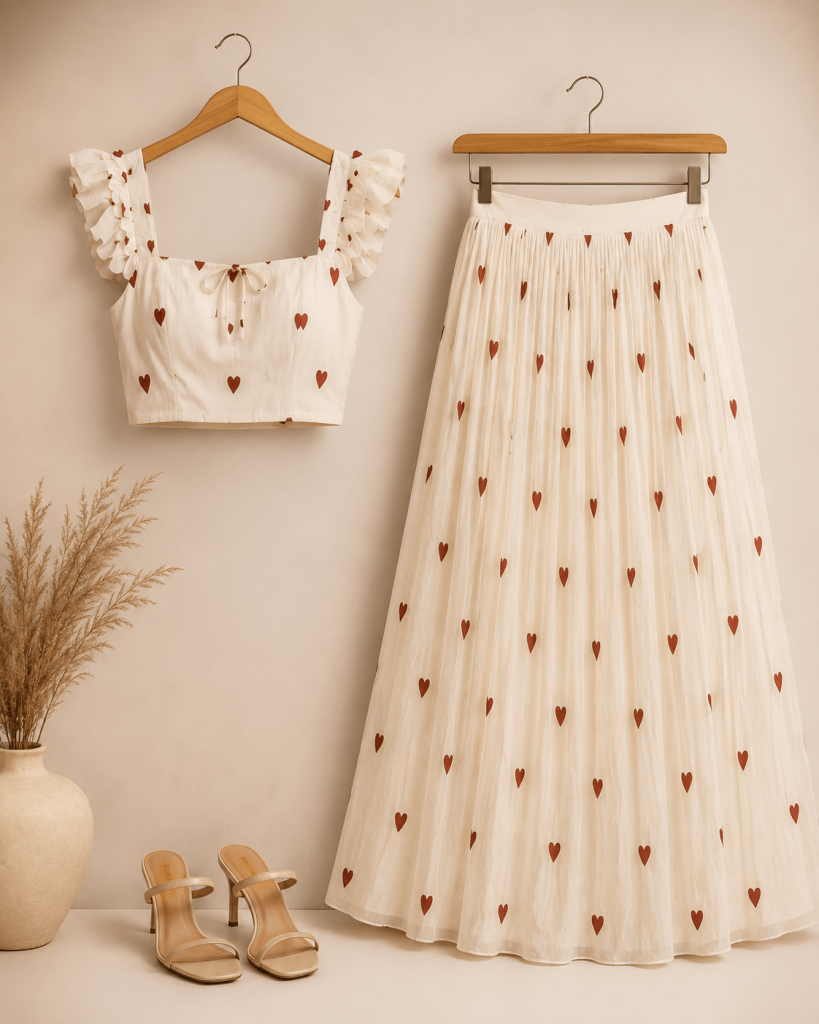
Version 5: Luxury Floating Outfit Flat Lay
Version 6: 3D Chibi Doll & Hanging Outfit Showcase
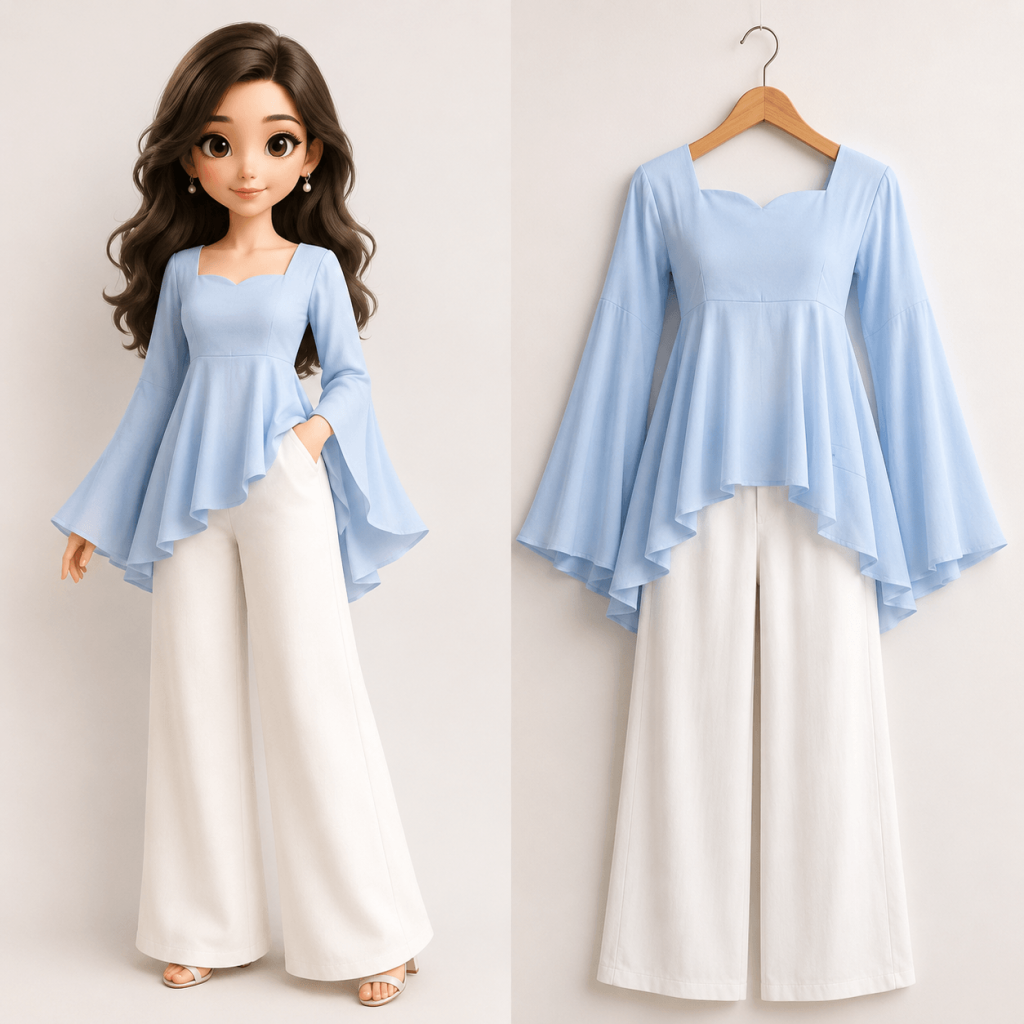
Version 7: Premium Flat Lay with Fashion Doll
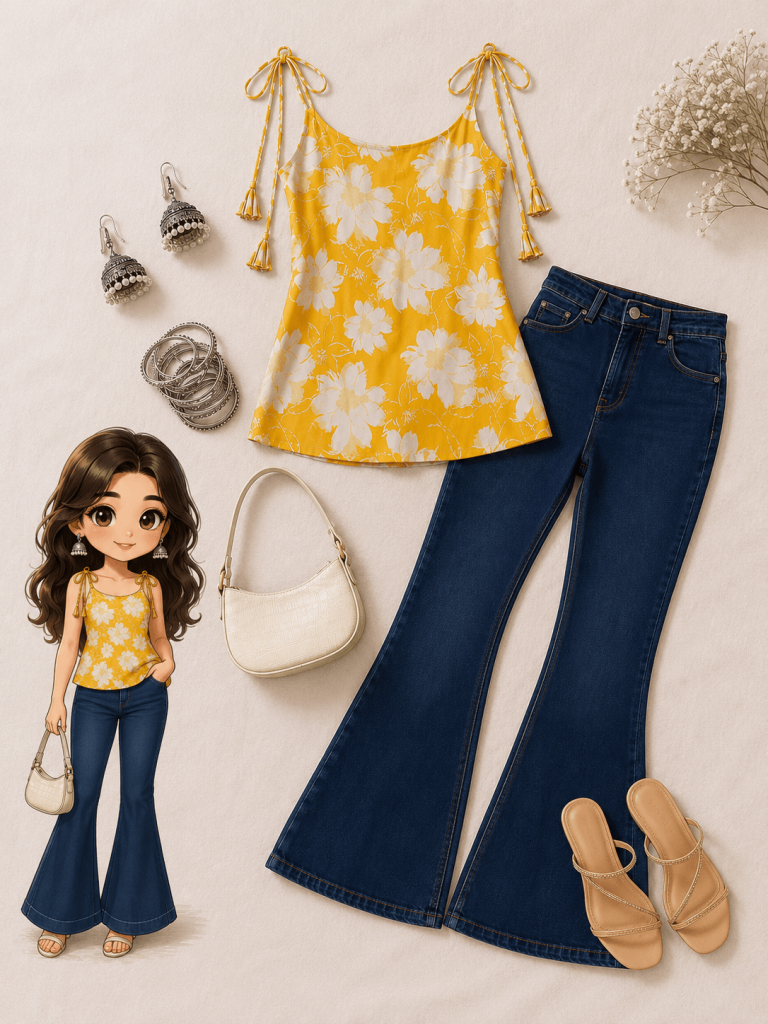
Version 8: Minimalist Mannequin Studio Catalog
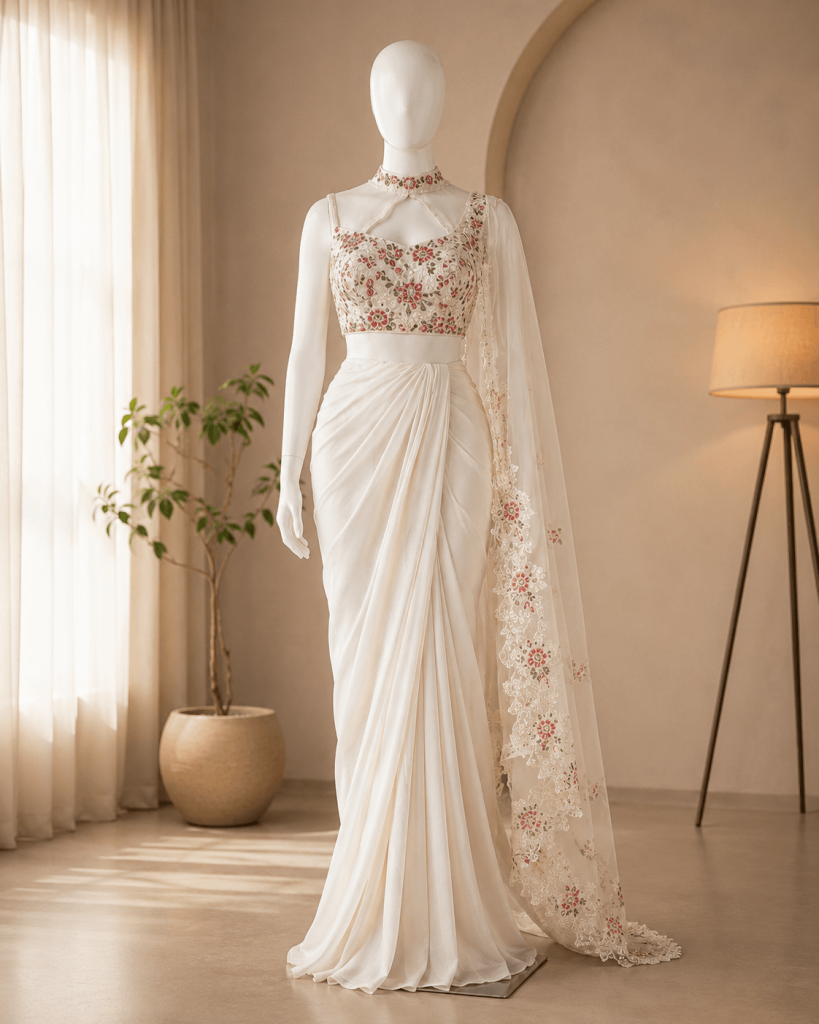
Version 9: Model Standing Beside Matching Mannequin
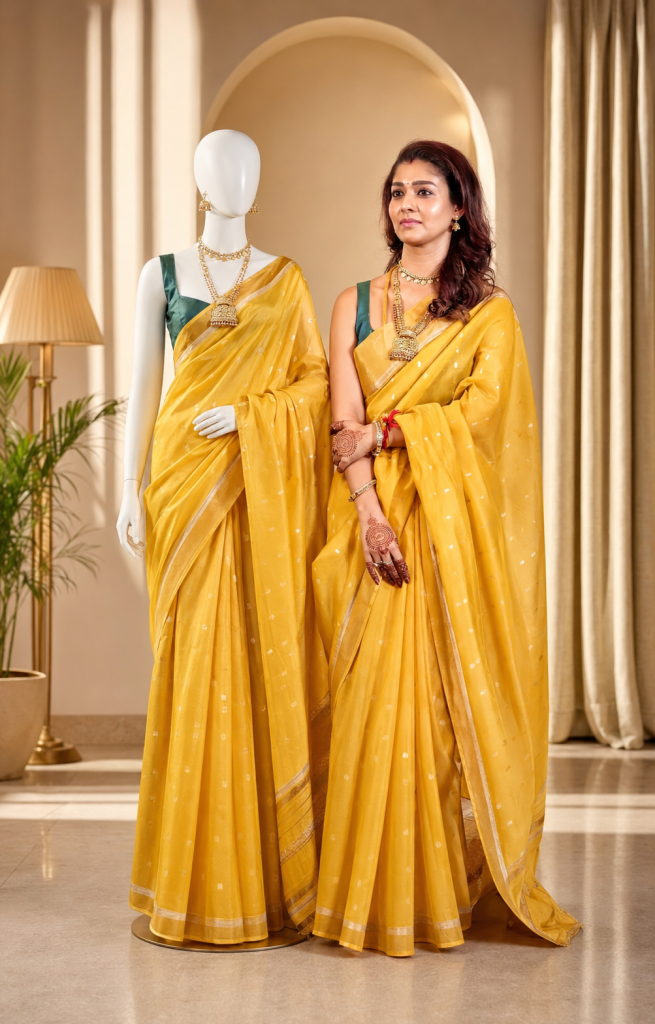
Version 10: Indoor Boutique Fashion Photoshoot
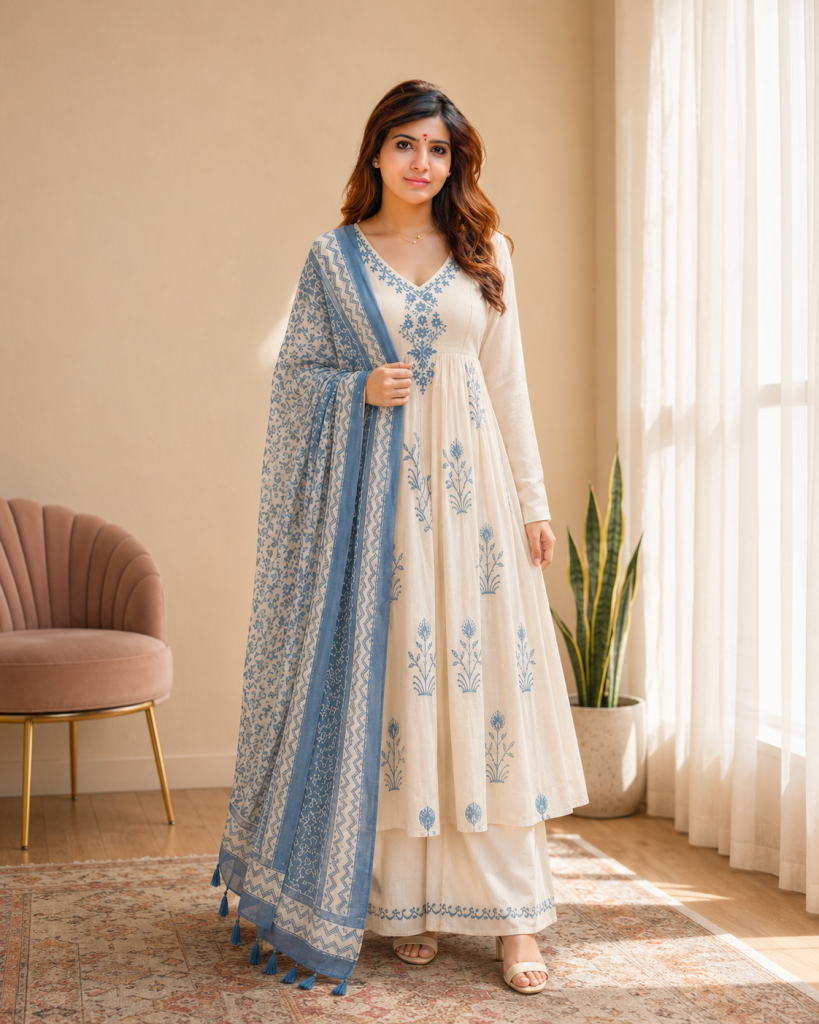
beige walls, sheer white curtains, warm natural window light, wooden flooring, a patterned rug, a blush accent chair on the left, and a snake plant on the right. Stand naturally facing the camera with a soft smile, arms relaxed, one foot slightly forward. Capture a full-body 4:5 portrait with a 50mm DSLR, eye-level view, shallow depth of field, HDR, sharp focus, and ultra-realistic premium boutique catalog quality in 8K
Version 11: Luxury Outdoor Fashion Editorial
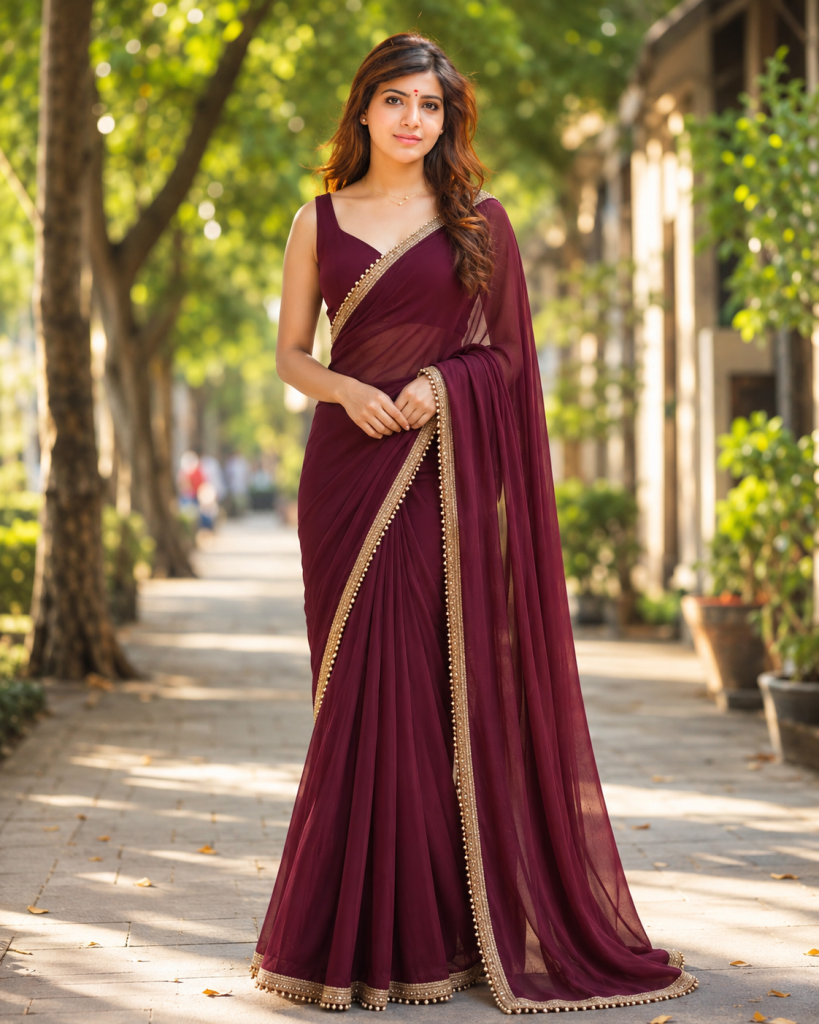
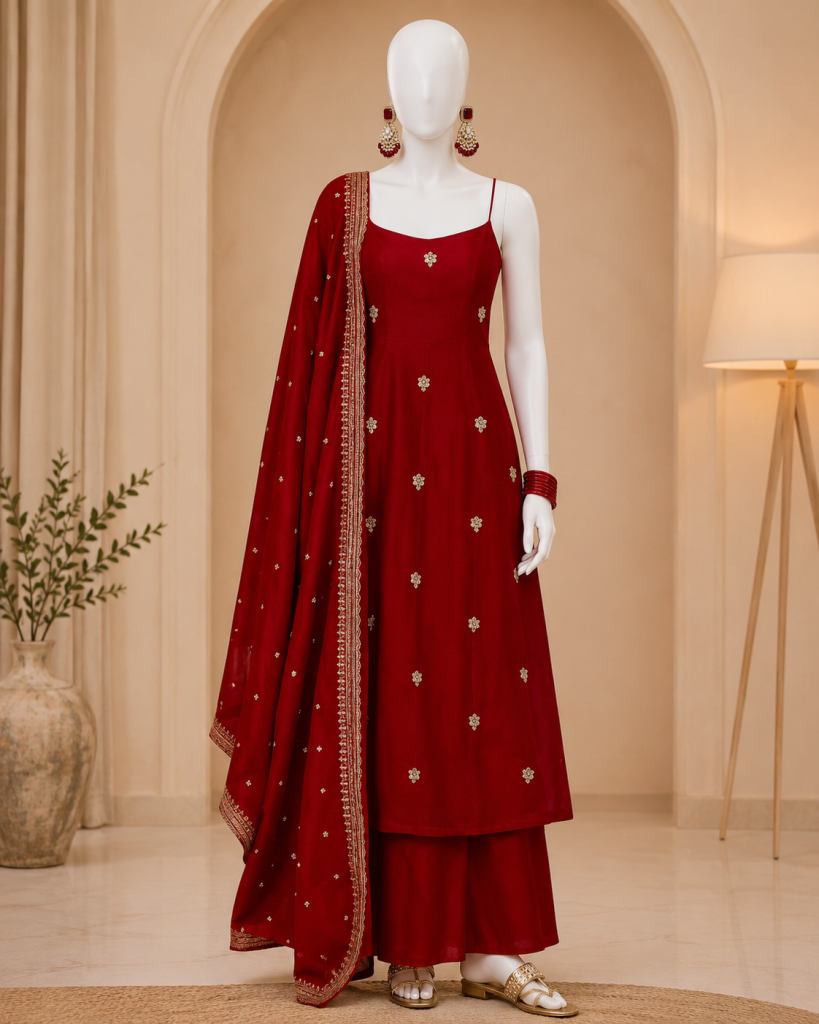
Version 12: Premium Fashion Product Display
How to Use These Prompts
1. Below each image, you will see a prompt box with two buttons: Copy and Share to AI.
2. You can tap Copy to copy the full prompt manually. Or simply tap Share to AI; this will automatically copy the prompt for you.
3. After tapping Share to AI, a list of popular AI tools like ChatGPT, Gemini, Copilot, and others will appear on your screen.
4. Click on any AI tool you prefer. It will directly open the selected AI platform.
5. Once the AI page opens, paste the prompt into the prompt box (it is already copied if you used Share to AI).
6. Upload your reference image if required.
7. Click generate, and your image will be created.
8. If needed, you can slightly adjust the prompt for lighting, angle, or mood and generate again.
9. Once you are satisfied with the result, download the image and save it for your use.