

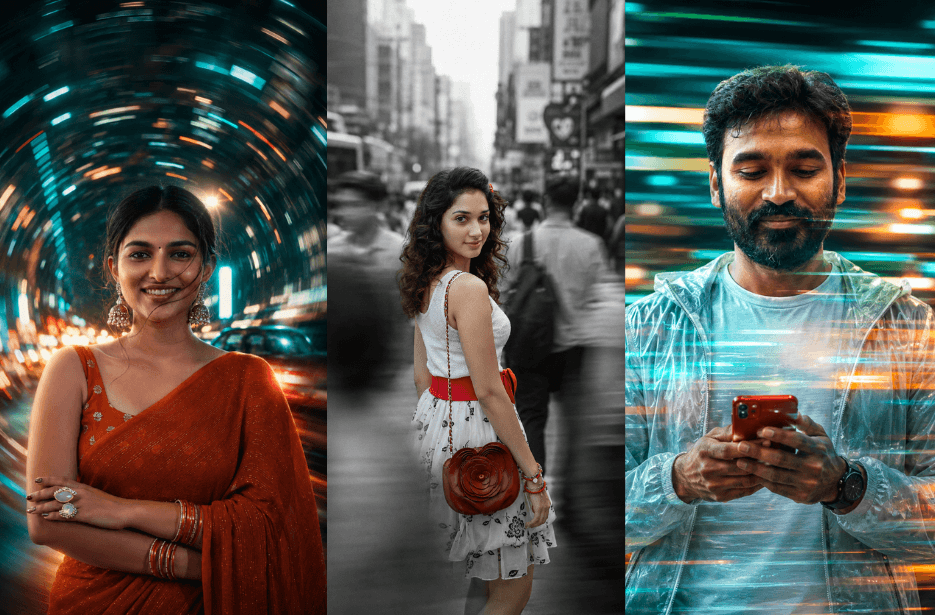
Create breathtaking cinematic portraits that capture a powerful contrast between stillness and motion. These AI photo prompts combine long-exposure effects, motion blur, neon light trails, bustling city streets, and emotional storytelling to transform ordinary portraits into visually striking works of art. From crowded crosswalks and subway platforms to swirling city lights and nostalgic retro scenes, these prompts are perfect for generating professional-quality cinematic portraits with depth, atmosphere, and realism.
Version 1: Urban Gravity Motion Blur Portrait
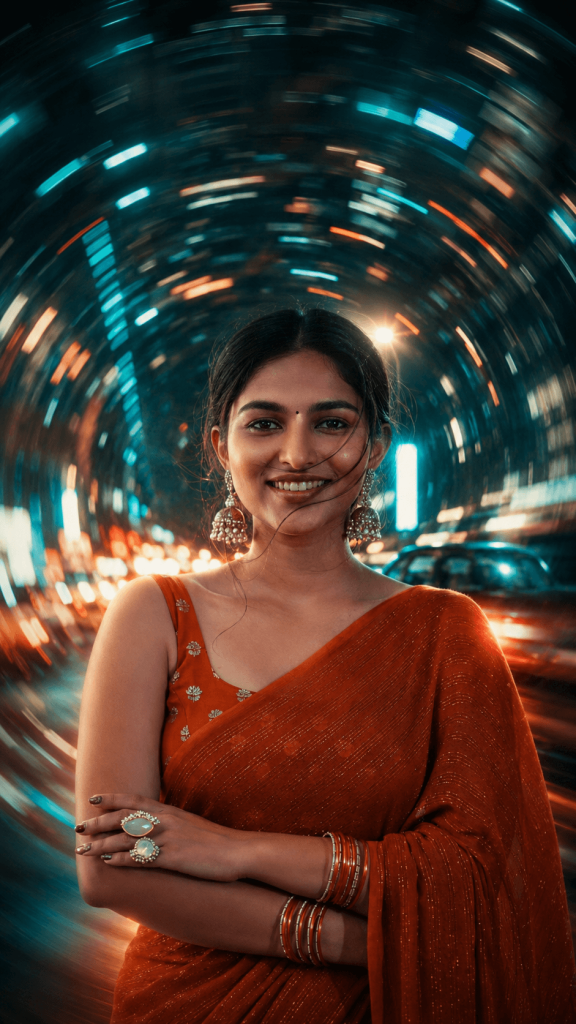
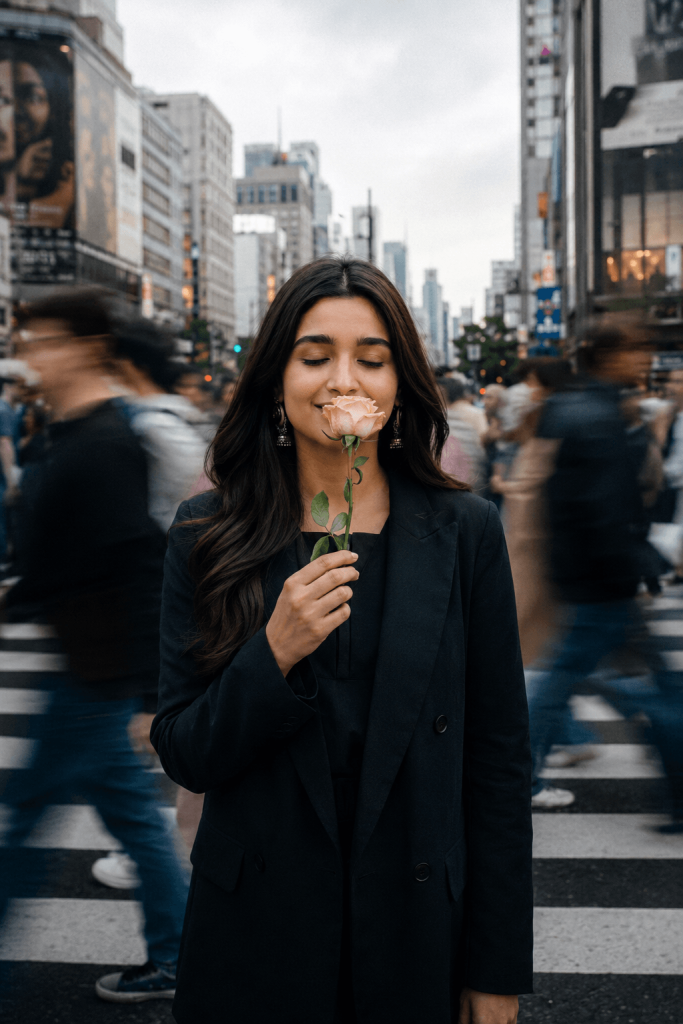
Version 2: Selective Colour Street Story Portrait
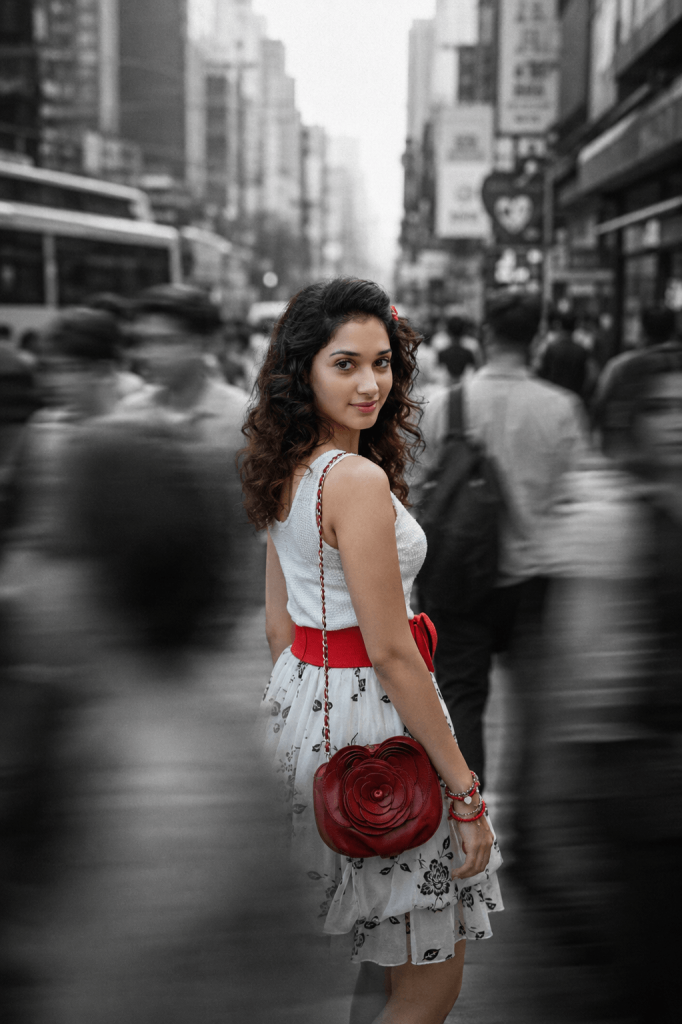
The busy urban background is filled with fast-moving commuters rendered as ghostly motion blur, emphasizing loneliness amidst the crowd. Soft overcast daylight, shallow depth of field, subtle film grain, realistic skin texture, cinematic contrast, emotional storytelling, editorial fashion photography, premium fine-art street photography, ultra-photorealistic, Leica M11 look, Kodak Tri-X black and white film aesthetic with selective color, 50mm lens, f/1.8, ISO 100, 1/20s shutter speed, natural ambient lighting, high dynamic range, ultra-detailed, award-winning composition, 8K.
Version 3: Neon Speed-Light Double Exposure Effect
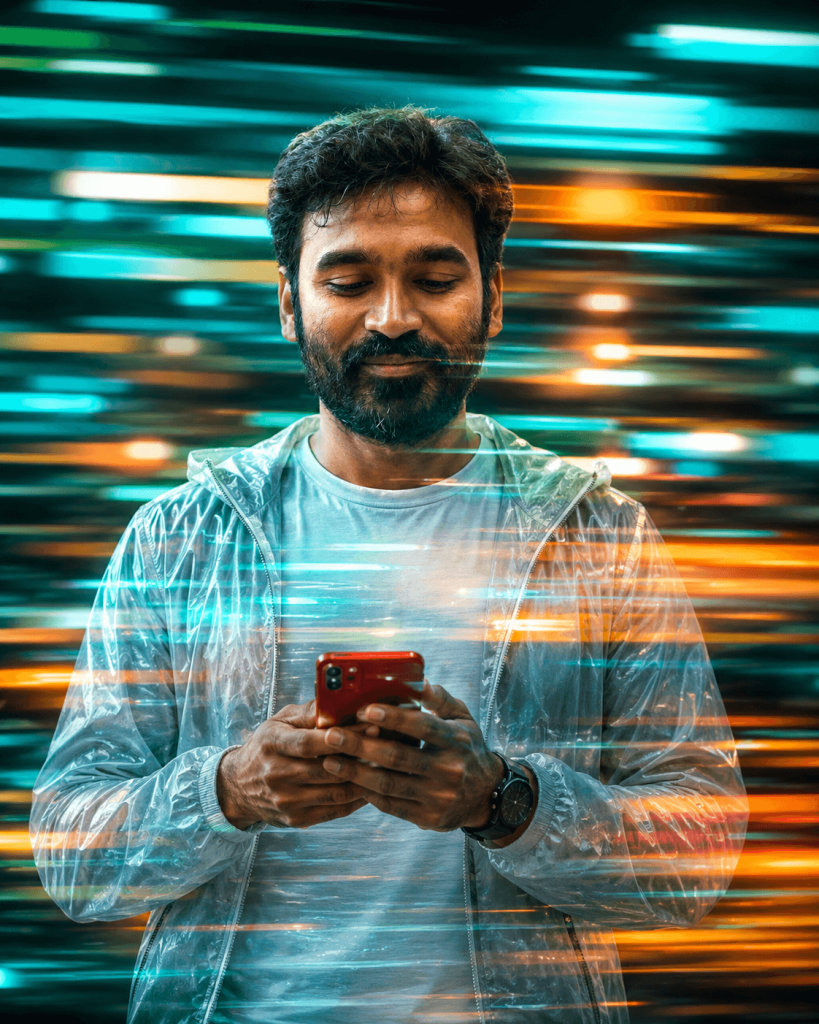
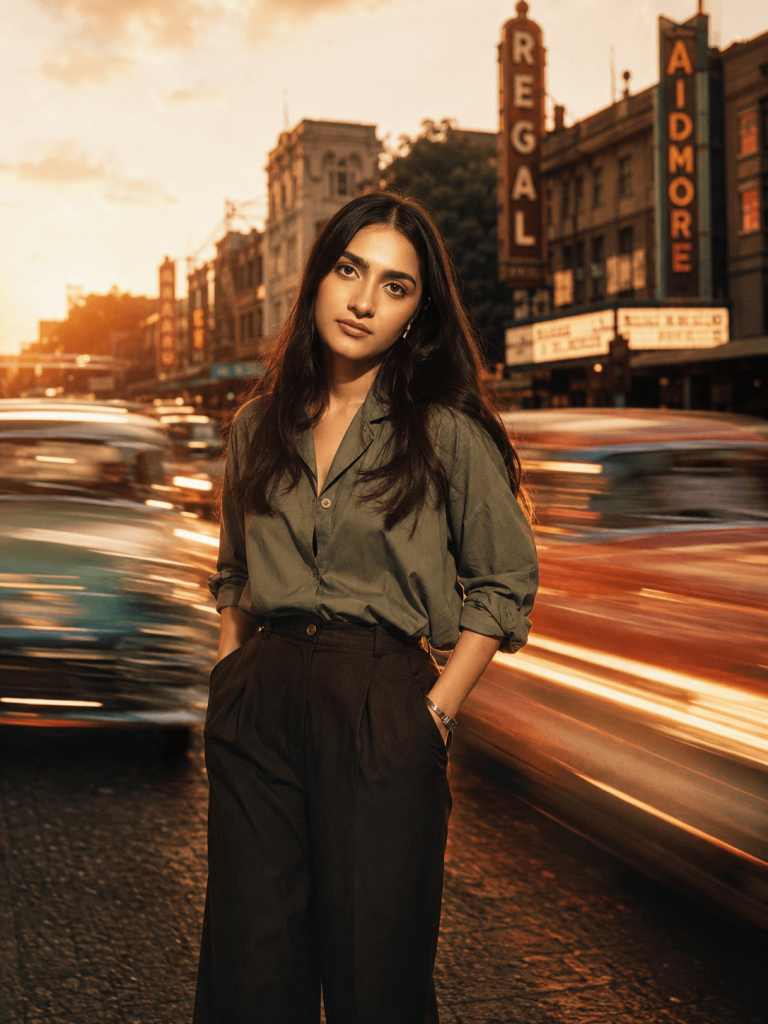
Version 4: Retro Golden Hour Motion Portrait
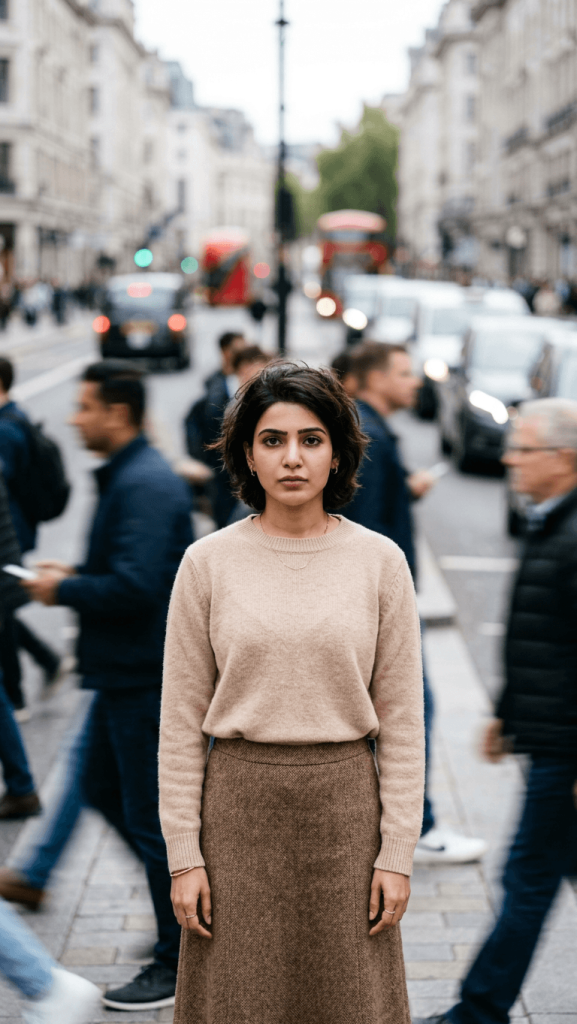
Version 5: Stillness in the Crowd Crosswalk Portrait
The people around me are moving quickly, creating strong long-exposure motion blur, while I remain perfectly sharp and in focus. The scene is set on an overcast day with soft natural daylight, realistic shadows, and natural skin tones. The mood should feel quiet, reflective, and isolated, showing a moment of stillness amid the chaos of the city.
Use a shallow depth of field, realistic film grain, muted colors, cinematic color grading, and an 85mm lens look. Keep everything highly realistic, with no facial distortions, AI artifacts, or unnatural lighting. Ultra-detailed, professional documentary-style street photography.
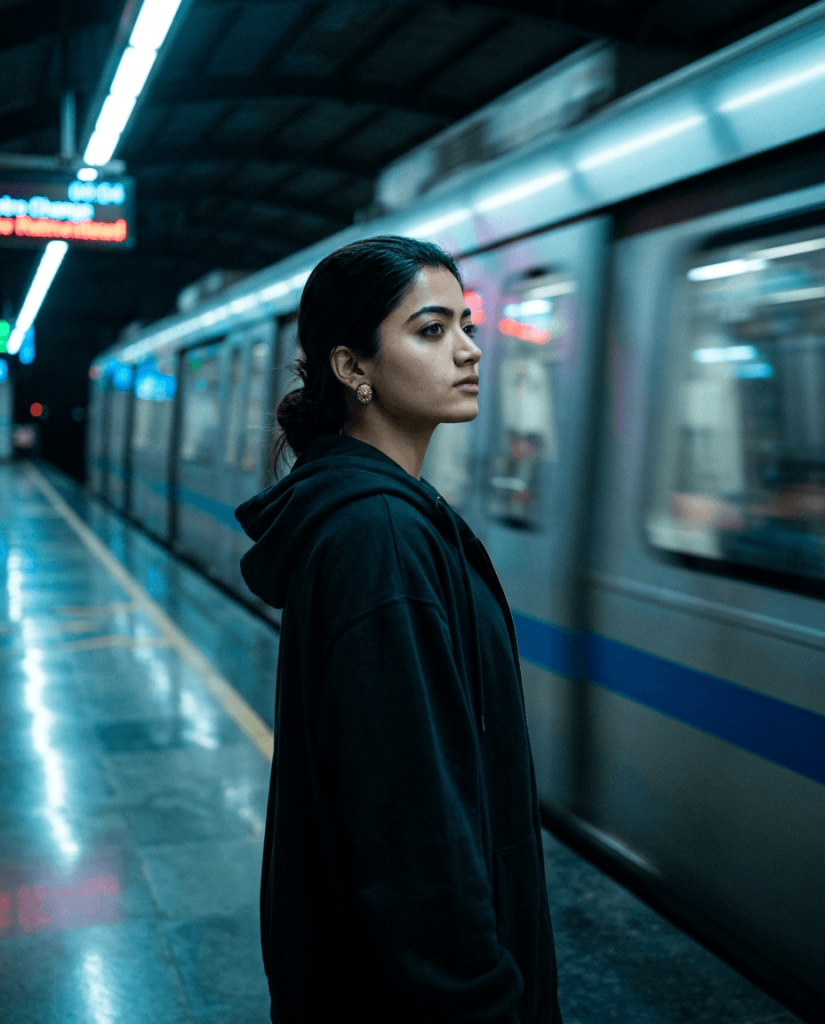
Version 6: Neo-Noir Subway Platform Portrait
Version 7: Dreamy Long-Exposure Crowd Portrait
How to Use These Prompts
1. Below each image, you will see a prompt box with two buttons: Copy and Share to AI.
2. You can tap Copy to copy the full prompt manually. Or simply tap Share to AI; this will automatically copy the prompt for you.
3. After tapping Share to AI, a list of popular AI tools like ChatGPT, Gemini, Copilot, and others will appear on your screen.
4. Click on any AI tool you prefer. It will directly open the selected AI platform.
5. Once the AI page opens, paste the prompt into the prompt box (it is already copied if you used Share to AI).
6. Upload your reference image if required.
7. Click generate, and your image will be created.
8. If needed, you can slightly adjust the prompt for lighting, angle, or mood and generate again.
9. Once you are satisfied with the result, download the image and save it for your use.
Customization Options
These prompts are highly flexible and can be customized to create completely different moods, styles, and stories. You can:
- Change the Subject – Use any person, age group, hairstyle, expression, or pose to match your vision.
- Swap Outfits & Styling – Create casual streetwear looks, formal fashion editorials, vintage aesthetics, business portraits, or seasonal outfits.
- Choose Different Locations – Place the subject in busy city streets, subway stations, crosswalks, marketplaces, neon-lit districts, or any urban environment.
- Modify Motion Effects – Experiment with crowd motion blur, vehicle light trails, speeding trains, circular vortex effects, panning blur, or double-exposure streaks.
- Adjust the Mood & Atmosphere – Create feelings of loneliness, nostalgia, mystery, energy, reflection, romance, or cinematic drama.
- Change the Lighting – Use overcast daylight, golden hour sunlight, blue hour, neon night lighting, or moody noir-inspired illumination.
- Apply Different Color Grades – From teal-and-orange cinematic tones and black-and-white selective color to retro film palettes and muted editorial colors.
- Customize the Camera Look – Switch between 35mm, 50mm, or 85mm lenses, adjust depth of field, film grain, and long-exposure intensity for unique results.
By combining different subjects, locations, motion effects, lighting conditions, and color styles, you can generate countless variations ranging from realistic documentary street photography to dramatic cinematic portraits and high-end fashion editorials.