


Want to transform your selfie into a sleek low-poly geometric masterpiece? This AI prompt converts your photo into a premium polygon-style portrait while preserving your exact facial features, hairstyle, skin tone, expression, and overall identity. Featuring sharp angular facets, clean vector-like shading, vibrant gradients, and professional poster aesthetics, these prompts create modern geometric artwork perfect for social media profiles, posters, wallpapers, and digital art collections.
Prompt
Replace the background with a minimalist golden-yellow to orange gradient backdrop, creating a warm cinematic atmosphere. Keep my original clothing unchanged from the uploaded photo and do not replace, modify, or stylize the outfit beyond the low-poly effect applied to the entire image. Focus on transforming the portrait into a sleek geometric artwork while maintaining a realistic likeness. Ultra-clean vector style, professional poster design, vibrant colors, sharp details, premium low-poly illustration, modern graphic art, and ultra-high-resolution 8K quality.
Version 1: Classic Golden Low-Poly Portrait

Version 2: Cinematic Geometric Poster Portrait
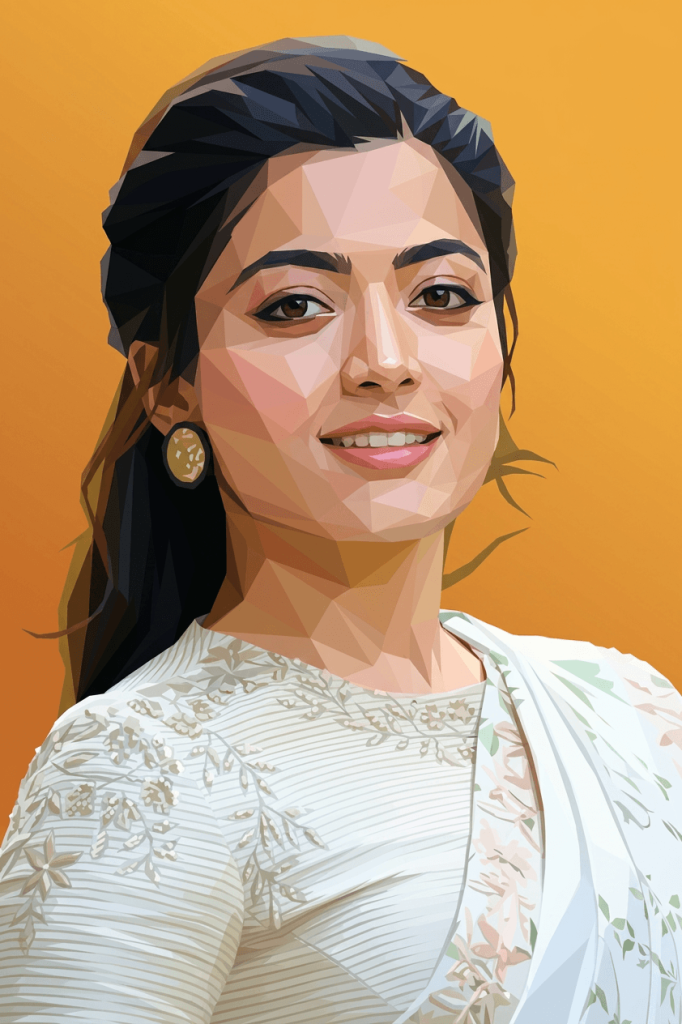
Version 3: Premium Vector Low-Poly Artwork

How to Use These Prompts
1. Below each image, you will see a prompt box with two buttons: Copy and Share to AI.
2. You can tap Copy to copy the full prompt manually. Or simply tap Share to AI; this will automatically copy the prompt for you.
3. After tapping Share to AI, a list of popular AI tools like ChatGPT, Gemini, Copilot, and others will appear on your screen.
4. Click on any AI tool you prefer. It will directly open the selected AI platform.
5. Once the AI page opens, paste the prompt into the prompt box (it is already copied if you used Share to AI).
6. Upload your reference image if required.
7. Click generate, and your image will be created.
8. If needed, you can slightly adjust the prompt for lighting, angle, or mood and generate again.
9. Once you are satisfied with the result, download the image and save it for your use.