

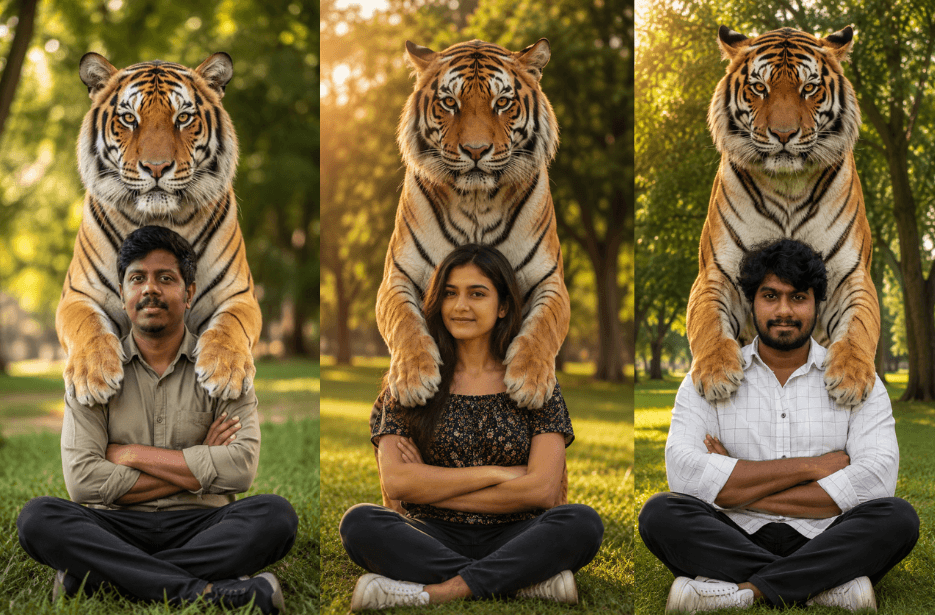
Want to create breathtaking AI photos with a majestic tiger standing protectively behind you? This AI photo prompt helps you generate ultra-realistic wildlife portraits featuring powerful Bengal tigers, cinematic lighting, lush outdoor scenery, and magazine-quality photography. Perfect for creating viral social media images that blend human confidence with the beauty of nature.
Prompt
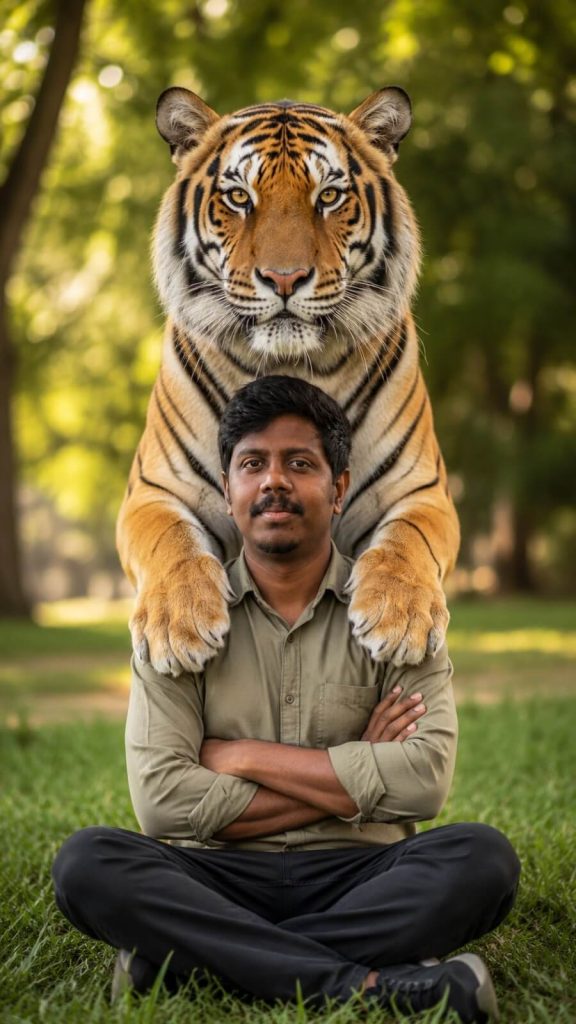
Version 1: Protective Bengal Tiger on Shoulder Portrait
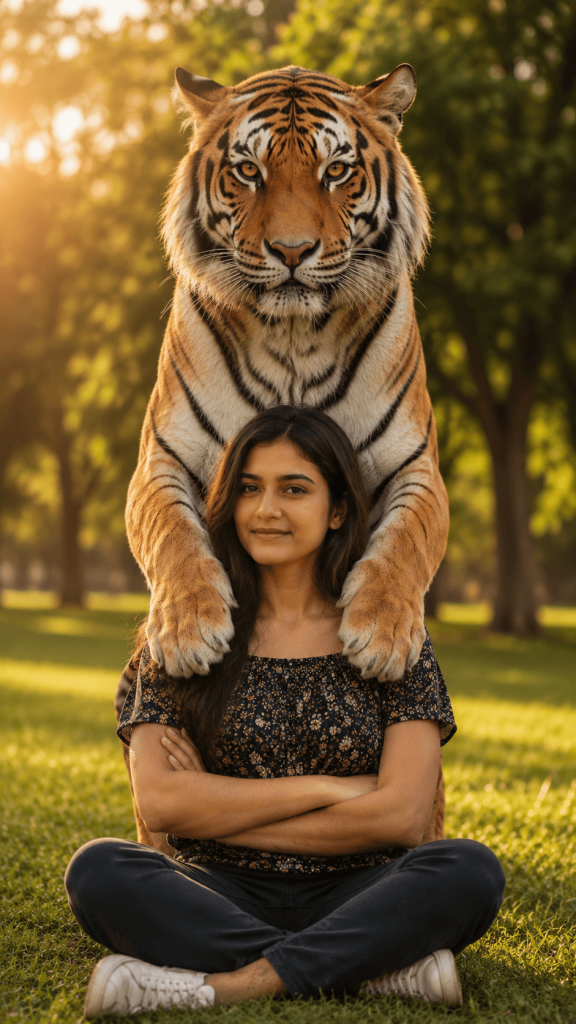
Version 2: Fearless Woman With Majestic Tiger on Shoulder
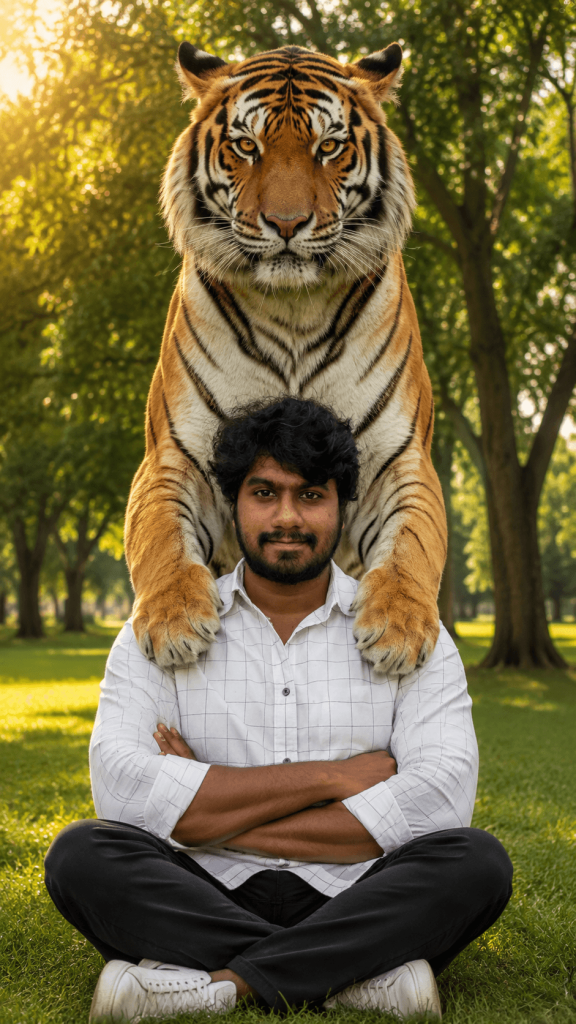
Version 3: Cinematic Tiger on Shoulder Photography
How to Use These Prompts
1. Below each image, you will see a prompt box with two buttons: Copy and Share to AI.
2. You can tap Copy to copy the full prompt manually. Or simply tap Share to AI; this will automatically copy the prompt for you.
3. After tapping Share to AI, a list of popular AI tools like ChatGPT, Gemini, Copilot, and others will appear on your screen.
4. Click on any AI tool you prefer. It will directly open the selected AI platform.
5. Once the AI page opens, paste the prompt into the prompt box (it is already copied if you used Share to AI).
6. Upload your reference image if required.
7. Click generate, and your image will be created.
8. If needed, you can slightly adjust the prompt for lighting, angle, or mood and generate again.
9. Once you are satisfied with the result, download the image and save it for your use.
Customise Your Tiger on Shoulder AI Photo
- Change the tiger breed from Bengal to white tiger, Siberian tiger, or golden tiger.
- Replace the park setting with a jungle, mountain valley, waterfall, or sunset landscape.
- Adjust the pose by standing, kneeling, walking, or looking over your shoulder.
- Add cinematic golden-hour lighting for a warm, dramatic atmosphere.
- Create a fantasy version with glowing eyes, mystical fog, or magical forests.
- Experiment with different outfits such as casual wear, safari clothing, or elegant dresses.
- Increase realism with detailed fur textures, natural shadows, and DSLR photography effects.
- Use shallow depth of field and creamy bokeh for a premium portrait look.
- Add wildlife conservation, adventure, or luxury editorial themes.
- Enhance the image with 8K quality, ultra-sharp focus, and magazine-style color grading.