

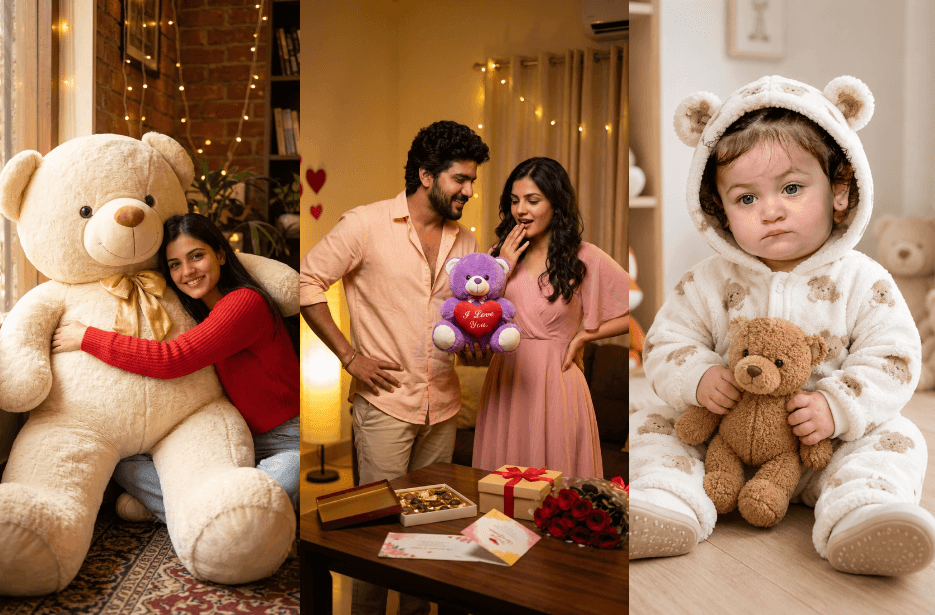
Create adorable teddy bear-themed AI portraits with these ultra-realistic photo editing prompts. From cosy indoor aesthetic photos and cinematic golden hour shots to romantic couple portraits and cute baby teddy concepts. These prompts help transform ordinary photos into warm, emotional, and visually stunning creations. Perfect for Instagram edits, lifestyle portraits, couple memories, and creative AI photography projects.
Version 1: Cosy Teddy Hug Indoor Photo
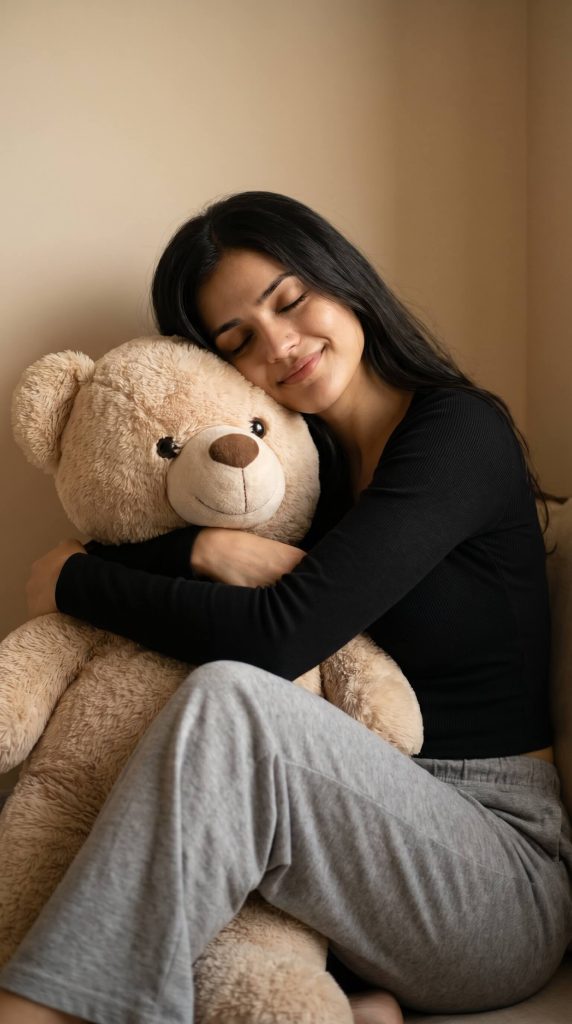
Version 2: Late Night Teddy Bear Aesthetic
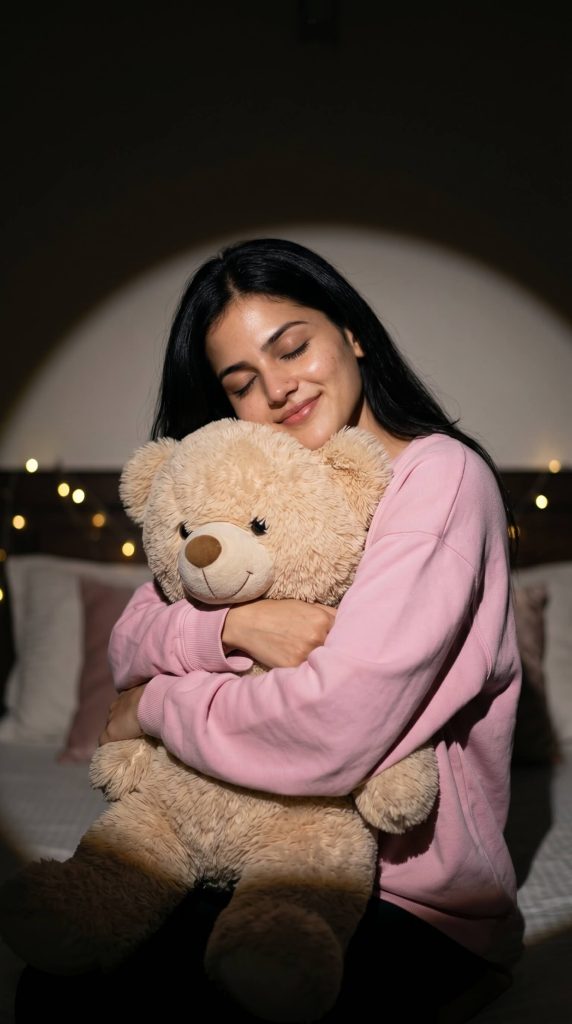
Version 3: Window Light Cosy Reading Teddy Portrait
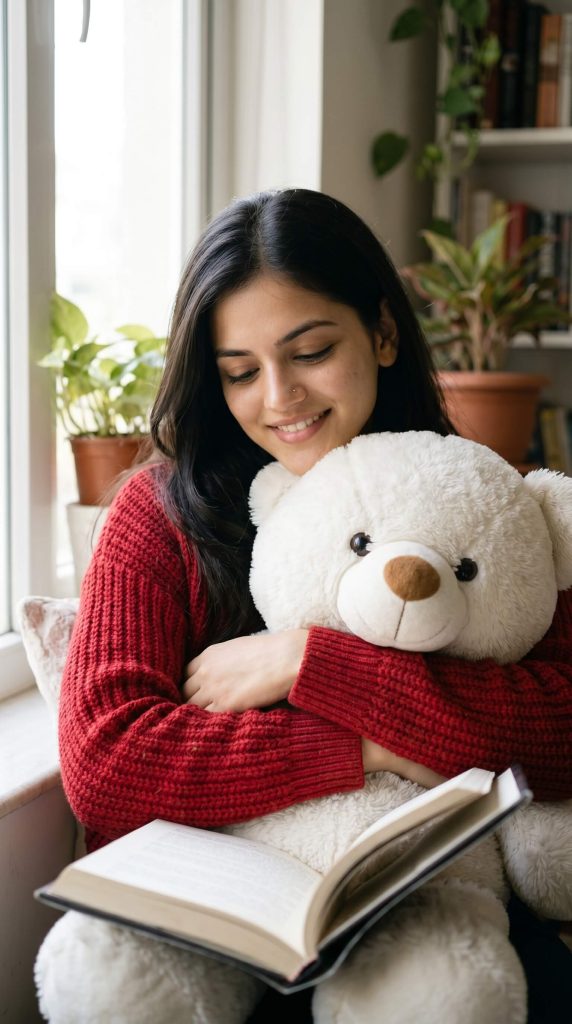
Version 4: Giant Teddy Bear Lifestyle Photoshoot
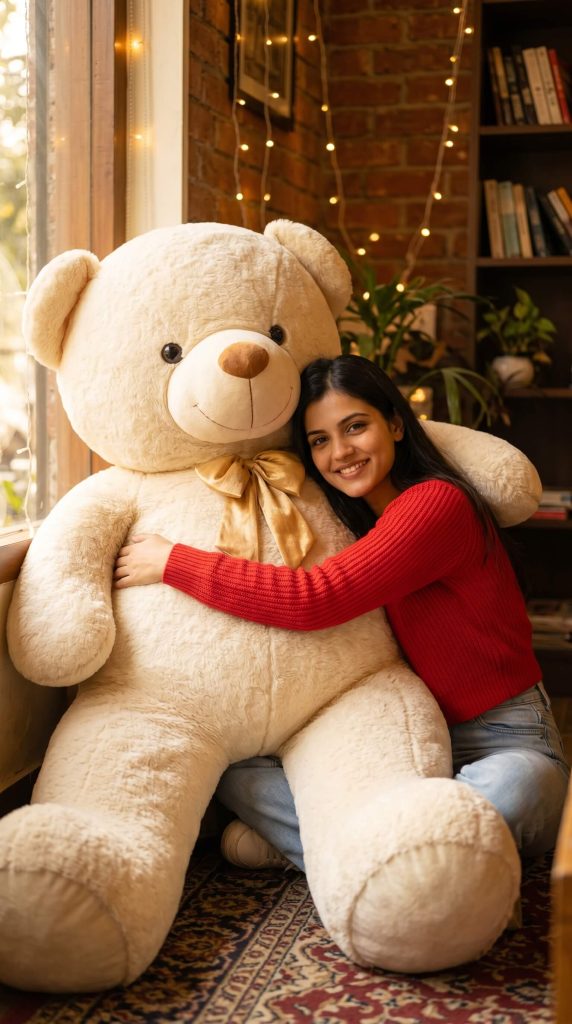
She is leaning and hugging a massive oversized teddy bear that is more than twice her size, making it look extremely large and dominant in the scene. The teddy is placed beside her, filling most of the frame, with a soft plush texture and a cute friendly expression. It is cream-colored with a golden bow, highly detailed and realistic.
The woman is wearing a bright red knitted full-sleeve top with light blue relaxed jeans and casual sneakers. She has a soft, happy, natural smile while gently resting against the giant teddy bear.
Lighting should be warm, cinematic, and golden-toned with soft shadows. Background should be stylish but minimal with textured walls and cozy aesthetic decor. DSLR-style depth of field, ultra-realistic 8K quality, natural skin tones, candid pose, soft focus background, and emotional cozy vibe.
Version 5: Cute Teddy Bear Baby
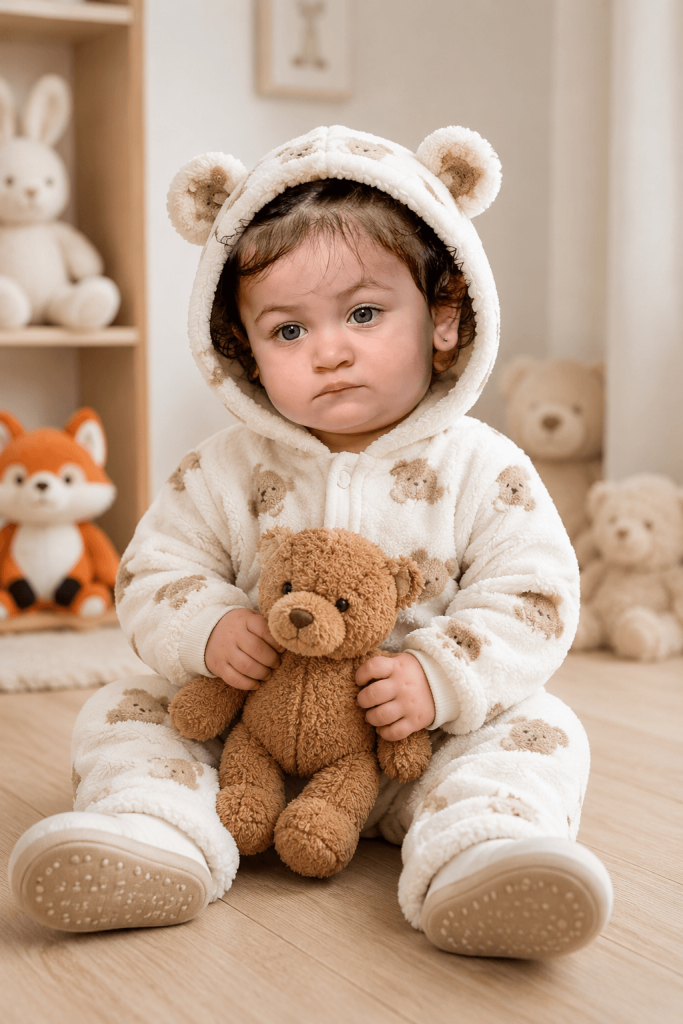
The baby is wearing a plush white onesie with light brown patterns, designed like a teddy bear outfit with a hood that has small ears. The baby is holding a small brown teddy bear gently in both hands, placed near the lap.
The background is minimal and softly blurred, featuring a light pastel room with a few stuffed toys placed on shelves and the floor (including a bunny, fox, and other soft toys). Lighting is soft and natural, coming from the side, creating a warm, bright, and clean atmosphere.
Composition is centered, eye-level angle, full-body sitting pose with visible shoes. Soft shadows, shallow depth of field, ultra-realistic textures, natural skin tones, 4K high detail, studio-quality finish.
Version 6: Heartwarming Child Teddy Hug
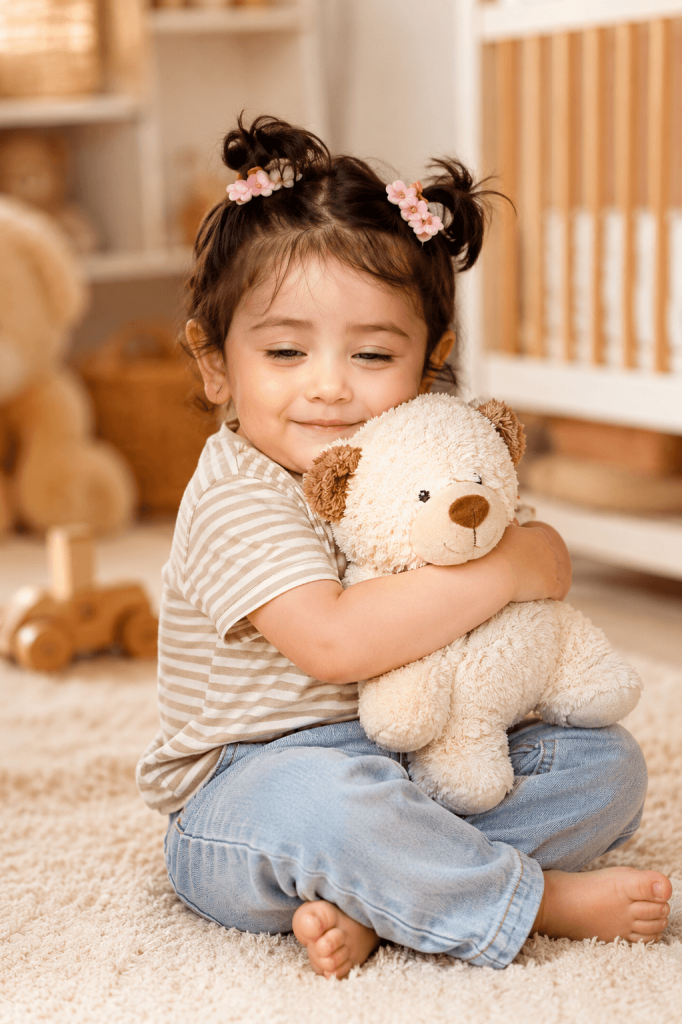
The environment is softly lit with natural warm daylight coming from the side, creating a calm golden tone. Background is slightly blurred with a crib, wooden toys, and soft neutral decor in beige and white tones. The depth of field is shallow, focusing on the child and teddy toy. The overall mood is cozy, innocent, and heartwarming, like a candid lifestyle photography shot captured with a high-end DSLR, 85mm lens, soft bokeh, ultra-realistic, 8K quality.
Version 7: Golden Hour Teddy Walk Cinematic Portrait
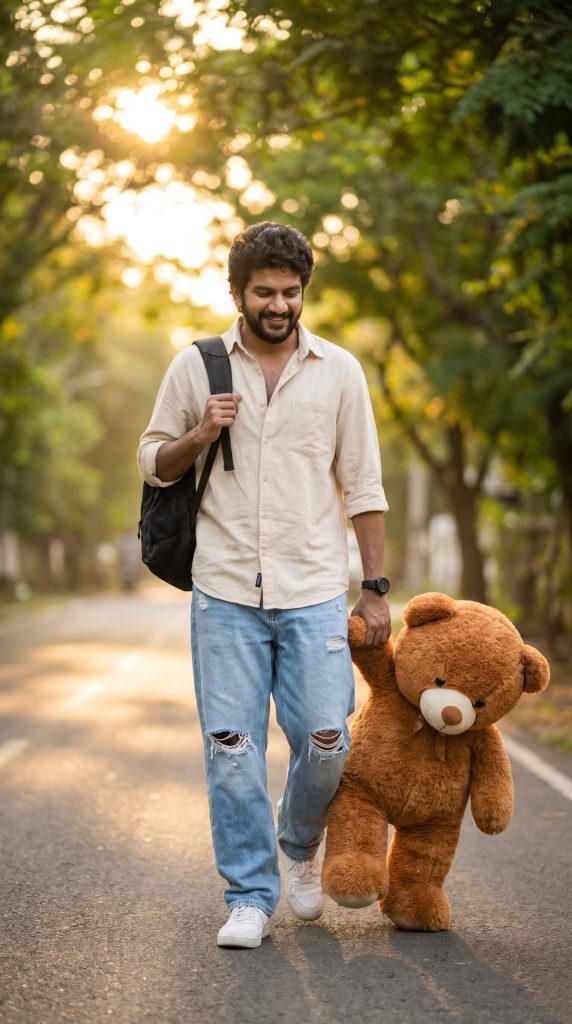
Version 8: Oversized Teddy Bear Studio Fashion Shoot
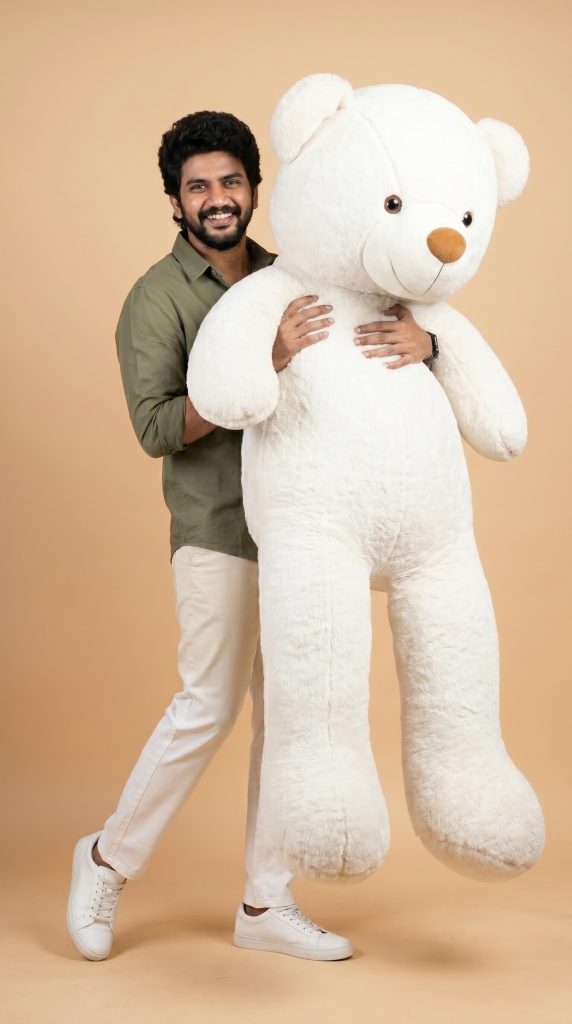
Version 9: Romantic Teddy Bear Surprise Couple
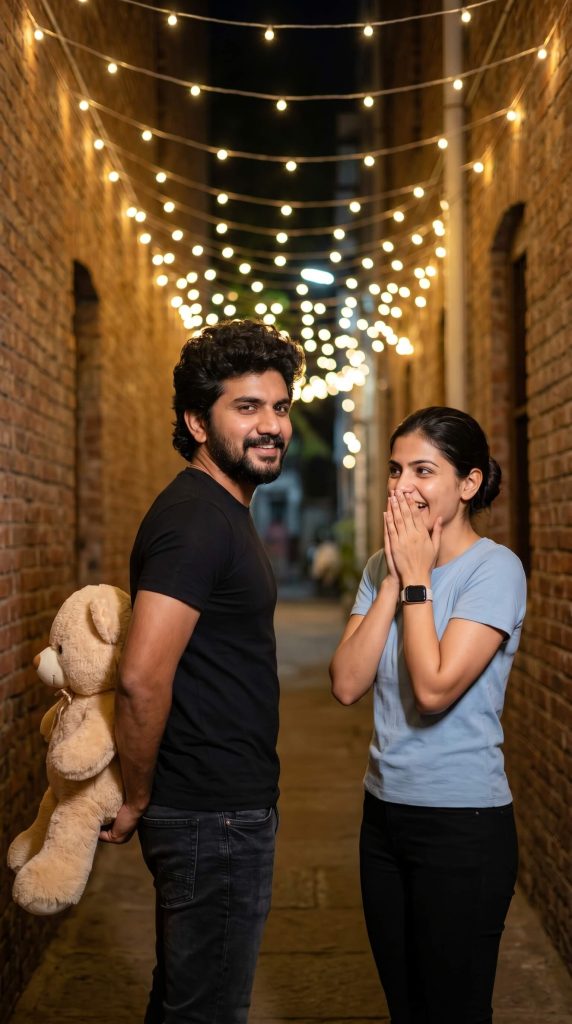
The man stands on the left, slightly turned back toward the woman with a playful smile. He is wearing a fitted black t-shirt and dark jeans, holding a large beige teddy bear behind his back as a surprise.
The woman stands on the right, looking surprised and delighted, with both hands covering her mouth. She is wearing a light blue t-shirt, black pants, and a smartwatch on her wrist, with her hair tied back neatly.
Background includes brick walls on both sides, warm glowing string lights overhead, and a softly blurred depth of field. Lighting is warm and cinematic, with natural skin tones, soft shadows, candid expressions, and a joyful romantic mood. Ultra-realistic, 4K quality.
Version 10: Cute Indoor Teddy Proposal Style
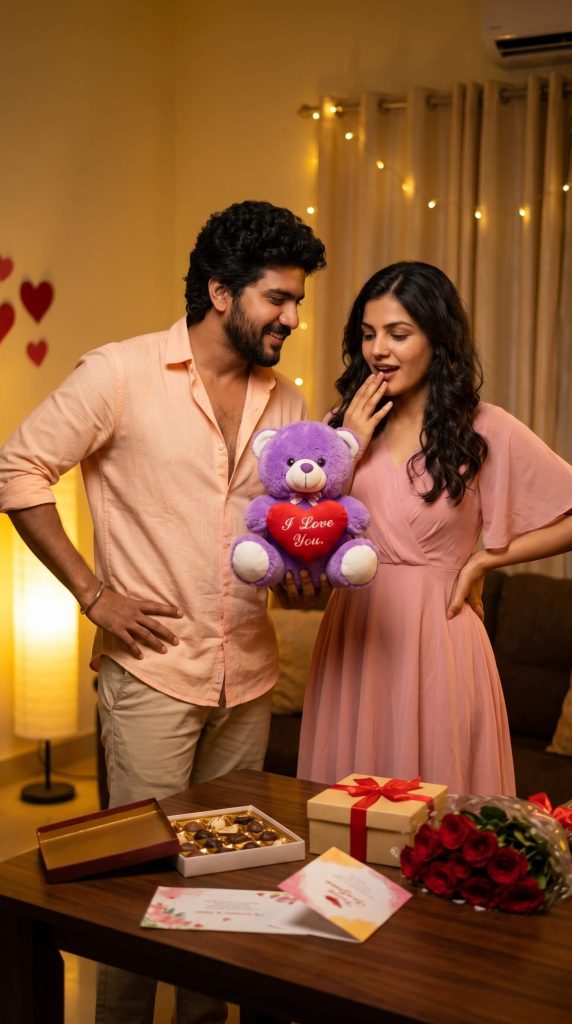
They are holding a purple teddy bear in the center with a red heart that says “I Love You.” The table in front has an open chocolate box, a wrapped gift with ribbon, red roses, and greeting cards.
Background includes warm yellow lighting, a glowing floor lamp, soft curtains, fairy lights, and red heart decorations on the wall. Cinematic lighting, soft shadows, shallow depth of field, natural expressions, 4K ultra-realistic quality.
Version 11: Romantic Sofa Teddy Celebration Portrait
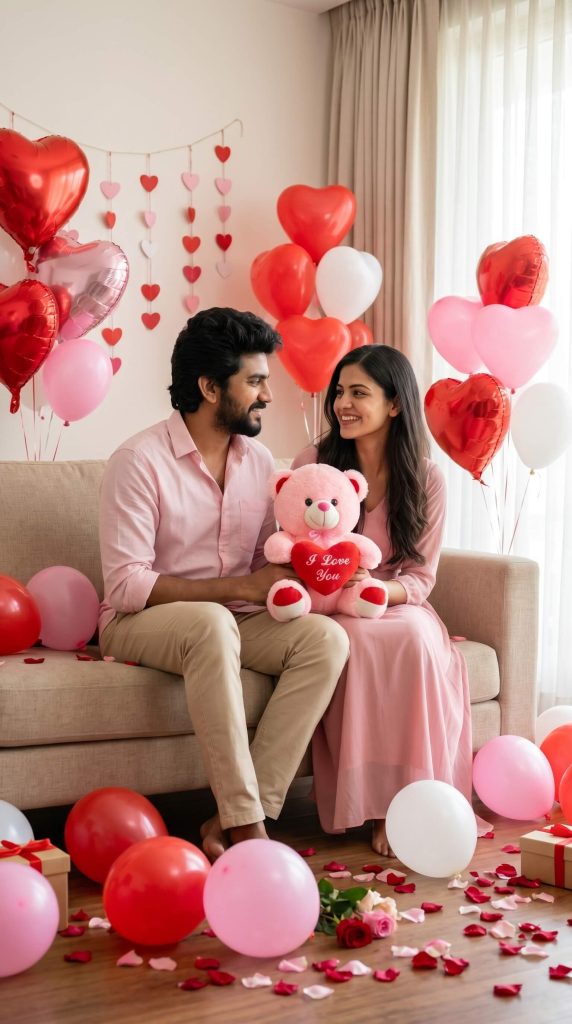
They are holding a cute pink teddy bear together in the center, which has a red heart with “I Love You” written on it.
The room is decorated for a romantic celebration with red, pink, and white heart-shaped balloons around them, including some on the floor. Behind them, there are hanging heart garlands on a light-colored wall. The floor has scattered rose petals and a few wrapped gift boxes.
Soft natural daylight comes from a window on the side with light curtains, creating a bright and airy feel. Cinematic lighting, soft shadows, shallow depth of field, natural expressions, ultra-realistic, 4K quality.
How to Use These Prompts
1. Below each image, you will see a prompt box with two buttons: Copy and Share to AI.
2. You can tap Copy to copy the full prompt manually. Or simply tap Share to AI; this will automatically copy the prompt for you.
3. After tapping Share to AI, a list of popular AI tools like ChatGPT, Gemini, Copilot, and others will appear on your screen.
4. Click on any AI tool you prefer. It will directly open the selected AI platform.
5. Once the AI page opens, paste the prompt into the prompt box (it is already copied if you used Share to AI).
6. Upload your reference image if required.
7. Click generate, and your image will be created.
8. If needed, you can slightly adjust the prompt for lighting, angle, or mood and generate again.
9. Once you are satisfied with the result, download the image and save it for your use.
Ways to Customise These Teddy Bear AI Photo Editing Prompts
- Change teddy bear colour, size, or style
- Replace outfits with casual, luxury, ethnic, or winter wear
- Modify the background into a bedroom, café, studio, park, or sunset location
- Adjust lighting from soft daylight to a cinematic night mood
- Add props like flowers, gifts, books, balloons, or fairy lights
- Customise pose, facial expression, and camera angle
- Change colour tones to warm, pastel, dark, or vibrant aesthetics
- Convert scenes into romantic, playful, cosy, or luxury themes
- Add rain, snow, golden hour sunlight, or dreamy bokeh effects
- Choose between realistic, cinematic, editorial, or DSLR photography styles