

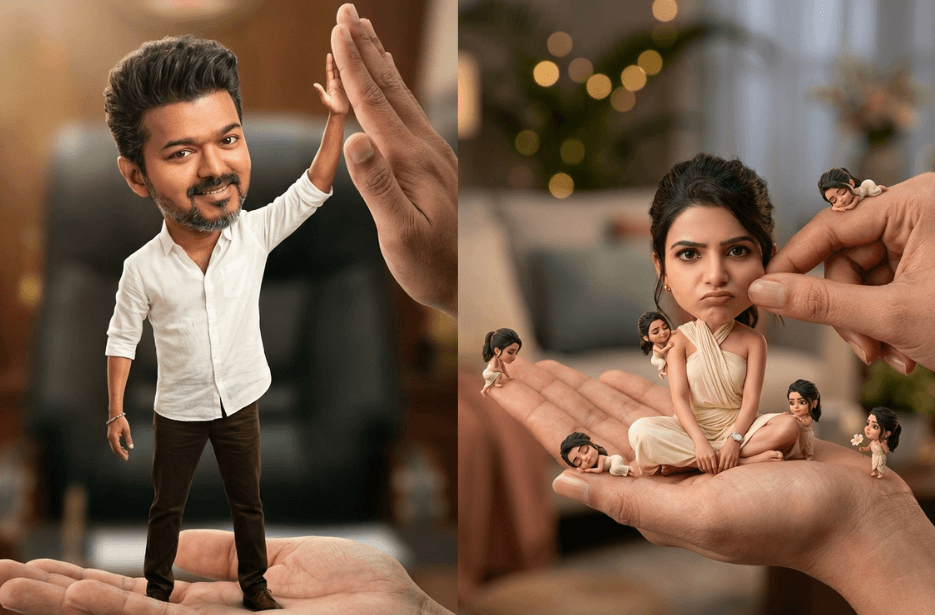
Ever wondered what you would look like as a cute, big-headed miniature character? With the right AI prompts, you can turn this simple idea into adorable, cinematic 3D versions of yourself. Whether you want a dreamy floating scene, a cosy storytelling vibe, or a futuristic look, these prompts help you bring your tiny, expressive avatar to life. In this guide, you will find simple, creative prompts to get started and make your avatars look truly special.
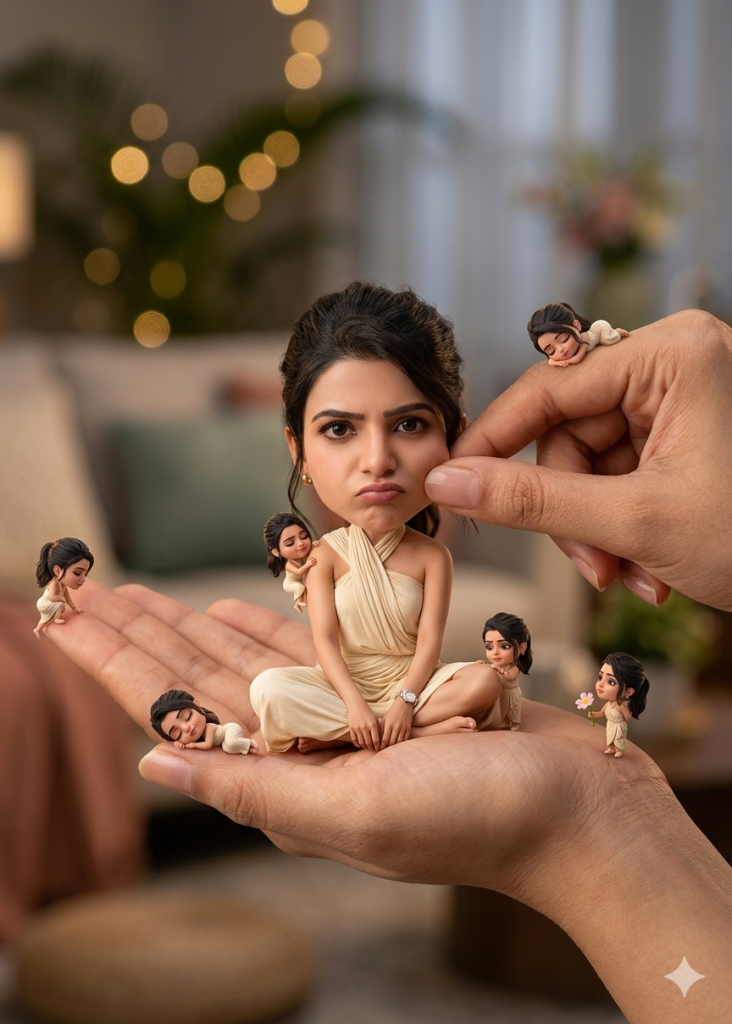
Variation 1: Cutie Little Pie
Variation 2: Chief Minister of TN
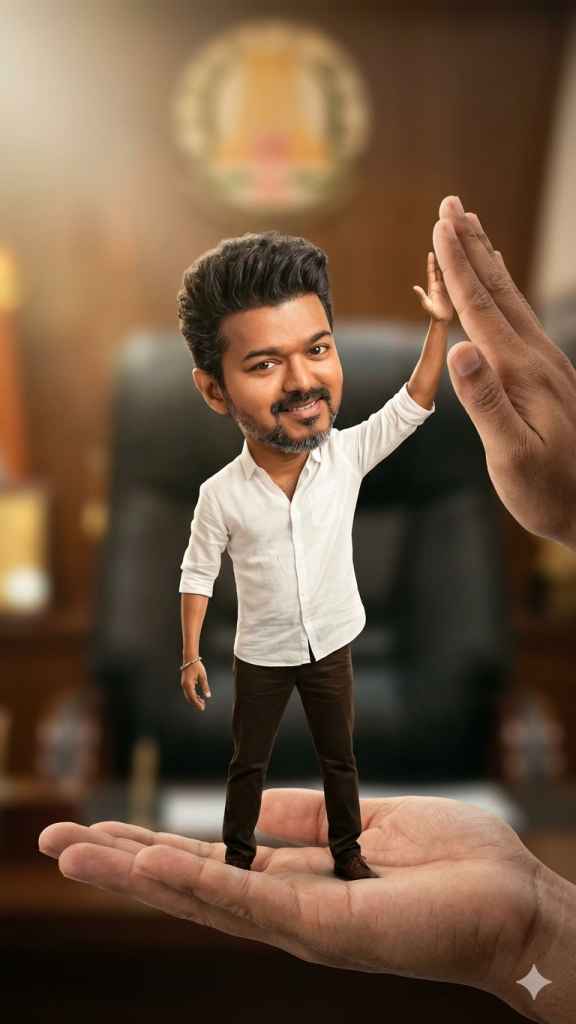
Pose: standing confidently on one hand, giving a playful high-five (“hi-fi”) to another hand. Expression: cheerful, confident, slightly mischievous, looking at the camera.
Environment: background inspired by the Chief Minister of Tamil Nadu’s chair/office setting, softly blurred with cinematic bokeh to keep focus on the subject.
Interaction: two large realistic hands, one supporting him, the other raised for the high-five interaction.
Outfit: same as his reference image.
Lighting: soft cinematic lighting, shallow depth of field, ultra-realistic detail, clean focus, premium look.
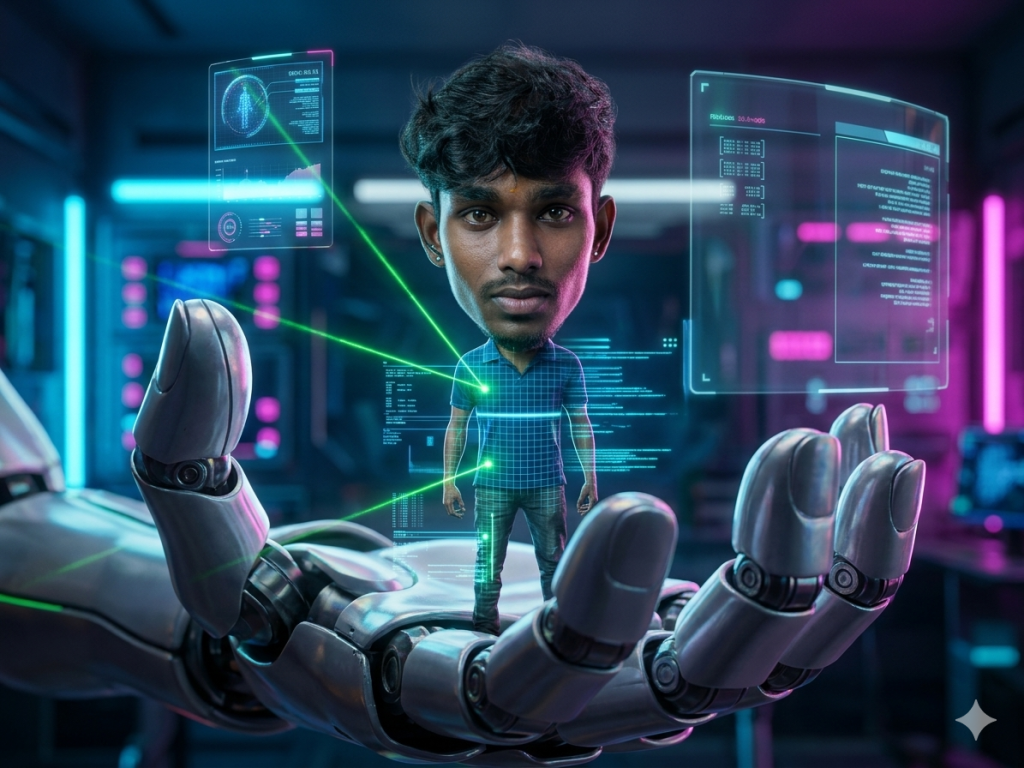
Variation 3: Enthiran 3.0
Pose & Expression:
The character stands upright in the palm with a calm, serious, and focused expression. No exaggeration — natural human face, neutral emotion with slight intensity in the eyes, looking forward or slightly upward.
Action:
The robotic hand is actively scanning the subject. Thin beams of light, holographic grids, and data lines move across the body. The character remains still and composed while being analyzed, giving a sense of control and tension.
Interaction:
Fingers of the robotic hand are partially curved around the subject, not gripping but enclosing protectively. Subtle micro-movements suggest precision machinery at work.
Environment:
Futuristic high-tech lab with floating holograms, transparent screens, and neon-lit panels. Background softly blurred with cyberpunk tones (blue, violet, magenta).
Lighting & Mood:
Sharp cinematic lighting with strong rim light outlining the figure. Reflections of neon lights on metallic surfaces. Clean highlights on skin to maintain realism.
Style & Detail:
Ultra-realistic, no cartoon styling, high-detail skin texture, metallic reflections, shallow depth of field, 8K quality, dramatic sci-fi atmosphere.
Variation 4: A Pocket of Dreams
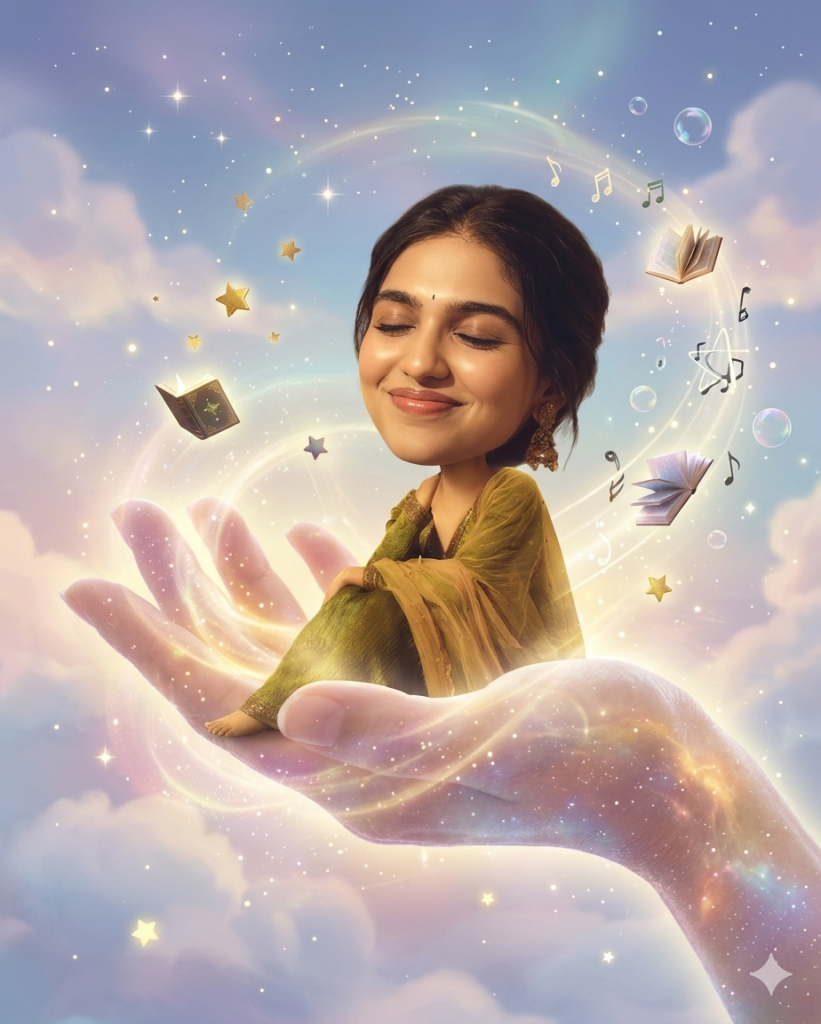
The character should have a joyful, dreamy expression—calm, content, and slightly mesmerized—as if experiencing a lucid dream.
The floating hand should appear ethereal, semi-transparent, and softly glowing, as though made of mist, light, or energy. It gently supports the character while drifting through the air.
Environment:
A vast dreamscape sky filled with soft volumetric clouds, scattered stars, and floating abstract objects (such as glass spheres, fragments of islands, glowing feathers, or geometric shapes). The space should feel infinite and weightless.
Lighting & Mood:
Ethereal, soft-gradient lighting with pastel hues (lavender, soft blue, warm pink, and pale gold). Subtle bloom and glow effects enhance the magical atmosphere.
Style:
Surrealism with a painterly, high-detail aesthetic. Smooth gradients, soft edges, and a cinematic fantasy tone. Slight tilt-shift effect to emphasize the miniature scale of the character.
Overall feeling:
A peaceful, whimsical dream suspended between reality and imagination, where gravity feels optional and everything floats in quiet harmony.
How to Use These Prompts
1. Below each image, you will see a prompt box with two buttons: Copy and Share to AI.
2. You can tap Copy to copy the full prompt manually. Or simply tap Share to AI; this will automatically copy the prompt for you.
3. After tapping Share to AI, a list of popular AI tools like ChatGPT, Gemini, Copilot, and others will appear on your screen.
4. Click on any AI tool you prefer. It will directly open the selected AI platform.
5. Once the AI page opens, paste the prompt into the prompt box (it is already copied if you used Share to AI).
6. Upload your reference image if required.
7. Click generate, and your image will be created.
8. If needed, you can slightly adjust the prompt for lighting, angle, or mood and generate again.
9. Once you are satisfied with the result, download the image and save it for your use.
Additional Tips to Make The Prompts Better!
You can easily personalise these prompts to match your style, mood, and platform. Use the tips listed below to get better and more unique results.
1. Face Identity & Accuracy
- Always mention “use the provided image for exact face identity (100% preserved)”
- Add: sharp eyes, natural skin texture, no distortion
- If needed, include: same hairstyle, same expression
2. Outfit & Styling
- Change outfits based on your vibe:
- Casual: hoodie, t-shirt, streetwear
- Formal: blazer, suit, satin shirt
- Traditional: saree, kurta, ethnic wear
- Add accessories like watch, chain, sunglasses, rings for a premium look
3. Lighting Control
Lighting plays a huge role in realism:
- Golden hour → warm, soft, aesthetic
- LED/cool light → moody, cinematic
- Flash lighting → bold, high contrast
- Soft indoor light → clean and natural
4. Camera Angle & Composition
- Try different angles for better results:
- Eye level → natural look
- Low angle → powerful vibe
- Side profile → aesthetic feel
- Mirror reflection focus → cinematic style
- Add: shallow depth of field for background blur
5. Background & Environment
- Keep it minimal and clean for a professional look
- Or customise based on theme:
- Hotel room → luxury feel
- Car mirror → lifestyle aesthetic
- Black background → dramatic portrait
- Home setup → cosy vibe
6. Mood & Expression
You can control the emotion of the image:
- Confident & bold
- Calm & introspective
- Soft & smiling
- Serious & moody
7. Colour Grading & Style
- Add finishing styles like:
- Cinematic tone
- Warm vintage look
- Black & white editorial
- High contrast luxury style
- Use: subtle film grain for realism
8. Quality & Output Settings
- Always include:
- 4K or 8K resolution
- Aspect ratio: 4:5 or 3:4 (best for social media)
- Add: ultra-realistic, sharp focus, great detail.
Start with any prompt from this list, then tweak outfit + lighting + mood + background to create endless variations. Small changes can give completely new results.