

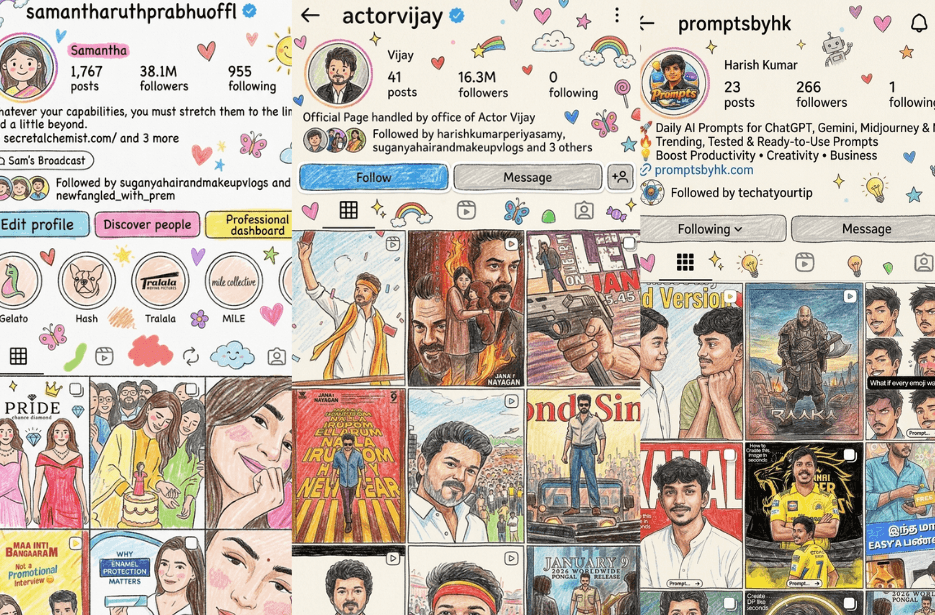
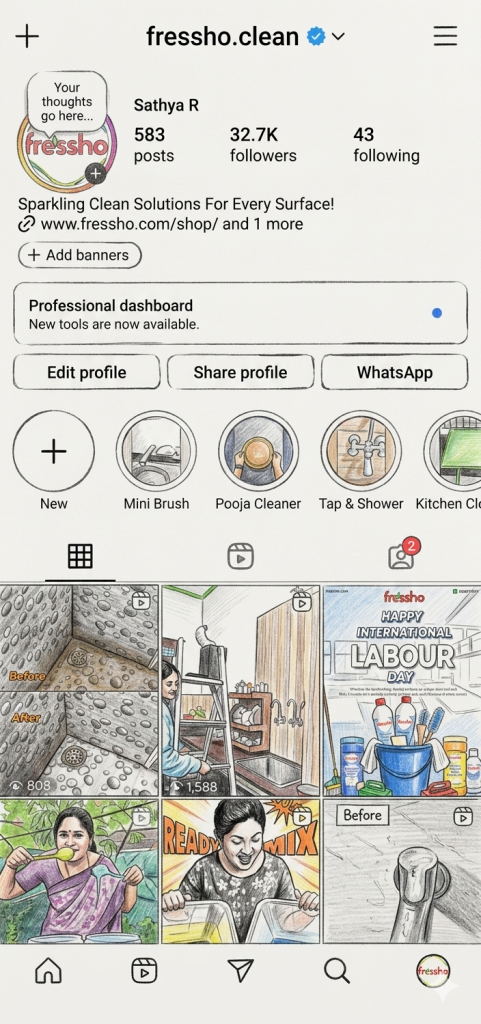
Your Instagram profile is not boring, you are just not looking at it the fun way. Doodle UI is all about reimagining the same familiar Instagram layout with playful, hand-drawn elements layered on top. No redesigns, no hacks, just a creative twist that turns ordinary profile screenshots into lively, personality-filled visuals. In this article, you will find a simple prompt to create these doodle-style images.
Keep the same background as the reference photo, enhanced with warm, soft, and clean lighting, subtle shadows, and a gentle aesthetic mood.
The main subject should appear in a clean, glossy semi-3D aesthetic style with a soft Korean-inspired Instagram look.
Surround the main character with several mini 3D chibi versions of the same person, each with cute and playful expressions and poses:
jumping happily
waving cheerfully
sitting relaxed
holding a drink
expressive, cute variations
All chibi versions should have:
rounded super-deformed proportions
glossy toy-like 3D finish
soft pastel color tones
consistent facial identity with the main character
Add decorative white hand-drawn doodles around the composition:
stars, hearts, sparkles, motion lines
small cute icon elements
white sticker-style outline around main subject and chibis
Include subtle handwritten doodle text such as:
“shine”, “bright day”, “happy”, “smile” in a casual sketch font style.
Overall style should be:
clean, aesthetic, pastel-toned, high-detail 3D chibi, glossy finish, cute and trendy Korean Instagram aesthetic with balanced composition.
Version 1: PromptsbyHK
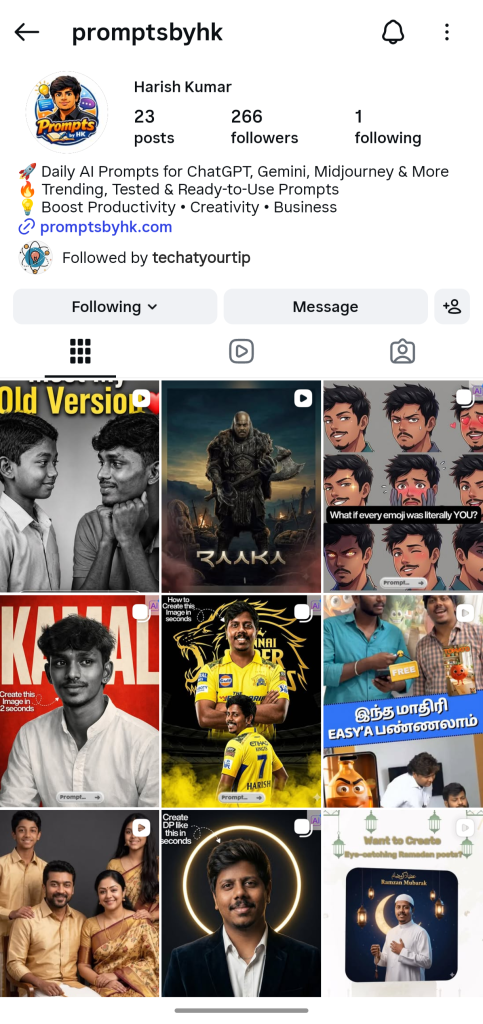
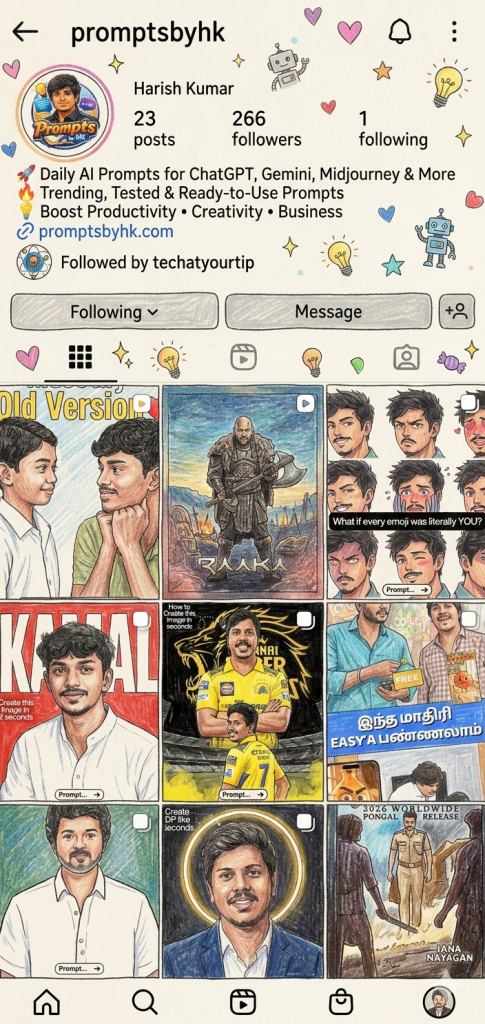
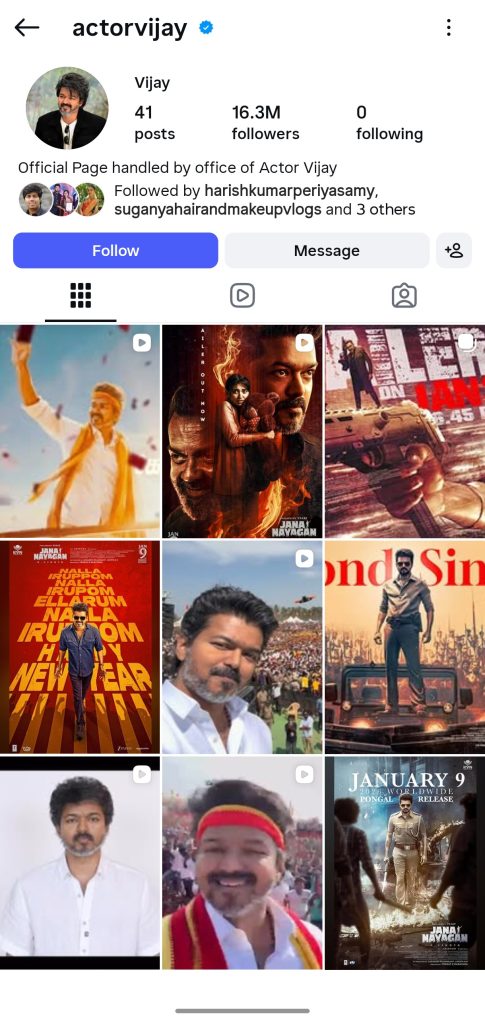
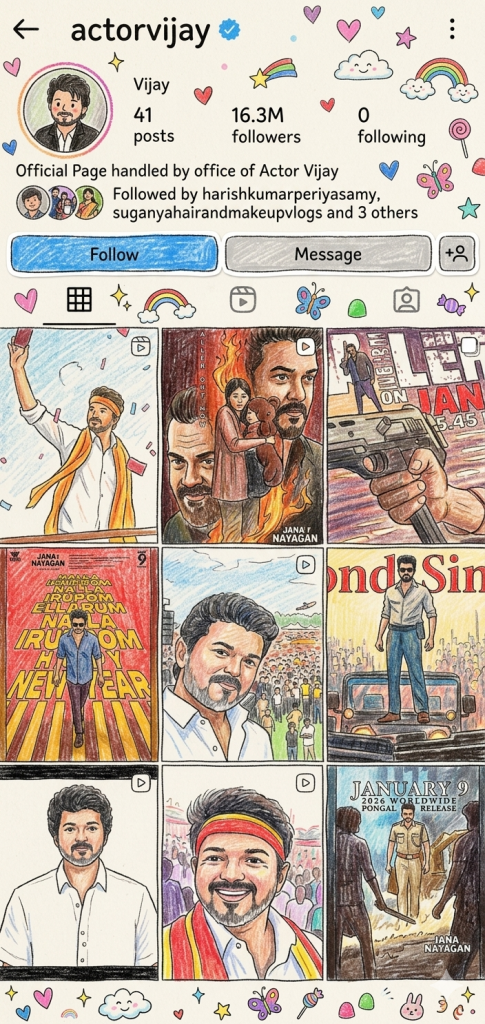
Version 2: Thalapathy Vetri Kondan
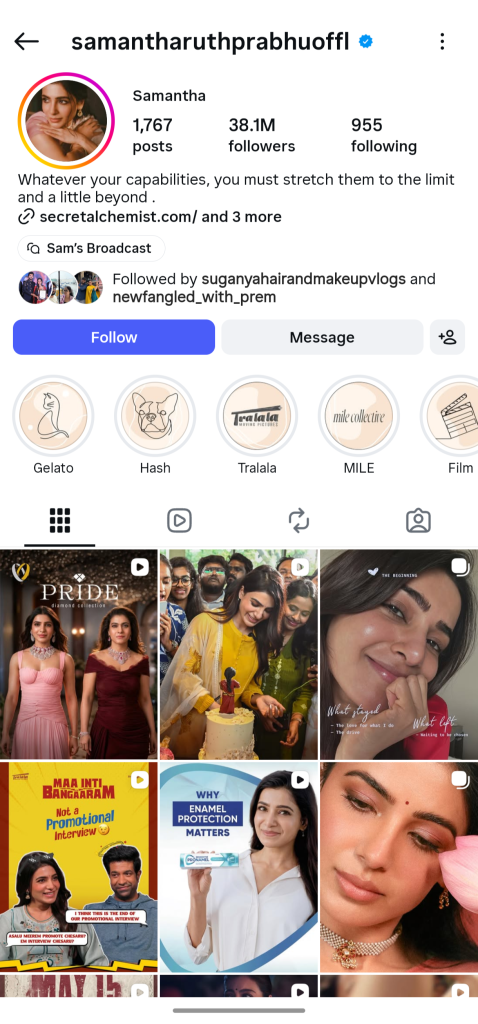
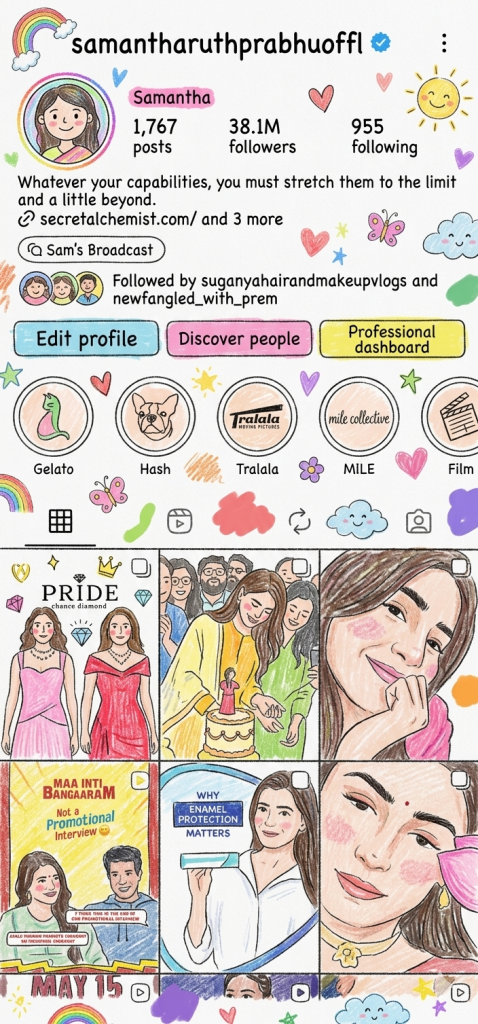
Version 3: Queen of Hearts
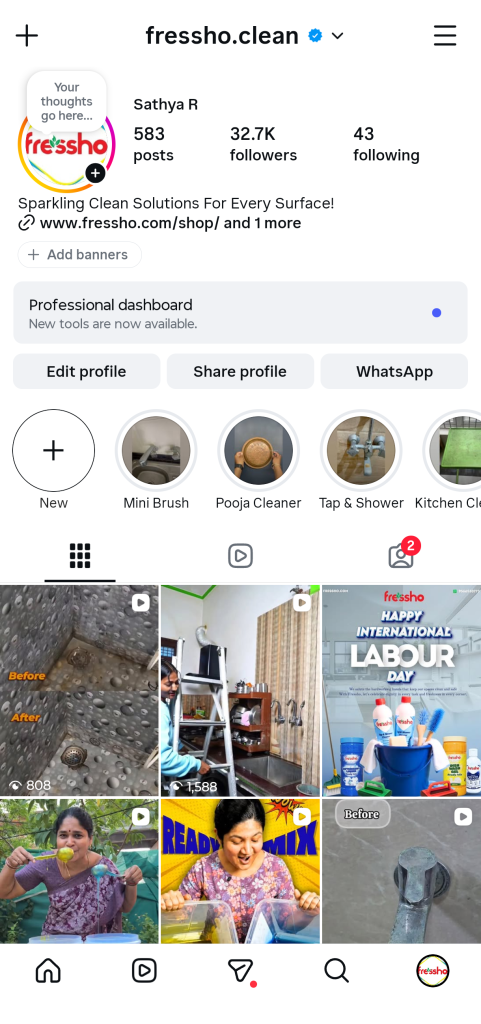
Version 4: India’s Fast Growing Homecare Brand
How to Use These Prompts
1. Below each image, you will see a prompt box with two buttons: Copy and Share to AI.
2. You can tap Copy to copy the full prompt manually. Or simply tap Share to AI; this will automatically copy the prompt for you.
3. After tapping Share to AI, a list of popular AI tools like ChatGPT, Gemini, Copilot, and others will appear on your screen.
4. Click on any AI tool you prefer. It will directly open the selected AI platform.
5. Once the AI page opens, paste the prompt into the prompt box (it is already copied if you used Share to AI).
6. Upload your reference image if required.
7. Click generate, and your image will be created.
8. If needed, you can slightly adjust the prompt for lighting, angle, or mood and generate again.
9. Once you are satisfied with the result, download the image and save it for your use.