Pop Art Vector Prompt: Turn Photos Into Viral Anime-Style AI Artwork


0
Anime Style Photo Transformation

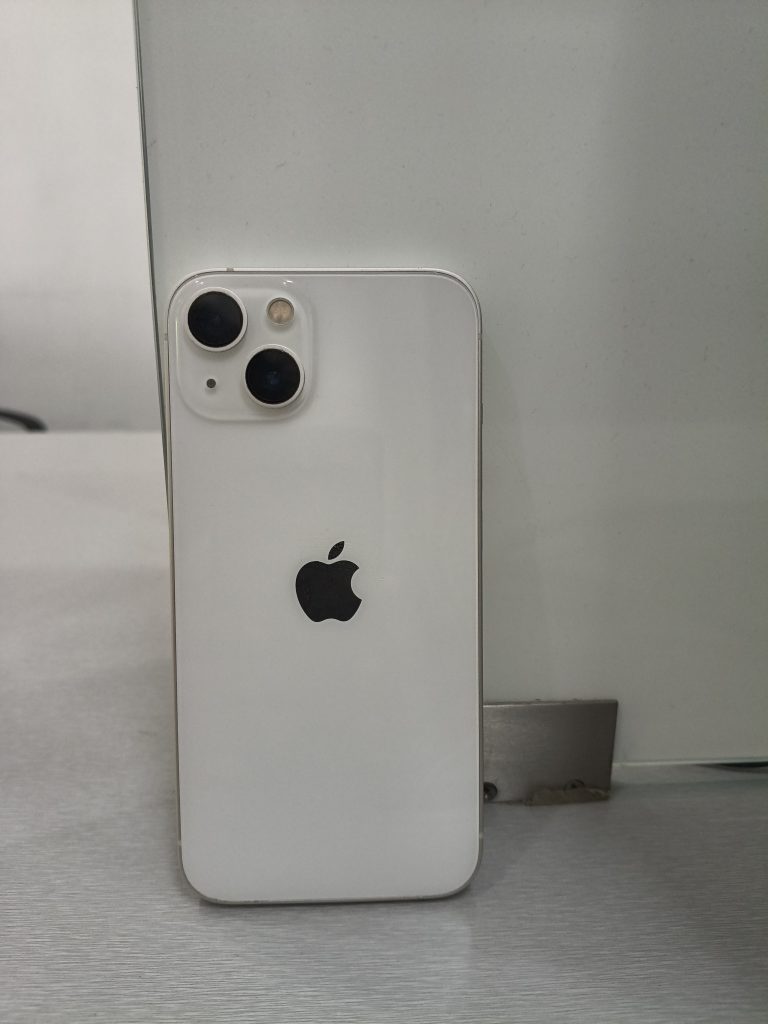
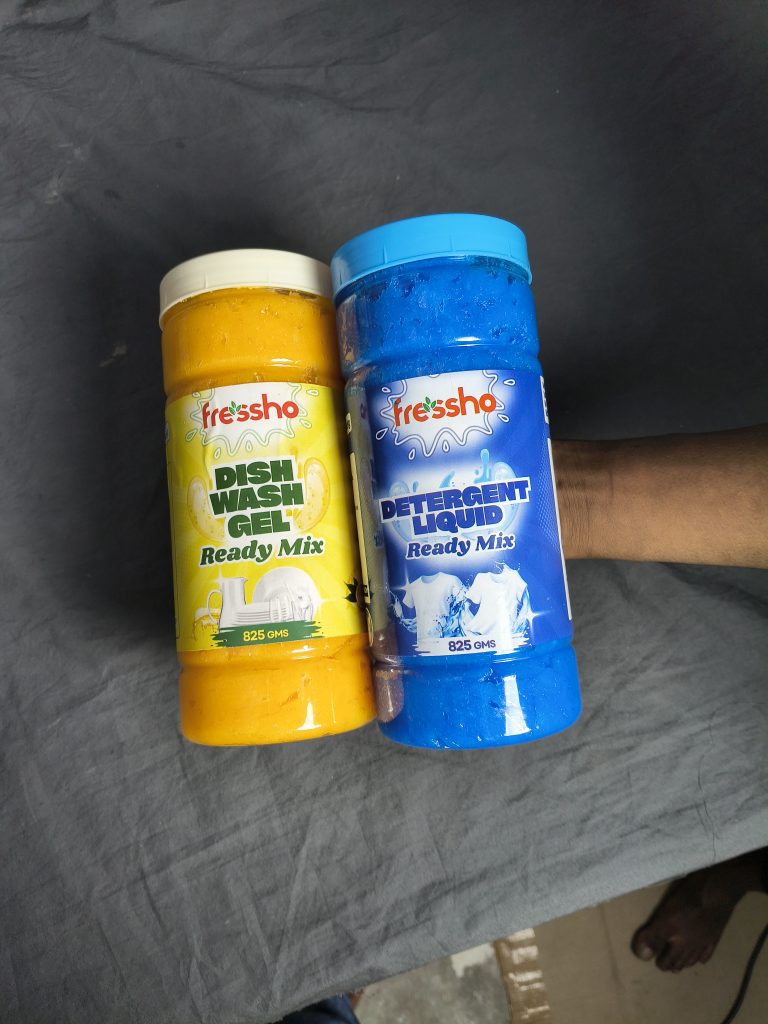
Want to turn an ordinary photo into a bold, colourful masterpiece that grabs attention instantly? With the right pop art style and a well-crafted vector prompt, you can transform simple pictures into vibrant anime-inspired edits filled with glowing effects, clean lines, playful shapes, and eye-catching energy. These AI prompts help create trendy social media artwork in seconds, giving your images a polished and professional finish. In this guide, you’ll discover creative prompt variations and easy tips to make every edit more unique, stylish, and scroll-stopping.

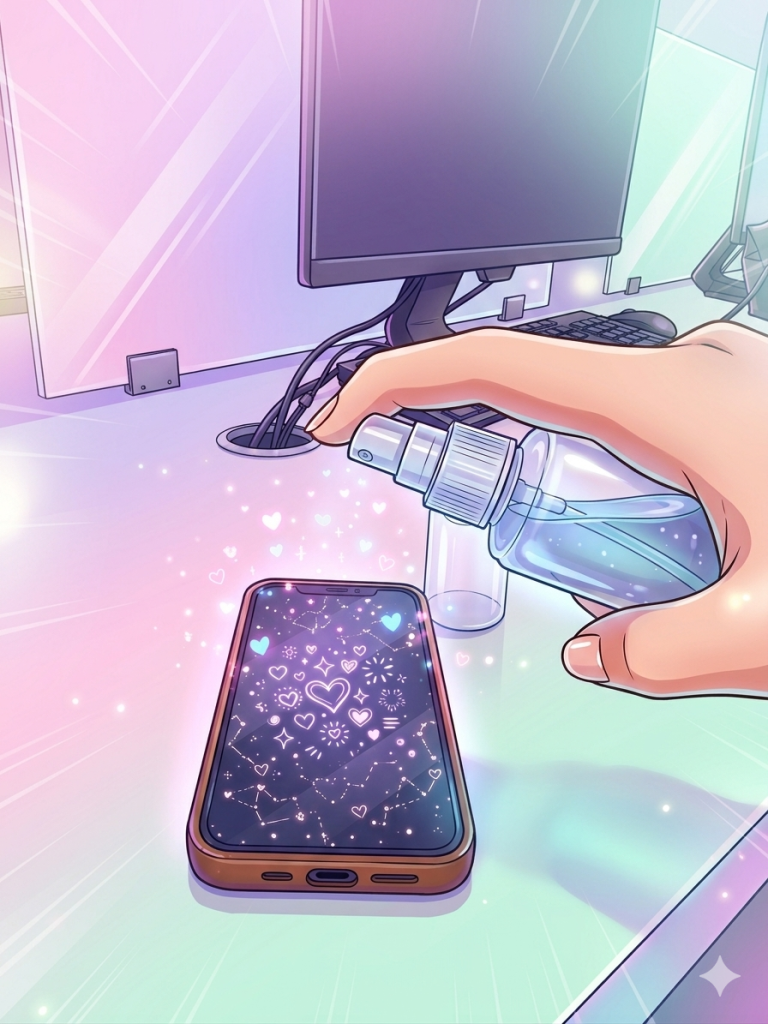
Variation 1: Pastel Dream Burst
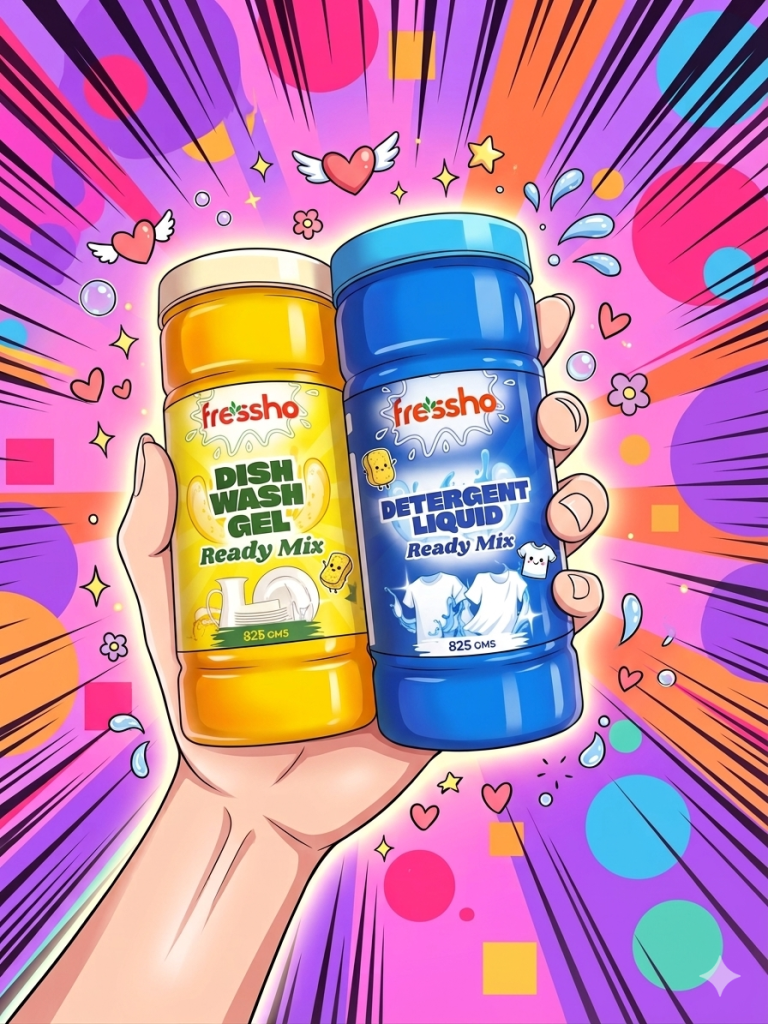
Pop Art Vector Prompt
Click COPY or Share to AI
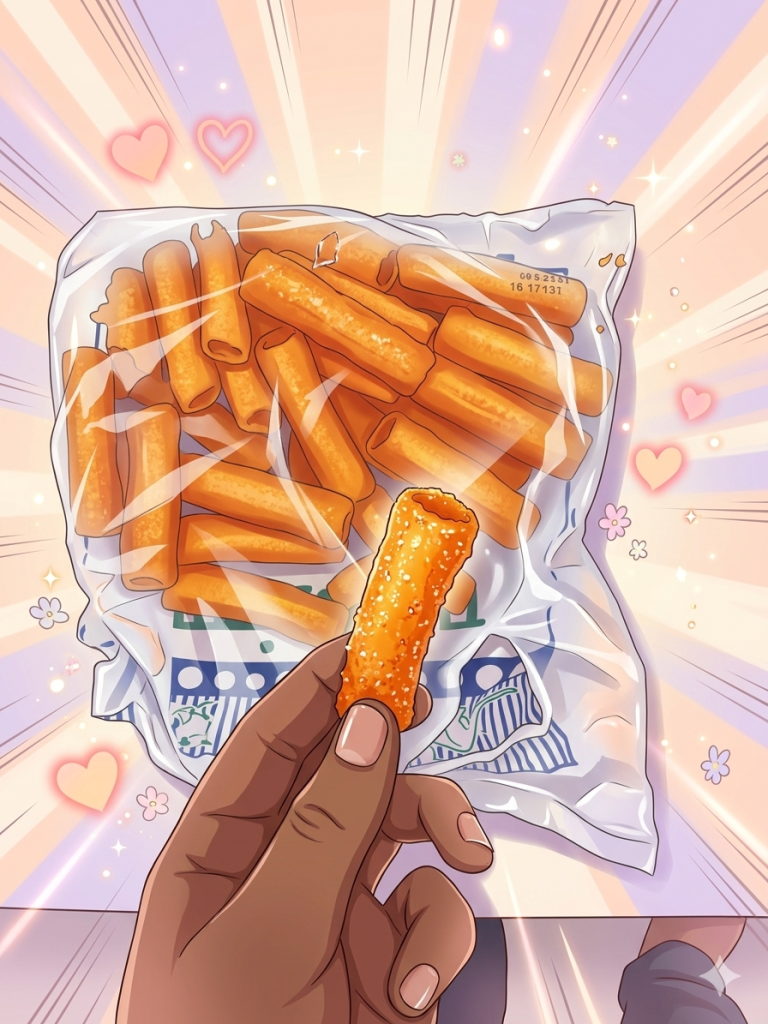
Transform this image into a vibrant anime-style illustration while preserving the original composition, subject, and pose. Use a clean comic/cartoon aesthetic with highly saturated colors, soft gradient shading, glossy highlights, and smooth polished textures. Apply crisp, clean line art with subtle depth and soft shadows. Keep skin tones smooth and natural, slightly stylized but not exaggerated. Enhance fine details while maintaining a soft, cute, and aesthetically pleasing look. Add a dreamy glow effect and balanced lighting. Make the final result look like a high-quality, trending social media anime edit, ultra-detailed, sharp focus, 4K resolution. Add floating hearts, sparkles, and tiny flowers. Background with soft pastel radial burst, glowing light rays, and subtle manga speed lines, dreamy and magical atmosphere.

Variation 2: Rainbow Energy Flow

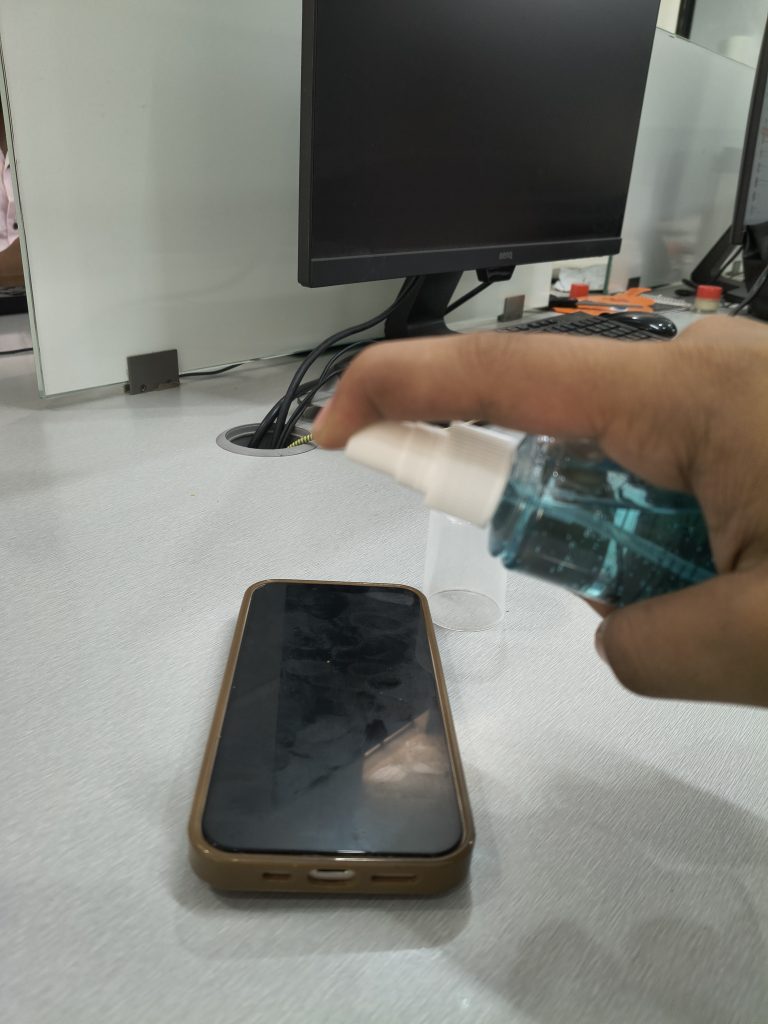
Pop Art Vector Prompt
Click COPY or Share to AI
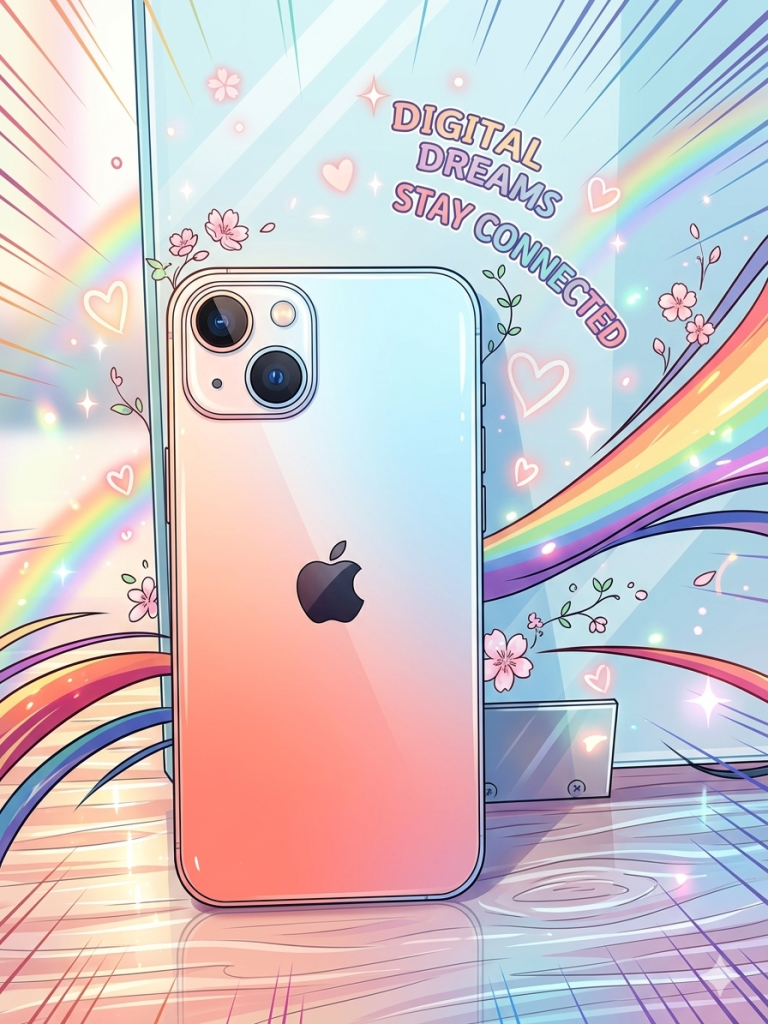
Transform this image into a vibrant anime-style illustration while preserving the original composition, subject, and pose. Use a clean comic/cartoon aesthetic with highly saturated colors, soft gradient shading, glossy highlights, and smooth polished textures. Apply crisp, clean line art with subtle depth and soft shadows. Keep skin tones smooth and natural, slightly stylized but not exaggerated. Enhance fine details while maintaining a soft, cute, and aesthetically pleasing look. Add a dreamy glow effect and balanced lighting. Make the final result look like a high-quality, trending social media anime edit, ultra-detailed, sharp focus, 4K resolution. Add glowing hearts, sparkles, and floral accents. Background with colorful rainbow streaks, dynamic flowing lines, and energetic manga speed lines, vibrant and playful.

Variation 3: Pop Comic Explosion

Pop Art Vector Prompt
Click COPY or Share to AI
Transform this image into a vibrant anime-style illustration while preserving the original composition, subject, and pose. Use a clean comic/cartoon aesthetic with highly saturated colors, soft gradient shading, glossy highlights, and smooth polished textures. Apply crisp, clean line art with subtle depth and soft shadows. Keep skin tones smooth and natural, slightly stylized but not exaggerated. Enhance fine details while maintaining a soft, cute, and aesthetically pleasing look. Add a dreamy glow effect and balanced lighting. Make the final result look like a high-quality, trending social media anime edit, ultra-detailed, sharp focus, 4K resolution. Add hearts, sparkles, flowers, and cute doodles. Background with bold comic-style burst lines, colorful pop-art shapes, and high-energy contrast.

Variation 4: Soft Gradient Minimal

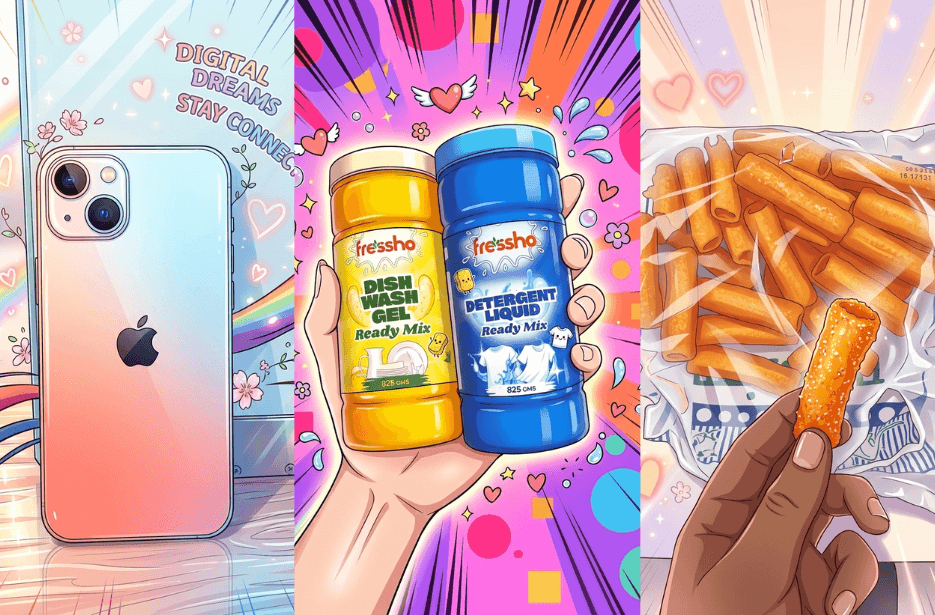
Pop Art Vector Prompt
Click COPY or Share to AI
Transform this image into a vibrant anime-style illustration while preserving the original composition, subject, and pose. Use a clean comic/cartoon aesthetic with highly saturated colors, soft gradient shading, glossy highlights, and smooth polished textures. Apply crisp, clean line art with subtle depth and soft shadows. Keep skin tones smooth and natural, slightly stylized but not exaggerated. Enhance fine details while maintaining a soft, cute, and aesthetically pleasing look. Add a dreamy glow effect and balanced lighting. Make the final result look like a high-quality, trending social media anime edit, ultra-detailed, sharp focus, 4K resolution. Add subtle sparkles and hearts. Background with smooth pastel gradient, soft light leaks, and very light speed lines, clean and modern aesthetic.

How to Use These Prompts

1. Below each image, you will see a prompt box with two buttons: Copy and Share to AI.

2. You can tap Copy to copy the full prompt manually. Or simply tap Share to AI; this will automatically copy the prompt for you.

3. After tapping Share to AI, a list of popular AI tools like ChatGPT, Gemini, Copilot, and others will appear on your screen.

4. Click on any AI tool you prefer. It will directly open the selected AI platform.

5. Once the AI page opens, paste the prompt into the prompt box (it is already copied if you used Share to AI).

6. Upload your reference image if required.

7. Click generate, and your image will be created.

8. If needed, you can slightly adjust the prompt for lighting, angle, or mood and generate again.

9. Once you are satisfied with the result, download the image and save it for your use.

Tips to Make The Prompts Better!

You can easily personalise these prompts to match your style, mood, and platform. Use the tips listed below to get better and more unique results.

1. Lighting Control

Lighting sets the mood of your anime-style edit:

  • Soft glow lighting → dreamy and cute look
  • Bright lighting → vibrant and eye-catching
  • Golden glow → warm and magical feel
  • Neon glow → trendy and bold aesthetic

2. Background & Effects

Background is what makes your edit stand out:

  • Keep it clean and stylized, not realistic
  • Pastel burst → soft aesthetic vibe
  • Manga speed lines → dynamic anime feel
  • Sparkles, hearts, flowers → cute viral look
  • Gradient or glow background → modern and smooth

3. Color Control

Colors define the overall vibe:

  • Pastel tones → soft and aesthetic
  • Highly saturated colors → bold and viral look
  • Warm tones → cozy feel
  • Cool tones → calm and clean look

4. Style Clarity

Be clear about the type of anime style:

  • Soft anime → smooth and cute
  • Kawaii style → extra adorable look
  • Semi-realistic anime → more detailed and refined
  • Avoid keeping it too vague

5. Subject Consistency

Keep your original image looking natural:

  • Add: “preserve original pose and composition”
  • Helps avoid distortion
  • Keeps the result recognizable

6. Effects Balance

Don’t overload your prompt:

  • Use 2–3 effects max
  • Too many elements = messy output
  • Keep it clean and focused

7. Quality & Output Settings

Always include these for better results:

  • 4K resolution
  • Sharp focus and high detail
  • Clean line art and smooth shading
  • Glossy highlights for a polished finish
  • Aspect ratio: 4:5 or 3:4 (best for social media)

8. Negative Prompt

Avoid common AI mistakes:

  • blurry, low quality
  • distorted face or hands
  • extra fingers, bad anatomy
  • messy lines

Start with any prompt from this list, then tweak outfit + lighting + mood + background to create endless variations. Small changes can give completely new results.


Like it? Share with your friends!

0

0 Comments

Your email address will not be published. Required fields are marked *

Send this to a friend