

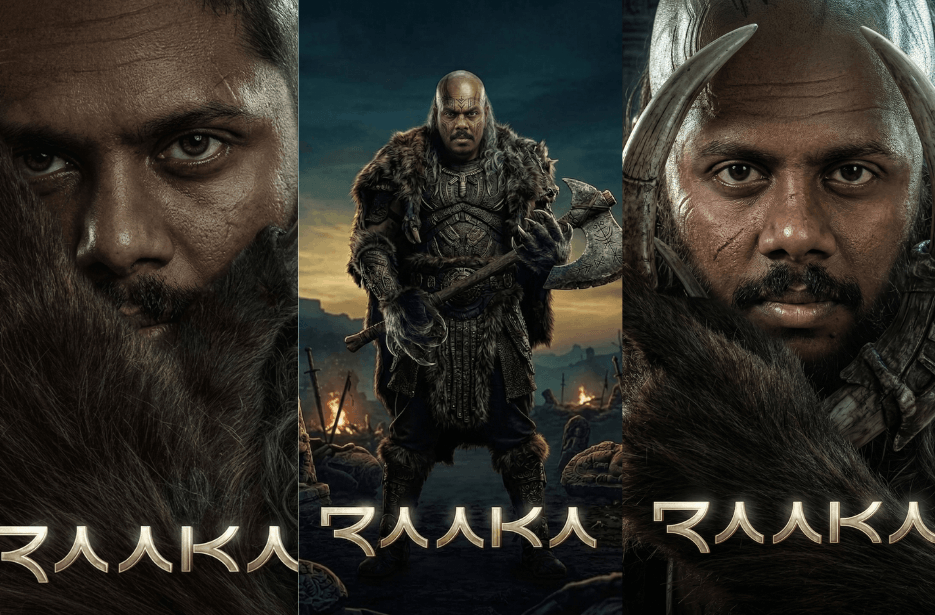
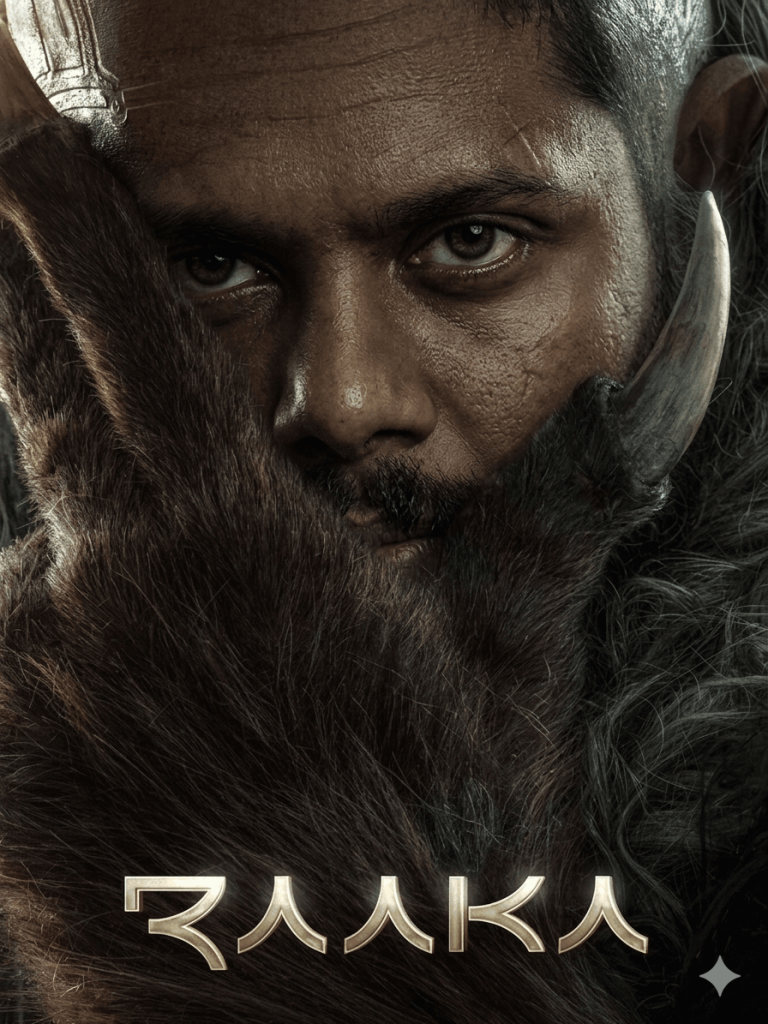
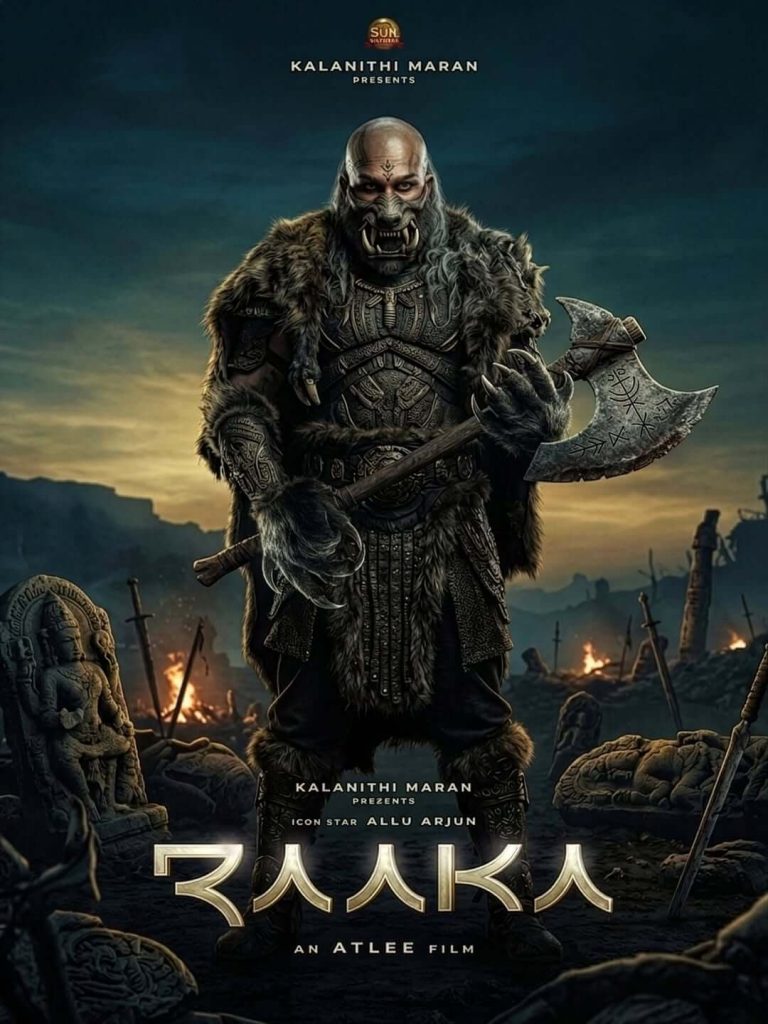
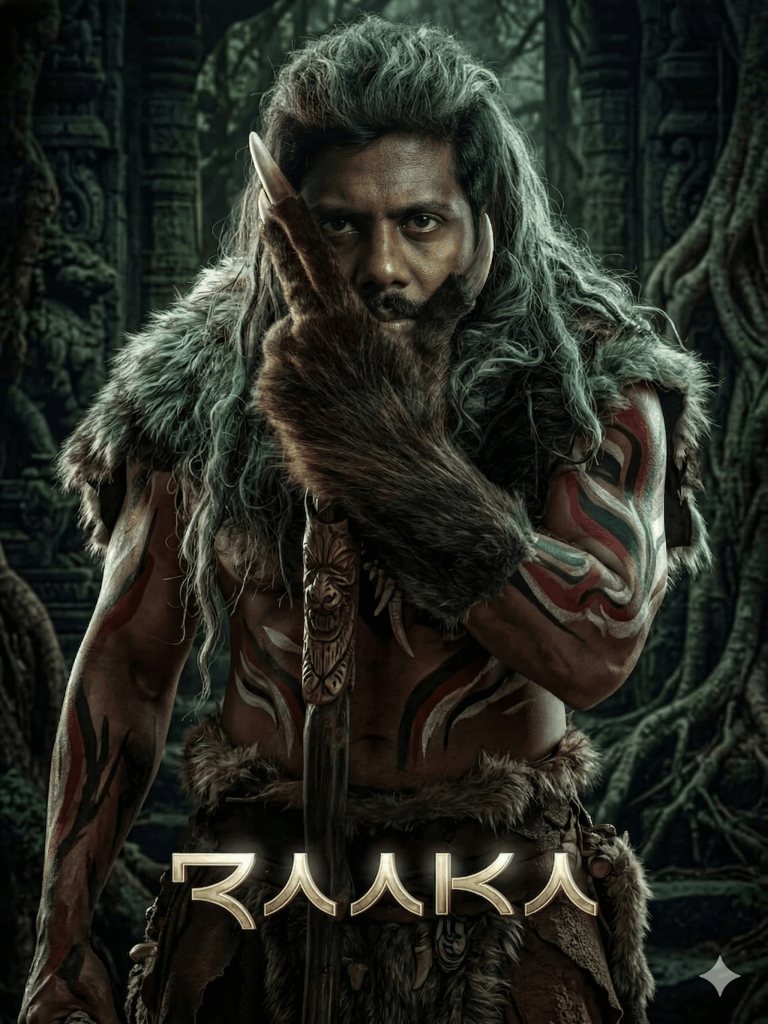
The first-look poster of Raaka has quickly become a trending topic across social media. Released on Allu Arjun’s birthday, the poster grabbed massive attention for its bold, fierce, and completely transformed look. The intense visuals, rugged styling, and cinematic mood of the poster have inspired creators to recreate the same look using AI.
That’s where our AI Prompt comes in. It helps you replicate the exact poster style while replacing only the face with your own image, keeping every detail, lighting, and composition unchanged for a truly cinematic result.
Prompt
The only modification should be replacing the original face with the face from the uploaded image. Ensure perfect face swap with 100% facial identity, matching skin tone, lighting direction, shadows, and texture so it blends seamlessly with the body. Keep the same intense expression, wrinkles, scars, and overall mood from the reference image.
Maintain the exact framing, depth, and ultra-realistic quality.
Text requirement:
Remove all existing text and logos. Add only the title RAAKA at the bottom in the same font style, size, placement, and cinematic design as the original poster.
Important constraints:
No changes to background, props, costume, or lighting
No added or removed elements except face replacement
Preserve original cinematic grading and detail
Ultra-realistic, 8K, sharp focus
Version 1: Fierce Tribal Warrior Look
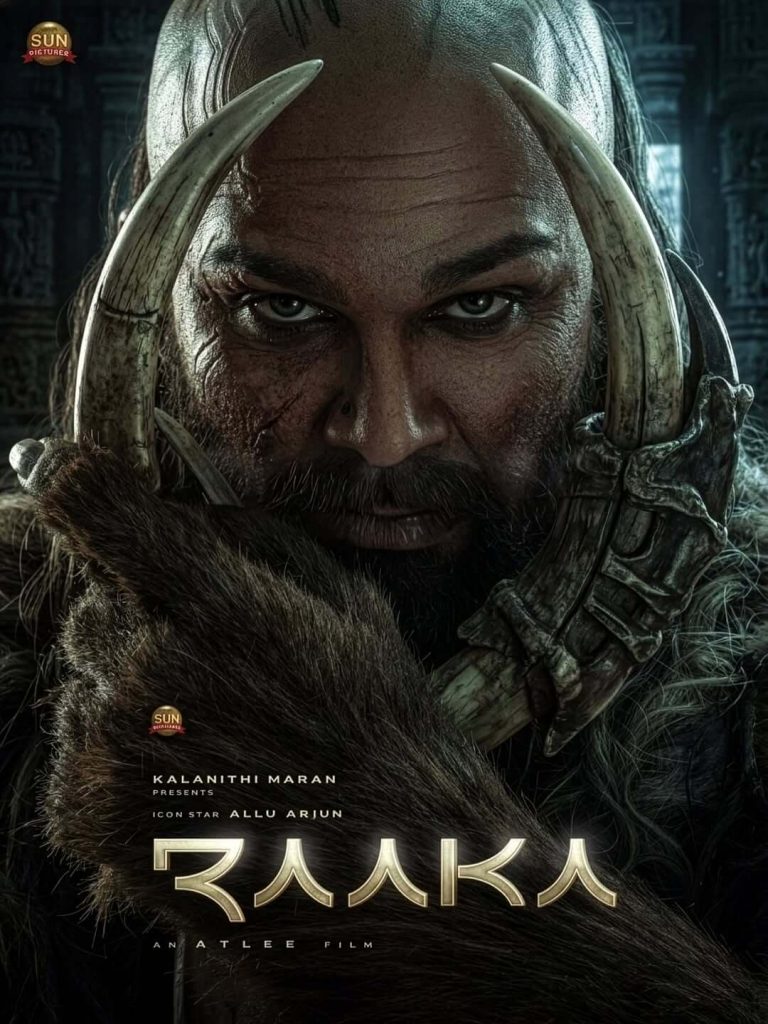
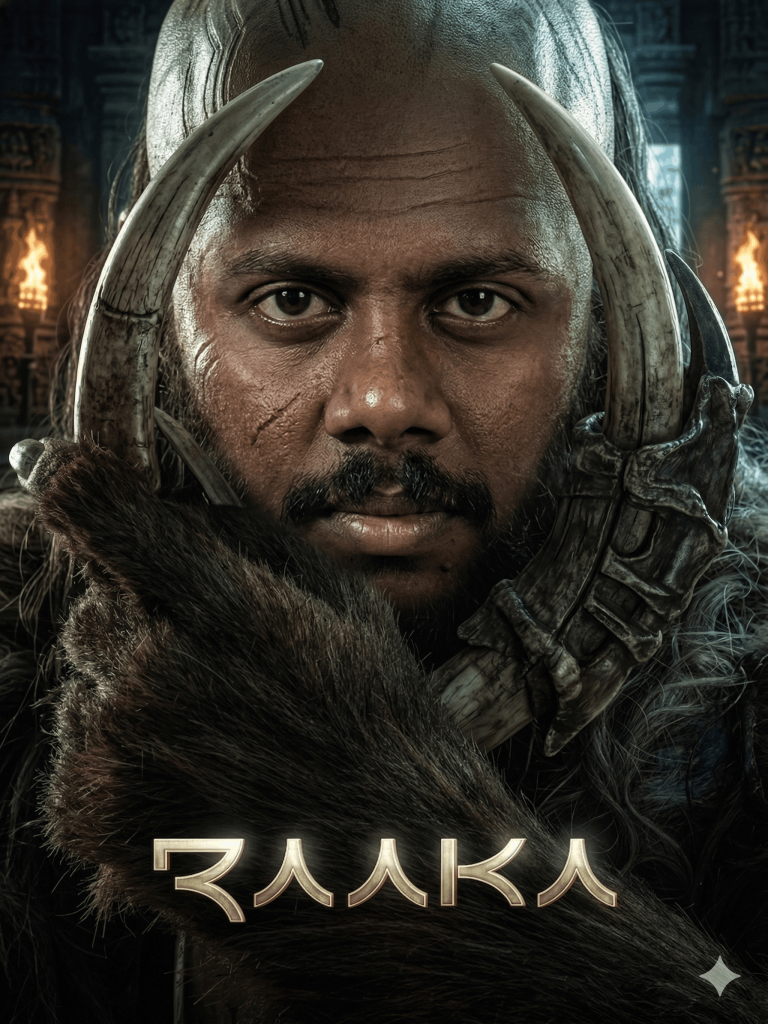
Version 2: Dark Cinematic Warrior Look
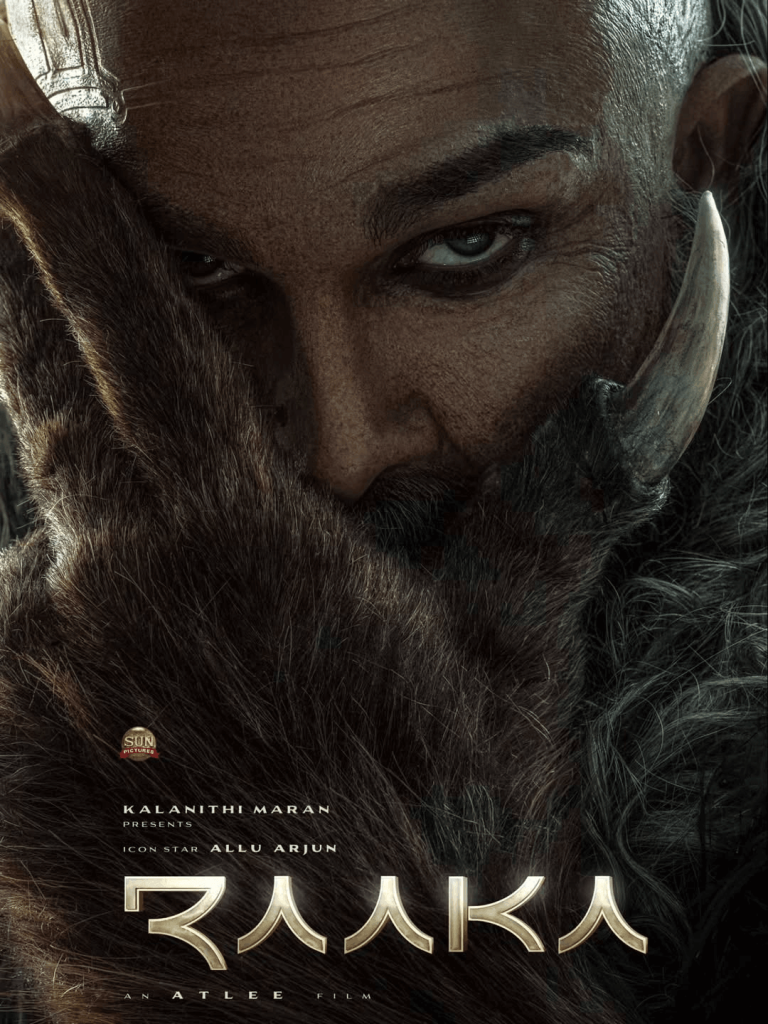
Version 3: Rugged Battle-Hardened Look
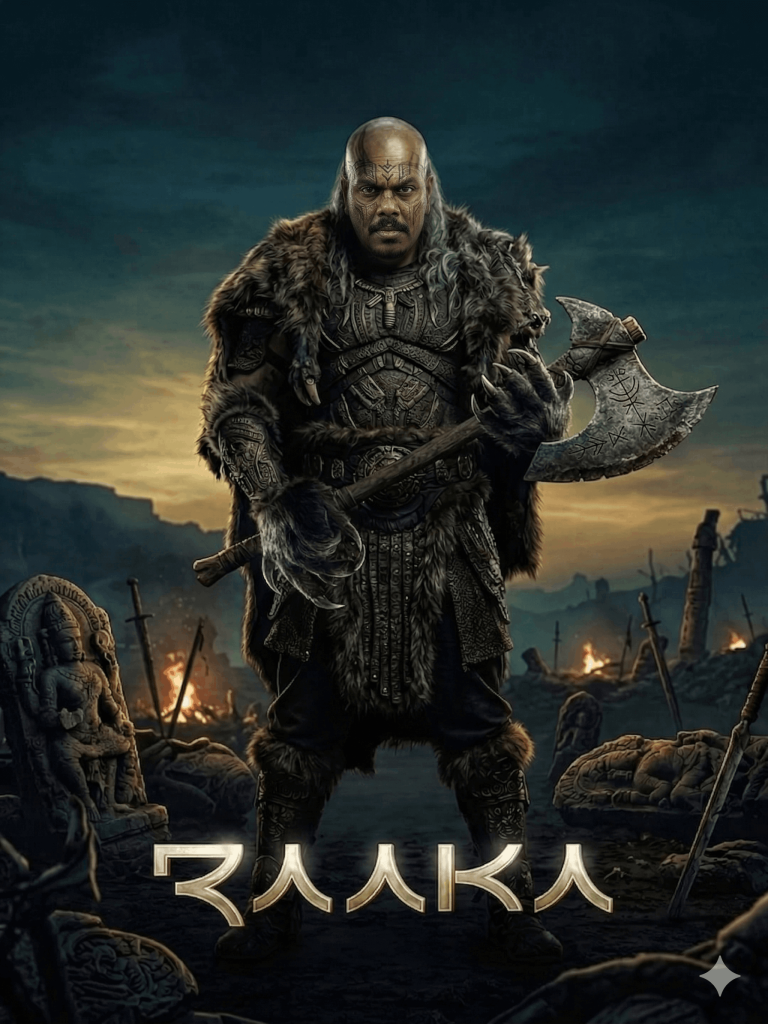
Version 4: Epic Mythic Warrior Look
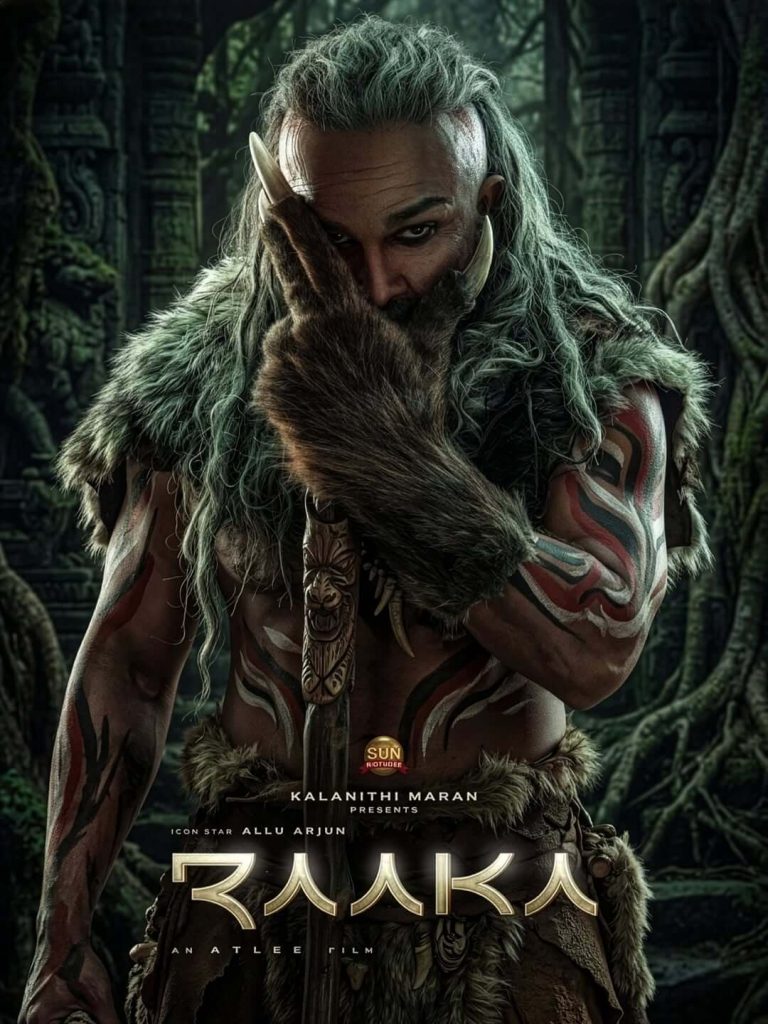
How to Use These Prompts
1. Below each image, you will see a prompt box with two buttons: Copy and Share to AI.
2. You can tap Copy to copy the full prompt manually. Or simply tap Share to AI; this will automatically copy the prompt for you.
3. After tapping Share to AI, a list of popular AI tools like ChatGPT, Gemini, Copilot, and others will appear on your screen.
4. Click on any AI tool you prefer. It will directly open the selected AI platform.
5. Once the AI page opens, paste the prompt into the prompt box (it is already copied if you used Share to AI).
6. Upload your reference image if required.
7. Click generate, and your image will be created.
8. If needed, you can slightly adjust the prompt for lighting, angle, or mood and generate again.
9. Once you are satisfied with the result, download the image and save it for your use.
Customisation Tips for Better Results
- Use a high-quality face image – Upload a clear, front-facing photo with good lighting to get accurate facial details.
- Match lighting direction – Choose a face image with similar lighting to the reference for a seamless blend.
- Keep expression intense – A serious or strong expression works best to match the warrior mood.
- Use high image strength (80–100%) – This ensures the original poster design stays unchanged.
- Enable face enhancement tools – Use features like face swap, identity preservation, or image guidance for better accuracy.
- Avoid background distractions – Use a clean face image so the AI focuses only on your facial features.