

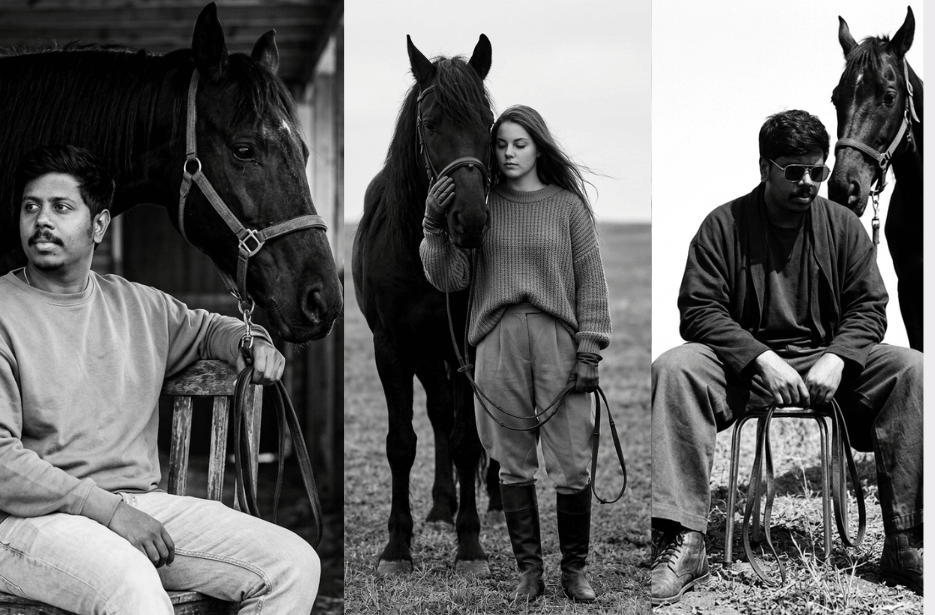
Sometimes, a picture doesn’t just show a person, it captures a feeling. In this series of striking Aura Farming images, we will explore a unique visual style that is taking over the digital world. These photos aren’t about busy backgrounds or bright colours. Instead, they focus on quiet strength and mysterious landscapes. Take a look at how minimalism and high-contrast photography come together to create a vibe that is cinematic, cool, and undeniably bold.
Version 1: Deep Silence
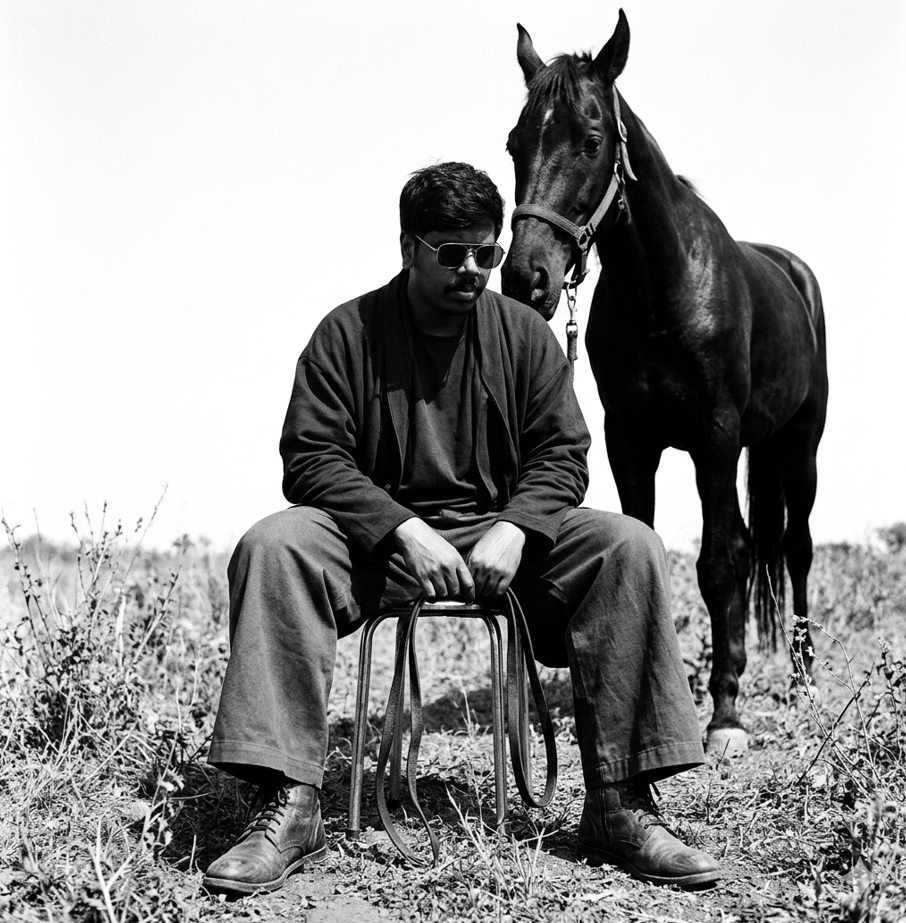
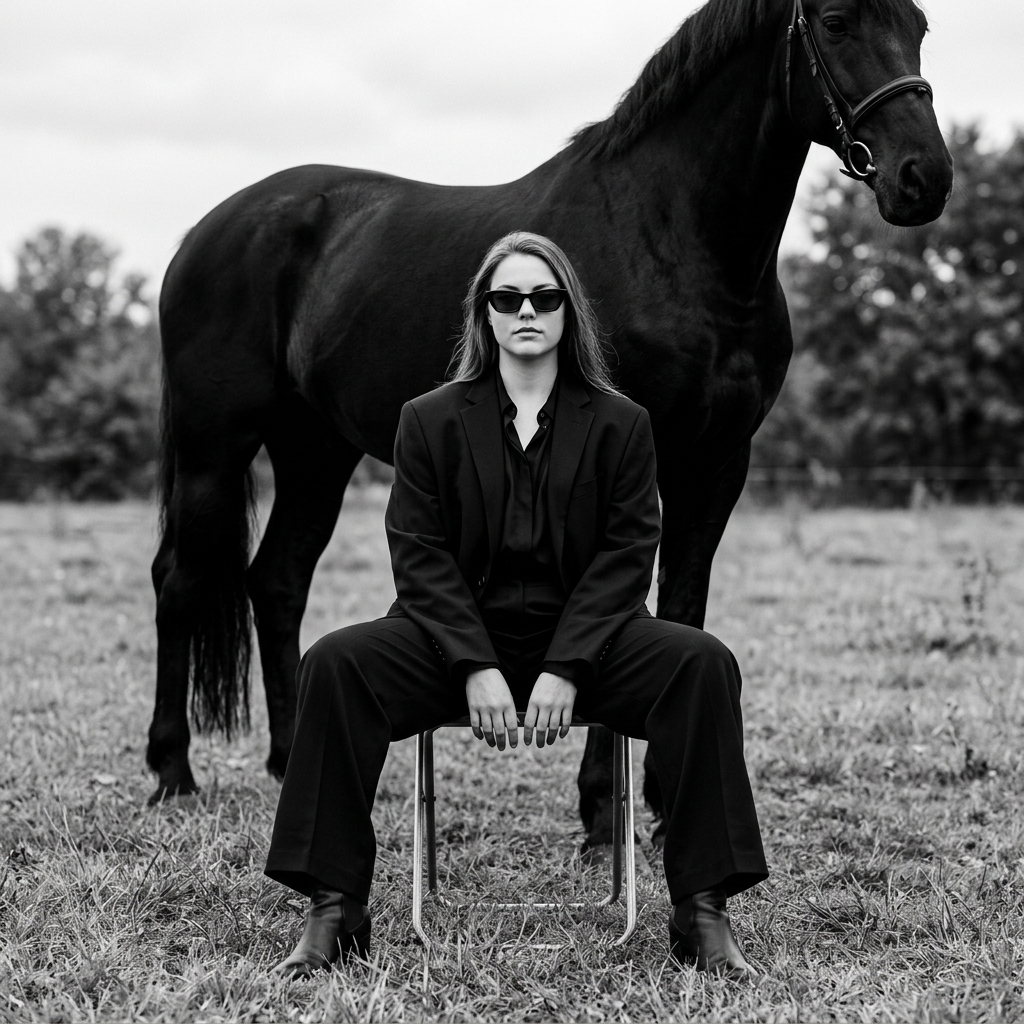
A strong one black horse stands closely behind, partially overlapping the figure as if in a quiet, protective stance. The setting is an open landscape with sparse wild grass and a bright, overexposed sky creating expansive negative space. High-contrast lighting with soft highlights, matte tones, subtle film grain, and a fine-art editorial aesthetic in 1080p resolution.
Version 2: The Gentle Hand
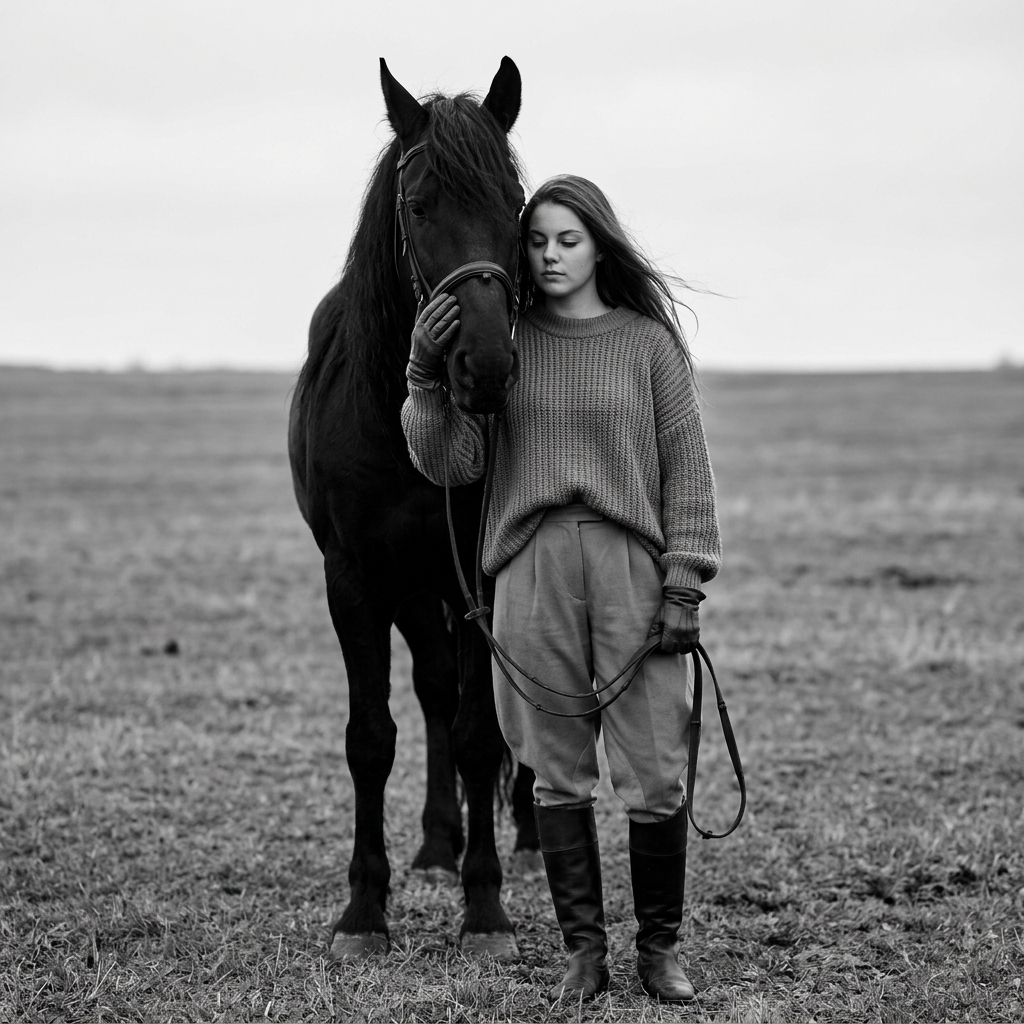
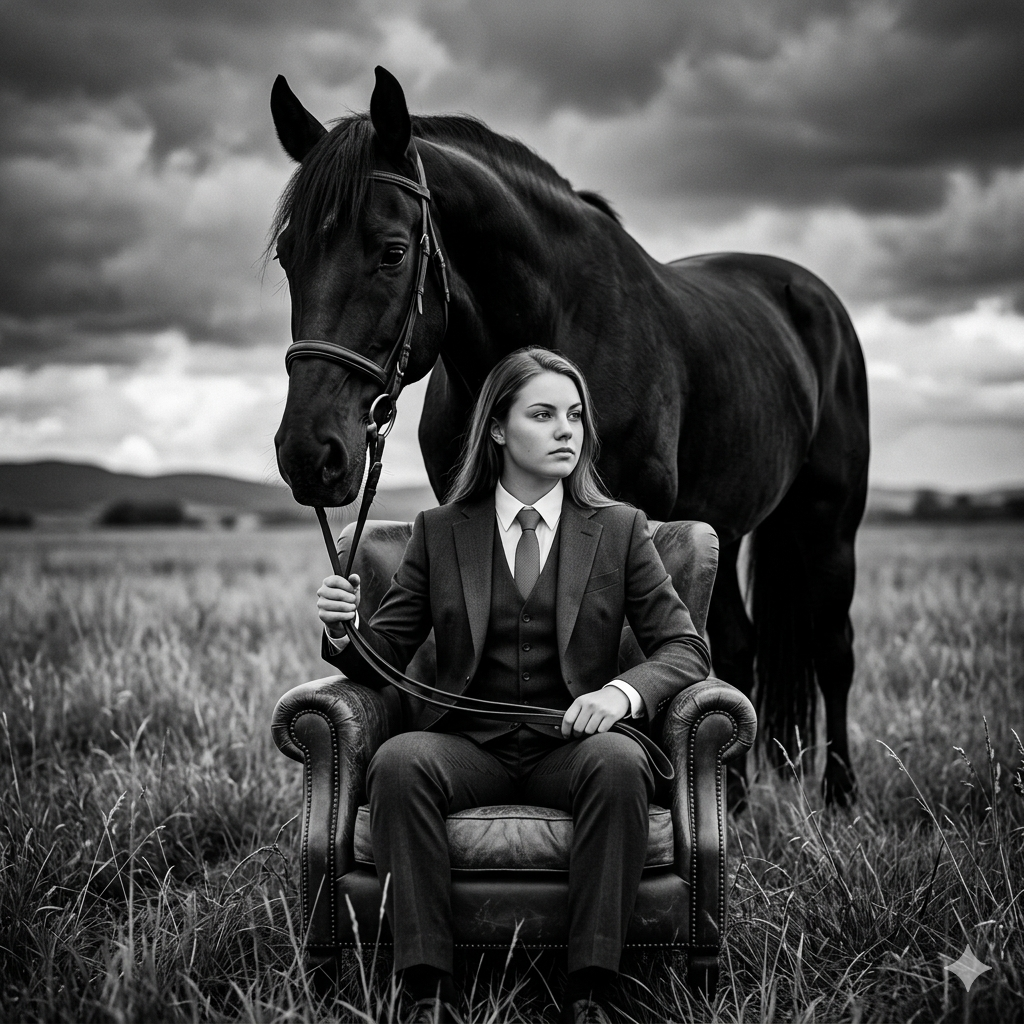
The horse is entirely black with a long mane and a simple leather bridle. The composition is centered, with the horse occupying the left side and the woman on the right, standing close together to create an emotional, intimate mood. Background is a vast empty grassy field with a soft horizon and an overcast sky, minimal and blurred.
Shot in monochrome, high contrast but with soft tones, cinematic editorial style, medium-full body portrait, shallow depth of field, natural diffused lighting, fine art photography, ultra-detailed textures in the sweater, hair, horse mane, and leather reins, subtle wind movement, moody atmosphere, 85mm lens, f/2.8, symmetrical composition, vertical framing, photorealistic, masterpiece.
Version 3: Mastering Stillness
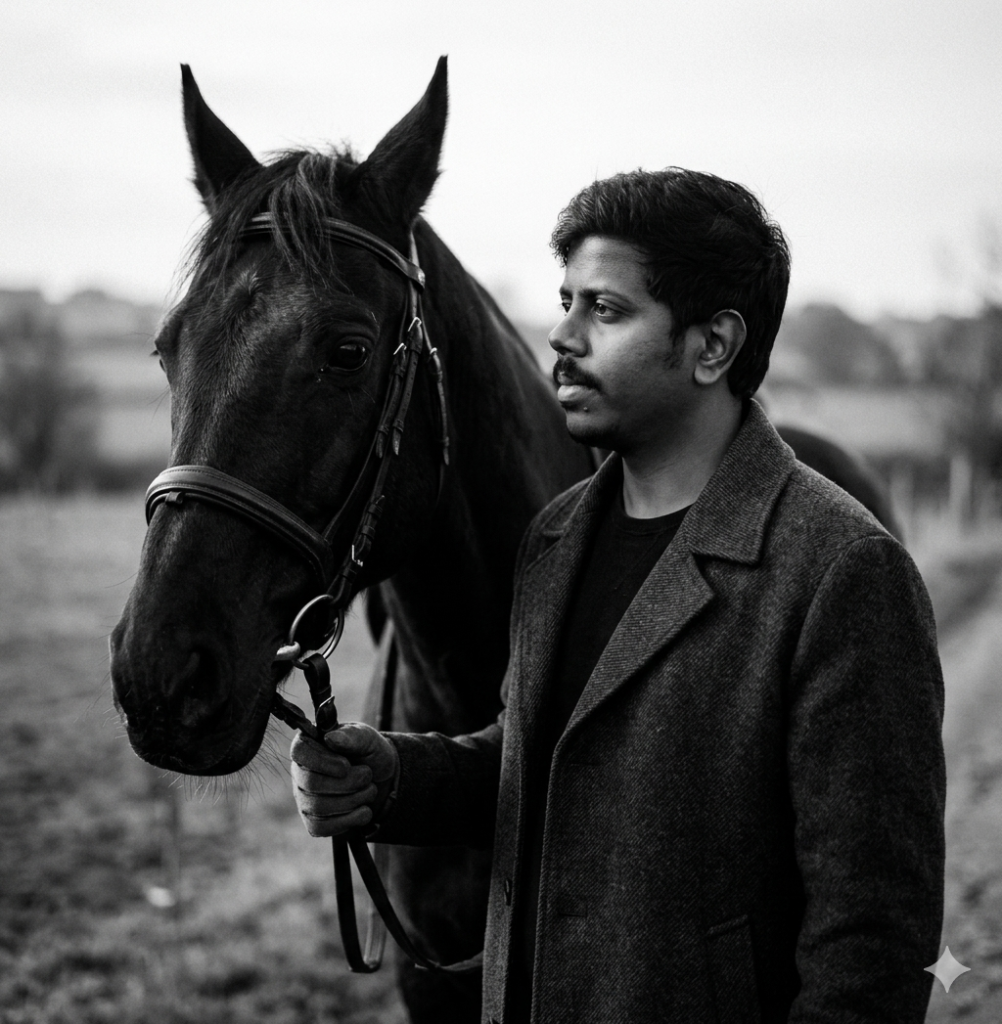
Version 4: Quiet Authority
Version 5: Aligned Energy
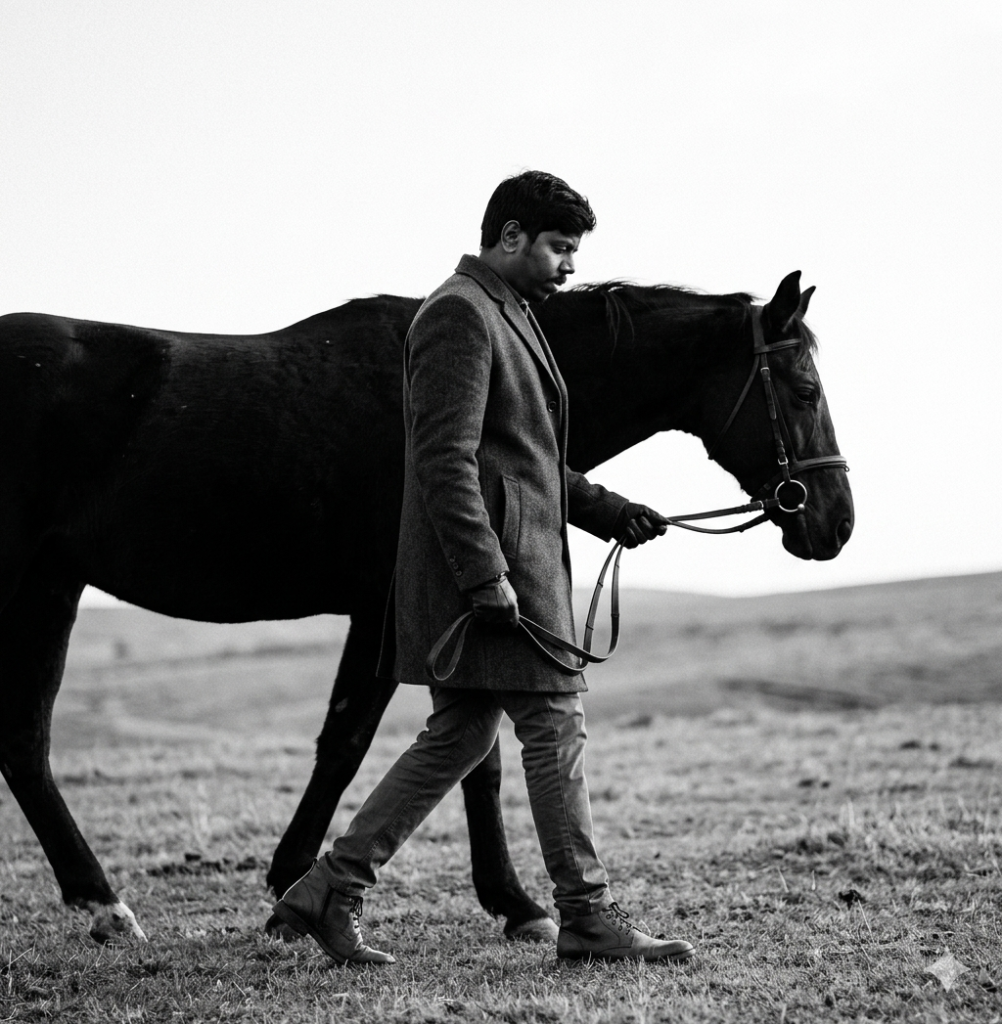
He gently holds thin leather reins in one hand, loosely guiding the horse walking closely at his side. The horse moves in sync with him, its head slightly lowered, creating a quiet, intimate connection between them.
The environment is a minimal, open landscape with soft grass and a flat horizon, fading into a bright, overexposed sky that creates strong negative space. High-contrast monochrome tones, soft highlights, matte finish, subtle film grain, fine-art editorial photography style, natural motion, sharp focus, 1080p resolution.
Version 6: Natural Leader
Version 7: Quiet Power
Version 8: The Wanderer
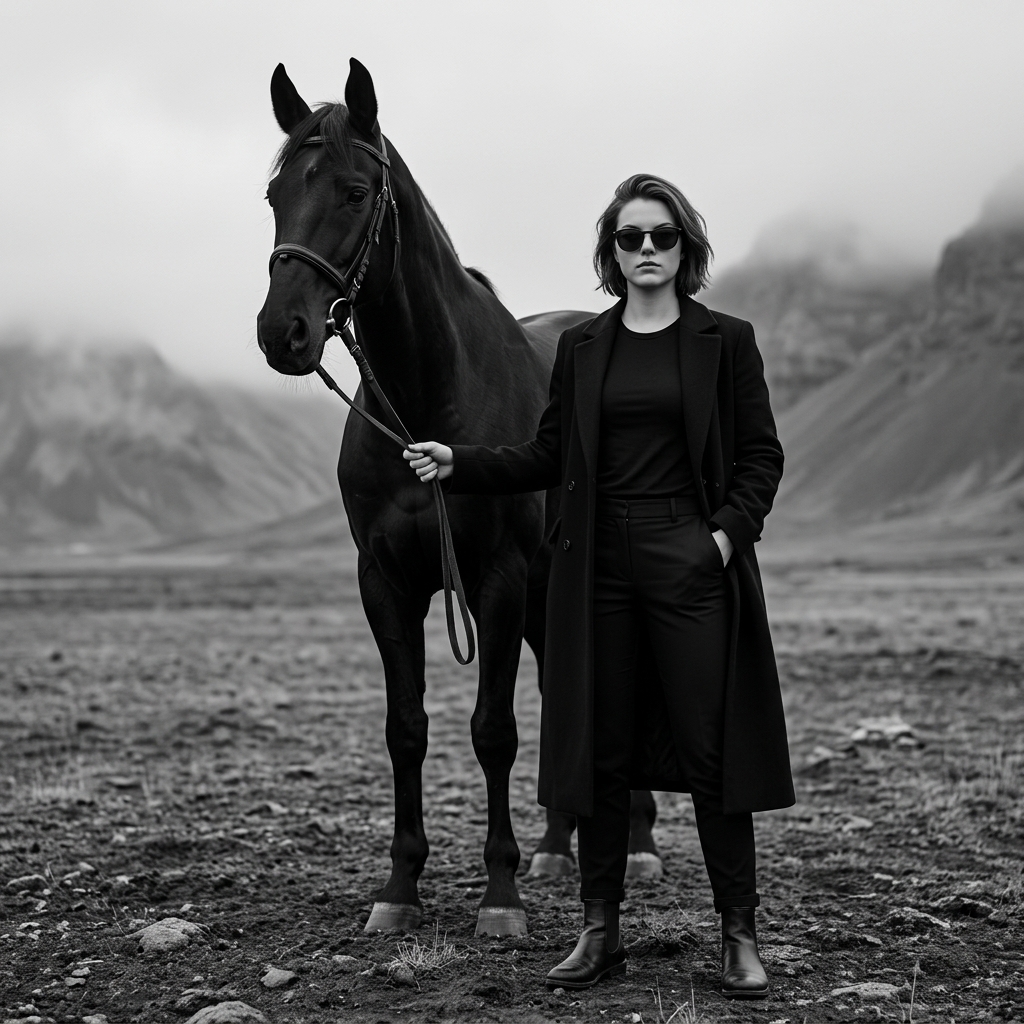
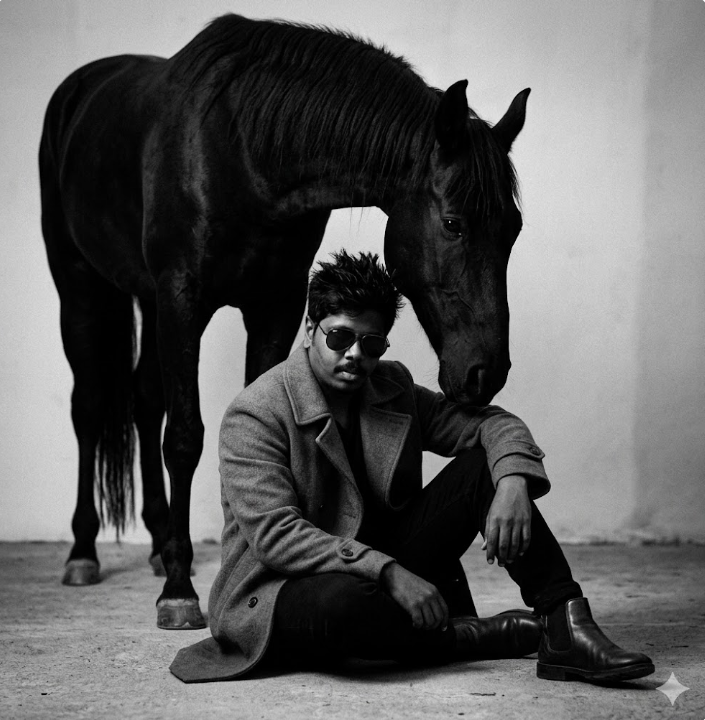
Foggy mountains and an overcast sky in the background, barren rocky ground in the foreground. Minimalist composition, luxury fashion editorial style, moody atmosphere, high contrast monochrome, sharp focus on the man and horse, shallow depth of field, centered framing, dramatic lighting, ultra realistic, Leica 85mm lens, f/1.8, HDR, 8k detail, square composition with both the woman and horse fully visible and centered, portrait cropped for Instagram post –ar 1:1 –style raw –v 6.
Version 9: Steady Presence
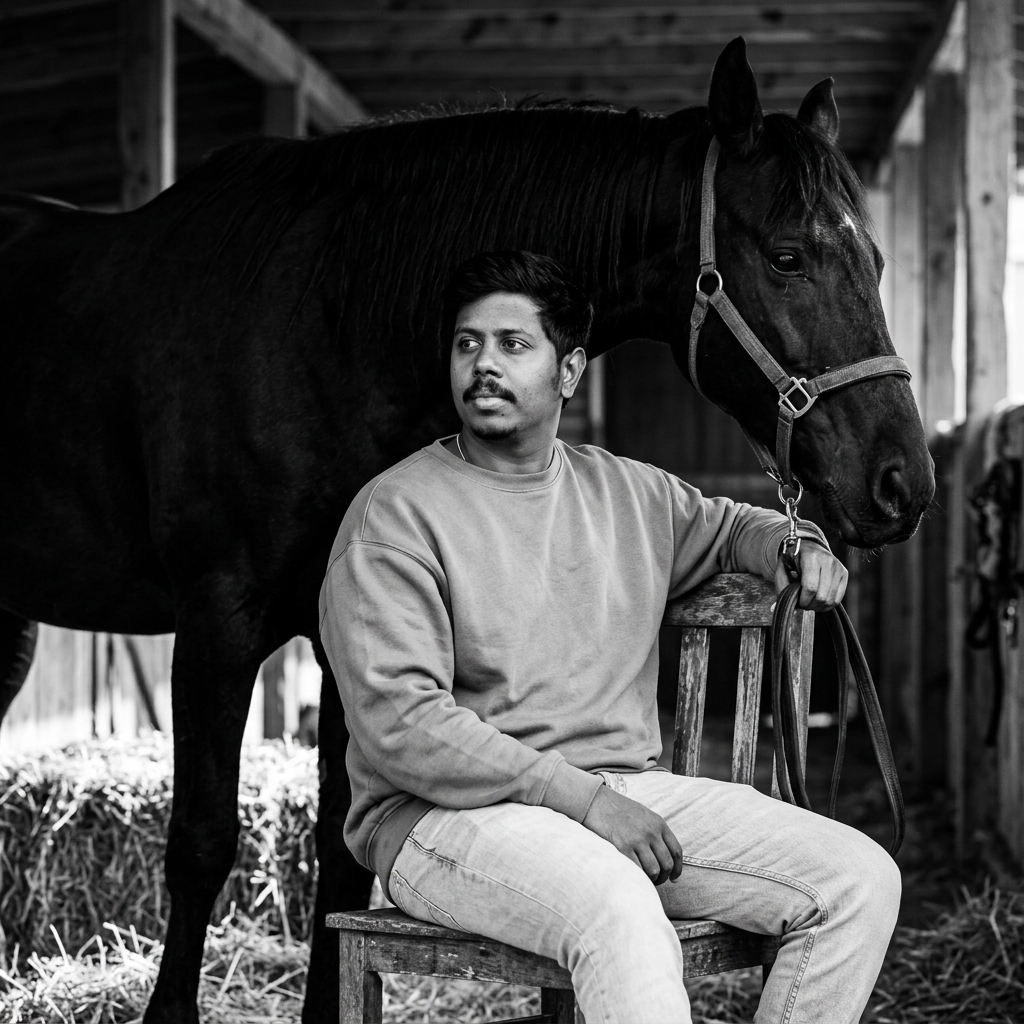
The stable interior is dimly lit with soft natural light coming from the side, creating strong shadows and highlights. Hay bales are visible in the background, along with wooden beams and stable tools. The composition feels intimate, moody, elegant, and editorial, like a luxury fashion photoshoot. High contrast, realistic texture, shallow depth of field, monochrome photography, 85mm lens, ultra-detailed, professional portrait photography.
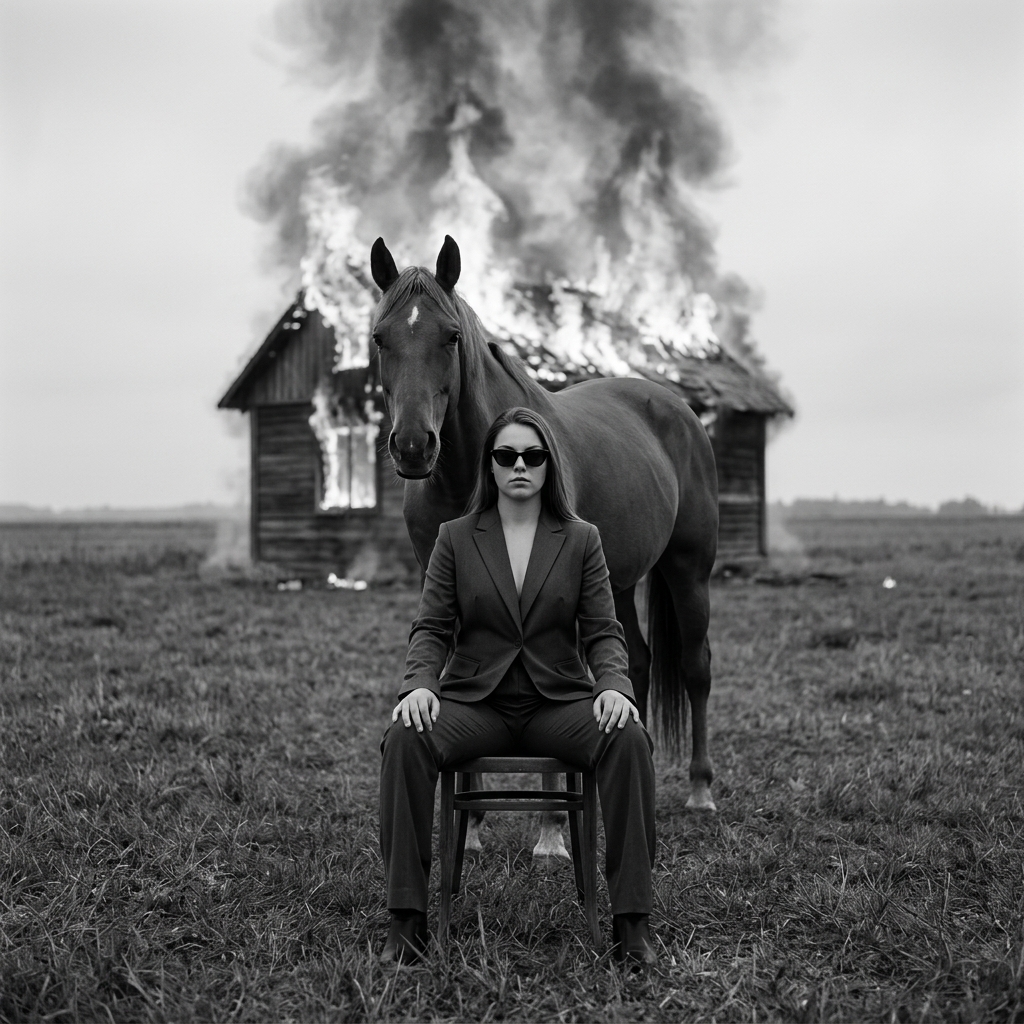
Version 10: Burn it All
How to Use These Prompts
1. Below each image, you will see a prompt box with two buttons: Copy and Share to AI.
2. You can tap Copy to copy the full prompt manually. Or simply tap Share to AI; this will automatically copy the prompt for you.
3. After tapping Share to AI, a list of popular AI tools like ChatGPT, Gemini, Copilot, and others will appear on your screen.
4. Click on any AI tool you prefer. It will directly open the selected AI platform.
5. Once the AI page opens, paste the prompt into the prompt box (it is already copied if you used Share to AI).
6. Upload your reference image if required.
7. Click generate, and your image will be created.
8. If needed, you can slightly adjust the prompt for lighting, angle, or mood and generate again.
9. Once you are satisfied with the result, download the image and save it for your use.
Tips to Make The Prompts Better!
You can easily personalise these prompts to match your style, mood, and platform. Use the tips listed below to get better and more unique results.
1. Face Identity & Accuracy
- Always mention “use the provided image for exact face identity (100% preserved)”
- Add: sharp eyes, natural skin texture, no distortion
- If needed, include: same hairstyle, same expression
2. Outfit & Styling
- Change outfits based on your vibe:
- Casual: hoodie, t-shirt, streetwear
- Formal: blazer, suit, satin shirt
- Traditional: saree, kurta, ethnic wear
- Add accessories like watch, chain, sunglasses, rings for a premium look
3. Lighting Control
Lighting plays a huge role in realism:
- Golden hour → warm, soft, aesthetic
- LED/cool light → moody, cinematic
- Flash lighting → bold, high contrast
- Soft indoor light → clean and natural
4. Camera Angle & Composition
- Try different angles for better results:
- Eye level → natural look
- Low angle → powerful vibe
- Side profile → aesthetic feel
- Mirror reflection focus → cinematic style
- Add: shallow depth of field for background blur
5. Background & Environment
- Keep it minimal and clean for a professional look
- Or customise based on theme:
- Hotel room → luxury feel
- Car mirror → lifestyle aesthetic
- Black background → dramatic portrait
- Home setup → cosy vibe
6. Mood & Expression
You can control the emotion of the image:
- Confident & bold
- Calm & introspective
- Soft & smiling
- Serious & moody
7. Colour Grading & Style
- Add finishing styles like:
- Cinematic tone
- Warm vintage look
- Black & white editorial
- High contrast luxury style
- Use: subtle film grain for realism
8. Quality & Output Settings
- Always include:
- 4K or 8K resolution
- Aspect ratio: 4:5 or 3:4 (best for social media)
- Add: ultra-realistic, sharp focus, great detail
Start with any prompt from this list, then tweak outfit + lighting + mood + background to create endless variations. Small changes can give completely new results.