
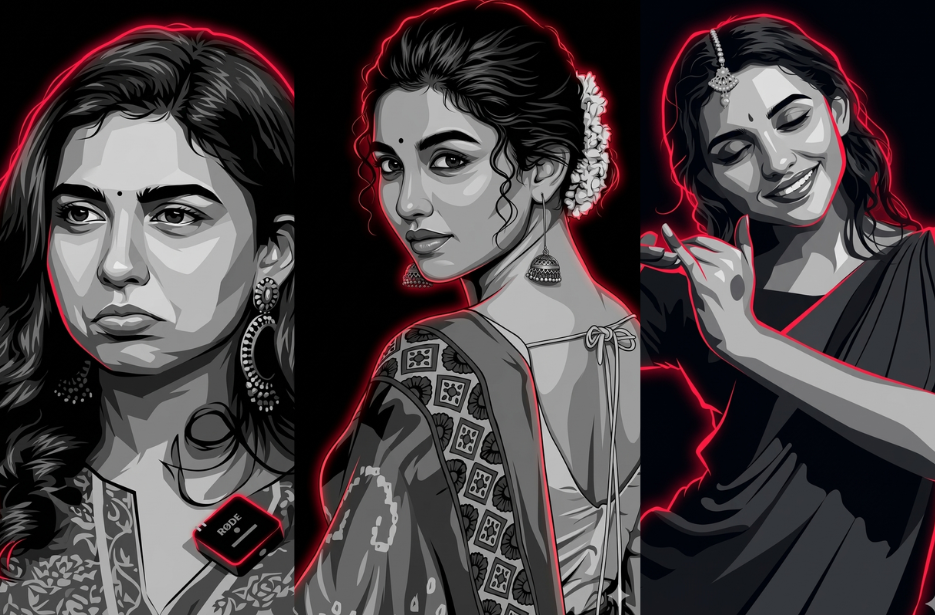
Transform your ordinary photos into stunning digital artwork with these Glowing Effect AI Prompts. Create eye-catching portraits featuring dramatic neon outlines, glowing highlights, cinematic lighting, and artistic shadows. Whether you prefer dreamy cinematic photography or bold neon vector illustrations, these prompts help you achieve a unique look in seconds. Simply upload your photo, copy your favourite prompt, and generate creative portraits to use as profile pictures or share on Instagram and other social media platforms.
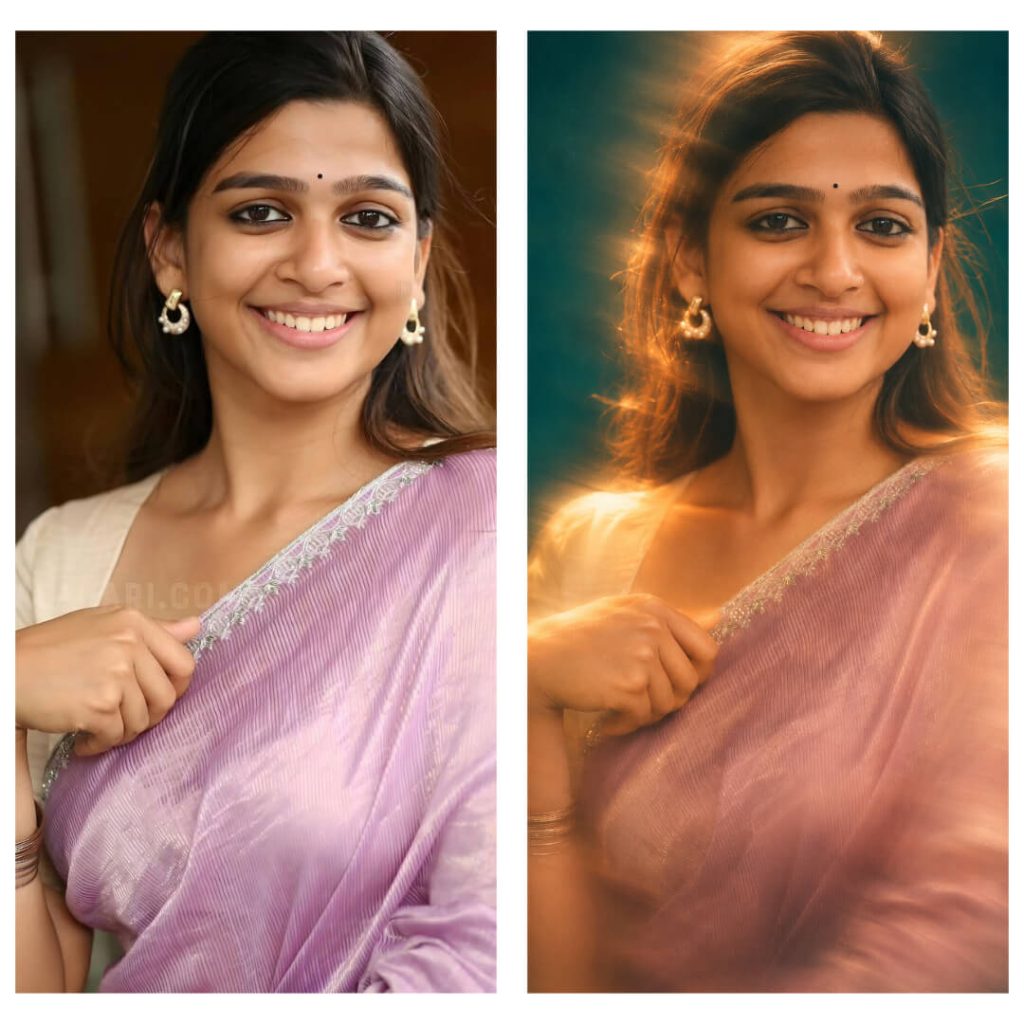
Version 1 – Dreamy Cinematic Glow Effect AI Photo Prompt
Transform the photograph into a dreamy, cinematic portrait with a soft cream-toned overhead backlight, creating a warm, luminous glow around the hair and shoulders. Replace the background with a deep teal atmosphere featuring rich, moody shadows.
Extend the gentle glow from the shoulders across the face, introducing subtle diagonal motion blur, softened contours, and naturally diffused light. Keep the facial features partially veiled in shadow while maintaining the subject’s recognizable identity and natural expression.
Apply stronger optical motion blur to the sleeves, arms, and lower body, creating a soft, flowing sense of movement without altering the original pose or silhouette.
Enhance the image with delicate light diffusion, atmospheric highlights, subtle lens bloom, and fine, paper-like film grain. The final result should resemble an authentic in-camera cinematic photograph, avoiding artificial smoothing, excessive editing, or digitally generated effects.
Color Palette: Deep teal, warm cream, and burnt orange.
Style: Cinematic photography, dreamy optical motion blur, soft glowing highlights, atmospheric shadows, natural skin texture, vintage film aesthetic, and realistic light diffusion.
Aspect Ratio: 9:16 vertical portrait.
Important: Preserve the subject’s exact identity, pose, clothing, and original composition. Modify only the lighting, background, color grading, and optical blur effects. No text or watermark.
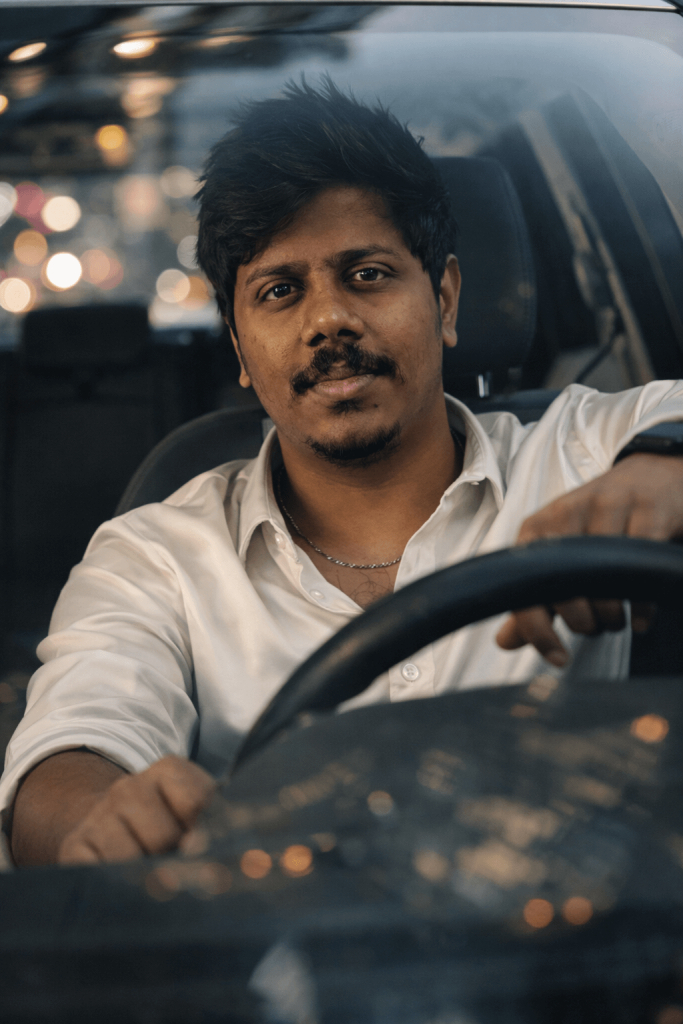
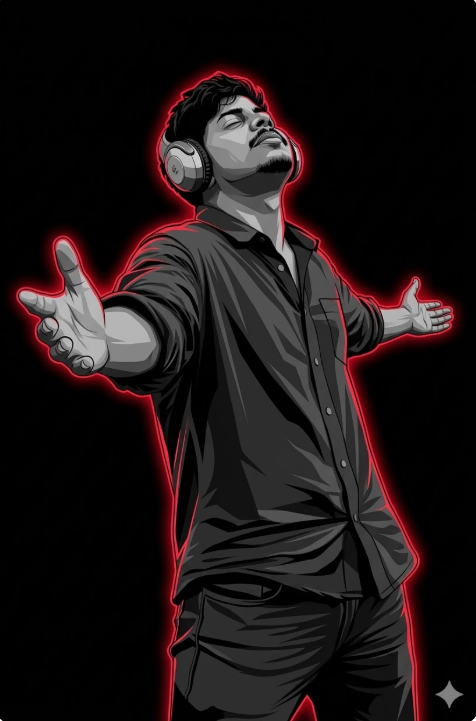
Version 2 – Glowing Art Prompt For Men
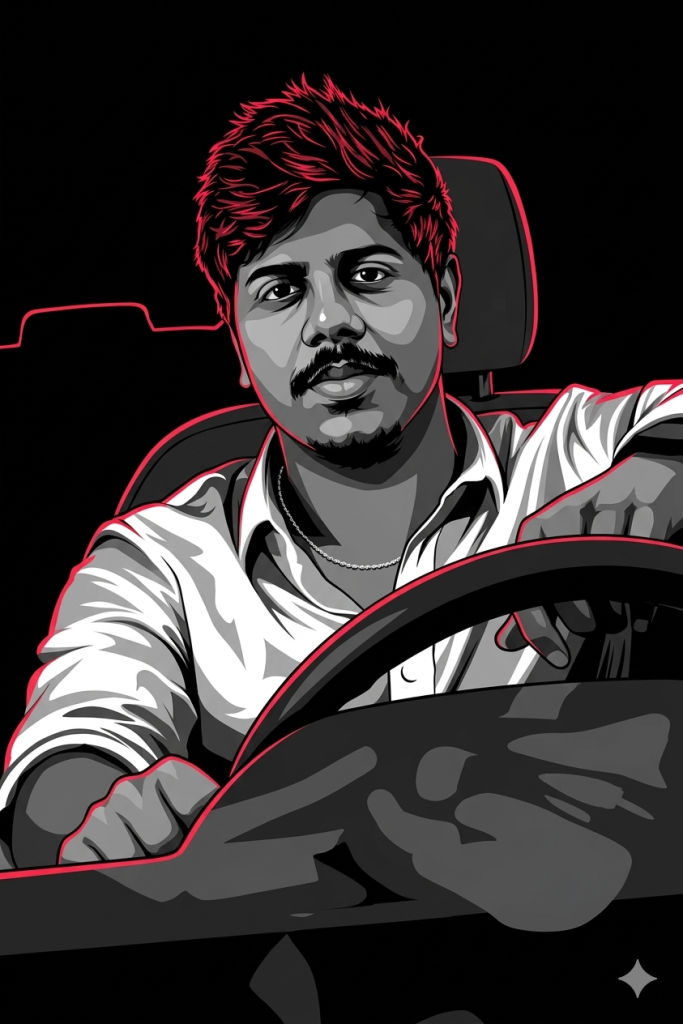
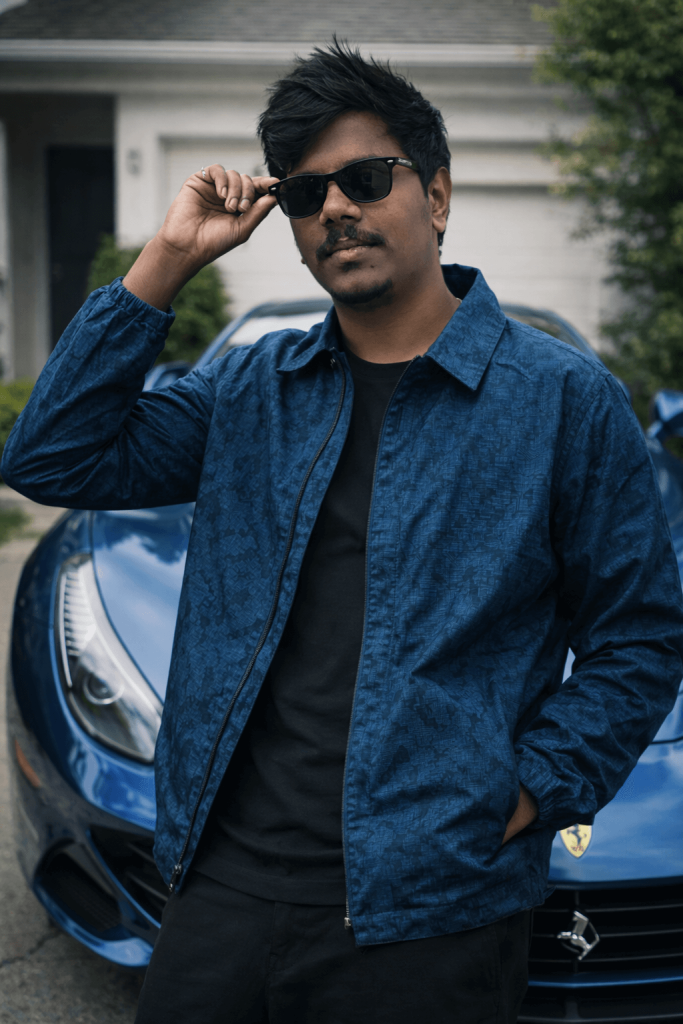
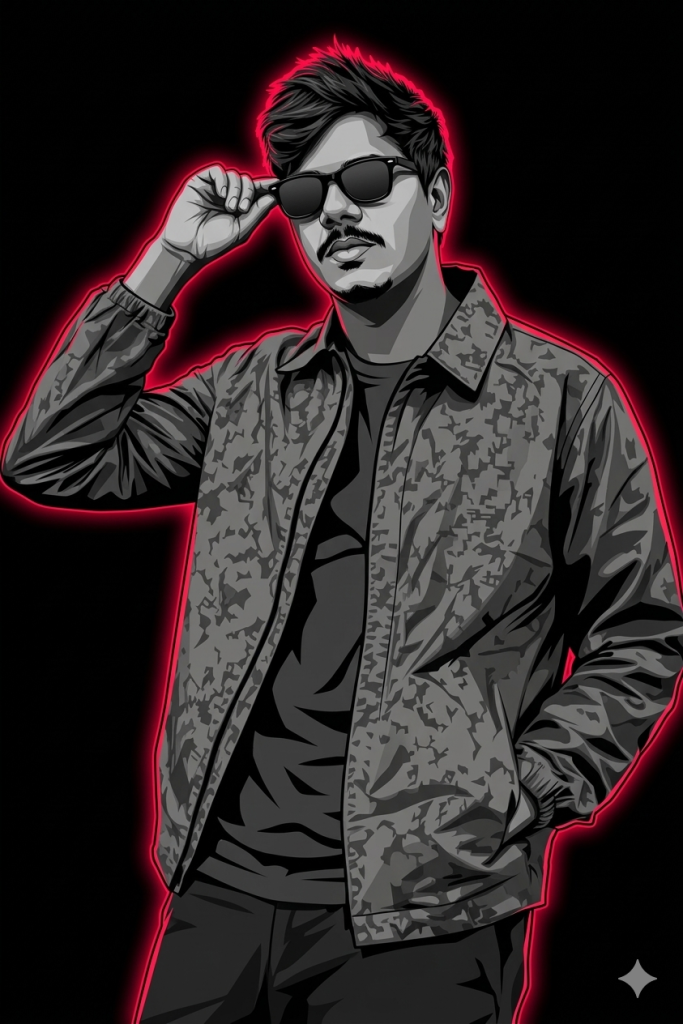
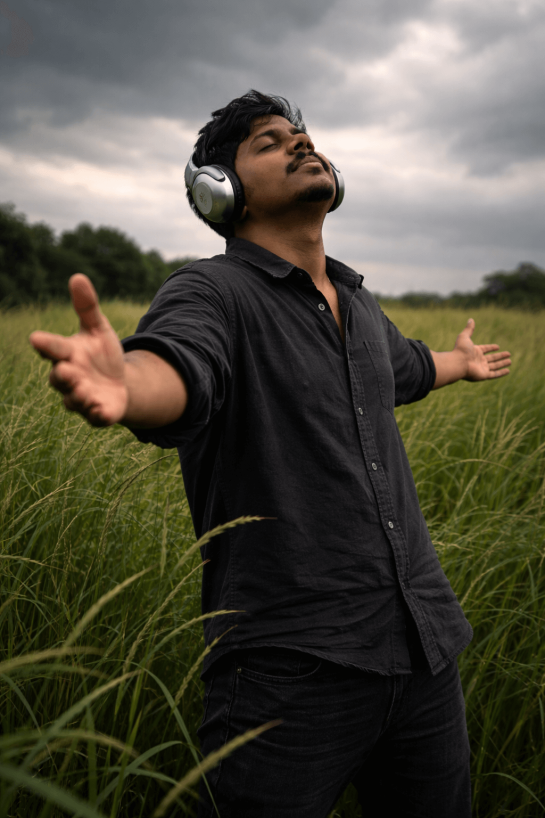
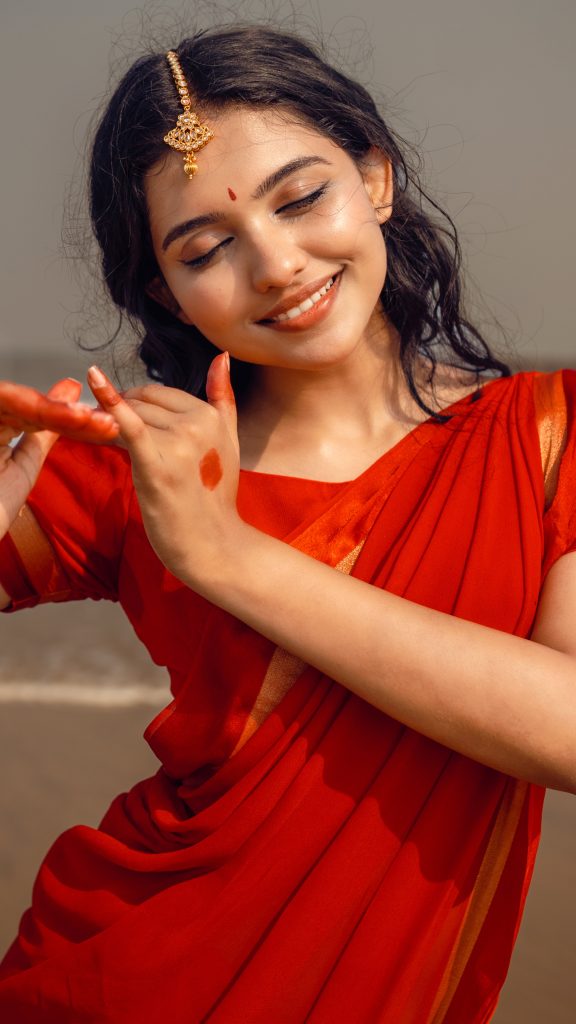
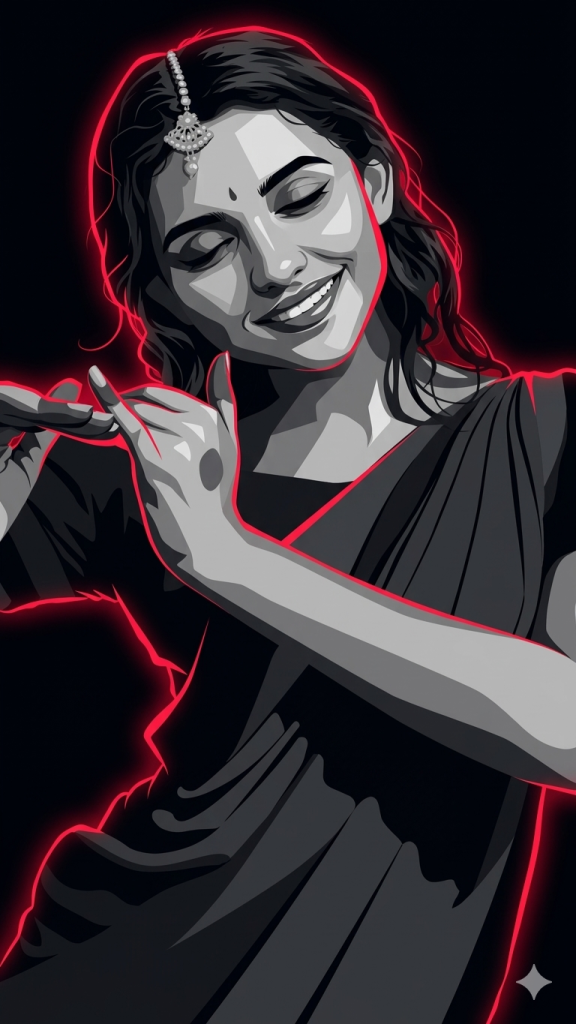
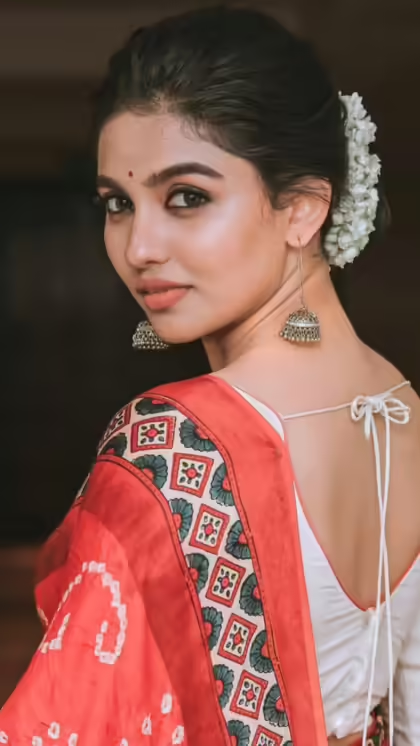
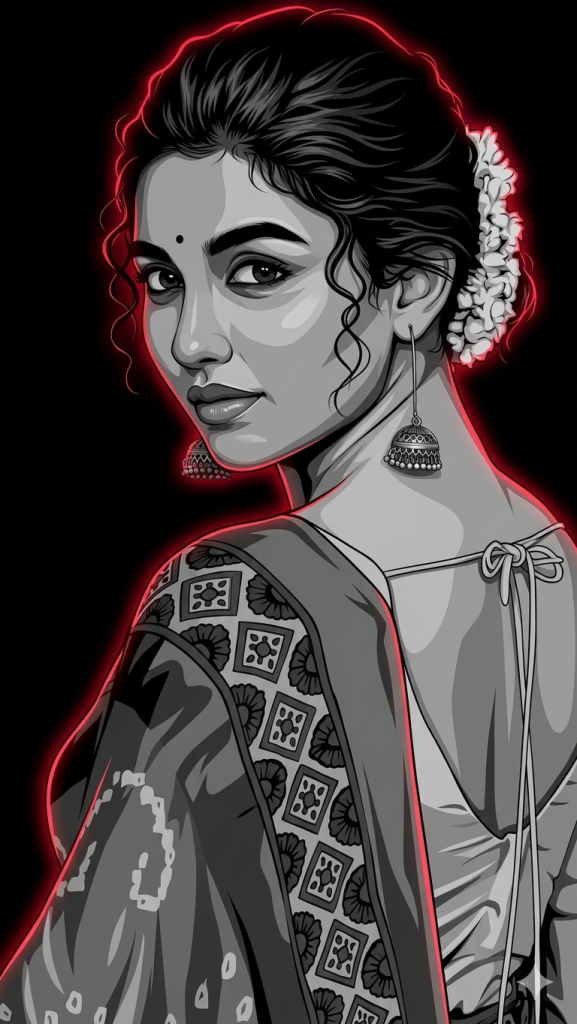
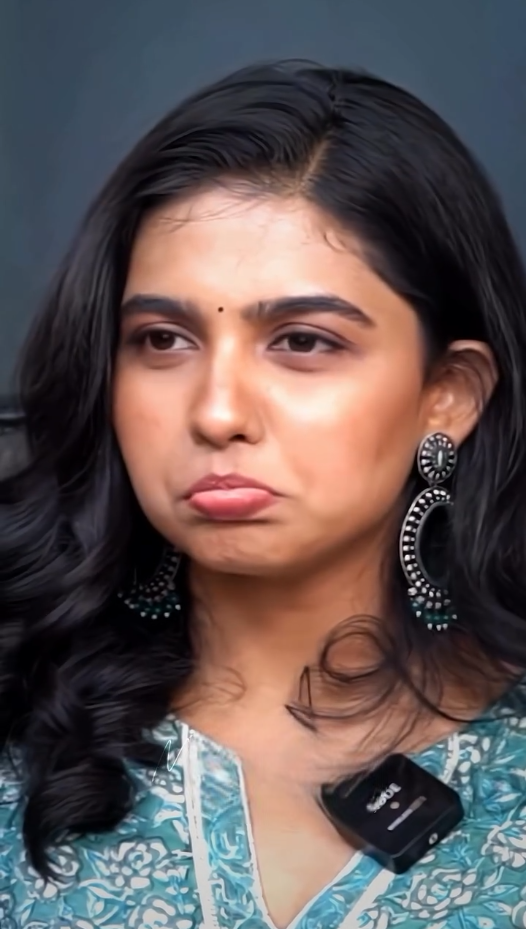
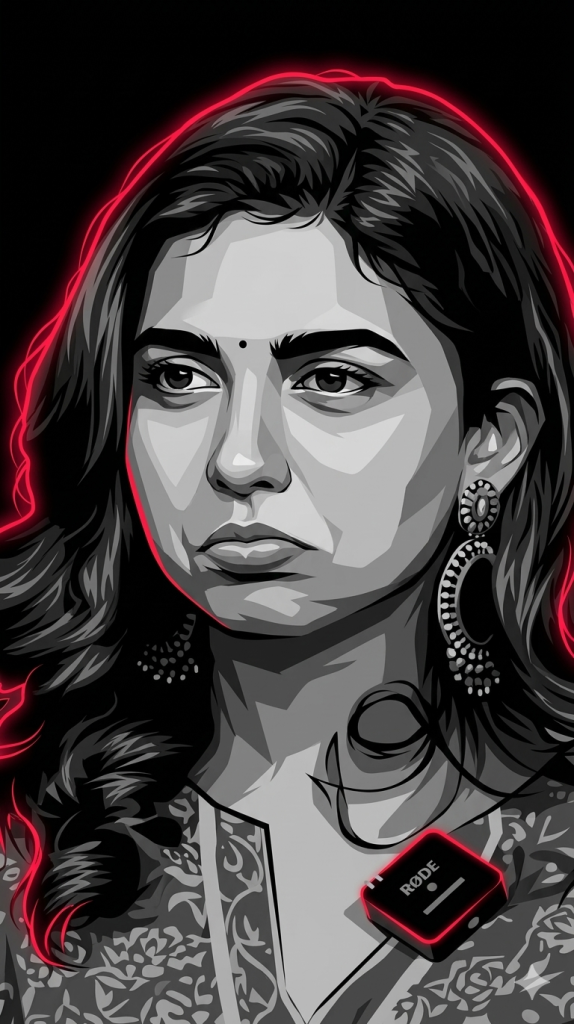
Version 3 – Glowing Art Prompt For Women
How to Use These Prompts
1. Below each image, you will see a prompt box with two buttons: Copy and Share to AI.
2. You can tap Copy to copy the full prompt manually. Or simply tap Share to AI; this will automatically copy the prompt for you.
3. After tapping Share to AI, a list of popular AI tools like ChatGPT, Gemini, Copilot, and others will appear on your screen.
4. Click on any AI tool you prefer. It will directly open the selected AI platform.
5. Once the AI page opens, paste the prompt into the prompt box (it is already copied if you used Share to AI).
6. Upload your reference image if required.
7. Click generate, and your image will be created.
8. If needed, you can slightly adjust the prompt for lighting, angle, or mood and generate again.
9. Once you are satisfied with the result, download the image and save it for your use.
Customisation Tips for Better Glowing Effect Photos
Follow these simple tips to create stunning, personalised glowing portraits using AI.
1. Experiment with Different Glow Effects
Try different lighting styles, such as neon red outlines, soft cream backlighting, glowing edges, cinematic light diffusion, and colourful rim lighting to create unique visual effects.
2. Choose the Right Background
Experiment with solid black backgrounds, deep teal shades, dark cinematic environments, and minimal backgrounds to make the glowing effects stand out.
3. Adjust Colours and Lighting
Explore neon red, electric blue, purple, warm orange, and cream tones. Adjust the brightness, contrast, and shadow intensity to achieve your preferred artistic style.