

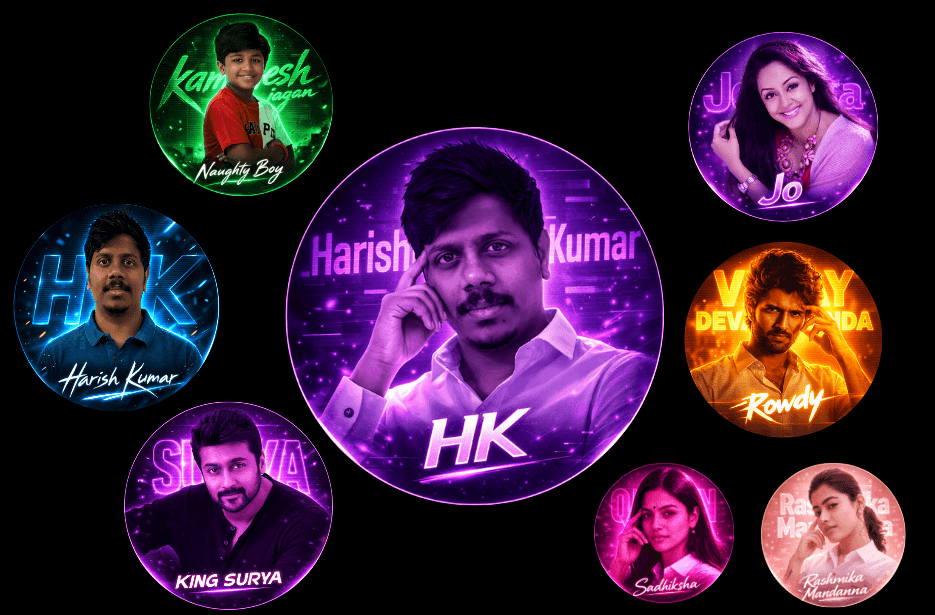
Looking to create bold, glowing circular profile pictures for your Instagram and WhatsApp? This Aesthetic Neon DP Prompt guide features 8 powerful neon styles with high contrast, CRT effects, cinematic lighting, and striking monochrome colour themes. Perfect for creating eye-catching, digital fan-art style DPs with a premium finish.
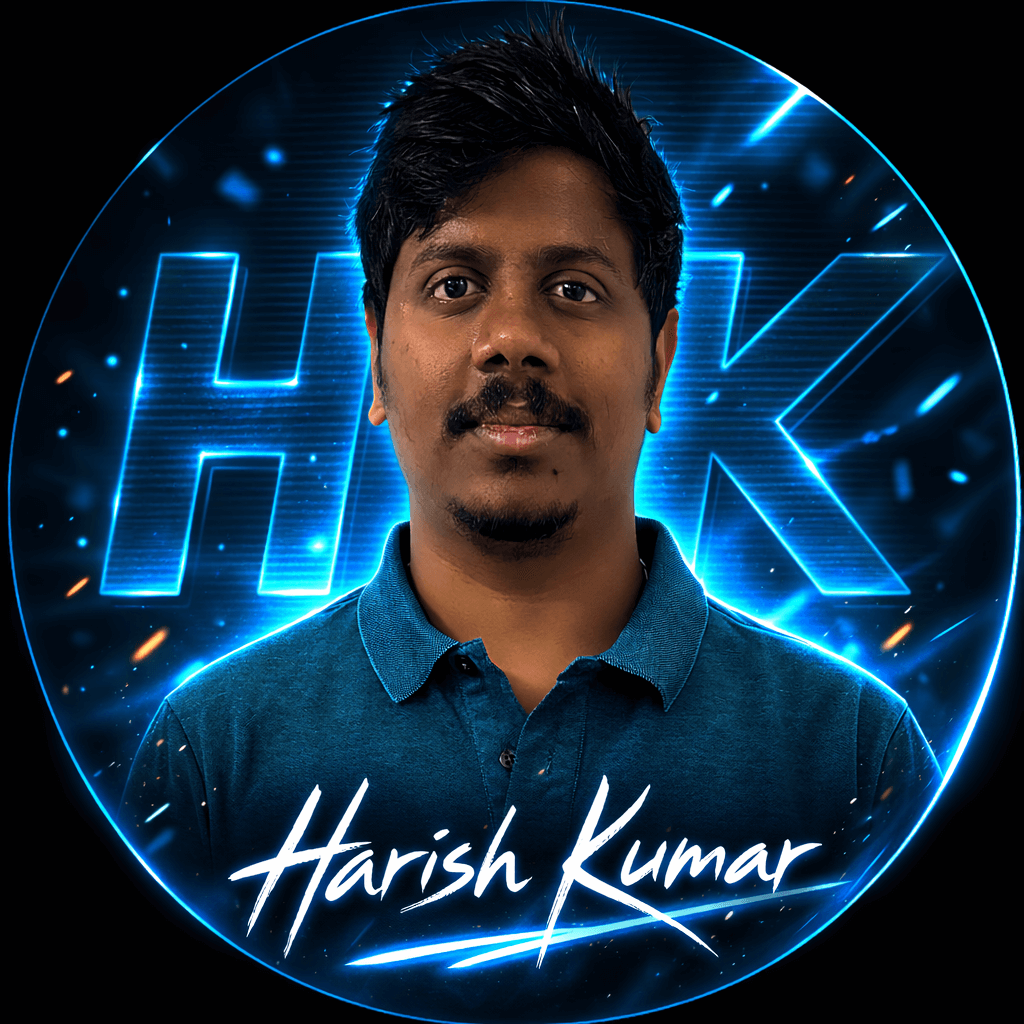
Version 1: Blue Neon Classic Profile DP Prompt
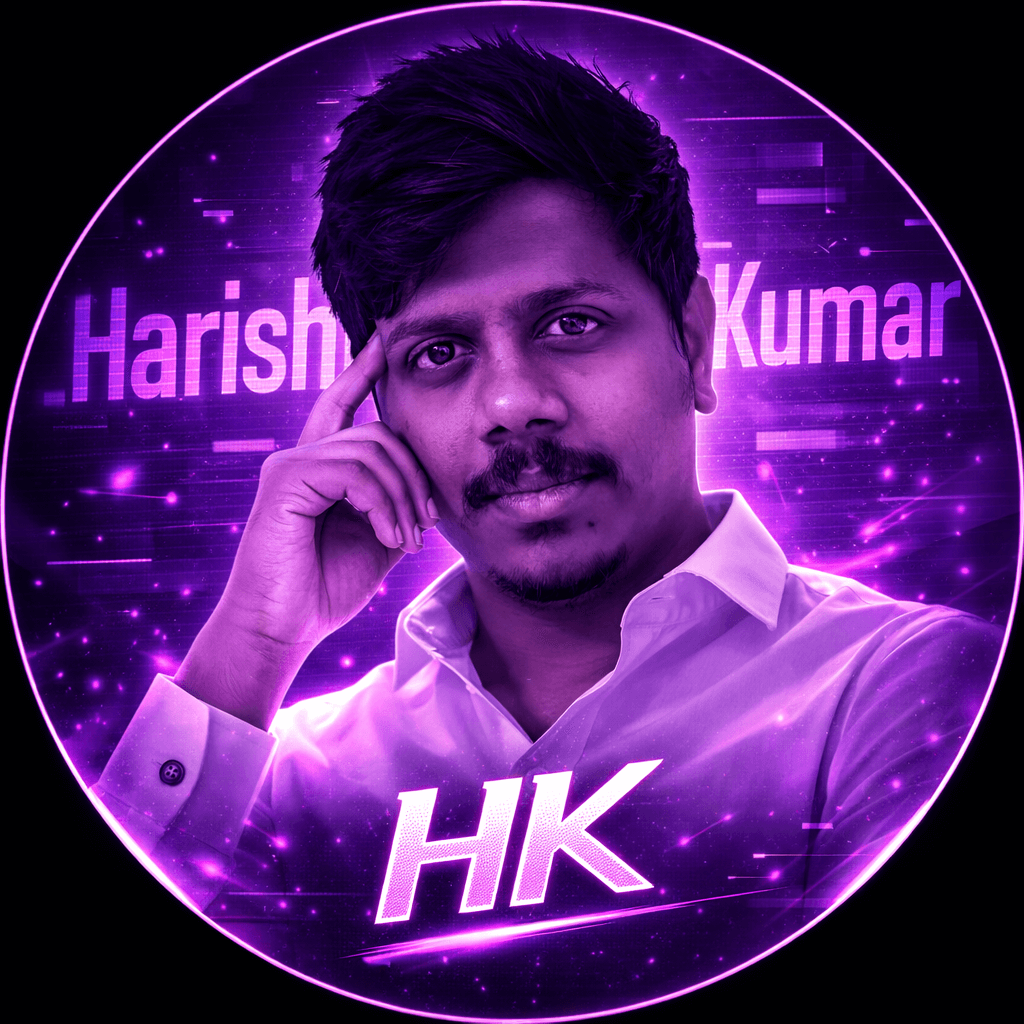
Version 2: Purple Magenta Intense Style DP Prompt
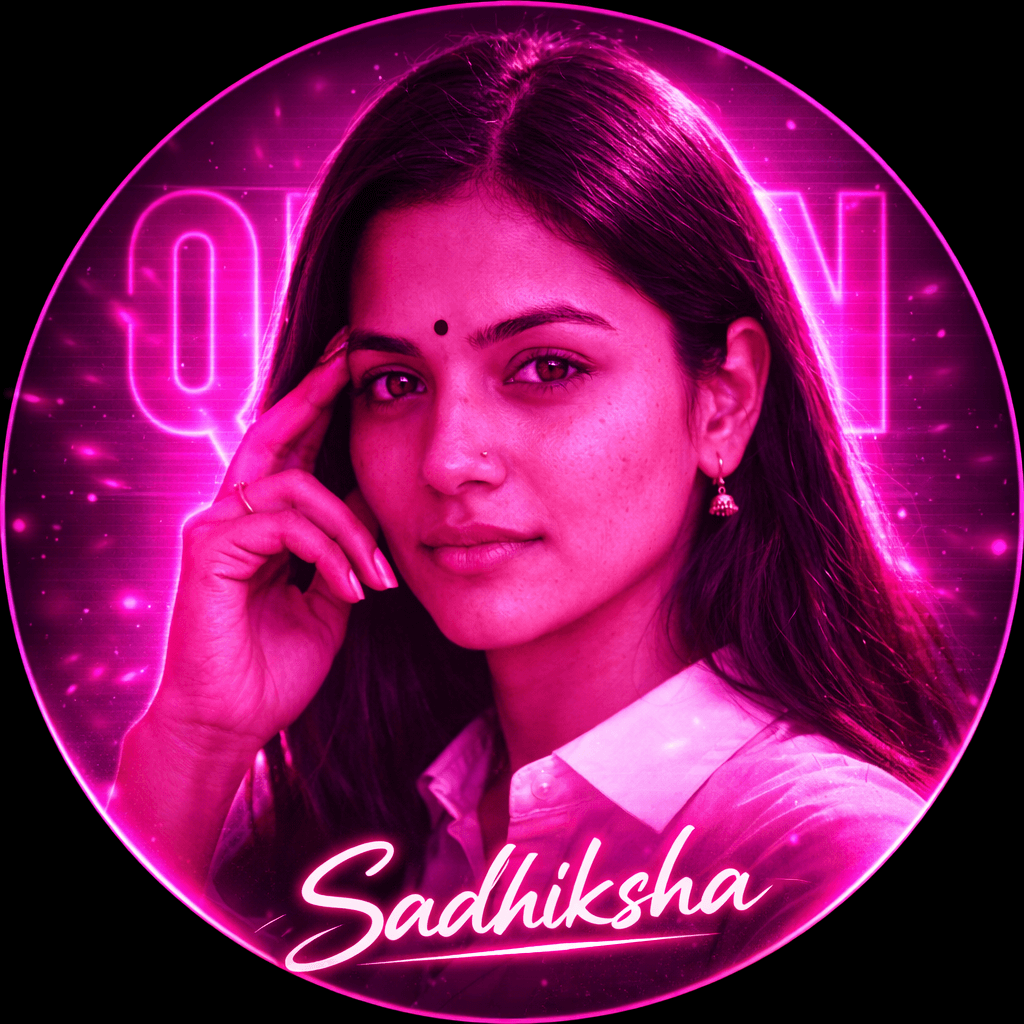
Version 3: Deep Pink “Queen” Neon Profile DP Prompt
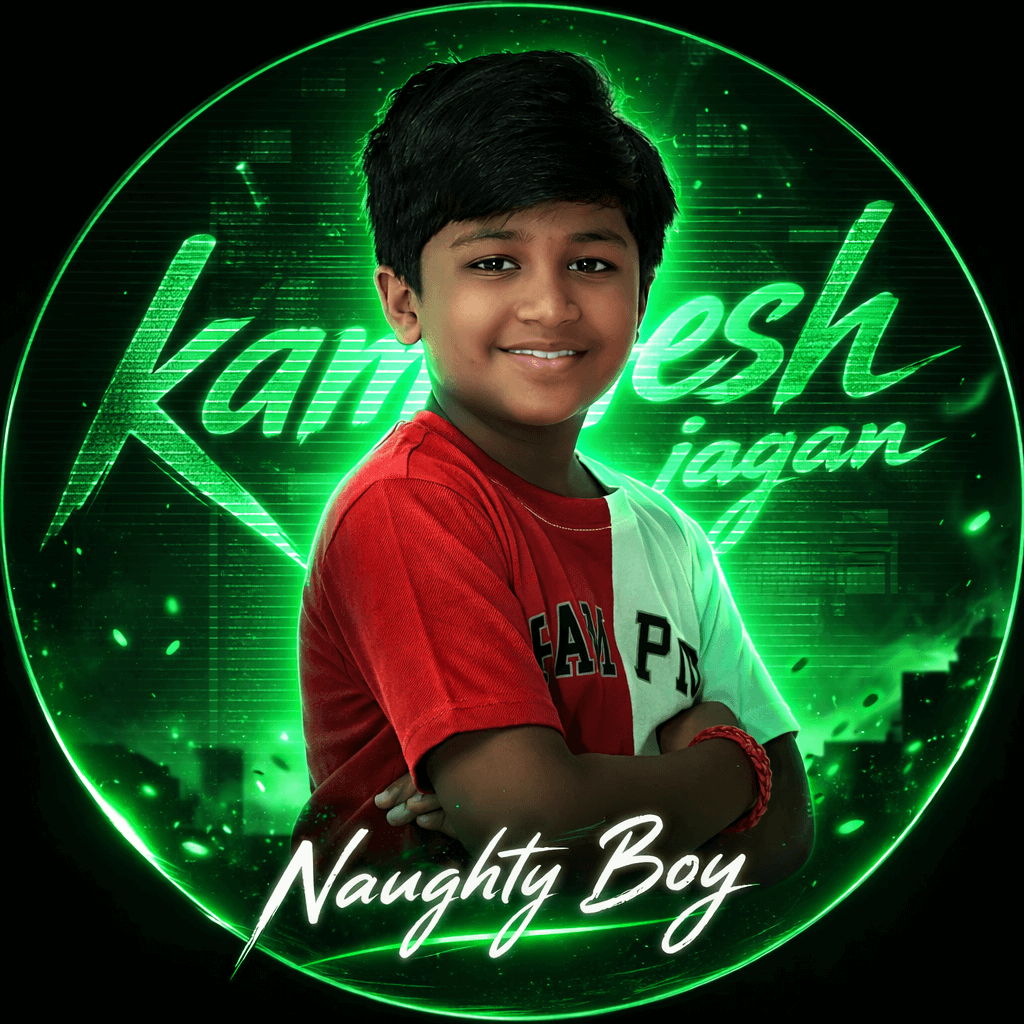
Version 4: Green “Naughty Boy” Neon DP Prompt
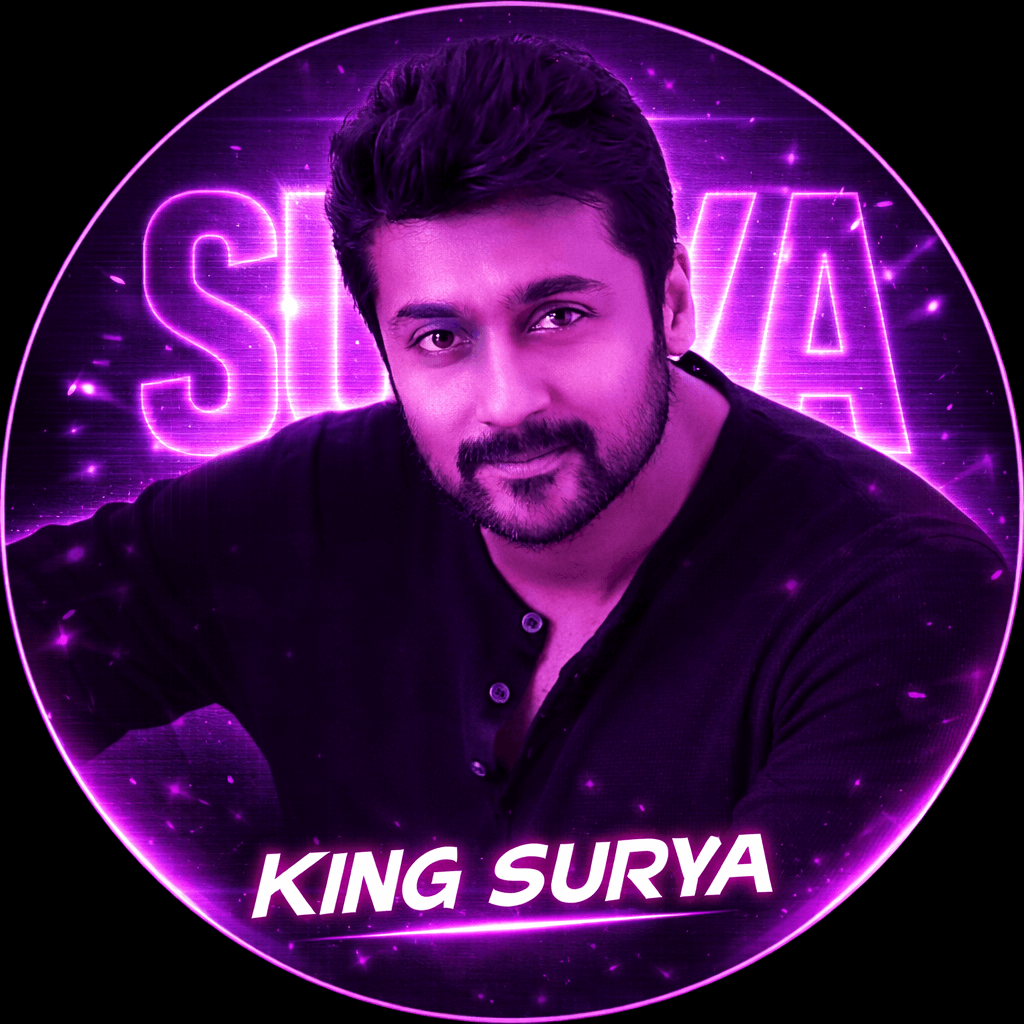
Version 5: Purple Neon “King” Profile DP Prompt
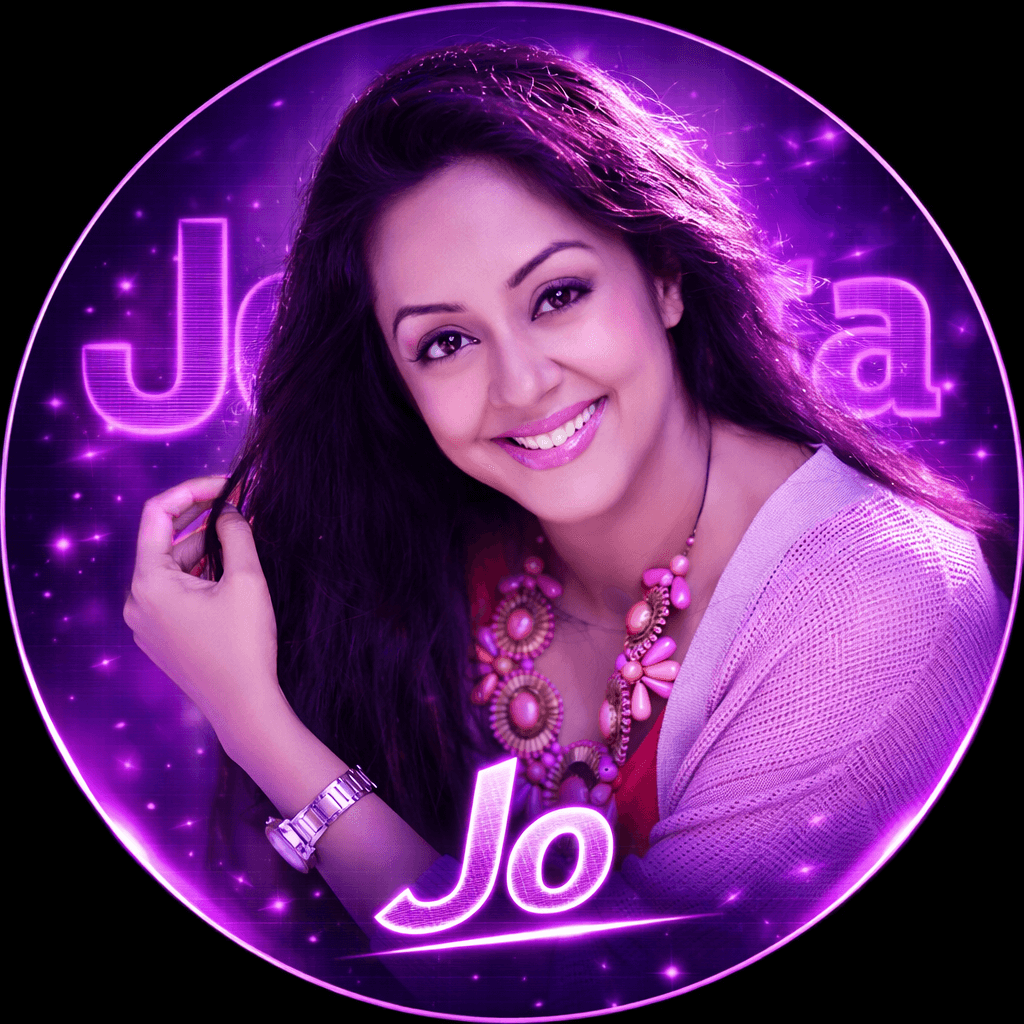
Version 6: Ultra-Realistic Purple DP Prompt
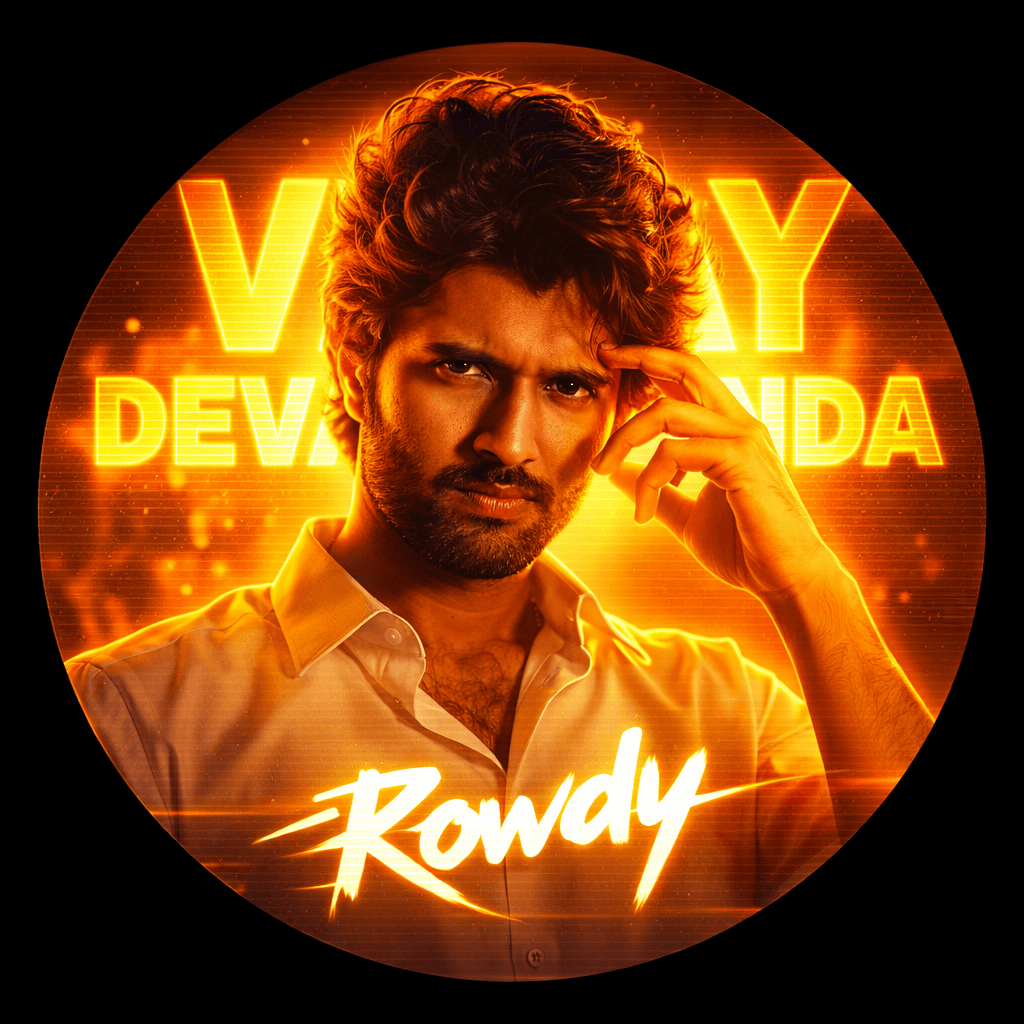
Version 7: Orange Neon “Rowdy” Cinematic DP Prompt
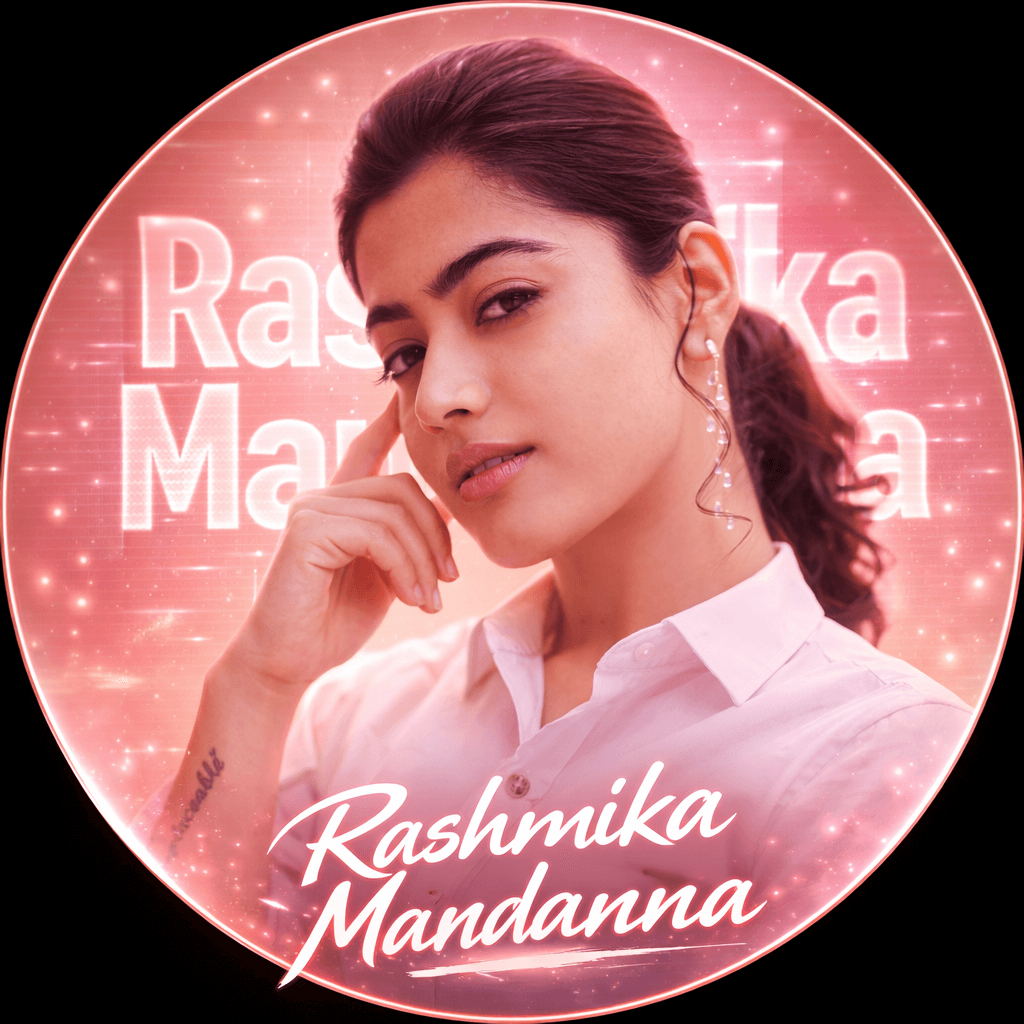
Version 8: Peach Pink Queen Aesthetic Neon DP Prompt
How to Use These Prompts
1. Below each image, you will see a prompt box with two buttons: Copy and Share to AI.
2. You can tap Copy to copy the full prompt manually. Or simply tap Share to AI; this will automatically copy the prompt for you.
3. After tapping Share to AI, a list of popular AI tools like ChatGPT, Gemini, Copilot, and others will appear on your screen.
4. Click on any AI tool you prefer. It will directly open the selected AI platform.
5. Once the AI page opens, paste the prompt into the prompt box (it is already copied if you used Share to AI).
6. Upload your reference image if required.
7. Click generate, and your image will be created.
8. If needed, you can slightly adjust the prompt for lighting, angle, or mood and generate again.
9. Once you are satisfied with the result, download the image and save it for your use.
Level Up Your Neon DP – Easy Customisation Secrets
Make your Aesthetic Neon DP Prompt even more unique with these easy tweaks:
1. Change the Colour Mood
- Swap purple for electric blue, crimson red, cyan, or gold.
- Use dual-tone blends (blue + pink, green + yellow) for a richer neon vibe.
- Try darker backgrounds for a stronger glow contrast.
2. Outfit Variations
- Switch from a white shirt to a blazer, hoodie, kurta, or denim jacket.
- Keep outfits simple for stronger neon highlights.
- Avoid heavy patterns if you want a clean, premium look.
3. Pose Adjustments
- Arms crossed for confidence
- Slight head tilt for attitude
- Side profile for cinematic effect
- Direct eye contact for intensity
- Soft smile for a balanced royal look
4. Text Personalisation
- Replace large background text with initials or nicknames.
- Try bold block fonts for power vibes.
- Use script fonts for queen or classy themes.
- Add short taglines like “King”, “Queen”, “Legend”, or “Rowdy”.
5. Background Effects
- Add smoke overlays for drama.
- Use light streaks or spark particles for motion.
- Adjust blur strength to keep focus sharp on the face.
- Increase or reduce CRT scanline intensity for subtle vs. retro feel.
6. Lighting & Glow Control
- Increase the glow for a dramatic poster look.
- Keep glow soft for a premium aesthetic style.
- Add rim light around shoulders for depth.
These small changes can completely transform your Aesthetic Neon DP Prompt while keeping the overall neon, cinematic style intact.