

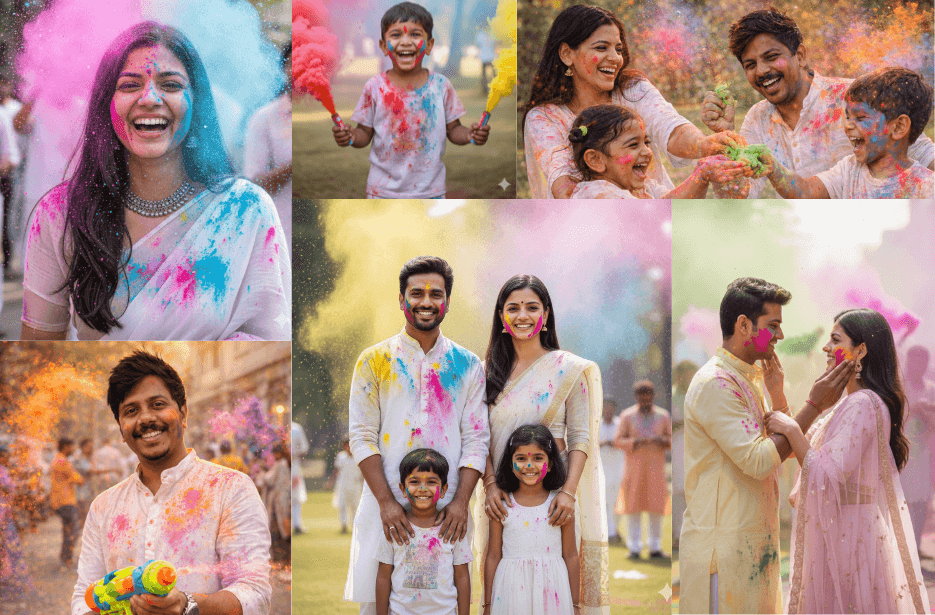
Holi is a festival filled with colours, happiness, and fun moments. With the help of creative Holi prompts, you can easily turn your normal photos into bright and realistic festival images using AI. Along with good prompts, small changes like lighting, background, poses, and colour effects can make your photos look more natural and attractive. These simple tips will help you create eye-catching Holi photos that are perfect for sharing on social media and keeping as special memories.
Celebrate Holi 2026 with Stunning AI Photo Creations
Explore creative and realistic AI Holi photo prompts that help you transform your simple pictures into vibrant, cinematic festival memories filled with colours, emotions, and joyful moments.
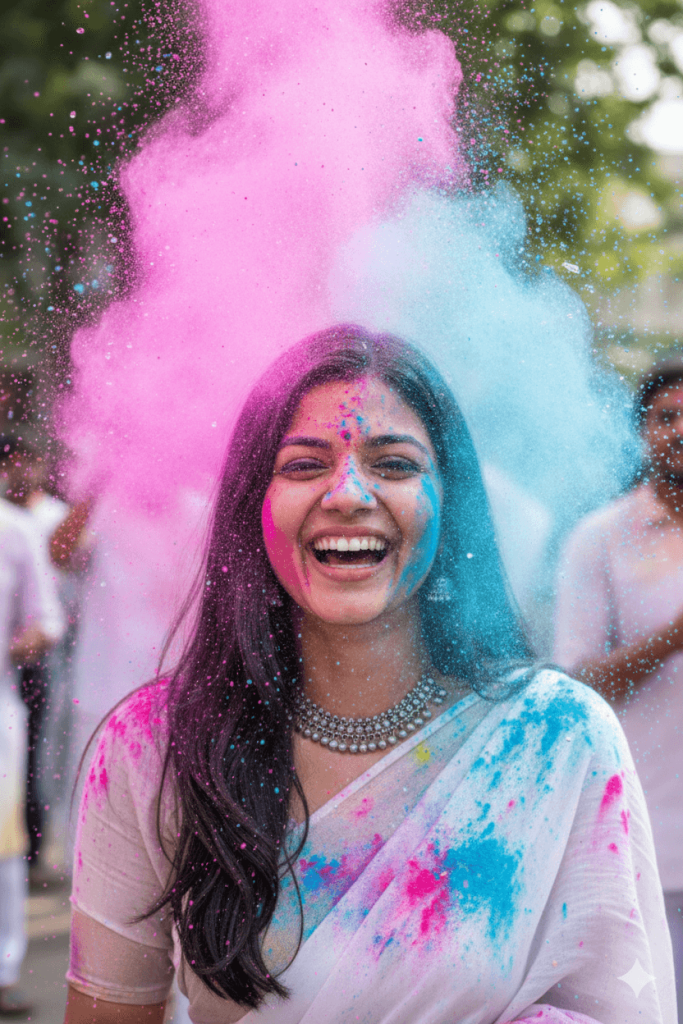
Version 1: Elegant Holi Queen in a White Saree
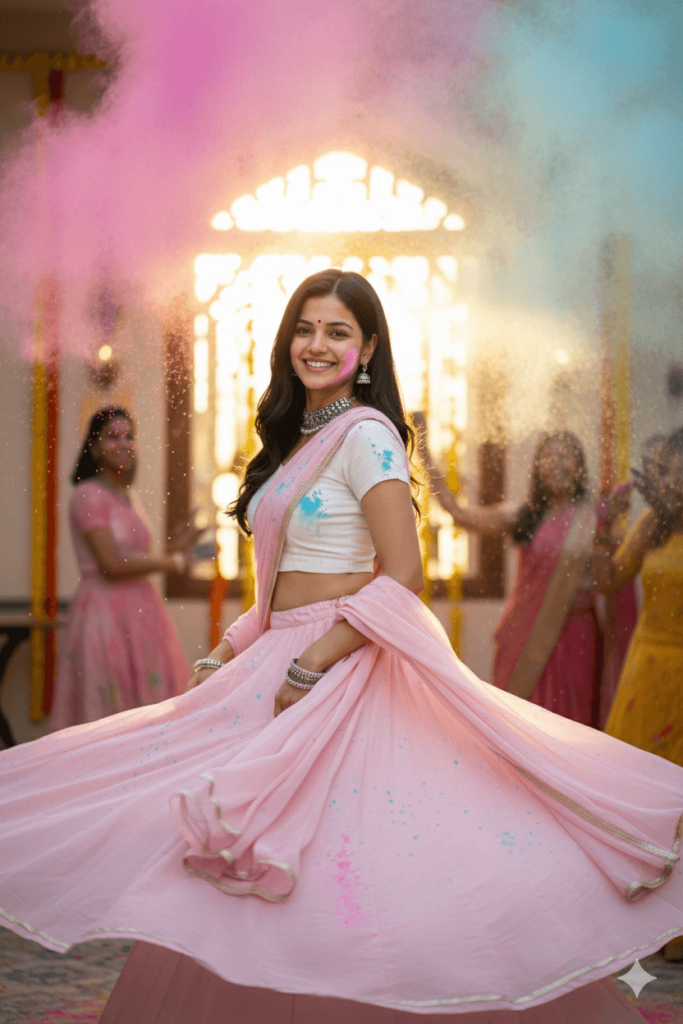
Version 2: Cinematic Twirling Lehenga Holi Moment
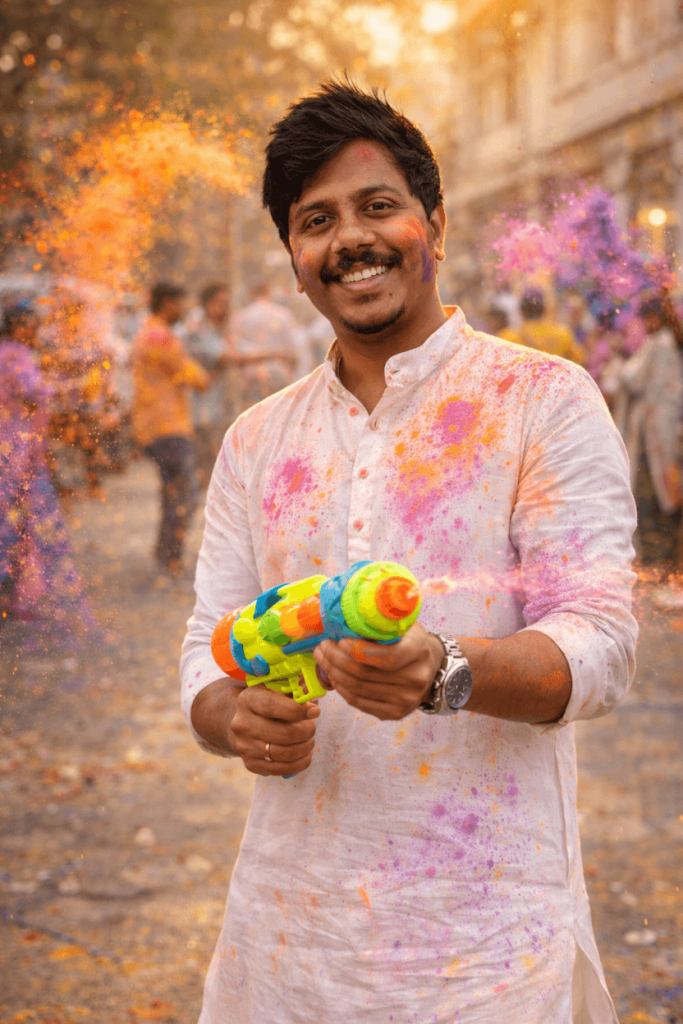
Version 3: Playful Holi Splash with Water Gun Pose
Version 4: Stylish Holi Street Pose with Colour Powders
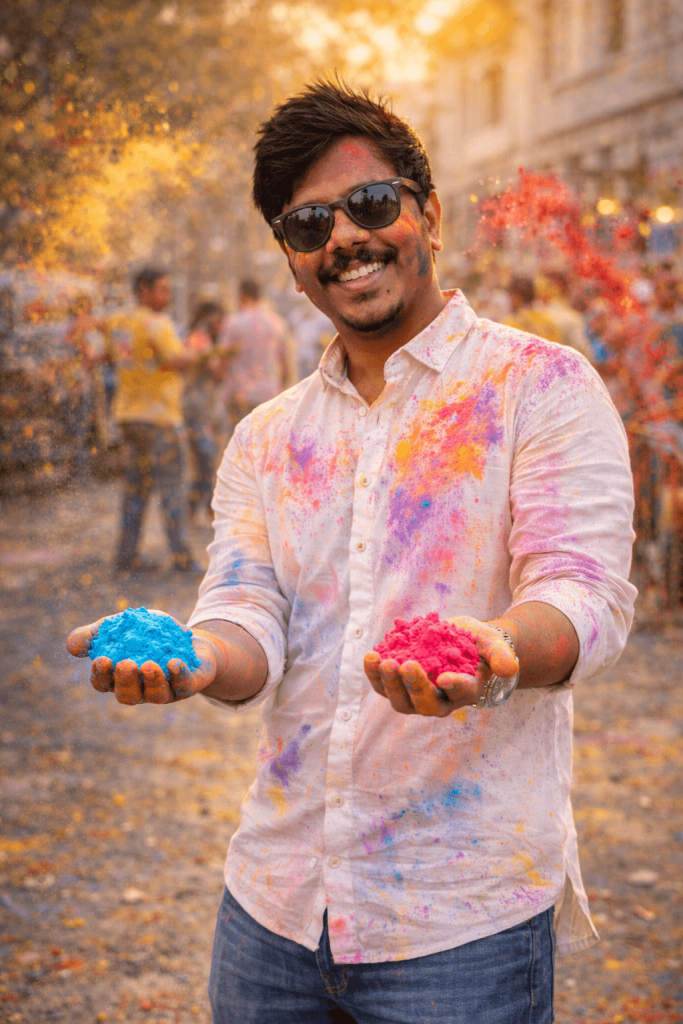
Version 5: Joyful Little Girl Throwing Colours
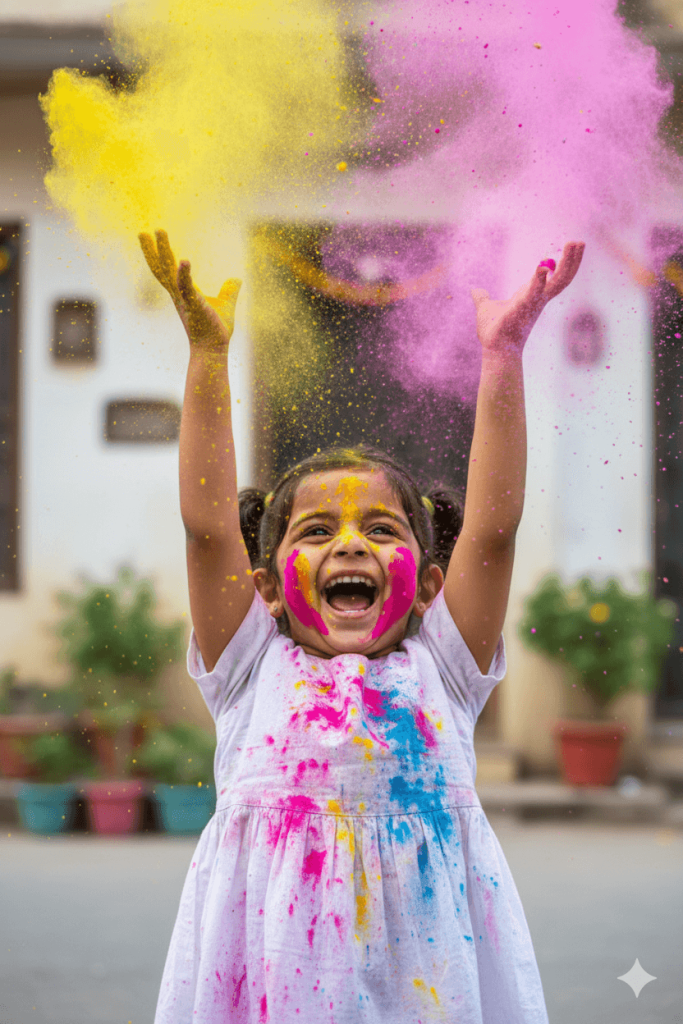
Version 6: Little Boy Holding Colour Smoke Pipes
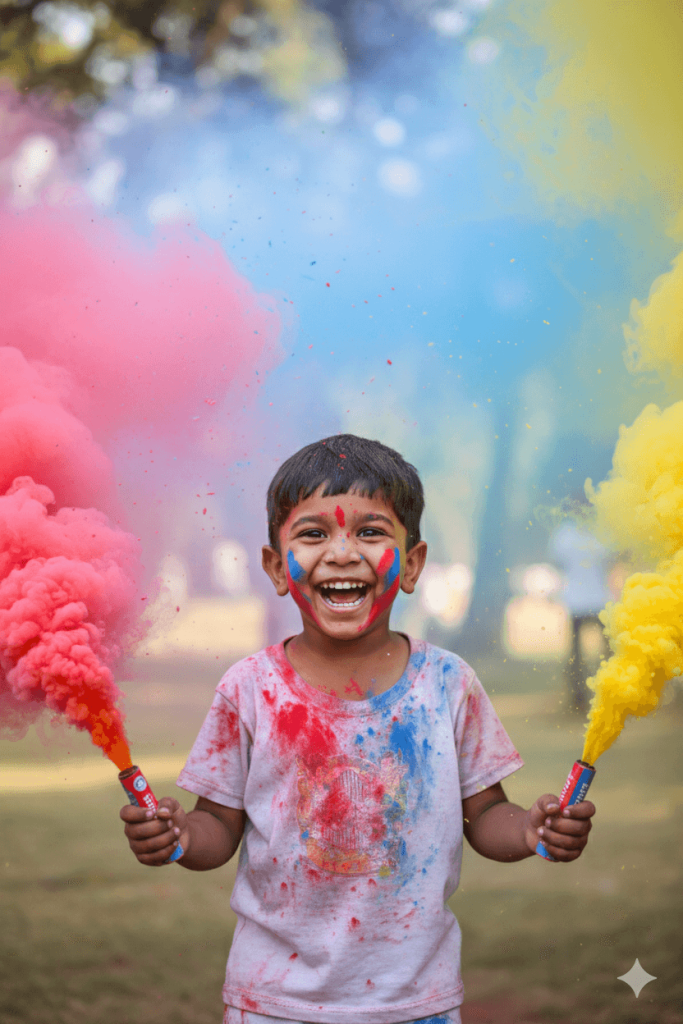
Version 7: Perfect Holi Family Portrait in White Theme
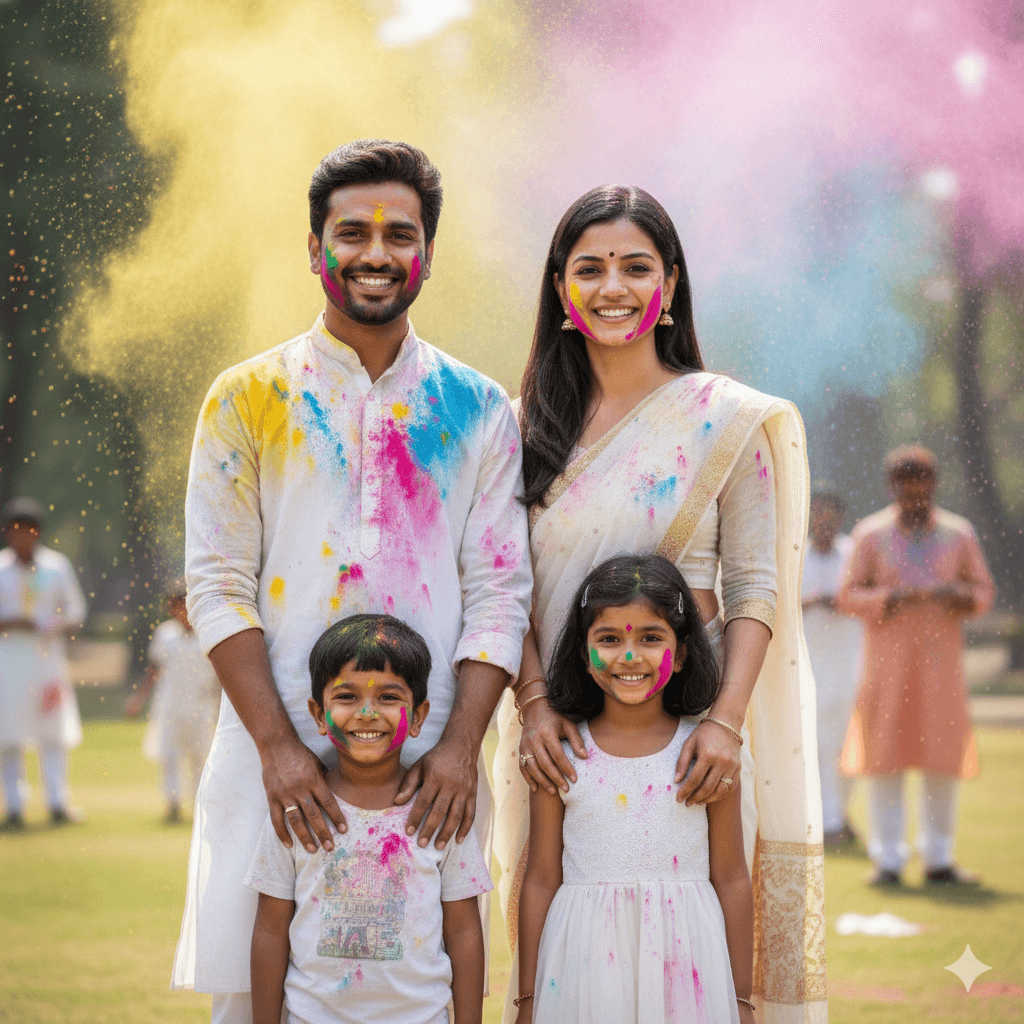
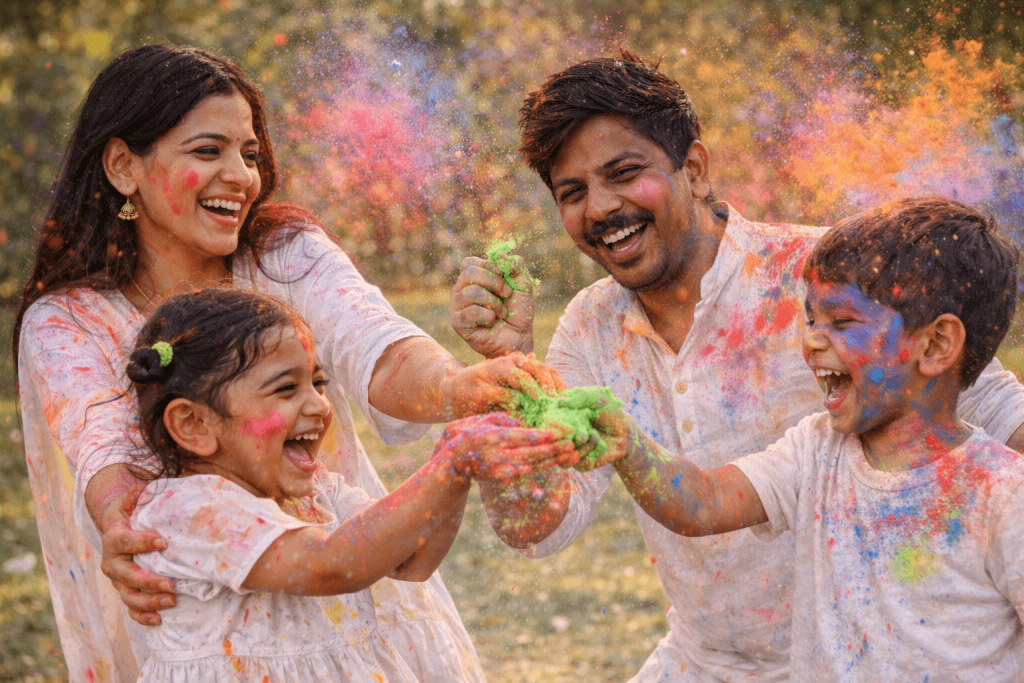
Version 8: Family Playing with Colours
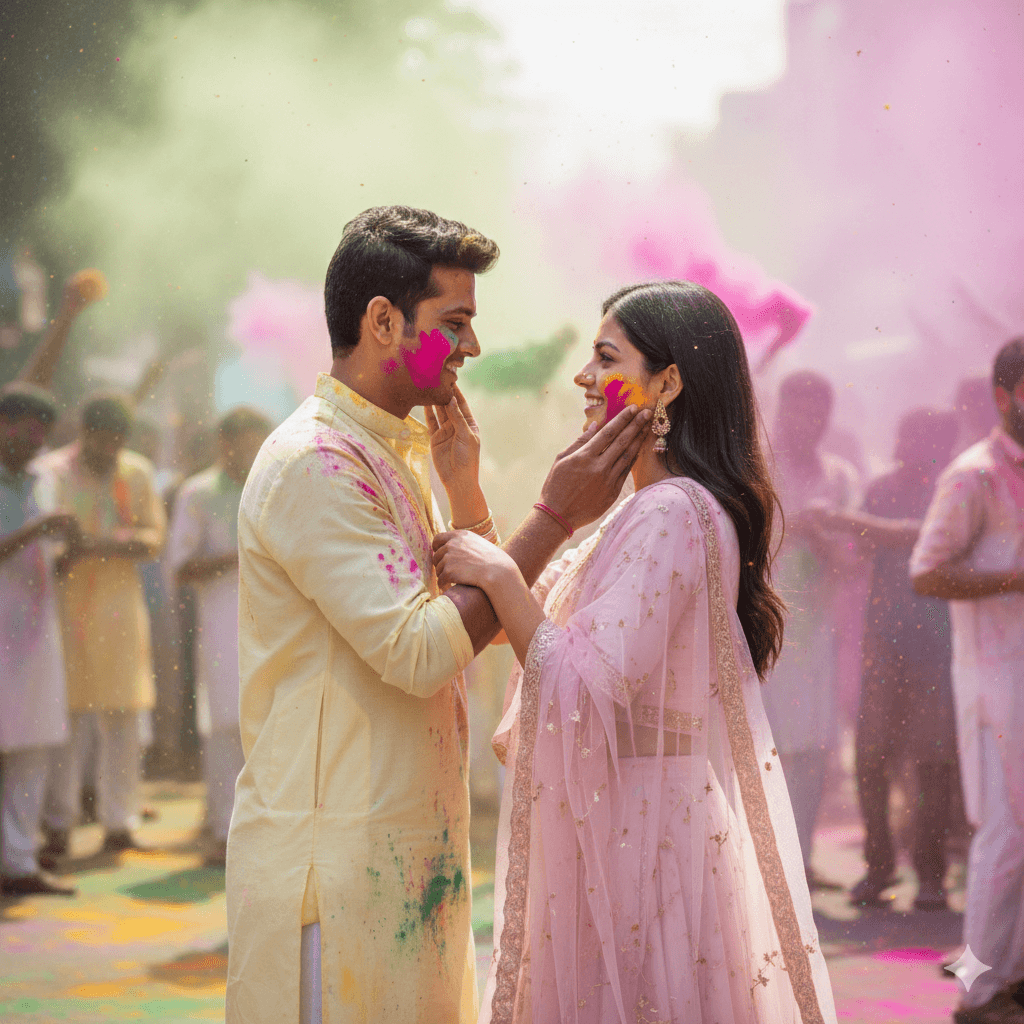
Version 9: Romantic Couple Candid Pose
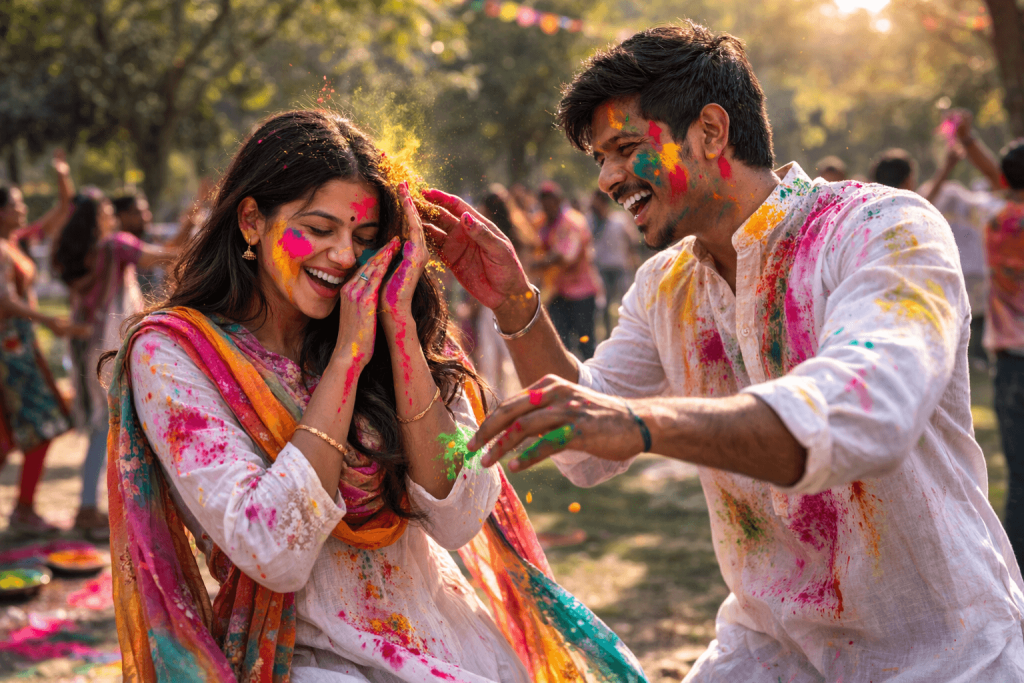
Version 10: Young Couple Playing with Colours
How to Use These Prompts
1. Below each image, you will see a prompt box with two buttons: Copy and Share to AI.
2. You can tap Copy to copy the full prompt manually. Or simply tap Share to AI; this will automatically copy the prompt for you.
3. After tapping Share to AI, a list of popular AI tools like ChatGPT, Gemini, Copilot, and others will appear on your screen.
4. Click on any AI tool you prefer. It will directly open the selected AI platform.
5. Once the AI page opens, paste the prompt into the prompt box (it is already copied if you used Share to AI).
6. Upload your reference image if required.
7. Click generate, and your image will be created.
8. If needed, you can slightly adjust the prompt for lighting, angle, or mood and generate again.
9. Once you are satisfied with the result, download the image and save it for your use.
Customisation Tips for the Best Results
- Upload high-quality photos with clear face visibility to achieve the most accurate and realistic output.
- You can change outfits, hairstyles, and accessories to match your personal style or the theme of your celebration.
- Choose a background that suits the mood, such as a street celebration, park, home setup, or festive crowd. Keeping the background slightly blurred helps create a professional cinematic look.
- Add festive elements like decorations, colour trays, water guns, balloons, shops, or rangoli to make the scene feel more lively.
- Experiment with lighting styles such as warm sunlight, soft glow, golden hour, natural daylight, or dramatic cinematic lighting.
- Adjust the colour intensity and powder direction to create dynamic motion and realistic colour bursts.
- Try different camera angles and poses (candid, close-up, wide shot, motion shot) to make your photos look more natural and engaging.
- Maintain natural skin tones and facial details to keep the AI result realistic and visually pleasing.
- Use motion effects like flying powder, water splashes, or twirling fabric for a high-energy Holi vibe.
- If generating a couple or family photos, ensure all faces are clearly visible and well-lit for better identity accuracy.