

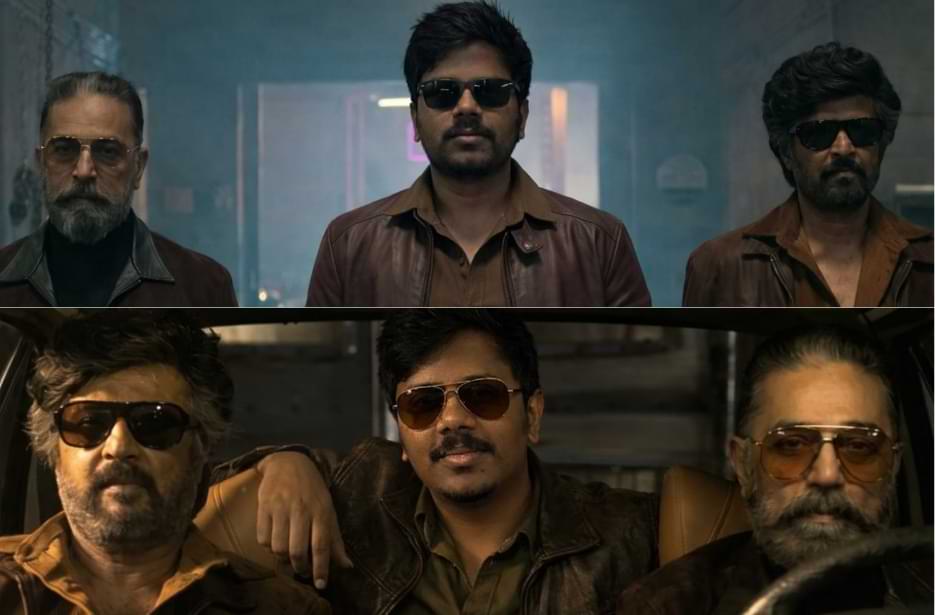
The wait is finally over! The most anticipated reunion of legends Rajinikanth and Kamal Haasan is here, and fans can’t stop talking about it. Inspired by this epic movie, we have created a fun and creative prompt that lets you share the screen with these icons. Just download the base image from our website, upload your own photo, and use the prompt to see yourself standing alongside Rajinikanth and Kamal Haasan in this legendary scene. It’s your chance to be part of the magic!
KH x RK Legendary Reunion – Ultra-Realistic AI Scene Recreation Prompts
Recreate the iconic KH x RK reunion moment with these powerful AI prompts. Follow these steps to smoothly blend your face and create a cinematic mass hero look.
Version 1: Stepping in with the Legends
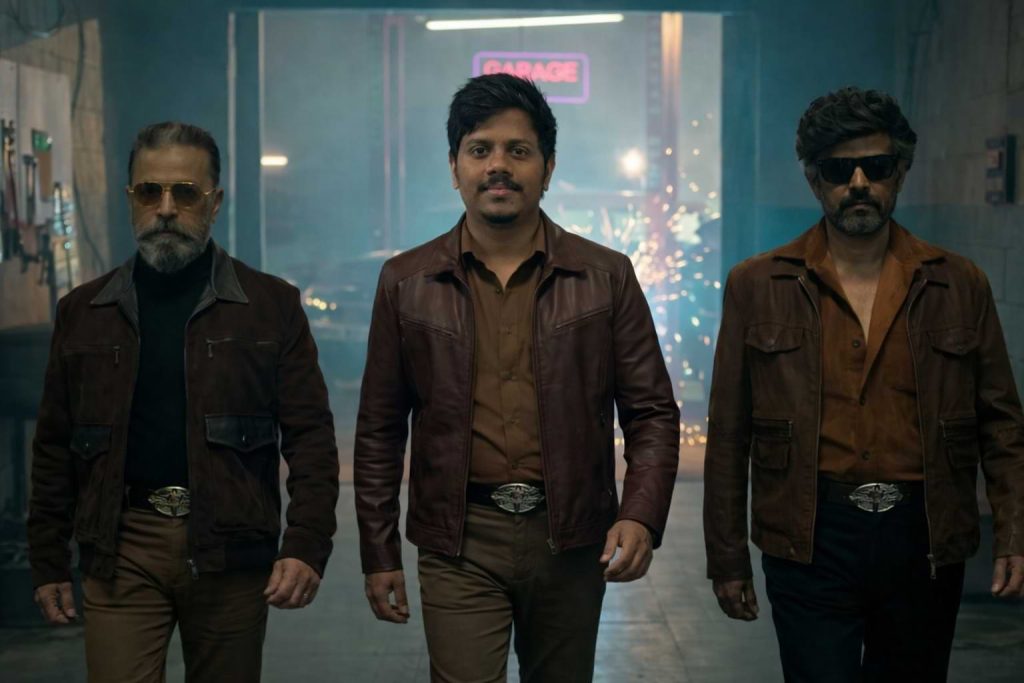
Version 2: Owning the Frame Beside Icons
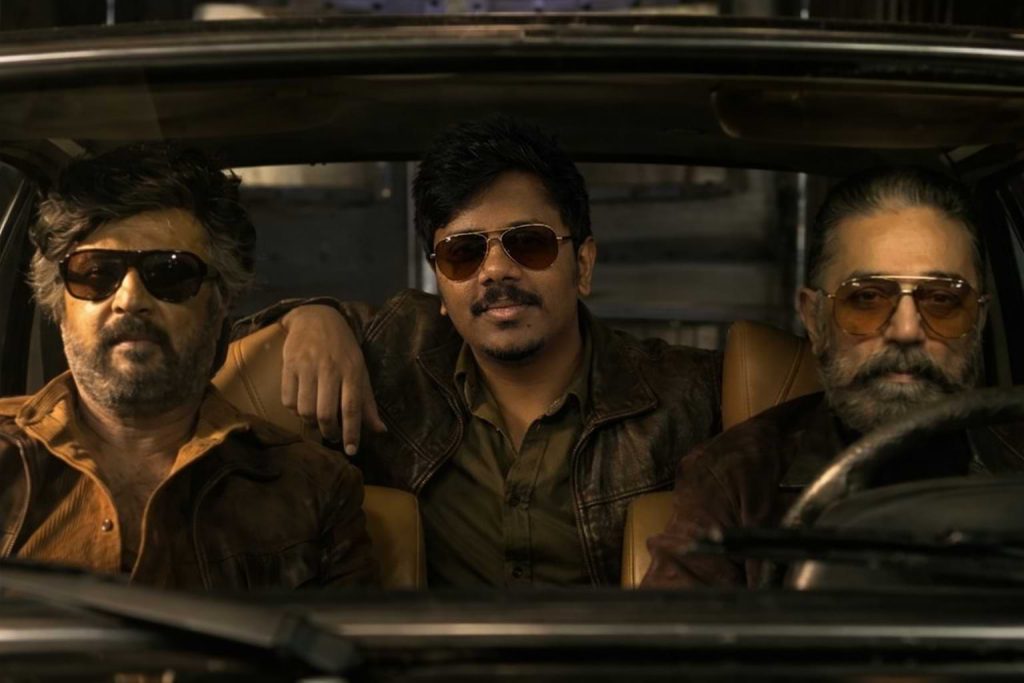
Version 3: Shoulder to Shoulder with Legends
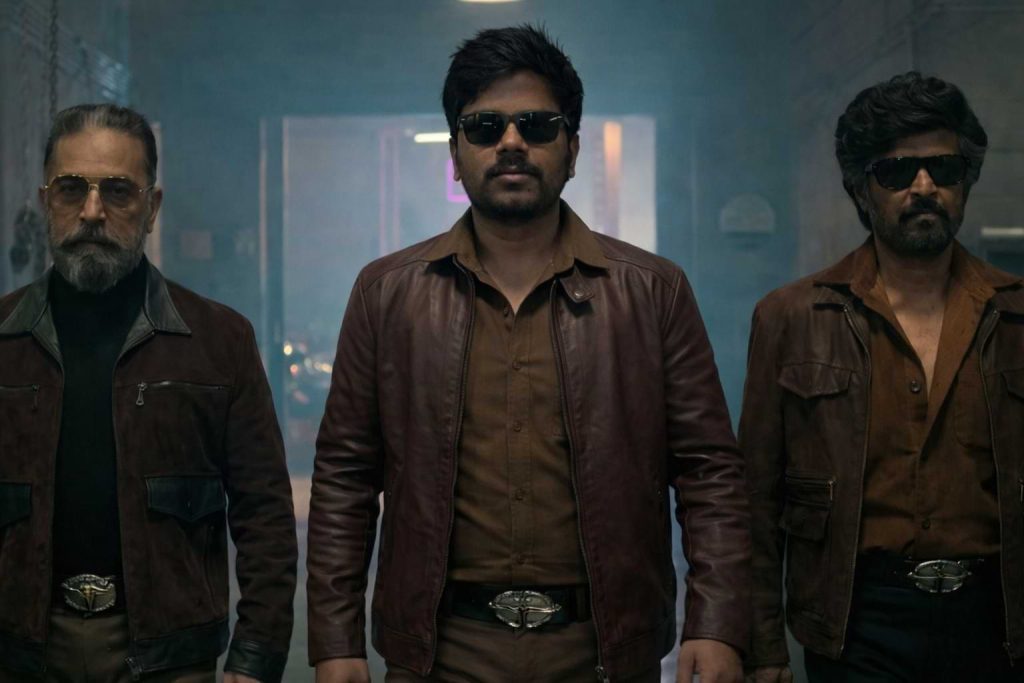
How to Use These Prompts
1. Below each image, you will see a prompt box with two buttons: Copy and Share to AI.
2. You can tap Copy to copy the full prompt manually. Or simply tap Share to AI; this will automatically copy the prompt for you.
3. After tapping Share to AI, a list of popular AI tools like ChatGPT, Gemini, Copilot, and others will appear on your screen.
4. Click on any AI tool you prefer. It will directly open the selected AI platform.
5. Once the AI page opens, paste the prompt into the prompt box (it is already copied if you used Share to AI).
6. Upload your reference image if required.
7. Click generate, and your image will be created.
8. If needed, you can slightly adjust the prompt for lighting, angle, or mood and generate again.
9. Once you are satisfied with the result, download the image and save it for your use.
Customization Tips
- Change outfit colours: Swap the brown leather jacket for black, maroon, or any preferred style.
- Adjust lighting mood: Try warm sunset, low-key studio light, or night cinematic lighting.
- Modify background feel: Replace the garage vibe with a street, warehouse, or outdoor mass setup.
- Tweak sunglasses style: Use aviators, square frames, or remove them for a clean hero look.
- Control expression: Try a serious look, slight smile, or intense stare.
- Improve realism: Increase sharpness, add film grain, or enhance depth of field for a true movie still feel.