


Many people online are sharing adorable father-son photos that look completely real at first glance. But have you ever wondered if they are actually real? In most cases, they are not. These cute and emotional images are often created using smart AI prompts that produce highly realistic results.
The good news is that you can easily create the same style of heartwarming photo with your own child. All you need to do is copy the prompt provided in this article and use it in your preferred AI tool. Within seconds, you can generate a beautiful, lifelike father and son image.
Ultra-Realistic Father and Son Selfie AI Prompt
Below are three carefully crafted prompt variations you can use to generate the heartwarming father and child selfie. Each version gives a slightly different visual feel, so choose the one you like best and paste it into your preferred AI image tool.
Version 1: Playful Wink Moment Prompt
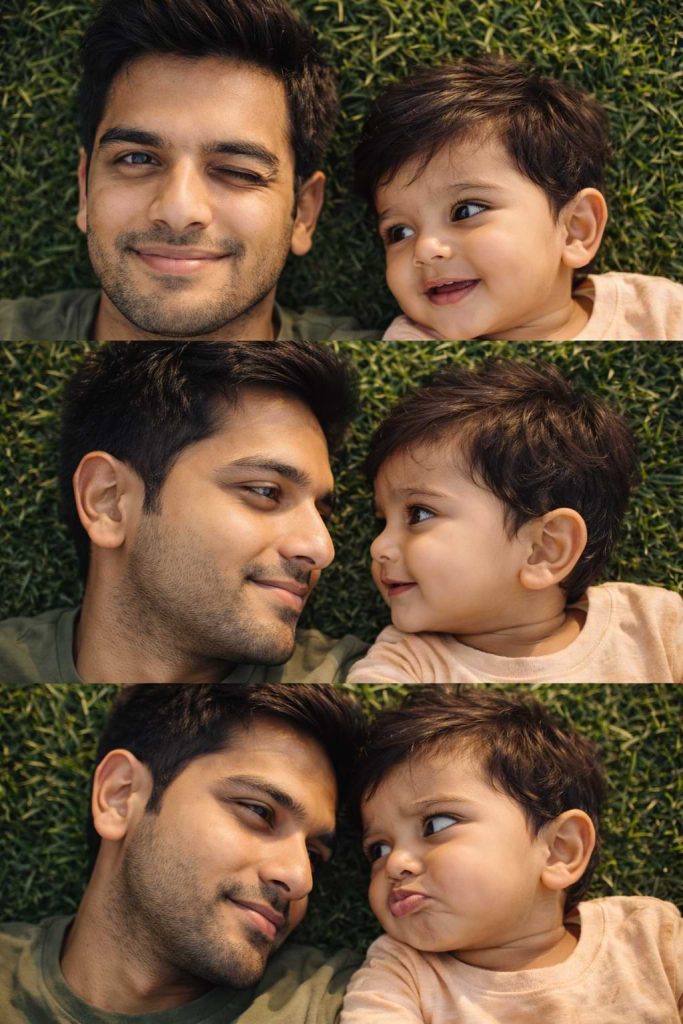
Version 2: Cute Pout Expression Prompt
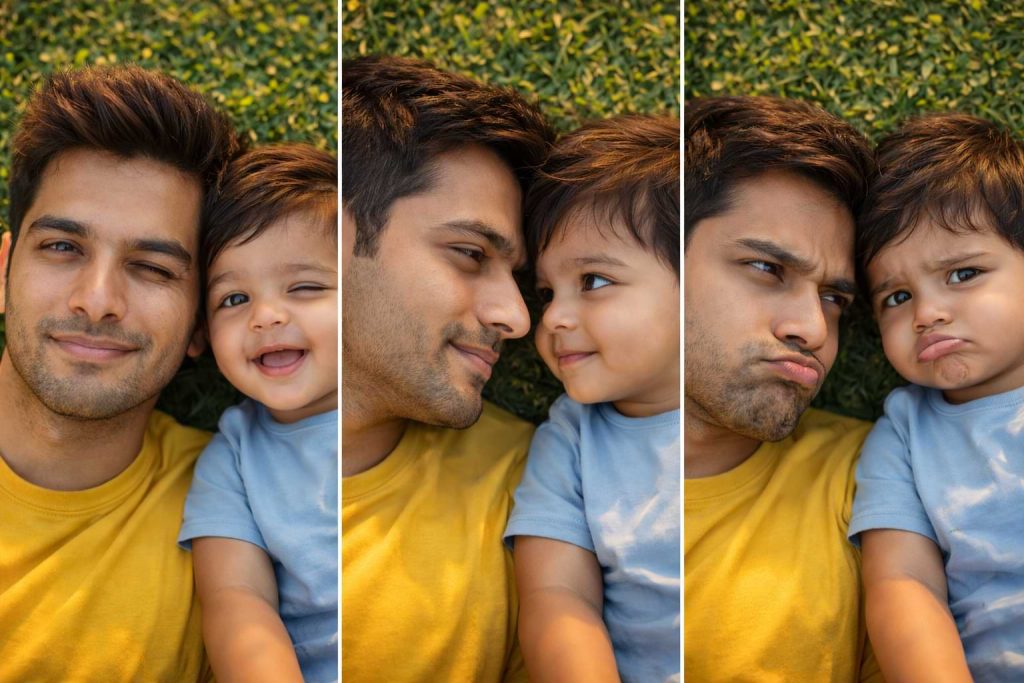
Version 3: Cute Playful Dad and Son Selfie Prompt
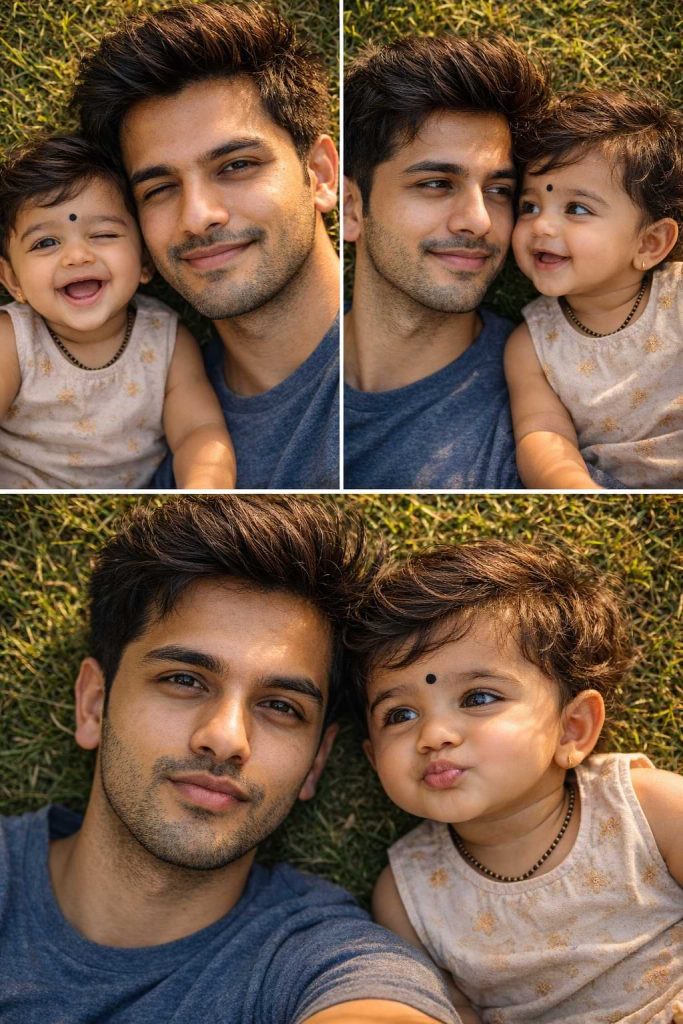
How to Use These Prompts
1. Below each image, you will see a prompt box with two buttons: Copy and Share to AI.
2. You can tap Copy to copy the full prompt manually. Or simply tap Share to AI; this will automatically copy the prompt for you.
3. After tapping Share to AI, a list of popular AI tools like ChatGPT, Gemini, Copilot, and others will appear on your screen.
4. Click on any AI tool you prefer. It will directly open the selected AI platform.
5. Once the AI page opens, paste the prompt into the prompt box (it is already copied if you used Share to AI).
6. Upload your reference image if required.
7. Click generate, and your image will be created.
8. If needed, you can slightly adjust the prompt for lighting, angle, or mood and generate again.
9. Once you are satisfied with the result, download the image and save it for your use.
Customization Tips
- Replace the t-shirt colours with your preferred colours or clothing styles, such as formal, ethnic, or sportswear.
- Try different lighting moods like sunrise, soft studio light, or cinematic night lighting to change the overall feel.
- Swap the green grass background with a beach, bed, park, or home interior for variety.
- Experiment with camera framing, such as close-up, wide-angle, or portrait view.
- Change the expressions by replacing the wink or pout with laughing, surprised, or sleepy looks.
- Add simple accessories like caps, sunglasses, or coordinated outfits to create a unique style.
- Adjust the depth of field by using phrases like strong background blur or deep focus.
- Improve realism by adding terms such as DSLR, 85mm lens, natural skin pores, or cinematic color grading.
- Test different colour tones, including warm, cool, pastel, or vintage grading, to shift the mood.
- Always keep phrases like “100% identical facial structure” to maintain accurate face matching.